Meeting Echo Is Heard Only by Other People
Everyone says they hear an echo, but you hear nothing wrong — because the echo is your audio looping back through someone's speakers. The fix is almost always on the echoing end, and it starts with headphones.
TL;DR / Quick Fix
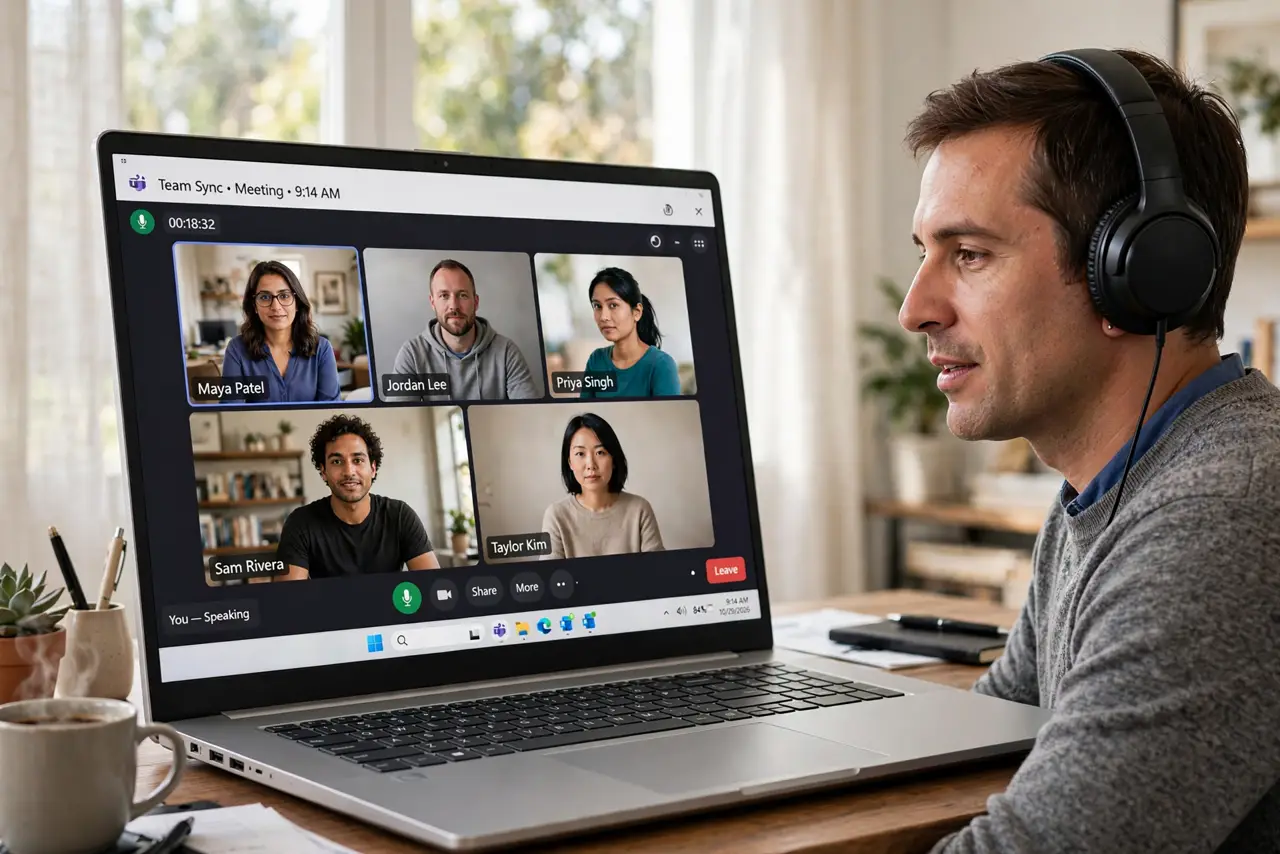
Quick fix: wear headphones or earbuds for every meeting. That single change stops your microphone from re-broadcasting the speakers' audio, which causes nearly every echo that others hear. If no headphones are handy, lower the speaker volume and mute when not speaking.
Follow these steps
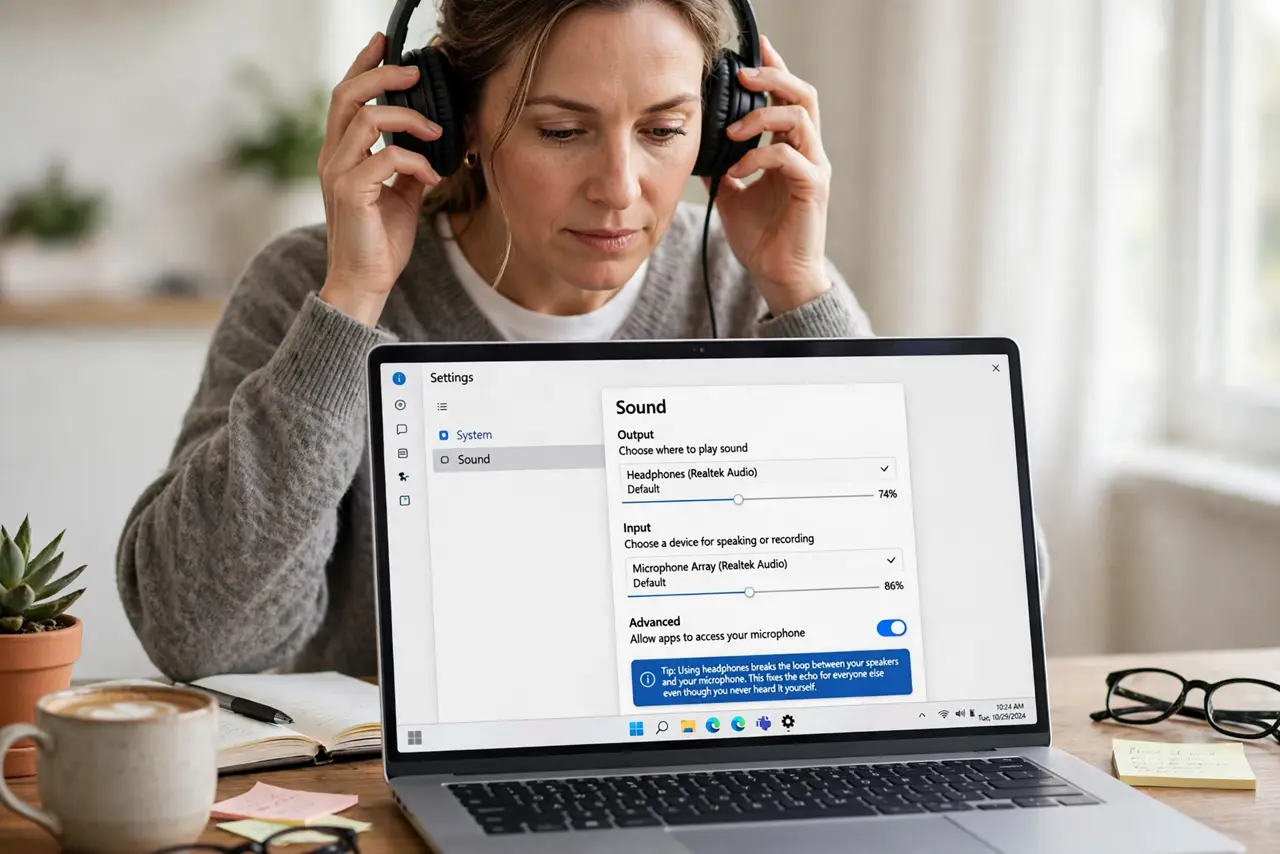
- Put on headphones. Headphones break the loop between your speakers and your microphone. This fixes the echo for everyone else even though you never heard it yourself.
- Lower the speaker volume. If headphones are not handy, turn the speakers down. Quieter speakers leak less sound into the microphone, which shrinks the echo.
- Mute when you are not speaking. Muting removes your audio from the mix entirely. In big meetings, muting by default is good manners and echo-proof.
- Move the microphone from the speakers. A laptop microphone next to blasting speakers hears everything twice. Increase the distance or switch to a headset mic.
- Check for a second device in the room. Two devices joined to the same meeting create a brutal echo loop. Leave the meeting on one of them, or mute one completely.
- Ask who echoes, then fix that end. The echo comes from the room with open speakers. Politely identify whose setup echoes — it is usually their speakers, not your ears — and have them headset up.
What NOT to do
- Do not crank the volume to hear better. Louder speakers feed more echo into the microphone, making the problem worse for everyone else.
- Do not assume the meeting app is broken. Echo heard only by others is an audio-loop problem in someone's room, not an app bug.
- Do not join from two devices at once. Phone plus laptop in one meeting guarantees an echo that no setting can fully remove.
- Do not ignore it because you cannot hear it. The echo is real for everyone else, and one headset fixes it in seconds.
Frequently asked questions
Why do others hear echo but I do not?
Because your speakers play their voices and your microphone sends it back. You hear the clean original; they hear your room's repeat.
Do headphones really fix it?
Almost always. They remove the speaker-to-microphone path that creates the loop in the first place.
What if I already wear headphones?
Then check for a second joined device nearby, or a microphone picking up room speakers from someone else in your space.