Video Plays Without Sound in Browser? Fix It Fast
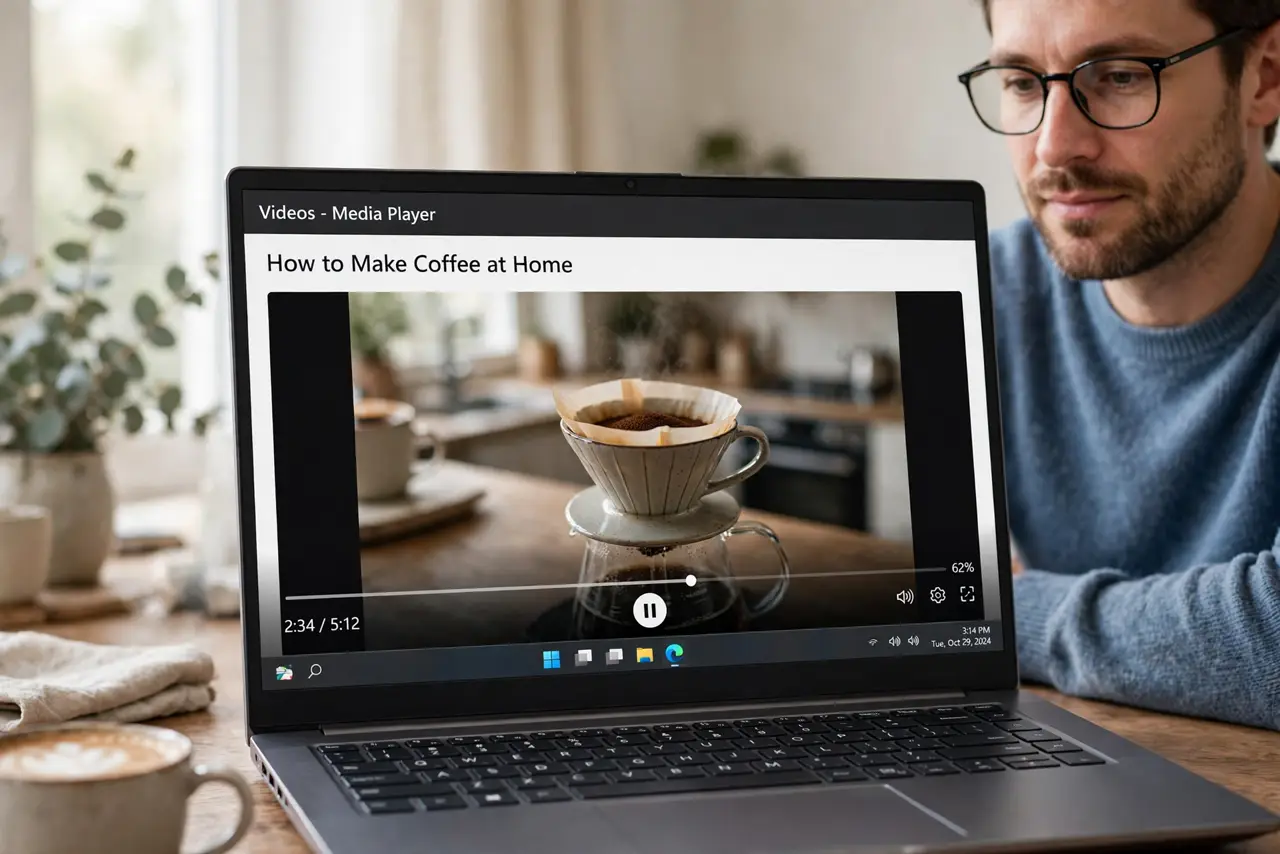
The video plays fine, but there is no sound at all, while other apps sound normal. A muted tab, a muted site, or a browser volume setting is usually the cause, not your speakers. Check the tab first.
TL;DR / Quick Fix
Quick fix: right-click the browser tab and confirm it is not muted, then check the site volume control inside the video player. If both are up, check system volume, try another video, and test the same video in a second browser.
Follow these steps
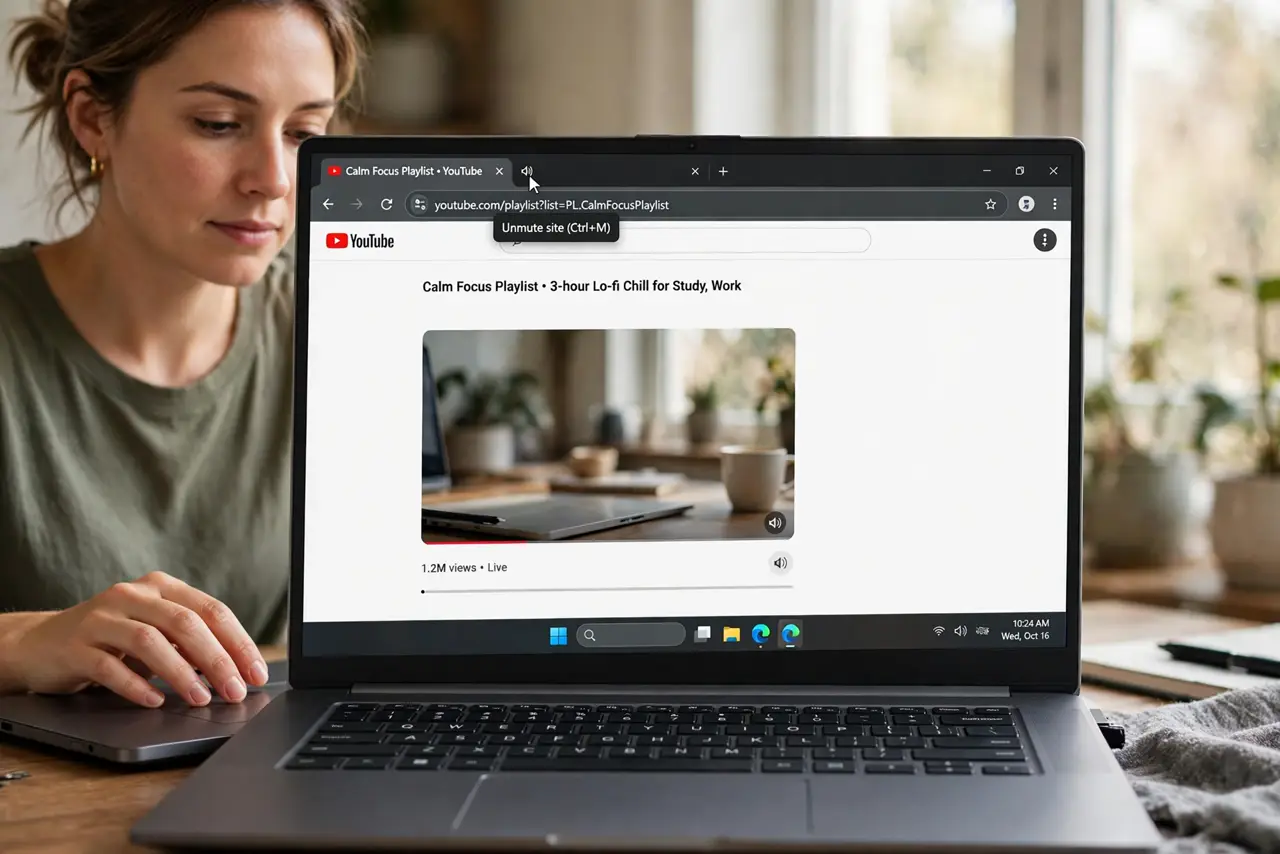
- Unmute the browser tab. Right-click the video tab and check for a mute option. If the tab shows as muted, unmute it and listen again before changing anything else.
- Check the player volume. Click the volume control inside the video player and drag it up. A player muted on its own stays silent even when system volume is high.
- Check system volume and output. Turn system volume up and confirm sound plays from the expected speakers or headphones. Play a short system sound or music to confirm output works.
- Try another video on the same site. Play a different video on the same site. If the second video sounds fine, the first video itself may have no audio track.
- Try the same video in another browser. Open the same video in a second browser. Sound in the second browser points at the first browser settings, while silence in both points at the system or video.
- Restart the browser. Close the browser fully, reopen it, and play the video again. A restart clears a stuck audio state that tab and player controls could not move.
What NOT to do
- Do not replace speakers because one browser video is silent. If other apps sound fine, the speakers work, and the tab or player is the problem.
- Do not turn every volume control to maximum at once. Check tab, player, and system volumes one by one, so you know which one was muted.
- Do not assume every silent video is broken. Some videos genuinely have no audio track, and another video on the same site is the fastest test.
- Do not reinstall the browser as a first step. Tab mute and player volume explain most silent browser videos without a reinstall.
Frequently asked questions
Why is only browser video silent?
The browser tab or the video player itself is muted, while system volume and other apps remain normal. Tab and player mutes are separate from system volume.
How do I know a video has no audio?
Play another video on the same site. If the second video sounds fine, the first video likely has no audio track.
What if no browser video has sound?
Check system volume and output, then test another browser. Silence in every browser points at system output, not at one tab.