Check for VPN DNS Leaks
Your VPN is connected, the IP check looks right — but every website you visit is still being looked up through your internet provider's DNS servers, quietly logging everywhere you go. That is a DNS leak: the VPN tunnel carries your traffic while your address lookups sneak out the side door. It is common, invisible, and fixable in minutes.
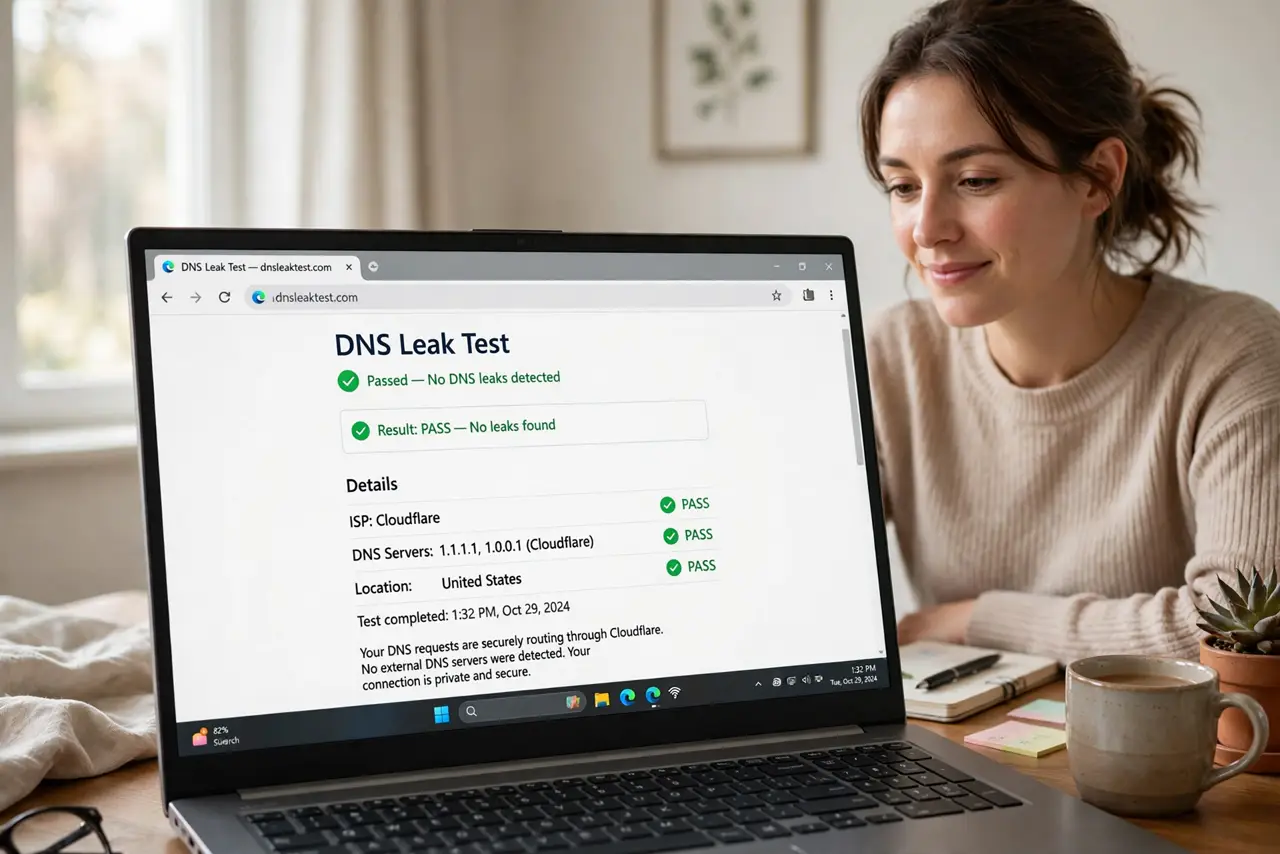
TL;DR / Quick Fix
Quick fix: a DNS leak means your VPN encrypts traffic but your DNS lookups still go through your provider, revealing every site you visit. Run a DNS leak test while connected; if your provider's servers appear, enable your VPN's DNS leak protection or set a private DNS manually.
Follow these steps
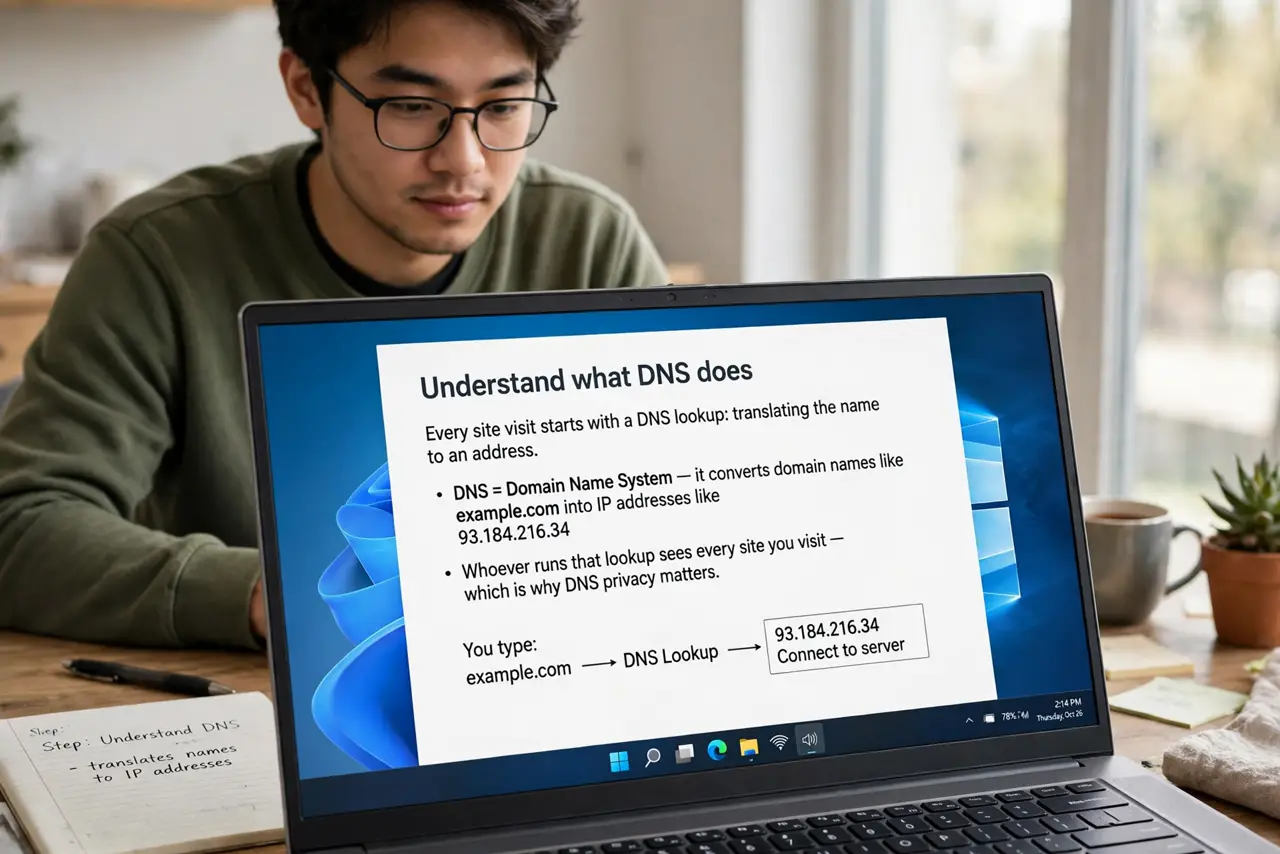
- Understand what DNS does. Every site visit starts with a DNS lookup: translating the name to an address. Whoever runs that lookup sees every site you visit — which is why it matters who handles it while you are on a VPN.
- Run a leak test. Connect your VPN, then open a DNS leak test site. It shows which servers handled your lookups — see the test walkthrough for what the results mean.
- Read the results correctly. If only your VPN provider's servers appear: you are clean. If your ISP's servers appear: you are leaking. Mixed results on some networks are common — test on the network you actually use.
- Enable the VPN's DNS protection. Reputable VPN apps have a DNS leak protection or private-DNS toggle — turn it on. This forces all lookups through the tunnel and is the one-click fix for most leaks.
- Set DNS manually as backup. If the app lacks the toggle, set your system's DNS to a privacy-respecting provider manually. It is a few fields in network settings and survives app quirks.
- Re-test after every change. VPN updates, network switches, and sleep/wake cycles can reintroduce leaks. Make the leak test a habit after setup changes — trust, then verify.
What NOT to do
- Do not assume 'VPN on' means 'no leaks.' The tunnel and DNS are separate systems — one working does not prove the other.
- Do not test without the VPN connected. The test only means something when run through the tunnel you want to verify.
- Do not ignore leaks on public Wi-Fi. That is exactly where DNS snooping is easiest and most valuable to attackers.
- Do not use your ISP's DNS 'temporarily.' Temporary DNS settings have a way of becoming permanent — set private DNS and leave it.
Frequently asked questions
What is a DNS leak in simple terms?
Your VPN hides what you do, but DNS lookups reveal where you go. A leak means the 'where' escapes the tunnel while the 'what' stays hidden.
Can a kill switch fix DNS leaks?
No — different problems. The kill switch guards connection drops; DNS protection guards lookups. You need both enabled.
Do free VPNs leak more?
Often yes — many lack proper DNS handling entirely. It is one more reason to be wary of free VPNs.