What Is a VPN Kill Switch?
Your VPN connection drops for ten seconds — the app reconnects quietly, and you never notice. But in those ten seconds your traffic went out over the open internet: your real IP, your location, your activity, all exposed. A kill switch is the bodyguard for that gap: if the VPN drops, it cuts your internet entirely until the tunnel is back. Here is what it does and why it matters.
TL;DR / Quick Fix
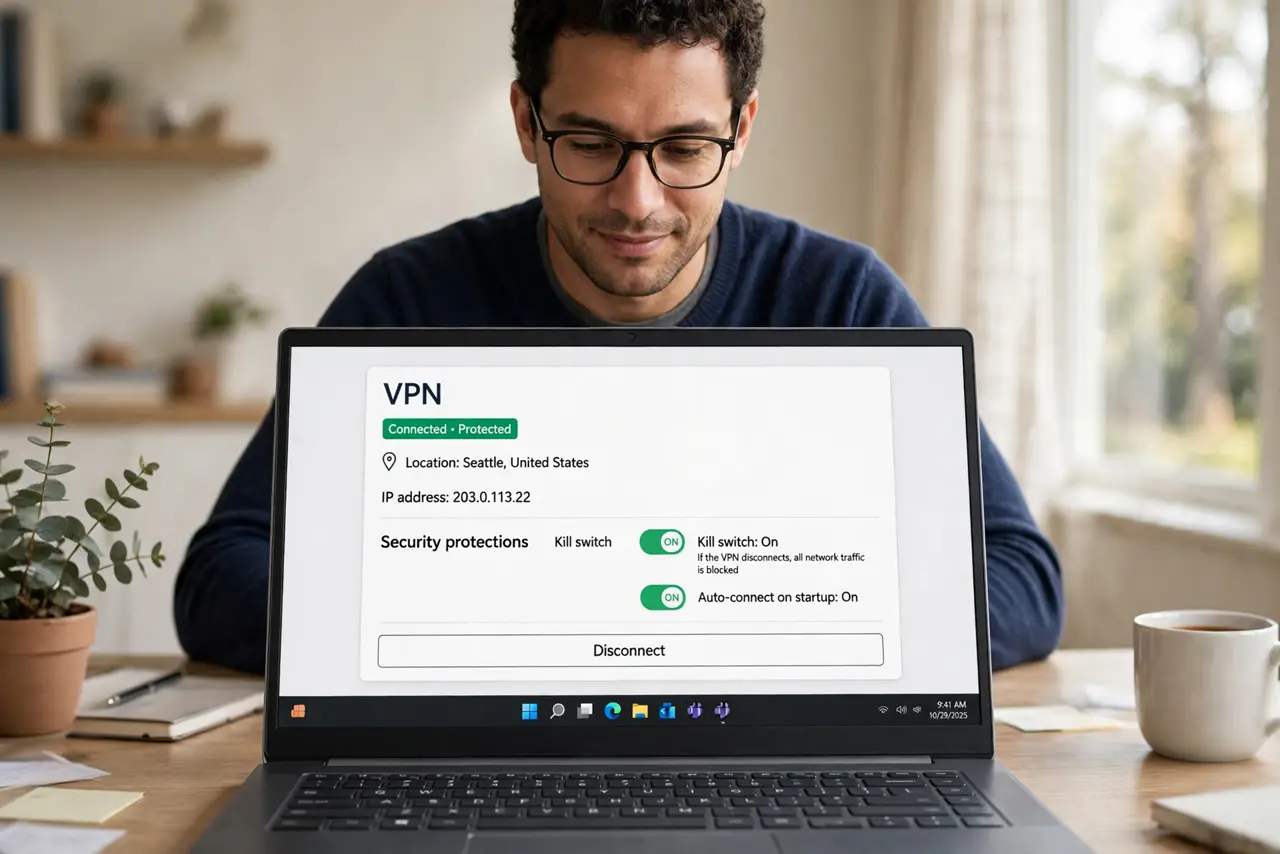
Quick fix: a VPN kill switch blocks all internet traffic the instant your VPN connection drops, preventing your real IP and activity from leaking during reconnects. Turn it on in your VPN app's settings — usually one toggle. Test it by briefly disconnecting and confirming nothing loads.
Follow these steps
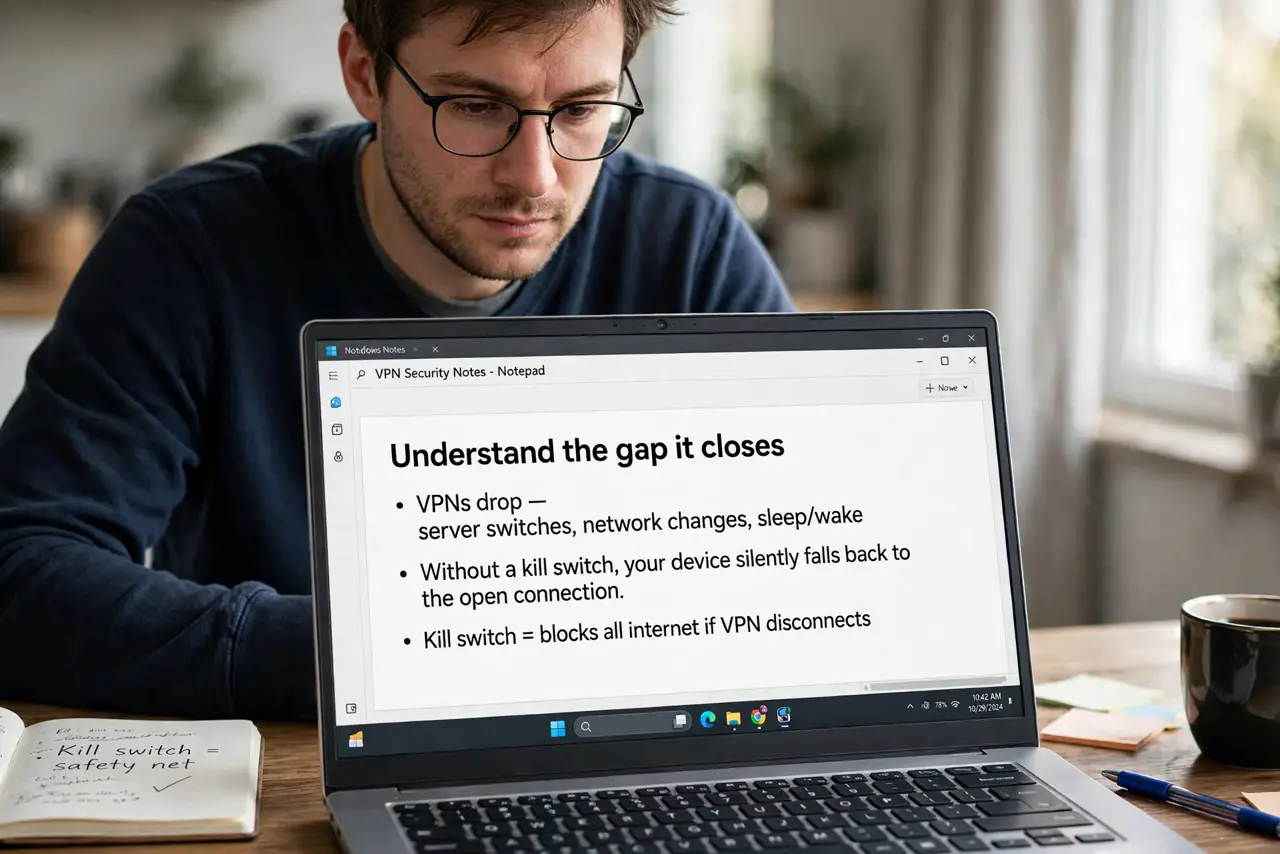
- Understand the gap it closes. VPNs drop — server switches, network changes, sleep/wake. Without a kill switch, your device silently falls back to the open connection. Those seconds of exposure are exactly what the switch prevents.
- Find the toggle. Open your VPN app's settings and look for Kill Switch, Network Lock, or similar. Reputable apps put it one tap away — see what the feature actually covers on your platform.
- Choose system-level if offered. Some apps offer app-level (kills chosen apps) versus system-level (kills everything). System-level is the safer default — partial protection has partial holes.
- Test it for real. Connect the VPN, enable the switch, then force a dropout — switch servers or toggle airplane mode briefly. Pages should fail to load until the tunnel returns. An untested kill switch is a hope, not a protection.
- Know the tradeoff. With the switch on, any VPN hiccup means no internet at all until reconnection. That is the point — but on flaky networks it can feel like the internet keeps dying. Tune or pause it knowingly, not accidentally.
- Pair it with leak checks. The kill switch handles drops; DNS leaks are a separate hole. Enable both protections — they guard different doors.
What NOT to do
- Do not assume your VPN has it on by default. Many apps ship with the kill switch off — check; do not trust the default.
- Do not use app-level kill switches for full protection. They guard chosen apps and miss the rest — system-level or nothing for real privacy.
- Do not disable it because reconnections annoy you. The annoyance is the protection working; fix the underlying drops instead.
- Do not confuse it with the VPN itself. The kill switch does nothing if the VPN was never connected — it guards drops, not absence.
Frequently asked questions
Will a kill switch slow my connection?
No — it only acts when the VPN drops. Normal connected speed is completely unaffected.
Why does my internet die when the VPN app crashes?
That is the kill switch doing its job — it cannot tell a crash from a dropout, so it blocks everything until you intervene.
Do I need it on a trusted home network?
If you run a VPN at home for privacy, yes — the threat is the exposure, not the network. If the VPN is only for region-hopping, it matters less.