What a VPN Kill Switch Actually Does
A VPN protects you only while it is connected — and connections drop. A kill switch is the feature that cuts your internet the moment the VPN fails, so your real traffic never leaks out unprotected.
TL;DR / Quick Fix
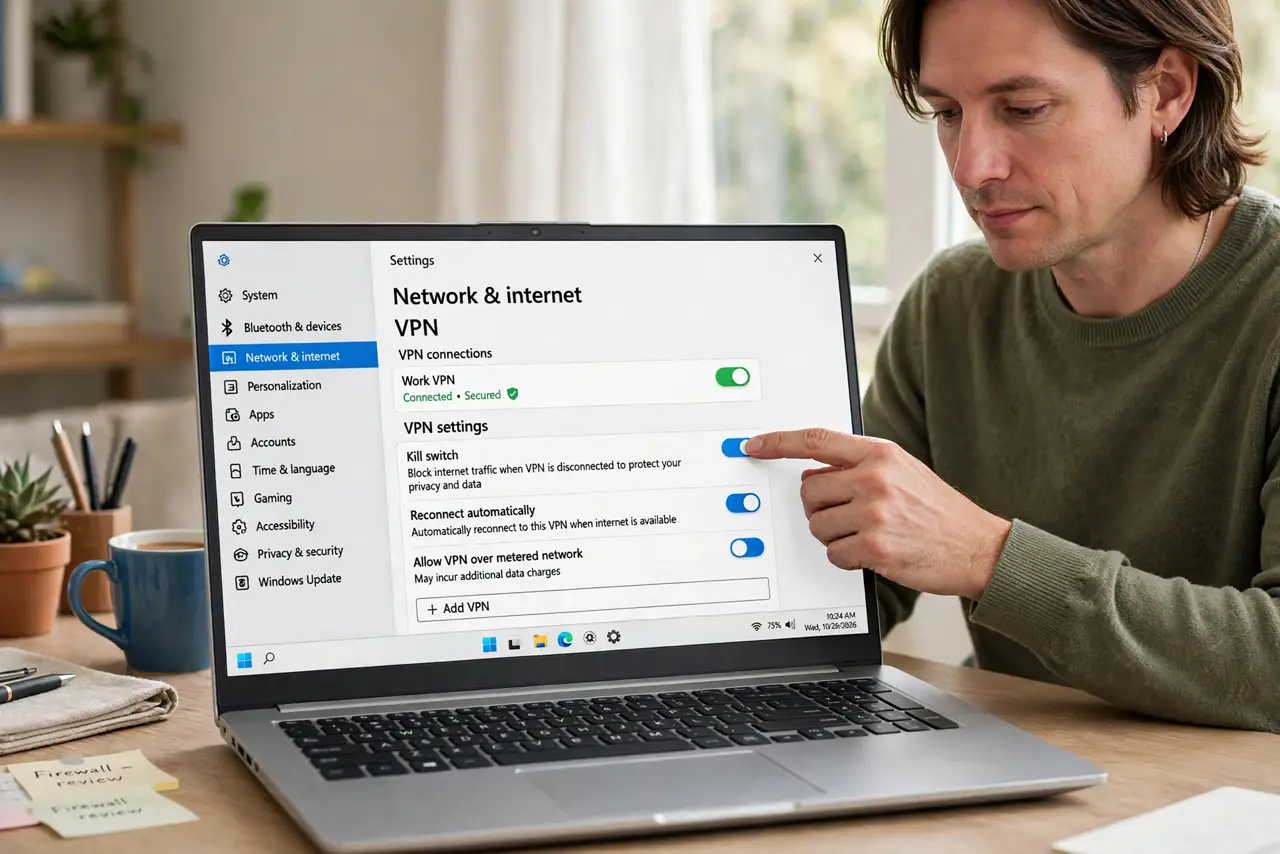
Quick fix: open your VPN app's settings, find the kill switch option, and turn it on. Then test it by disconnecting the VPN on purpose, confirm your internet stops completely during the test, and leave the switch on permanently from now on.
Follow these steps
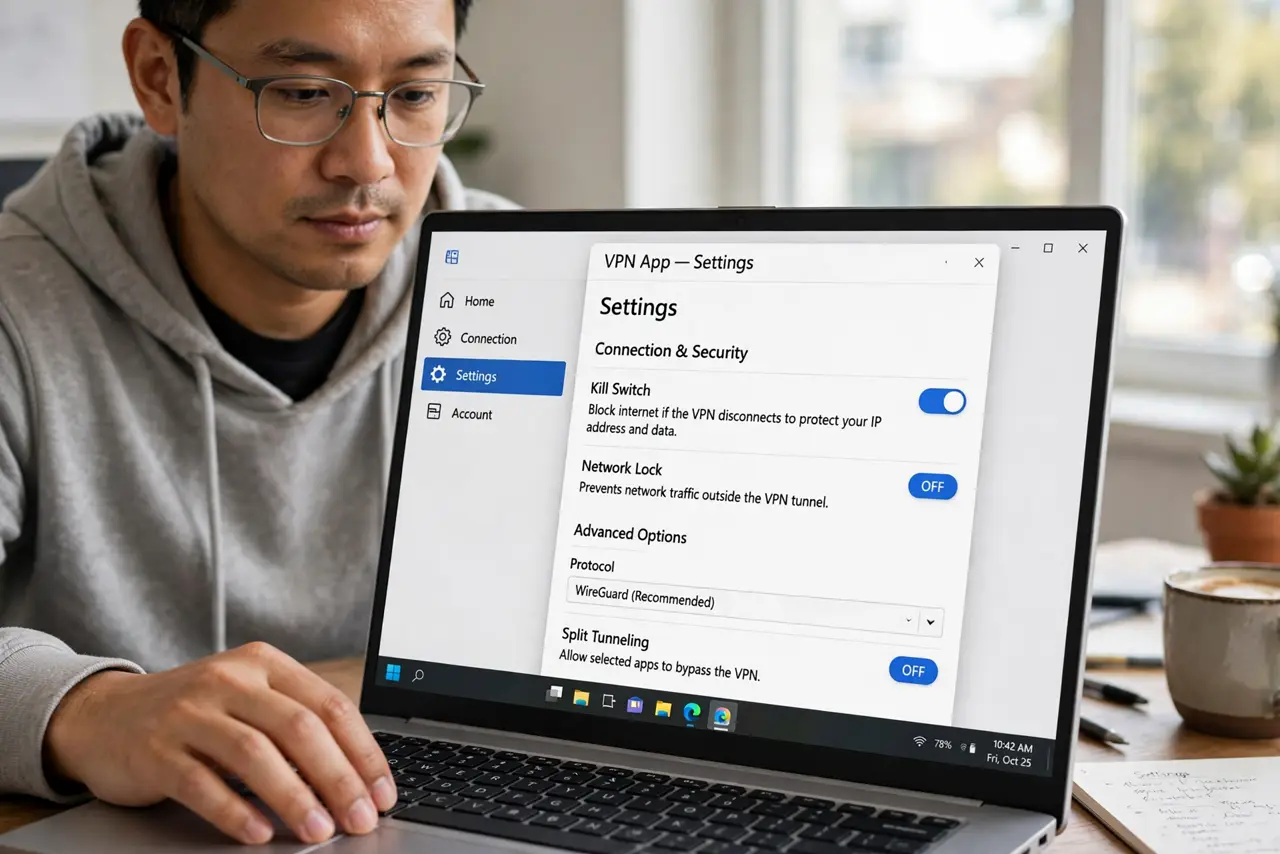
- Find the kill switch in settings. Open your VPN app's settings and look for kill switch, network lock, or similar wording. Most reputable apps include it, though some bury it under advanced options.
- Turn it on and leave it on. Enable the kill switch permanently, not just for risky networks. Drops happen anywhere, and the switch only protects you when it is active at the moment of the drop.
- Test it by disconnecting on purpose. With the switch on, disconnect the VPN manually and try loading a page. The page should fail to load, which proves the switch blocked the unprotected traffic.
- Understand what it protects. The switch guards the moment between the VPN dropping and reconnecting. Without it, your apps keep talking over the raw connection during those seconds, so follow a safe public Wi-Fi checklist for the rest of the precautions.
- Check the per-app or system-wide choice. Some VPNs offer a full kill switch plus per-app rules. Full system-wide blocking is the safer default unless you have a reason to exempt an app.
- Re-test after app updates. Confirm the kill switch is still on after VPN app updates. Settings occasionally reset, and a silent reset leaves you unprotected.
What NOT to do
- Do not use a VPN on risky networks without the kill switch. The switch is what makes the VPN trustworthy, not the connect button alone.
- Do not assume the VPN never drops. Connections drop on flaky Wi-Fi and network switches, which is exactly when the kill switch earns its keep.
- Do not exempt apps casually from the switch. Every exemption is a hole where traffic leaks unprotected during a drop.
- Do not confuse the kill switch with ad blocking. It blocks unprotected traffic on disconnect; it does not filter ads or trackers.
Frequently asked questions
What exactly does a kill switch do?
It blocks all internet traffic the instant the VPN connection drops, so nothing travels unprotected until the VPN reconnects.
Will it break my downloads?
It pauses them during a drop rather than leaking them. Downloads resume once the VPN reconnects.
Does every VPN have one?
No. Reputable paid services usually do, while many free apps skip it, which is one more reason to choose carefully.