VPN Slows Streaming?
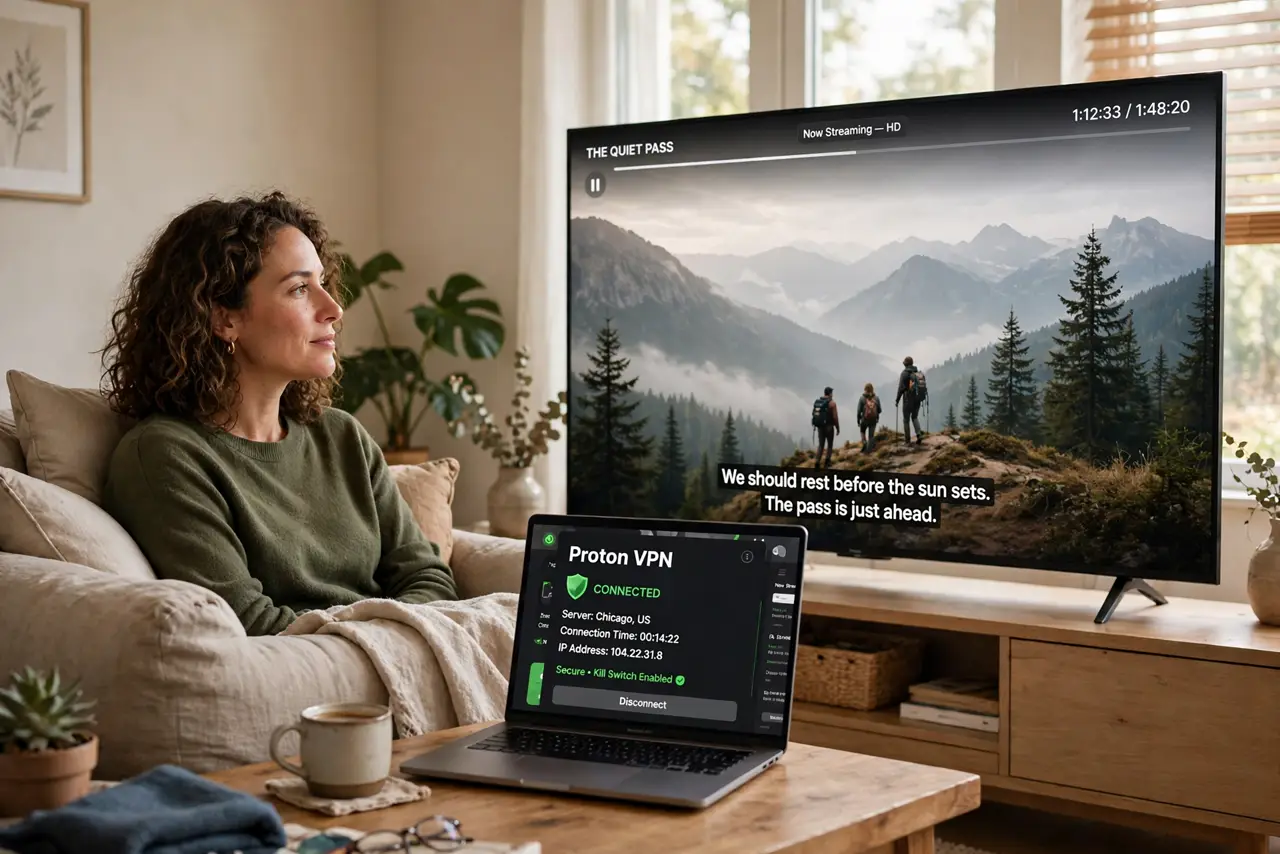
Movie night, VPN on, and the stream keeps dropping to blurry 480p — or spinning. Turning the VPN off fixes it instantly, which feels like proof the VPN is broken. It is not broken; it is physics plus distance: encryption costs a little, but the real killer is usually a faraway, crowded server. Three changes fix most of it.
TL;DR / Quick Fix
Quick fix: VPNs slow streaming mostly because of server distance and crowding — not the encryption itself. Switch to the nearest server in the country you need and try the WireGuard protocol. If only one service buffers, it may be throttling VPN IPs — try another server first.
Follow these steps
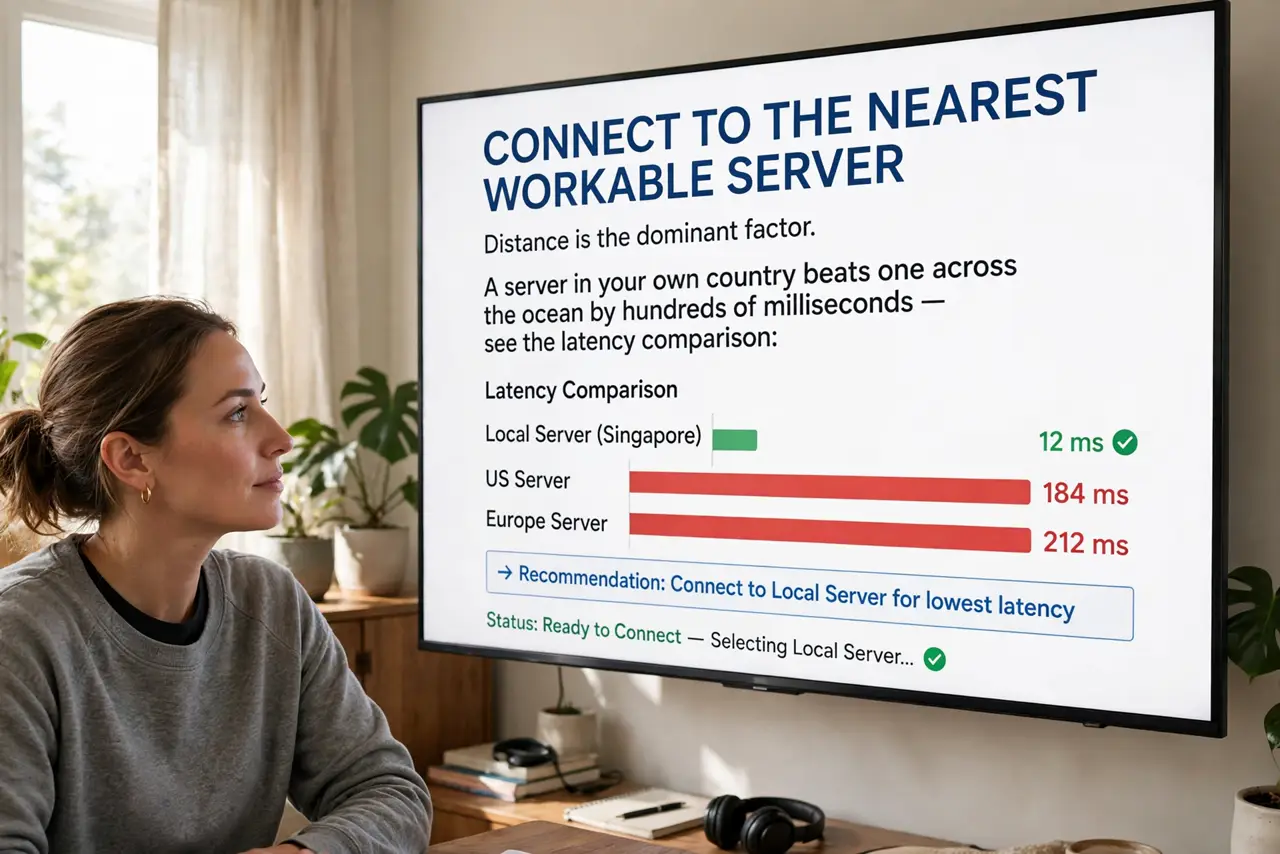
- Connect to the nearest workable server. Distance is the dominant factor. A server in your own country beats one across the ocean by hundreds of milliseconds — see the distance effect for the numbers. Closest server that unblocks what you need wins.
- Switch to WireGuard. The modern protocol is leaner and faster than older ones on most networks. If your app offers a protocol choice, WireGuard is the streaming pick.
- Test speed with and without. Run a speed test on the VPN server, then off. If the VPN gives you 80% of your normal speed, the VPN is fine and something else buffers — do not chase the last 20%.
- Try another server. Streaming services throttle known VPN IPs. One server buffers while the next flies — server-hopping is normal VPN life, not a defect.
- Rule out your Wi-Fi. Buffering blamed on the VPN is often just weak Wi-Fi to the TV. Test the stream on a wired device before concluding the VPN is the bottleneck.
- Consider split tunneling. Route only the geo-blocked app through the VPN and let the rest go direct. Less traffic in the tunnel means more headroom for the stream.
What NOT to do
- Do not pick a server on another continent for local content. Distance dominates speed — the exotic server is the slowdown.
- Do not assume the VPN is broken after one bad server. Servers vary wildly by load and throttling; hop before you despair.
- Do not stream over a double-VPN chain casually. Multi-hop looks cool and halves your speed — save it for when you truly need it.
- Do not ignore the time of day. Evening congestion hits VPN servers like everything else — the 8 p.m. buffer is often just peak hours.
Frequently asked questions
How much speed does a VPN normally cost?
10–20% on a good server nearby is typical. More than half gone means a bad server choice, not normal VPN overhead.
Why does only Netflix buffer but YouTube is fine?
Likely VPN-IP throttling by that service, not your connection. Another server usually fixes it.
Does a faster internet plan help?
Only if your base speed is the bottleneck. With 100+ Mbps base, the VPN server choice matters far more than the plan.