VPN Slowing You Down? Why
VPN on: 40 Mbps. VPN off: 400 Mbps. Some slowdown with a VPN is normal — encryption and the detour through a server cost speed — but a 90% collapse means something is wrong: a distant server, an overloaded one, or a bad protocol. Here is how much loss is normal and how to win most of it back.
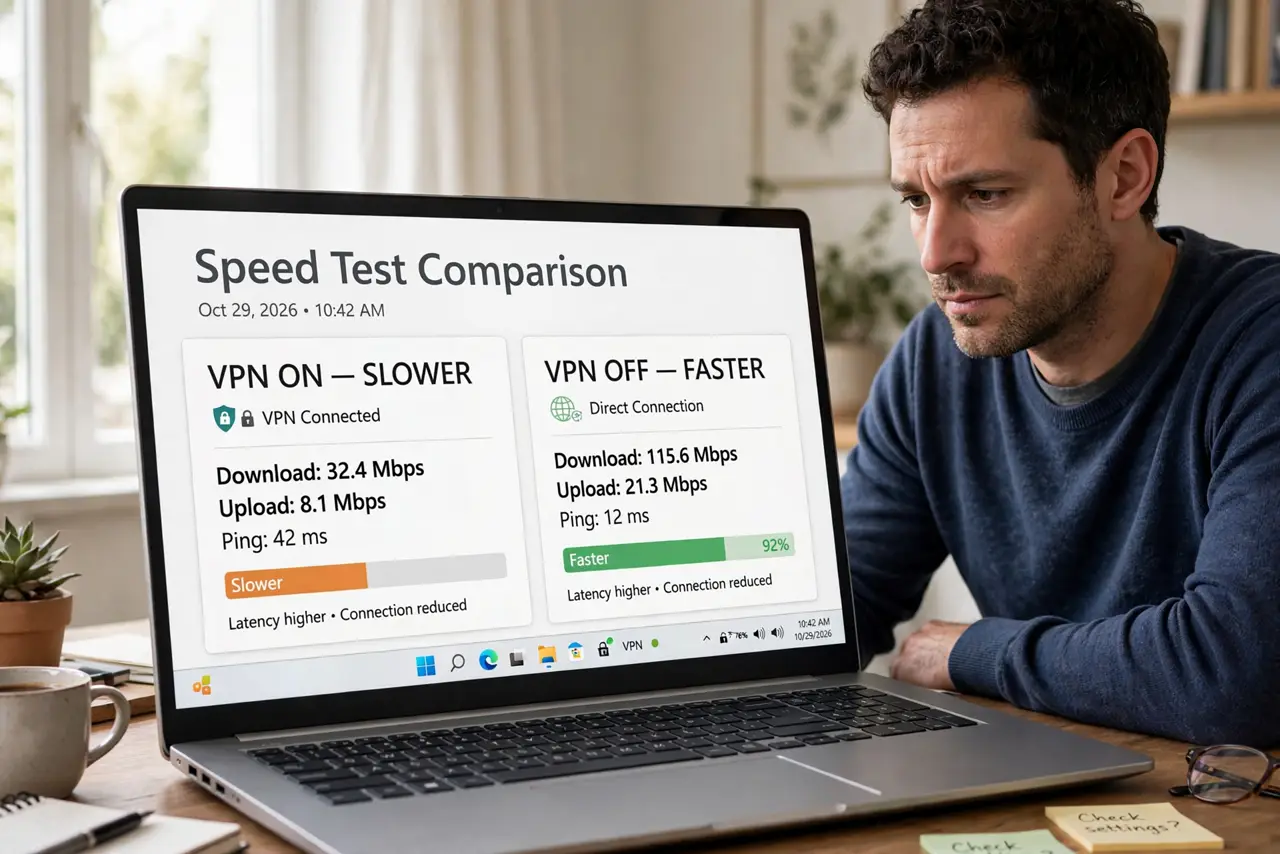
TL;DR / Quick Fix
Quick fix: expect 10-30% speed loss on a good VPN — the price of encryption and routing. If you lose far more, switch to a closer server, try a modern protocol like WireGuard, and retest. A free VPN is the most common cause of extreme slowdowns.
Follow these steps
- Know the normal tax. Encryption plus a server detour costs 10-30% on quality services. Losing half or more signals a fixable problem, not physics.
- Pick a nearby server. Distance is latency, and latency caps throughput. Same-city servers almost always beat same-continent ones — let the app's 'fastest server' picker do its job, then verify.
- Switch protocols. WireGuard and modern IKEv2 are far faster than old OpenVPN-over-TCP. The protocol setting is usually one dropdown in the app.
- Test without the VPN once. Confirm the base connection is healthy first. If it is slow with the VPN off too, the VPN was never the problem.
- Suspect the free tier. Free VPNs oversell crowded servers — see free VPN risks. Extreme slowdowns on free plans are the business model, not a bug.
- Split-tunnel what does not need it. Route only sensitive traffic through the VPN; let streaming and games go direct. Most apps offer per-app split tunneling.

What NOT to do
- Do not assume the VPN is broken over a 20% loss. That is normal overhead — chasing zero loss means chasing no VPN.
- Do not connect to a faraway country 'for privacy' and expect speed. Every mile adds latency; privacy does not require another continent.
- Do not run two VPNs at once. Stacked tunnels multiply the overhead and the weirdness — one VPN, properly configured.
- Do not blame the VPN for ISP throttling confusion. Test with and without, at the same server and time — otherwise you are comparing noise.
Frequently asked questions
Why is upload hit harder than download?
Encryption overhead and smaller upload pipes compound. Asymmetric connections feel VPN loss more on the already-thin upload side.
Does the VPN slow the whole house?
Only devices running it — unless it is installed on the router itself, in which case everything behind the router shares the tax.
Will a paid VPN really be faster?
Usually dramatically. Paid servers are provisioned for the load; free servers are provisioned for the marketing.