Why Your VPN Slows Everything Down
You turn on the VPN and everything gets sluggish — pages crawl, video buffers, calls stutter. Some slowdown is the unavoidable price of encryption and detours; the rest is fixable. Here is what the VPN actually costs and how to claw speed back.
TL;DR / Quick Fix
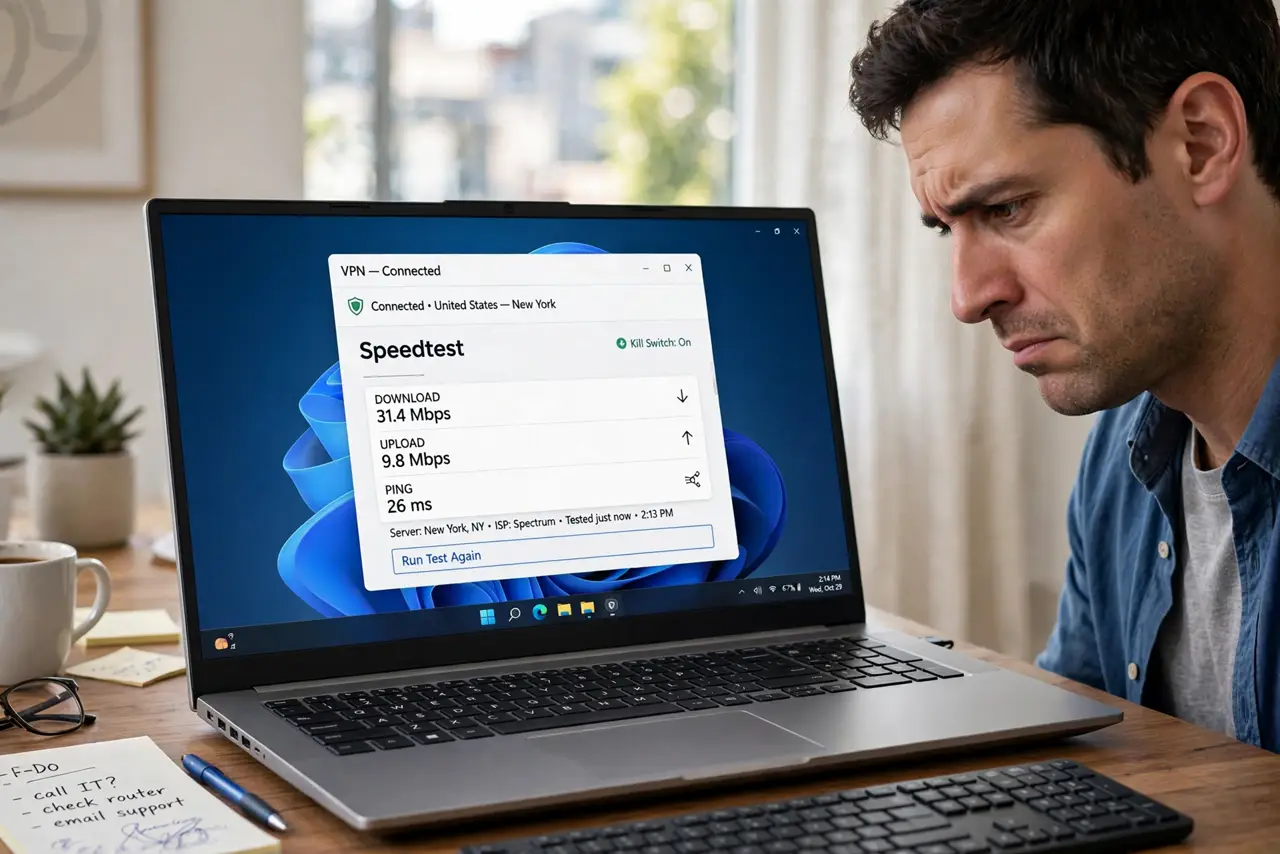
Quick fix: a VPN always costs some speed — encryption plus a detour through the server. Cut the loss with the nearest server, a modern protocol like WireGuard, and no double VPN. If one app crawls while others fly, that is per-app, not the VPN. Expect some loss as normal.
Follow these steps
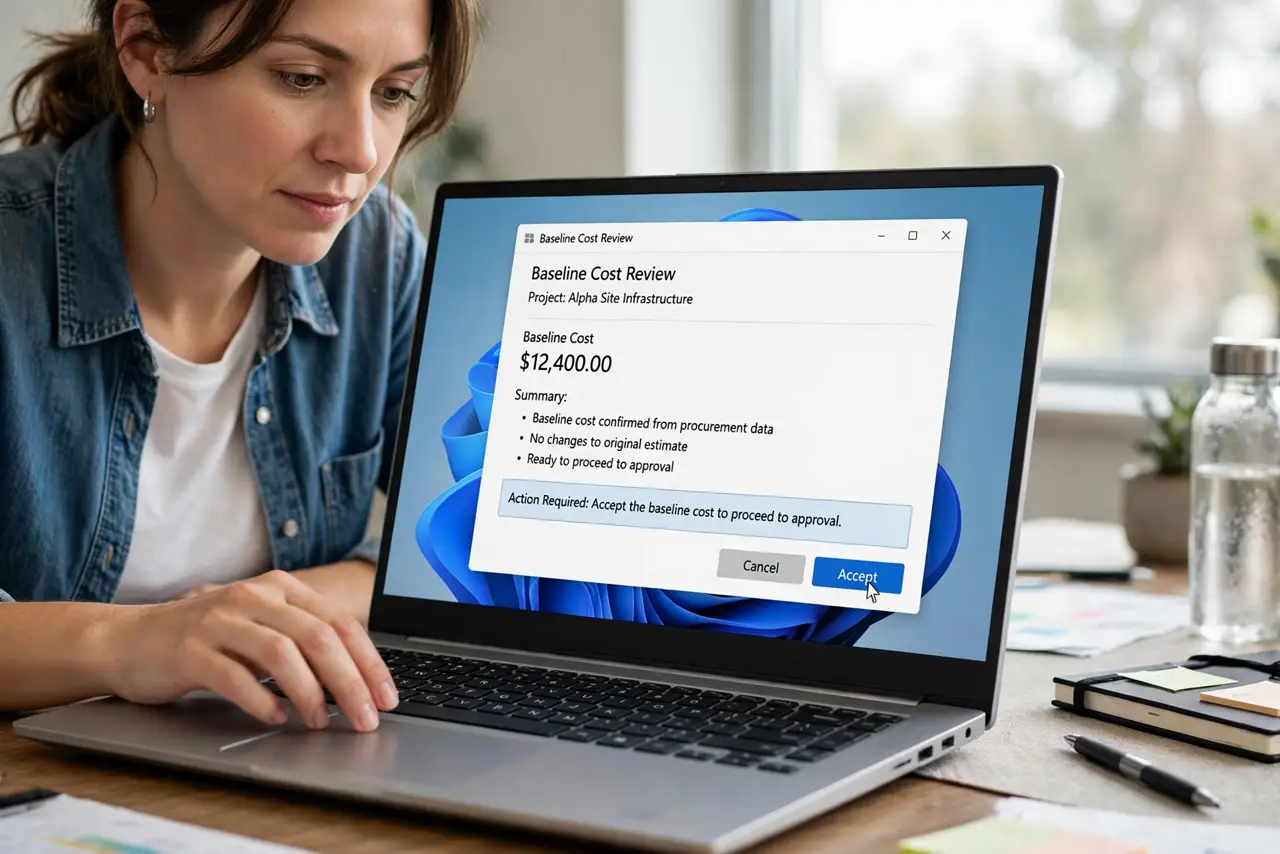
- Accept the baseline cost. Encryption and the extra hop always cost something — 10 to 30 percent is normal. Chasing zero loss is chasing a ghost.
- Connect to the nearest server. Distance is the biggest lever. A server in your city beats one across the ocean by a mile — literally.
- Switch to a modern protocol. WireGuard or the provider's fast protocol beats legacy OpenVPN on speed. Change it in the app's settings.
- Avoid double VPN and extra hops. Multi-hop modes double the detour. Use them only when the threat model demands it.
- Test with the VPN off, then on. Measure both ways. If off is also slow, the VPN was never the problem — check the base connection first.
- Check per-app behavior. One slow app with fast everything-else is a per-app issue, not a VPN problem.
What NOT to do
- Do not stack two VPNs. Double encryption doubles the cost for almost no gain in ordinary use.
- Do not pick the farthest server for privacy. Distance costs speed; nearby servers protect you identically for most purposes.
- Do not blame the VPN for a slow base connection. Test with it off first — the VPN cannot fix what was already slow.
- Do not disable the kill switch to gain speed. It guards against leaks, not speed — keep it on.
Frequently asked questions
Why does my VPN slow down only one app?
Some apps route outside the VPN or fight its tunnel. That is a per-app behavior, not general VPN slowness.
Will a paid VPN be faster than a free one?
Usually yes — paid servers are less crowded. Free VPNs also monetize differently; see free vs paid before trusting one.
Does the VPN protocol really matter?
A lot. Modern protocols like WireGuard are dramatically leaner than decade-old ones — one settings change can double speed.