Webcams with Shutters
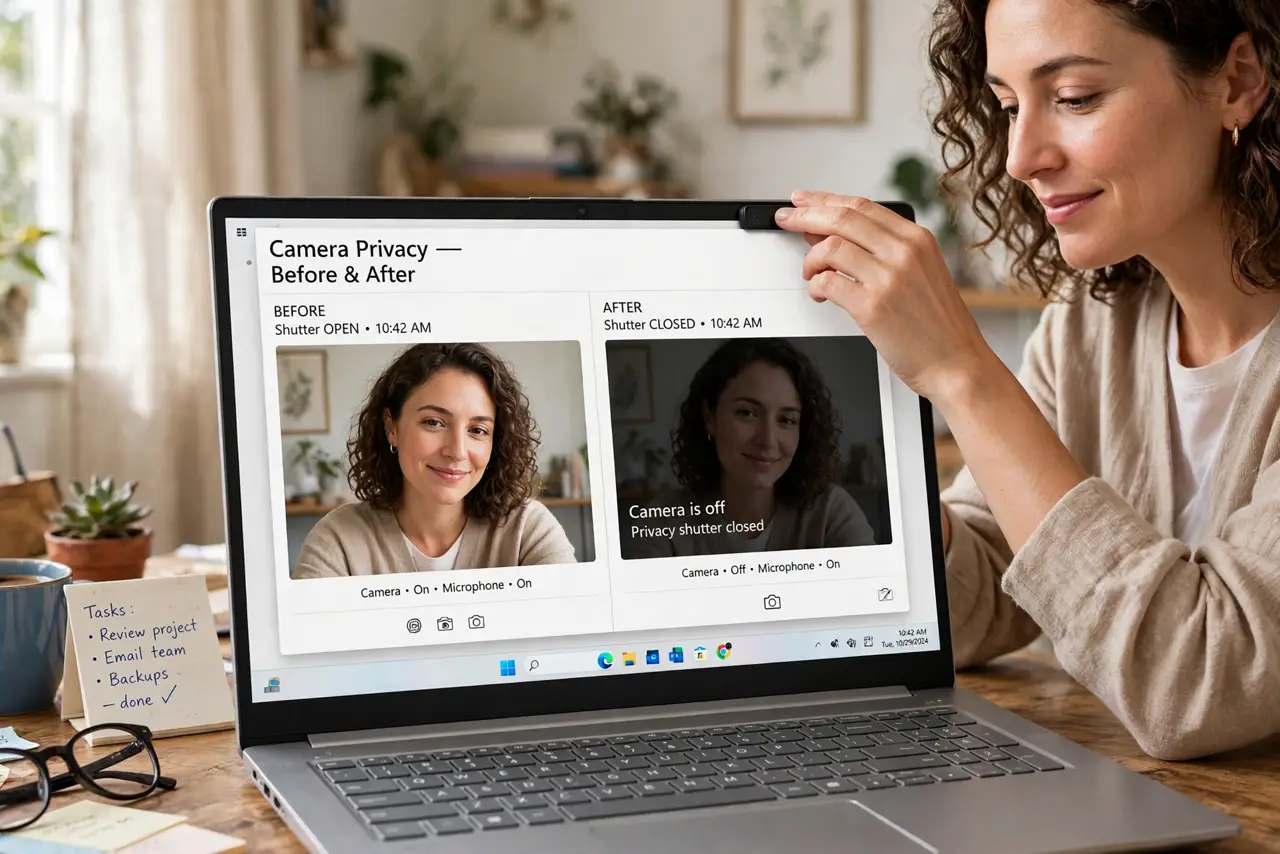
Tape on the lens works, but it is ugly and leaves residue — and it does nothing about the microphone. Webcams with built-in privacy shutters solve it properly: slide the cover closed and the camera is physically blocked, no software trick able to override it. Compare the cover versus tape debate and cover versus software shutters.
TL;DR / Quick Fix
Quick fix: a webcam with a built-in privacy shutter beats tape on the lens — slide it closed and the camera is physically blocked, no software trick can override it. If your camera lacks one, a sliding cover sticker works. Physical beats digital for peace of mind.
Follow these steps
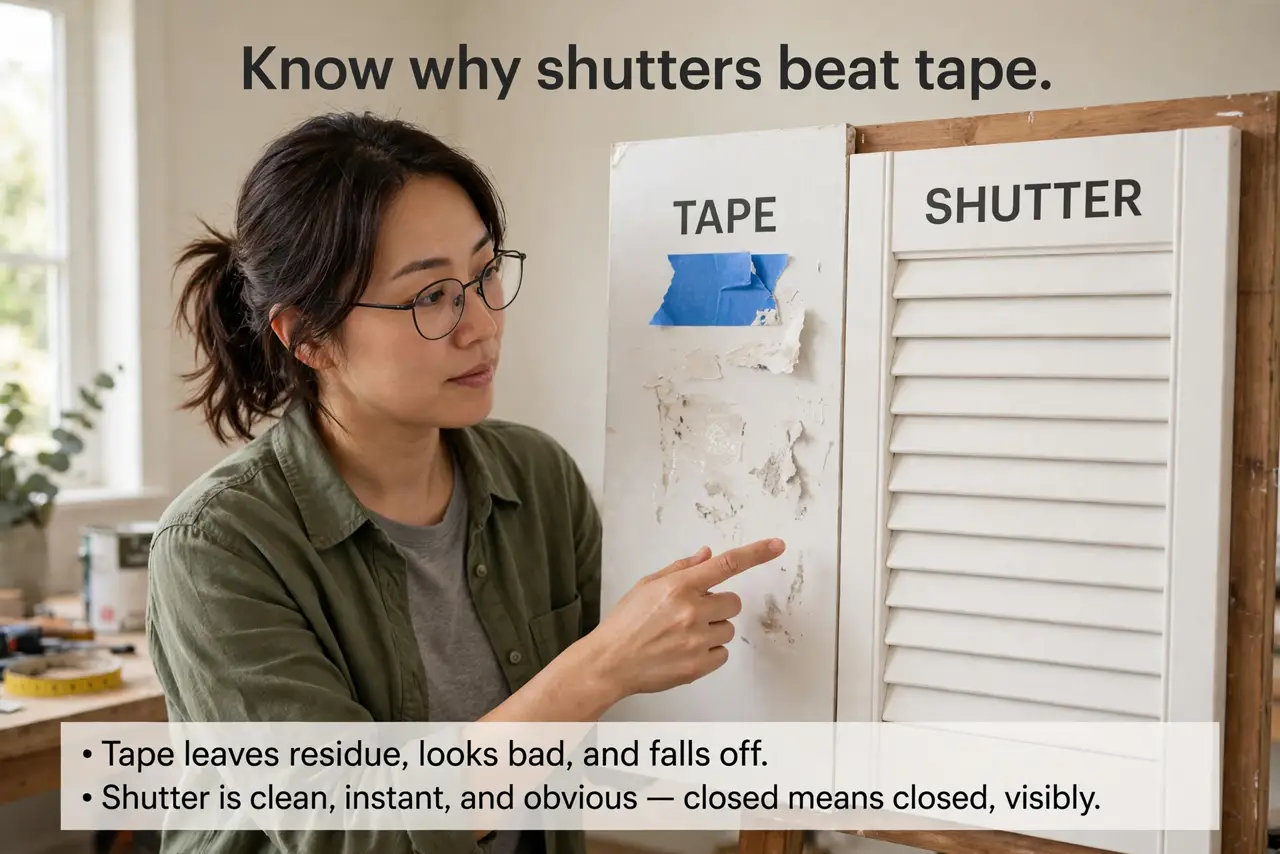
- Know why shutters beat tape. Tape leaves residue, looks bad, and falls off. A shutter is clean, instant, and obvious — closed means closed, visibly.
- Look for shutters when buying. Many modern webcams include a sliding shutter. When comparing models, treat it as a real feature worth a small premium.
- Add a stick-on slider. No built-in shutter? Thin sliding covers stick over the lens for very little money and work nearly as well.
- Make closing a habit. Shut it after every call, like locking a door. The habit matters more than the hardware — an open shutter protects nothing.
- Remember the microphone. A shutter blocks video, not audio. For full privacy, mute the mic in software too — or unplug the camera when idle.
- Check the indicator light. A proper webcam lights up when active. Shutter plus indicator light is the belt-and-suspenders setup.
What NOT to do
- Do not rely on software mute alone. Software can glitch or be overridden; a physical shutter cannot be hacked.
- Do not use opaque tape long-term. Residue damages lens coatings — a proper slider costs less than a ruined lens.
- Do not forget the mic. Covering the lens while the microphone streams is privacy theater — mute both.
- Do not assume built-in laptop cameras have shutters. Most do not — the stick-on slider is the laptop owner's friend.
Frequently asked questions
Are software shutters as good?
No — see the comparison. Software can fail; a physical barrier cannot be bypassed remotely.
Will a slider damage my laptop screen?
Quality sliders are thin enough to close the lid safely. Avoid thick ones on tight-closing laptops.
What about the microphone?
No shutter covers audio. Mute in software, or unplug external mics and cameras when not in use.