Website Blocked on Work Wi-Fi? Why
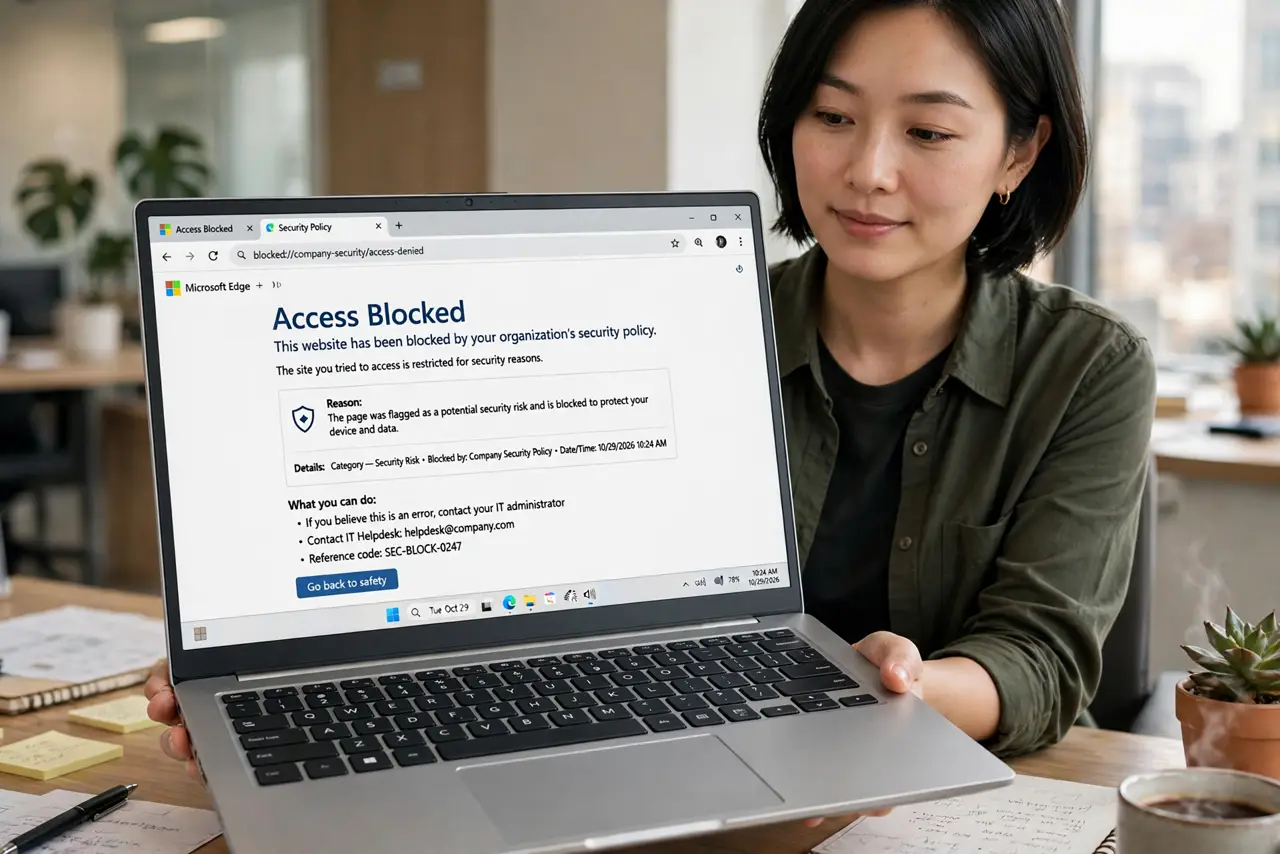
That 'access denied' page on the office Wi-Fi is not a glitch — your employer filters categories of sites on purpose. It protects the network, enforces policy, and sometimes just miscategorizes a legit site. Understanding why it happens tells you what you can and cannot do about it.
TL;DR / Quick Fix
Quick fix: check whether the site is blocked on your phone's mobile data too — if it loads there, it is the work filter. Use your own data for personal browsing, and ask IT if a work-needed site is miscategorized rather than trying to dodge the filter.
Follow these steps
- Confirm it is the filter, not the site. Load the same site on mobile data. If it works there, the office network is blocking it. If it fails everywhere, the site itself is down.
- Read the block page carefully. It usually names the category, like social media or streaming. A work tool blocked as 'gaming' is a miscategorization you can report.
- Use your own data for personal stuff. The clean answer: personal browsing goes on your phone plan. Work Wi-Fi is for work, and the filter is doing its job.
- Ask IT about miscategorized work sites. If a site you need for your job is blocked, file a ticket. IT whitelists legit miscategorizations routinely — that is the proper channel.
- Do not install workarounds on work devices. VPN apps or proxies on a company laptop can violate policy and get flagged. The risk to your job outweighs the convenience.
- Check the acceptable-use policy. Most employers publish what is filtered and why. Knowing the policy ends the mystery and keeps you out of trouble.
What NOT to do
- Do not try to get around the filter with a VPN on a work device. That can violate company policy and show up in monitoring logs.
- Do not assume every block is a mistake. Categories like malware, phishing, and adult content are blocked deliberately and will not be unblocked.
- Do not use someone else's hotspot credentials to dodge it. Borrowing access to evade a filter is still evasion if policy forbids it.
- Do not complain to the Wi-Fi vendor. The filtering rules come from your employer's policy, not the router maker — only your IT team can change them.
Frequently asked questions
Why is a normal site blocked as gambling or adult?
Filters use automated categories that miscategorize. Report it to IT with the URL and they can reclassify it.
Can my employer see what I browse on work Wi-Fi?
Assume yes. Employers can log traffic on their network, which is another reason to keep personal browsing on your own data.
Is it legal for them to block sites?
Yes. It is their network and their policy. Courts consistently uphold employer filtering on company networks.