Block Distracting Websites
You sit down to work and wake up an hour later from a feed you did not mean to open. Willpower loses to infinite scroll every time — the sites are engineered by teams bigger than your resolve. Website blockers flip the equation: they make the distraction unreachable during work hours, so your finite willpower gets spent on work instead.
TL;DR / Quick Fix
Quick fix: website blockers make time-wasting sites unreachable during work hours — use Screen Time, a browser extension, or a router-level block. Start with your top three time sinks on a schedule, not a total ban. Pair blocking with a clear task list; blockers remove temptation, not create motivation.
Follow these steps
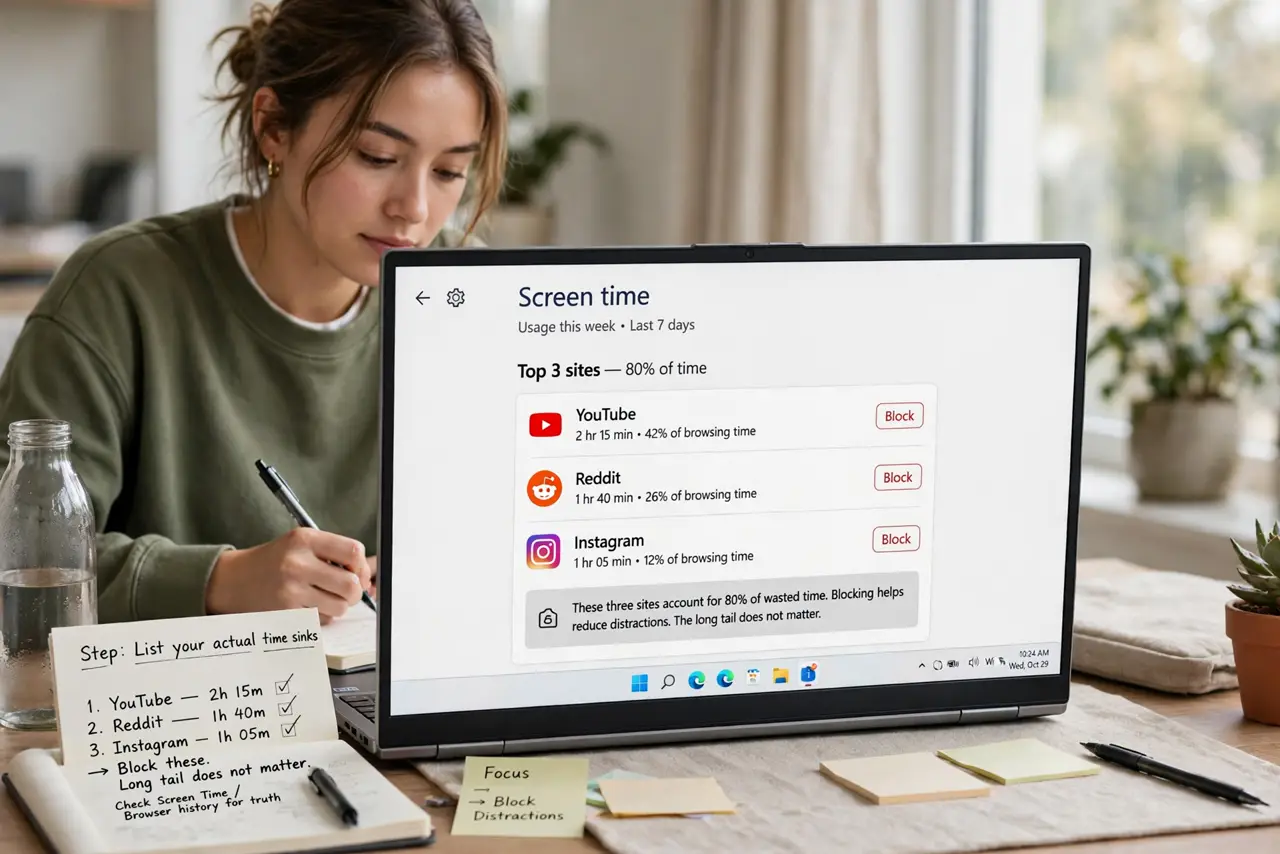
- List your actual time sinks. Check Screen Time or your browser history for the truth — it is usually three sites eating 80% of the wasted time. Block those; the long tail does not matter.
- Start with built-in tools. Mac and iPhone: Screen Time > App Limits covers websites in Safari. It is free, system-level, and syncs — the Mac app limits guide sets it up.
- Add a browser extension for the rest. For Chrome/Firefox or sites Screen Time misses, a blocker extension with scheduling handles work-hours-only blocking. Pick one with a lock mode so you cannot disable it impulsively.
- Use schedules, not permanent bans. Block 9–5 weekdays, allow evenings. Total bans get circumvented within days; scheduled blocks feel reasonable and survive.
- Block the workarounds too. If you block the site but not its app, or the domain but not the mobile version, you have built a fence with a gate. List every access path when you set it up.
- Pair with a task list. A blocker creates a vacuum — fill it. The next task written down before the block starts is what turns cannot scroll into gets work done.
What NOT to do
- Do not block everything at once on day one. A total internet lockdown lasts about six hours before you rip it out — start with the top three sinks.
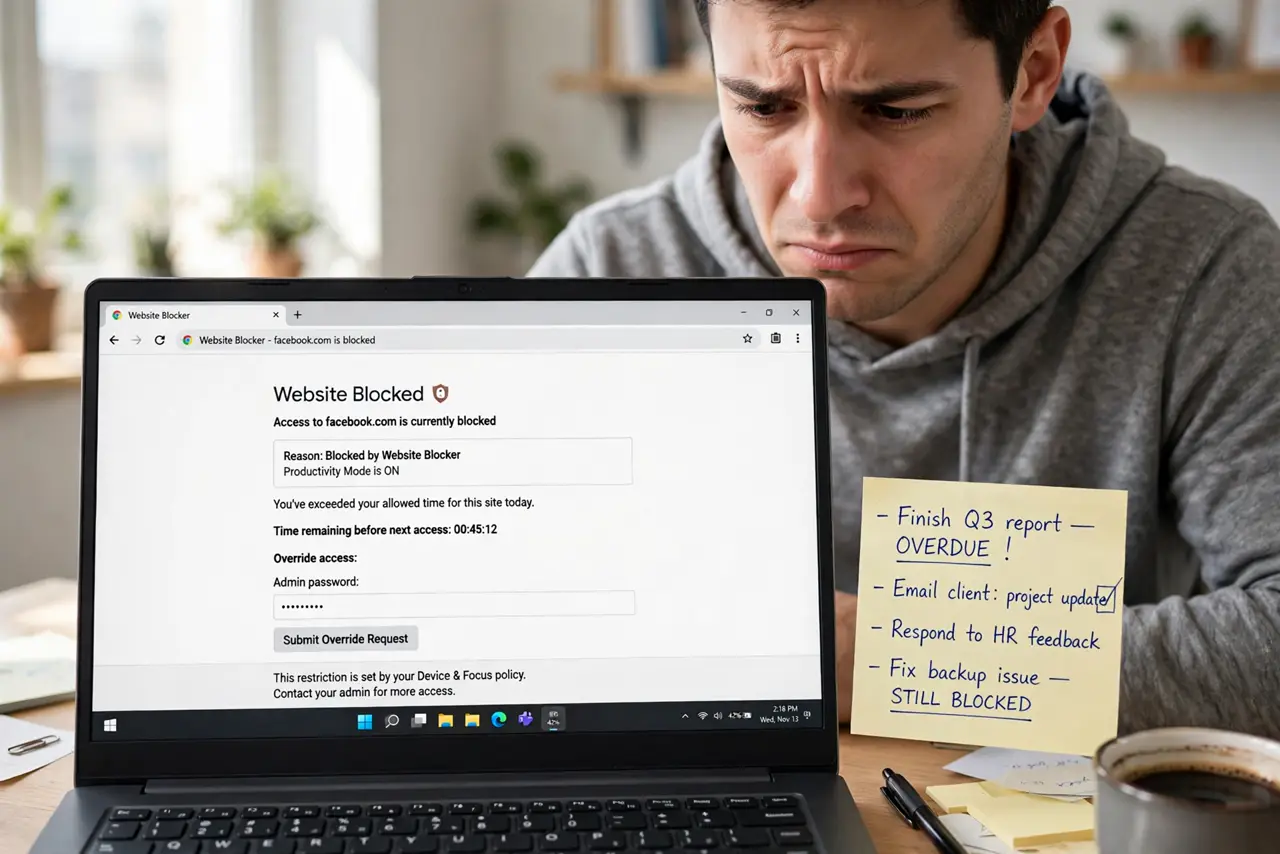
- Do not rely on willpower to keep the blocker on. Use the lock/PIN features — the whole point is protecting you from impulsive you.
- Do not block sites you need for work. Blocking distracting sites that contain your actual tools just creates a new frustration — be specific.
- Do not skip the phone. Blocking sites on the laptop while the phone sits unlocked beside it is pure theater — cover all devices.
Frequently asked questions
Do website blockers actually work?
For habitual scrolling, yes — they convert a one-tap habit into a multi-step workaround, and that friction is usually enough. They do not fix underlying procrastination, though.
Can I block sites on my router instead?
Yes — most routers can block domains for the whole network, which covers every device at once. It is cruder (no schedules on some models) but comprehensive.
What about blocking apps, not just sites?
Screen Time app limits handle apps on Apple devices; Android's Digital Wellbeing does the same. Block the app AND the site for full coverage.