A Website Font Is Too Small on Mobile Only
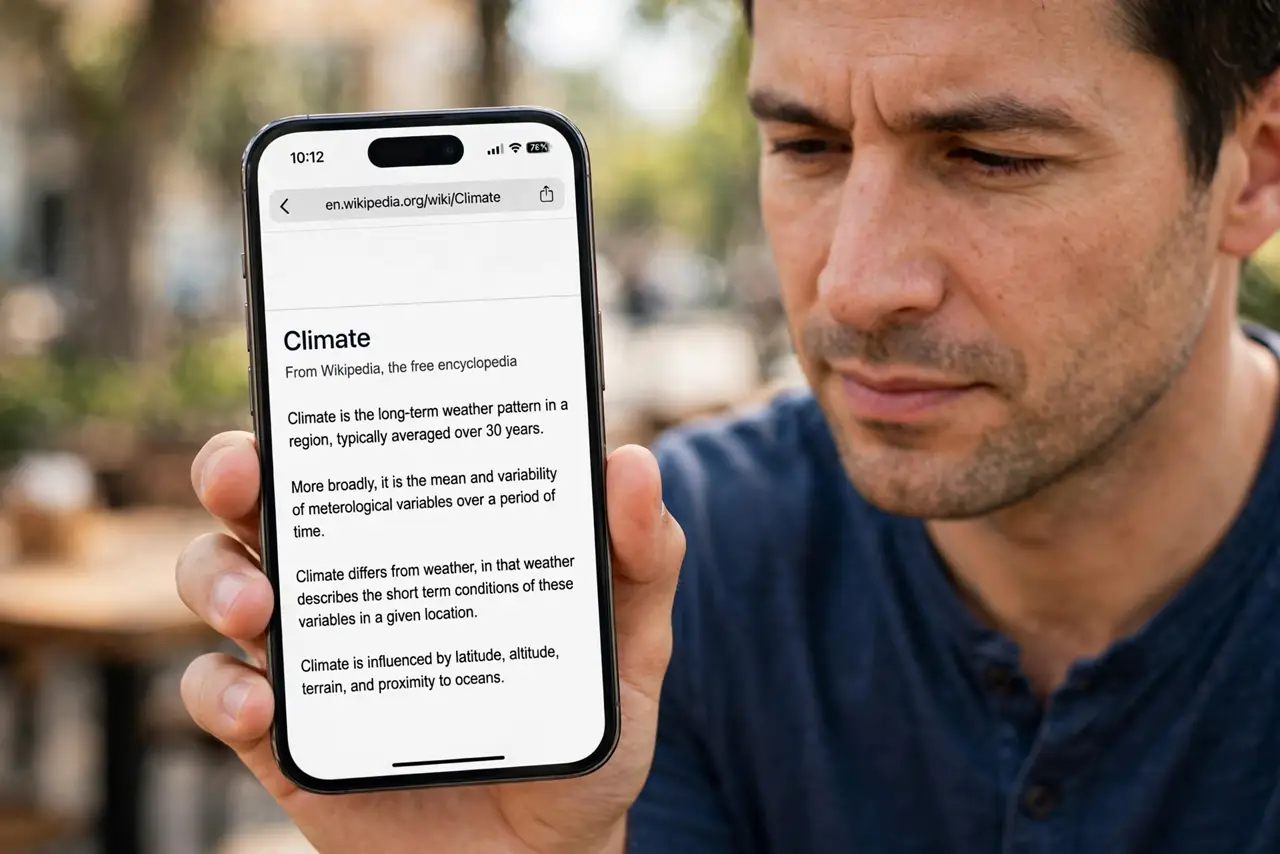
On the laptop the site reads fine, but on the phone the text is microscopic. The phone is likely showing the desktop version of the site, or the site's mobile layout is not triggering.
TL;DR / Quick Fix
Quick fix: pinch to zoom first for immediate relief, then check the browser menu for a Desktop site toggle and turn it off. If the site still renders tiny, raise the browser's default text size setting for a lasting fix on every site.
Follow these steps
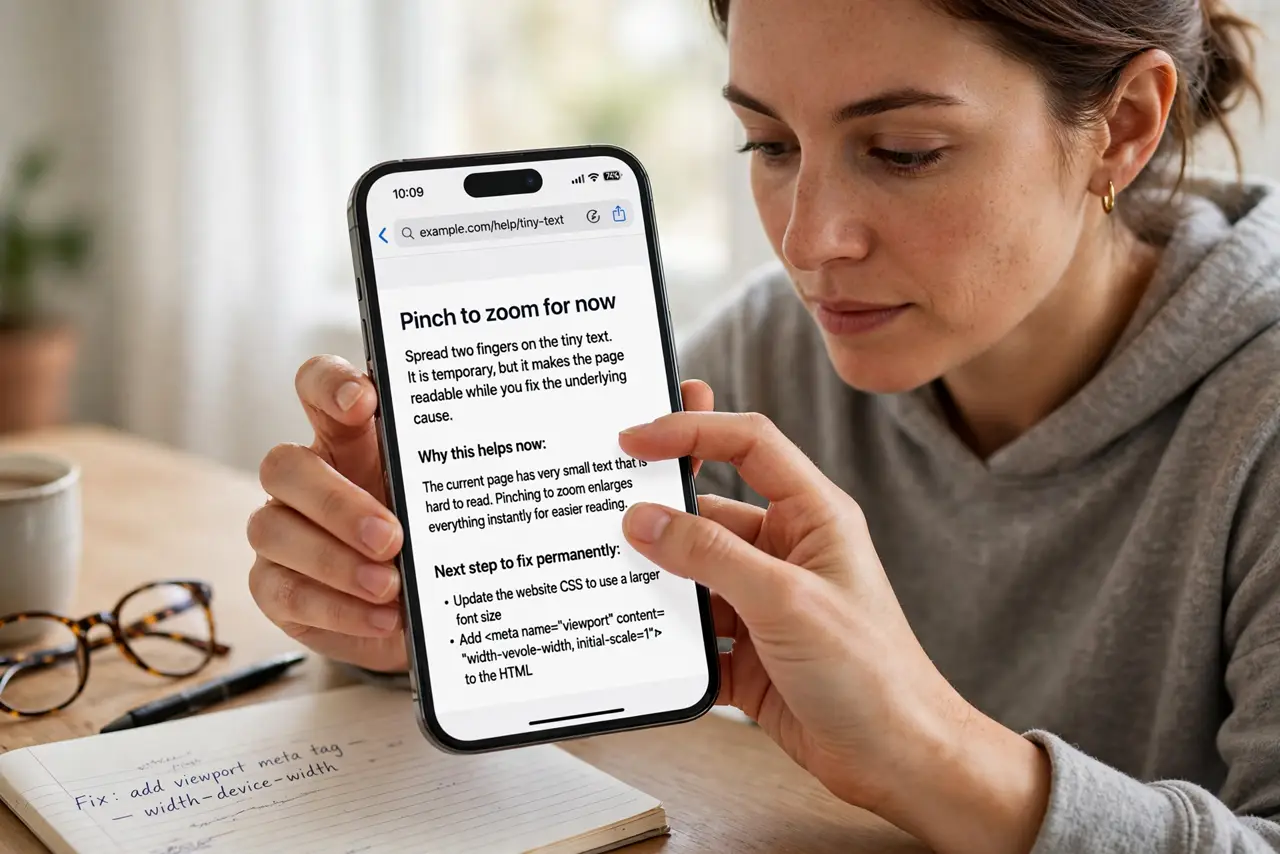
- Pinch to zoom for now. Spread two fingers on the tiny text. It is temporary, but it makes the page readable while you fix the underlying cause.
- Turn off Desktop site mode. Open the browser menu and uncheck Desktop site or Request desktop website. The desktop layout on a phone screen is the classic cause of microscopic text.
- Raise the browser's text size. In accessibility or appearance settings, increase the default text size. This lifts text on every site without changing layouts.
- Check the phone's display zoom. The phone's own display settings can shrink everything. Confirm the system text size is not set to its smallest.
- Try the site's mobile app. If the site has an app, it will render properly where the mobile web version fails. For sites you visit daily, the app ends the struggle.
- Test another site for comparison. If every site is tiny, the phone's settings are the cause. If only one site is tiny, that site's mobile design is at fault — and its buttons may ignore touches for the same reason.
What NOT to do
- Do not squint through tiny text daily. A two-minute settings fix beats months of eye strain.
- Do not enable Desktop site mode permanently. It causes exactly this problem on every site, so leave it off unless one specific site needs it.
- Do not assume the site is broken. A site that reads fine on desktop but tiny on mobile is usually a mode or settings issue, not a broken site.
- Do not buy a bigger phone for this. Settings fix tiny text on any screen size, while a bigger phone with the wrong mode stays tiny.
Frequently asked questions
Why is text tiny only on my phone?
Usually the phone shows the desktop version of the site, which squeezes a wide layout into a narrow screen.
Will pinch zoom fix it permanently?
No, it resets per page. The lasting fixes are disabling Desktop site mode and raising default text size.
What if every site is tiny?
Then the phone's own display or text-size setting is too small, not any website.