What Do Weather Apps Collect About You?
Weather apps need your location to give you a forecast — but many collect far more: your precise movements, your device ID, and a history they sell to advertisers. This guide shows what weather apps typically gather and how to keep the forecast without the surveillance.
TL;DR / Quick Fix
Quick fix: give your weather app approximate location only, never precise, and deny background location. Check the app's privacy label for data linked to you, and consider your phone's built-in weather app, which collects far less. A forecast needs a city, not your street address.
Follow these steps
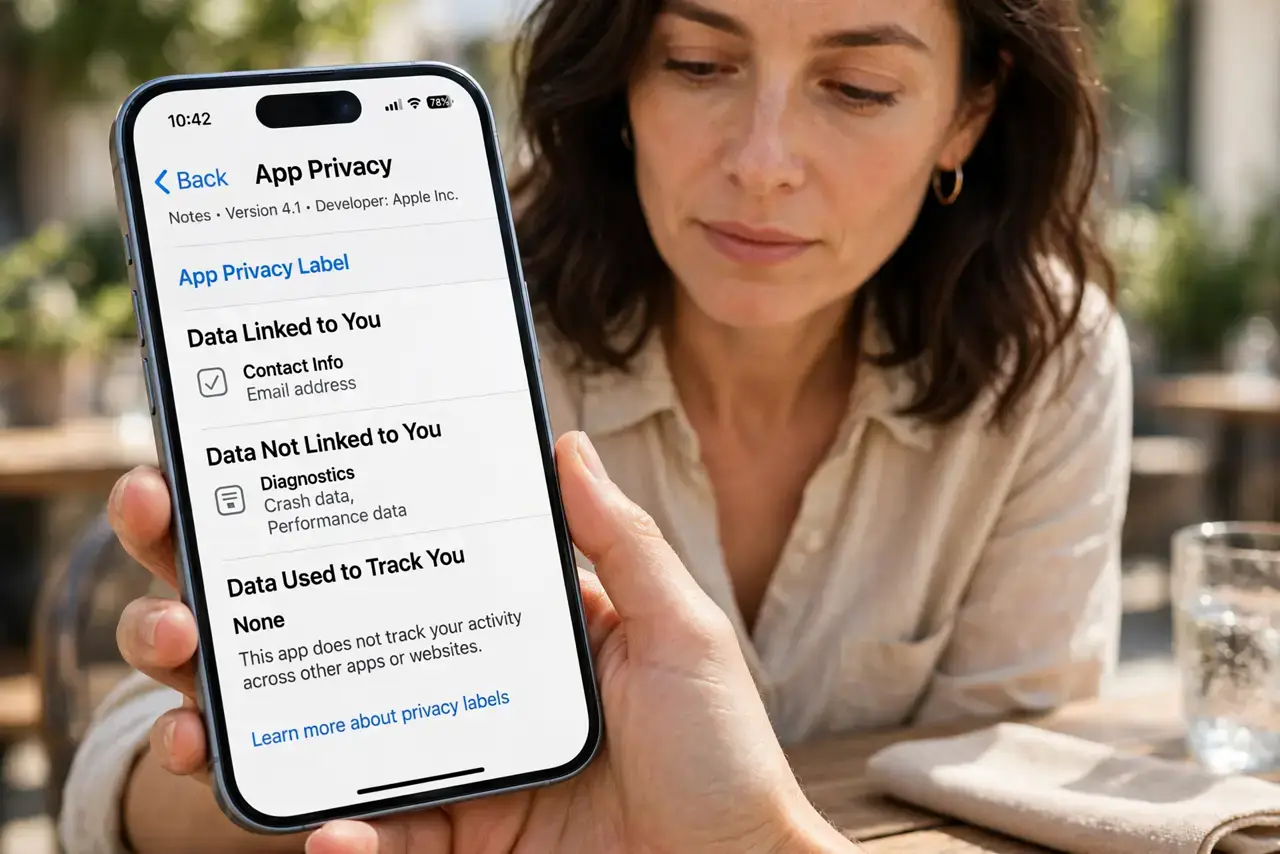
- Read the app's privacy label. On the App Store or Play Store listing, check what the app collects and whether it is linked to you. Weather apps often list location, identifiers, and usage data.
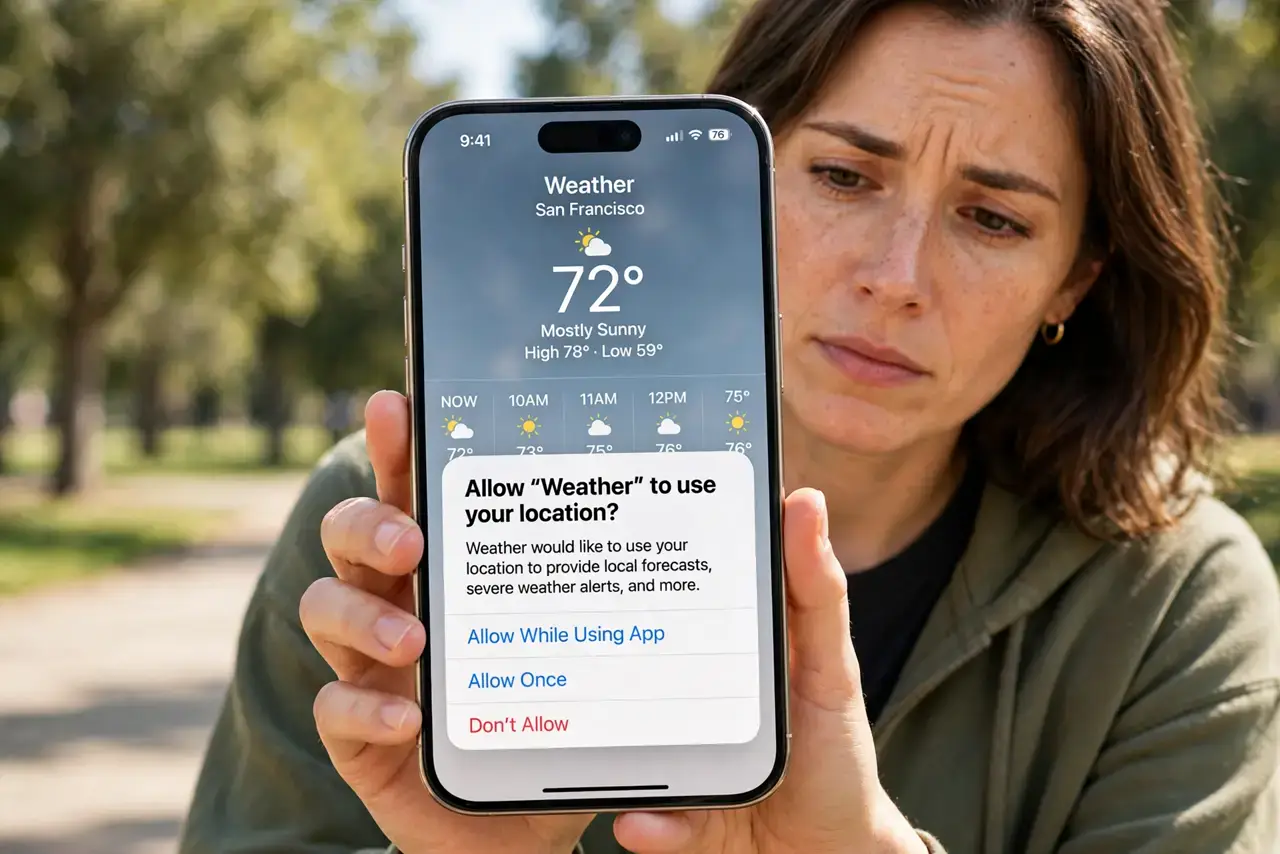
- Switch precise location off. In the app's location permission, turn off precise location so it only gets your approximate area. A forecast for your neighborhood works just as well.
- Deny background location. Set location access to 'only while using the app.' A weather app has no reason to track where you go when it is closed.
- Turn off ad personalization inside the app. Open the app's own settings and disable personalized ads and analytics. These toggles are separate from the system permission and easy to miss.
- Try the built-in weather app. iPhone and most Android phones include a weather app with a far smaller data appetite. Test it for a week — you may not miss the old one.
- Delete your history before switching. If you abandon a data-hungry app, delete its account and cached data first, then uninstall. Otherwise your history sits on their servers.
What NOT to do
- Do not grant precise location for a 10-day forecast. No forecast needs to know which side of the street you are on.
- Do not accept every in-app prompt. Weather apps love to upsell 'severe weather alerts' that quietly require always-on location.
- Do not assume paying removes tracking. Some paid weather apps still collect and share location data — check the privacy label anyway.
- Do not keep location on for widgets you never look at. A home-screen weather widget with always-on location is a 24/7 tracker for a glance you skip.
Frequently asked questions
Do weather apps sell my location?
Many free ones share or sell it to data brokers and advertisers. The app's privacy label and privacy policy will say so, in fine print.
Is the built-in weather app safer?
Generally yes. Apple and Google weather apps are not in the business of selling your location to brokers, though they still use it for the forecast.
Why does my weather app need my contacts?
It does not. Deny it — that request is pure data collection wearing a weather costume.