WhatsApp Code You Didn't Request? What to Do
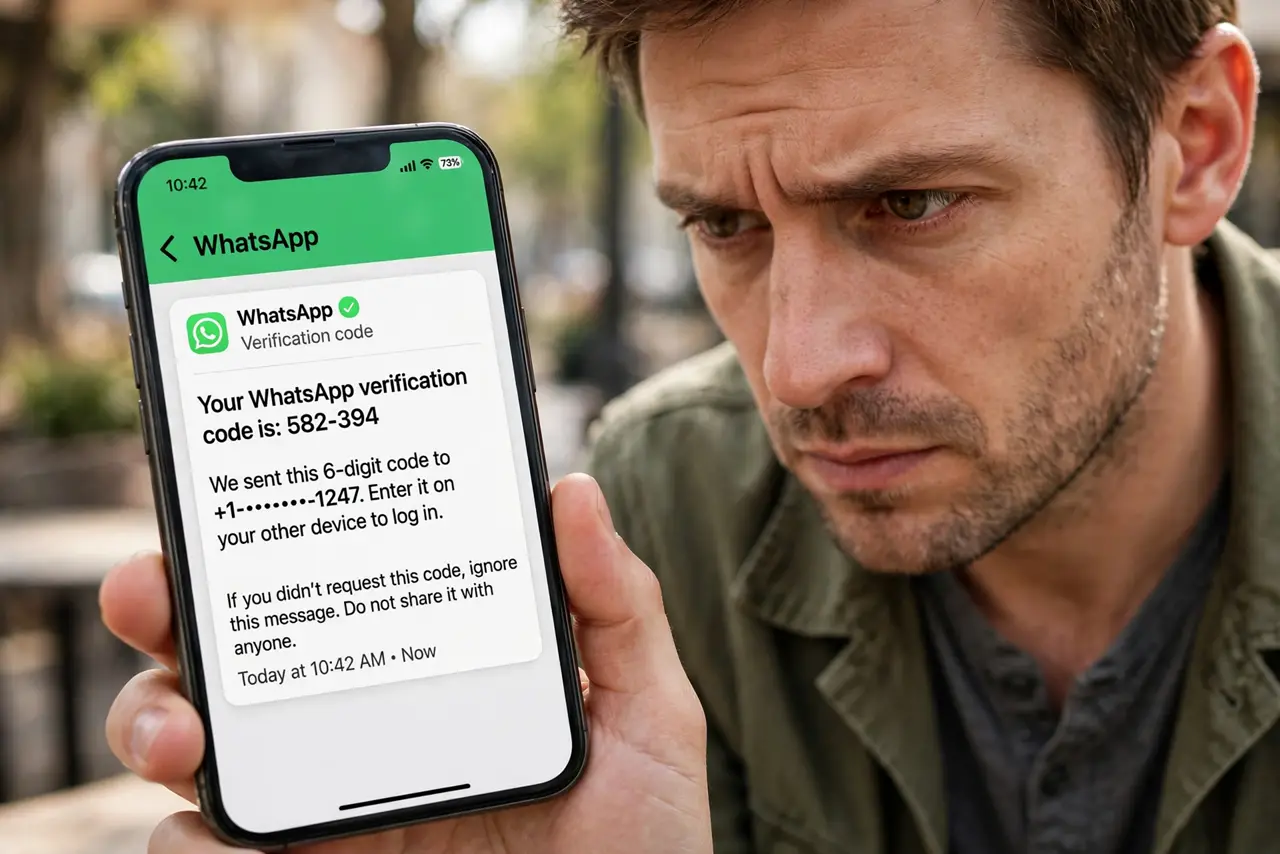
A WhatsApp verification code arrives but you did not ask for one. That means someone typed your phone number into WhatsApp — usually by mistake, sometimes to take over your account. This guide shows what to do right now.
TL;DR / Quick Fix
Quick fix: do nothing with the code — don't enter it anywhere and never share it with anyone who asks. If WhatsApp works on your phone, you're fine; turn on WhatsApp's two-step verification PIN for protection. If you were logged out, re-register your number immediately to take your account back.
Follow these steps
- Do not enter the code anywhere. You did not request it, so there is nothing to complete. Just let it sit — entering it on a strange site could hand your number to a scammer.
- Never share the code with anyone. No legitimate person or company will ever ask for your WhatsApp code. Anyone asking is running the classic account-takeover trick.
- Check WhatsApp still works. Open WhatsApp on your phone. If your chats load normally, nobody took your account — someone probably mistyped their number.
- Re-register if you were logged out. If WhatsApp asks you to verify, enter your number and use a fresh code you request yourself. This boots off anyone who registered your number.
- Turn on two-step verification. In WhatsApp Settings, Account, enable two-step verification and set a PIN. Now a code alone is not enough to steal your account.
- Add an email to WhatsApp. In the same settings, add your email address. It lets you reset the PIN if you forget it, so you do not get locked out later.
What NOT to do
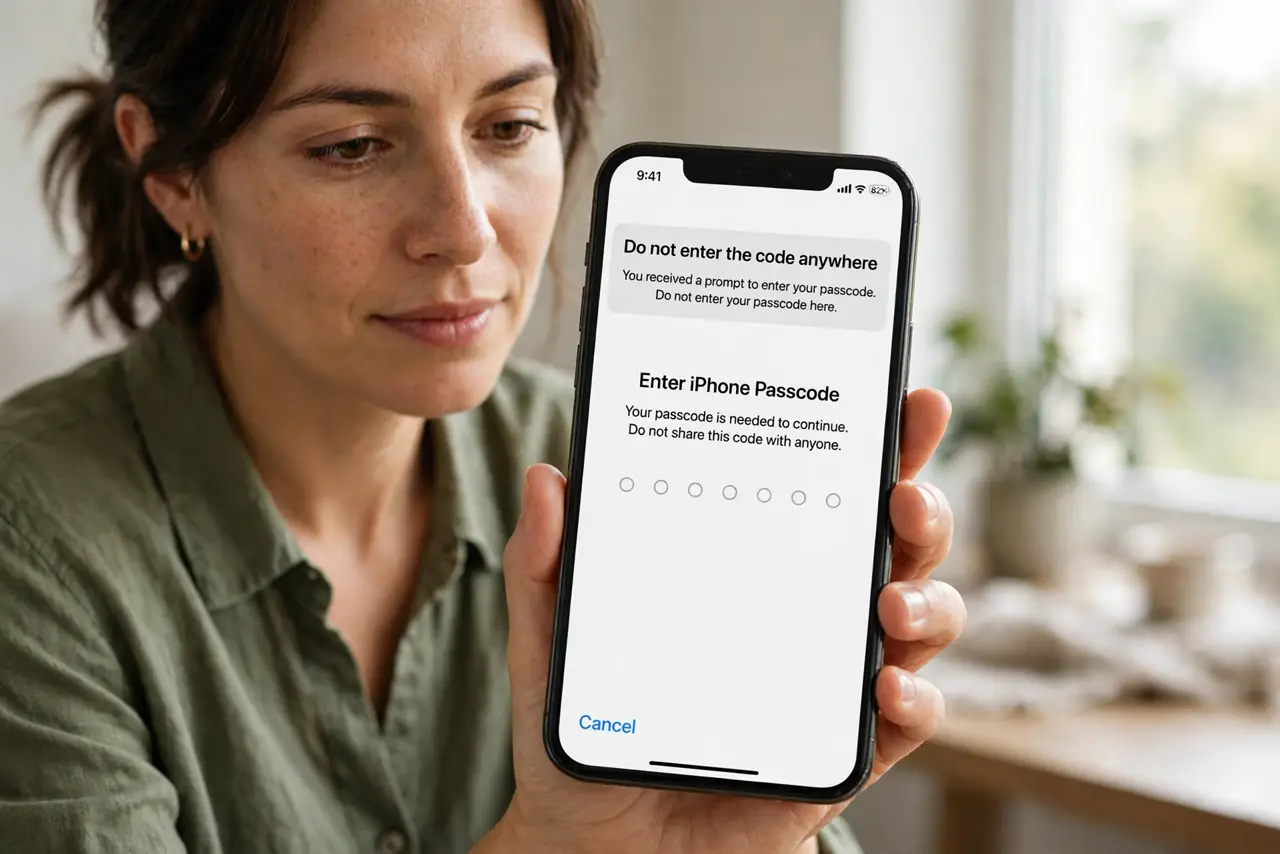
- Do not forward the code to a 'friend' who says they sent it to you by mistake. That is exactly how the takeover works — the code is for your account, not theirs.
- Do not call back unknown numbers from the message. The code text is automated; calling back reaches a scammer or a dead end.
- Do not ignore it if you were logged out. An unexpected logout plus a code means someone is actively trying — re-register immediately.
- Do not use the same PIN as your phone unlock. If someone knows your unlock code, a matching WhatsApp PIN gives them everything.
Frequently asked questions
Someone texted asking for my WhatsApp code — what do I do?
Do not send it. That person is trying to register your number on their phone. Block them and report the message.
I got several codes in a row — am I being attacked?
Possibly someone keeps retrying your number, or a glitch is resending. Do not share any of them, and turn on two-step verification.
Can someone read my chats with just the code?
They can register your number and receive your new messages, though not your old chat history. Re-registering your number cuts them off.