2.4 GHz vs 5 GHz Wi-Fi: Which to Use
Your router broadcasts two networks — or one name covering both — and devices keep picking the wrong one. 2.4 GHz reaches far but runs slow; 5 GHz runs fast but dies through walls. Picking deliberately, instead of letting the router guess, fixes a whole class of 'slow Wi-Fi' complaints.
TL;DR / Quick Fix
Quick fix: use 5 GHz near the router for speed — calls, gaming, downloads. Use 2.4 GHz far from the router or for smart gadgets. If the router merges both under one name, splitting them lets you choose per device. Weak 5 GHz is slower than strong 2.4 GHz.
Follow these steps
- Learn the trade-off in one line. 2.4 GHz: long range, slower, crowded. 5 GHz: short range, faster, cleaner. Everything else follows from that.
- Use 5 GHz close to the router. In the same room as the router, 5 GHz wins for calls, streaming, and downloads. Connect your laptop and TV here.
- Use 2.4 GHz at distance. Two rooms away or in the yard, 2.4 GHz's longer waves punch through walls that stop 5 GHz cold.
- Put smart gadgets on 2.4 GHz. Bulbs, plugs, and cameras usually only speak 2.4 GHz — see the smart device guide. Give them the band they understand.
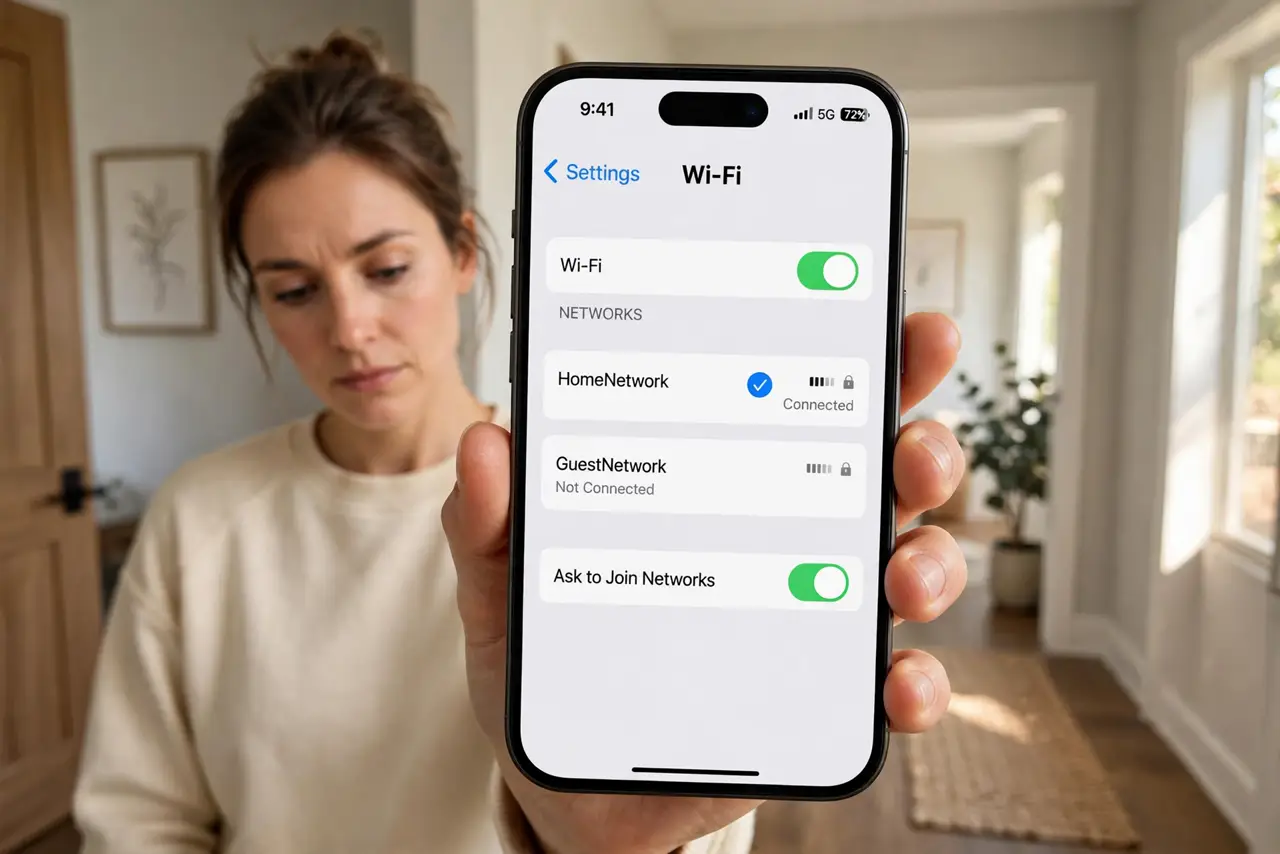
- Split the network names if merged. One name for both bands lets the router guess. Separate names let you assign each device deliberately.
- Re-test the far rooms. Walk the house with a speed test. A device clinging to weak 5 GHz should be moved to 2.4 GHz manually.
What NOT to do
- Do not force everything onto 5 GHz. A distant device on weak 5 GHz performs worse than on strong 2.4 GHz.
- Do not assume 5 GHz is always faster. Through two walls, its speed collapses below 2.4 GHz's steady reach.
- Do not rename bands to the same name accidentally. Merged names are fine when deliberate; accidental merges confuse every device.
- Do not blame the provider for band problems. Band choice is your router's domain — the internet line is identical either way.
Frequently asked questions
Which band is better for gaming?
5 GHz, close to the router — lower latency and less interference. Far from the router, a strong 2.4 GHz beats a dying 5 GHz signal.
Why do I see two Wi-Fi names?
Your router broadcasts each band separately. They are the same internet — just different radios with different range and speed.
Should I disable one band?
Usually no. Keep both: 5 GHz for speed near the router, 2.4 GHz for range and smart gadgets. Disable only to troubleshoot.