Should You Split 2.4 GHz and 5 GHz Wi-Fi?
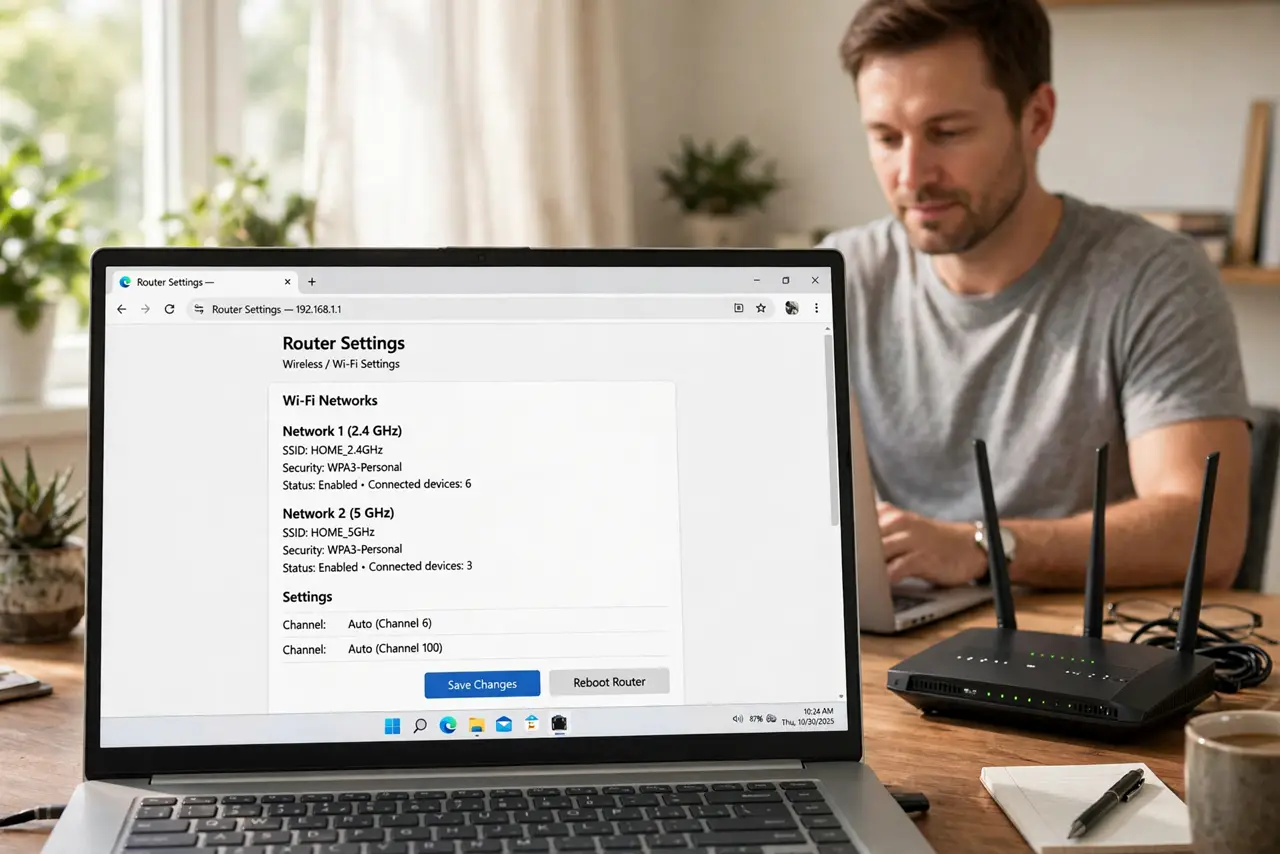
Your router offers one merged network name, and you are wondering whether to split 2.4 GHz and 5 GHz apart. Splitting gives you control; merging gives you convenience — the right choice depends on your devices.
TL;DR / Quick Fix
Quick fix: split the bands if a device keeps landing on the wrong one or a smart gadget refuses to connect — separate names end the guessing. Keep them merged if everything works and you value seamless roaming. You can always merge them back later.
Follow these steps
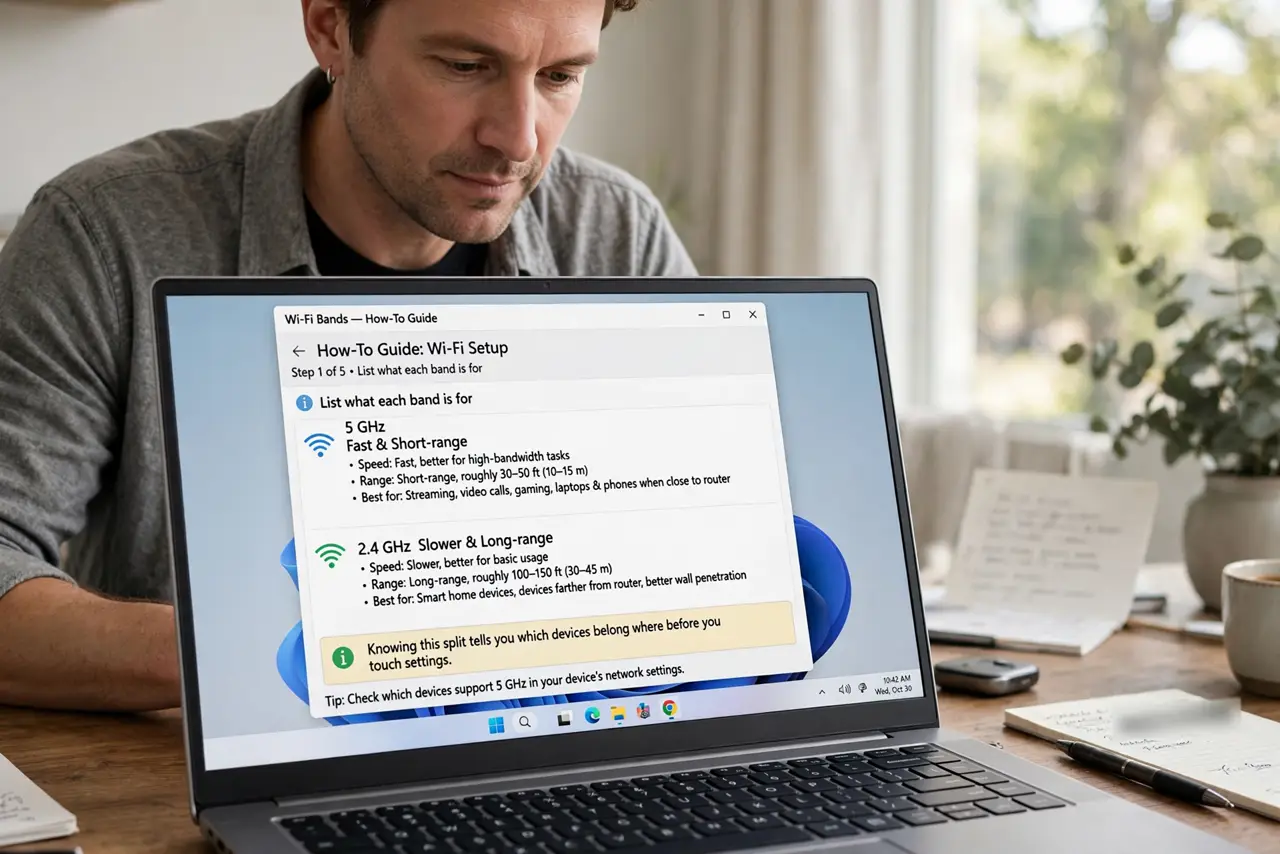
- List what each band is for. 5 GHz is fast and short-range; 2.4 GHz is slower and long-range. Knowing this split tells you which devices belong where before you touch settings.
- Split when a device misbehaves. If band steering parks your laptop on 2.4 GHz or a smart plug cannot join a merged network, splitting gives each device an explicit choice.
- Name them clearly. Use names like Home-5G and Home-2G. Clear names prevent the classic mistake of joining the wrong band and wondering why nothing improved.
- Put smart home gadgets on 2.4 GHz. Plugs, bulbs, and cameras almost all require 2.4 GHz. Joining them to the 2.4 GHz name directly avoids the most common smart-home setup failure.
- Keep phones and laptops on 5 GHz near the router. Join the 5 GHz name on devices you use close to the router for maximum speed. Let distant devices use 2.4 GHz for its better range.
- Revisit the decision yearly. New routers steer better every year. If you split years ago, try merging again — modern steering may now handle your devices gracefully.
What NOT to do
- Do not split and then join everything to 2.4 GHz out of habit. The split only helps if speed-hungry devices actually use the 5 GHz name.
- Do not use wildly different passwords per band. One password for both names keeps life simple; the bands differ by name, not by security.
- Do not expect split bands to fix a weak signal. Splitting organizes bands — it does not extend range, which is a placement or mesh question.
- Do not forget which devices you moved. A note of what joined which band saves confusion the next time something will not connect.
Frequently asked questions
Will splitting double my speed?
No. It organizes which band each device uses; total internet speed stays whatever your plan provides.
Do I need to split for smart home devices?
Often yes. Many smart gadgets only see 2.4 GHz and fail on merged networks that hide the band choice.
Can I merge them back?
Yes, in the same router settings. Merging is reversible, so experimenting with a split costs nothing.