20 vs 40 MHz on 2.4 GHz
Deep in your router settings sits a choice: 20 MHz or 40 MHz channel width on the 2.4 GHz band. Wider sounds faster, and sometimes it is — but on the crowded 2.4 GHz band, wider also means more interference from neighbors. Picking the right width is a tradeoff between raw speed and reliability, and the right answer depends on where you live.
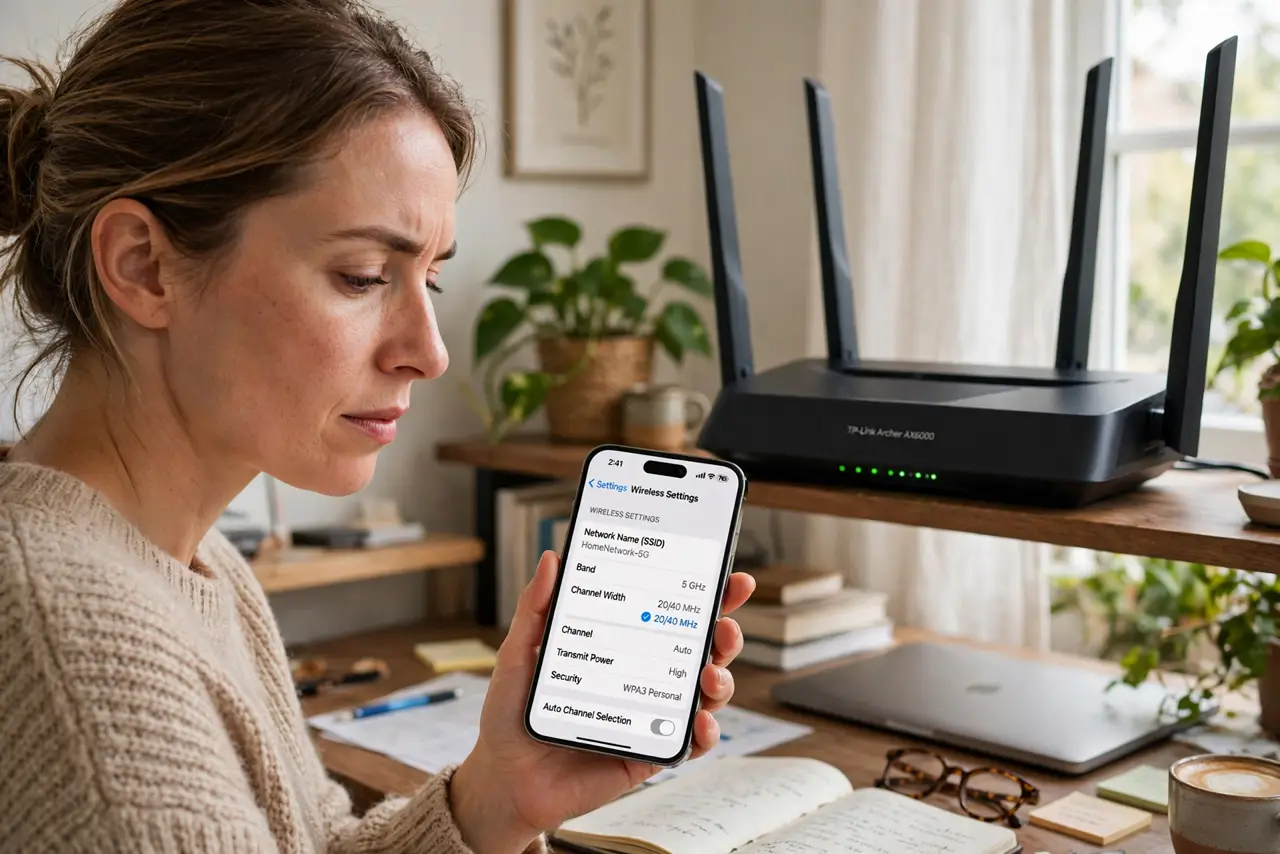
TL;DR / Quick Fix
Quick fix: in a crowded area like an apartment building, use 20 MHz on 2.4 GHz — narrower but far more resistant to neighbor interference. In a detached house with no nearby networks, 40 MHz gives more speed. When in doubt, choose 20 MHz; stability beats speed you cannot sustain.
Follow these steps
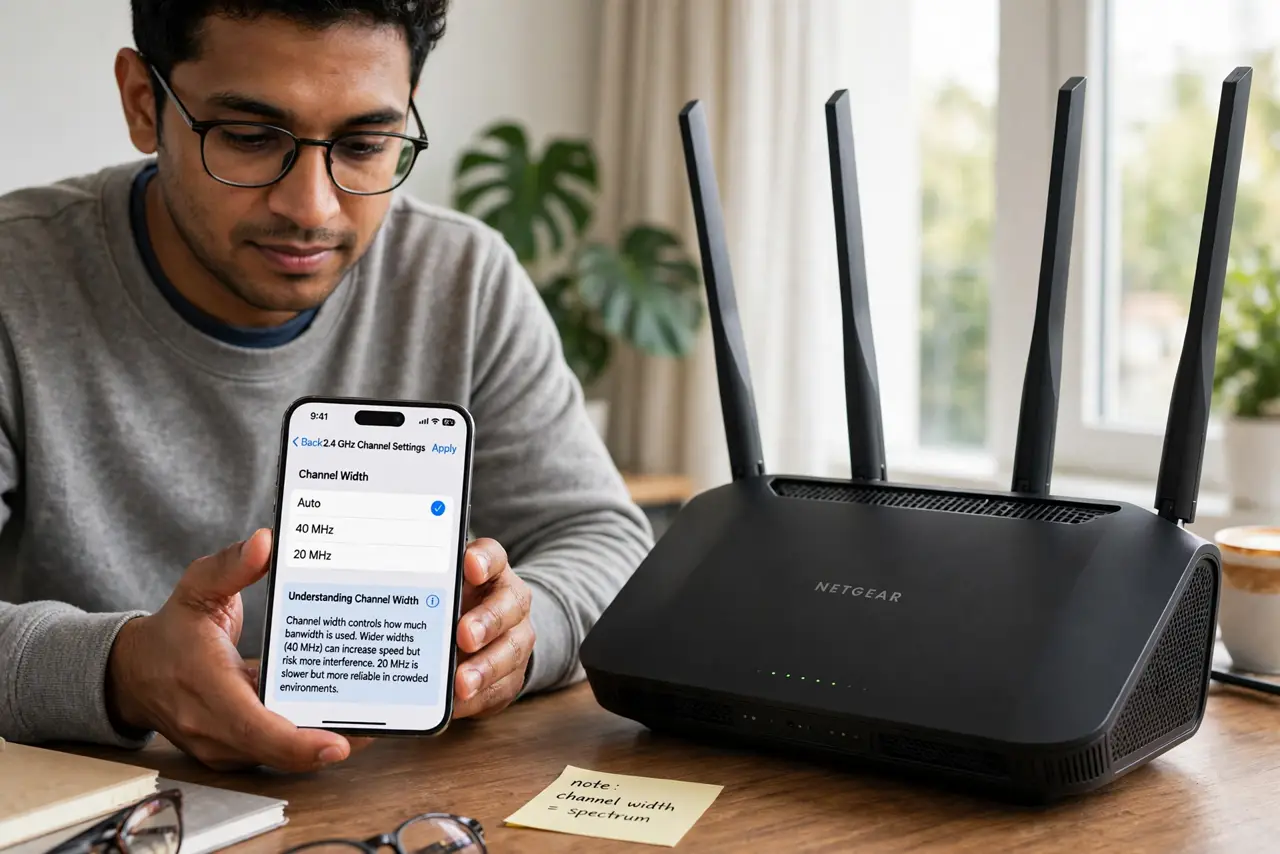
- Understand what channel width means. The width is how much radio spectrum your Wi-Fi uses at once. 40 MHz uses double the spectrum of 20 MHz, so it can carry more data — but it also overlaps with twice as many neighboring networks.
- Survey your neighborhood. Use a free Wi-Fi analyzer app to see how many networks surround you. A dozen overlapping networks means heavy congestion; two or three means you have room to breathe.
- Choose 20 MHz in crowded areas. Apartments, dorms, and dense streets: 20 MHz. The narrower channel dodges interference, and a stable 20 MHz connection outperforms a 40 MHz one that keeps retransmitting.
- Choose 40 MHz in quiet areas. Detached houses with few neighbors: 40 MHz is safe and genuinely faster. With no one to interfere with, the wider channel delivers its full advantage.
- Change it in the router. Find the wireless settings for the 2.4 GHz band and switch the channel width. The router applies it immediately; devices reconnect on their own within a minute.
- Test for a day before judging. Interference varies by hour. Run the new setting through an evening — the busy period — before deciding. One speed test at noon proves nothing.
What NOT to do
- Do not set 40 MHz in an apartment 'for speed.' Congestion will make it slower and flakier than 20 MHz in practice.
- Do not change 5 GHz width by the same logic. The 5 GHz band has far more room, so wider channels there are usually fine.
- Do not chase the width setting alone. Channel choice matters as much — a clean narrow channel beats a crowded wide one.
- Do not forget to check both bands. This setting is per-band; changing 2.4 GHz does not touch your 5 GHz network.
Frequently asked questions
What does MHz mean here?
Megahertz of radio spectrum — the width of the lane your Wi-Fi drives in. Wider lane, more potential throughput, more chance of traffic.
Will 20 MHz make my internet slow?
No. 20 MHz on 2.4 GHz still far exceeds most internet plans' speeds for typical use. The bottleneck is almost never the channel width.
Why did my router default to 40 MHz?
Because benchmarks look good in empty test labs. Real neighborhoods are not empty labs — the default optimizes for marketing, not your apartment.