Wi-Fi 5 vs Wi-Fi 6?
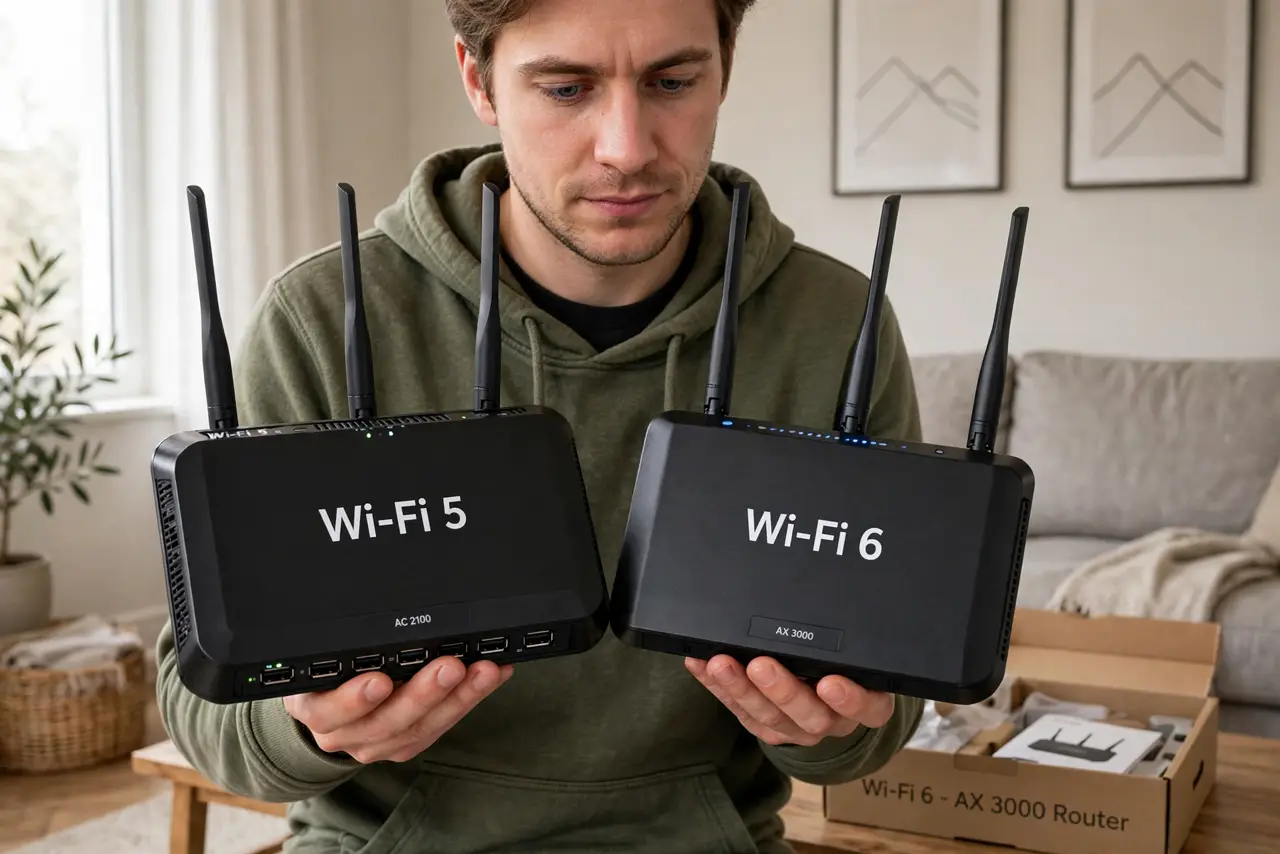
Your router box says Wi-Fi 6 and your old one said Wi-Fi 5, but nobody explains what actually changes in your living room. The short version: Wi-Fi 6 is mostly about handling many devices at once, not raw speed for one device. Knowing the difference stops you from buying an upgrade that changes nothing.
TL;DR / Quick Fix
Quick fix: Wi-Fi 6 beats Wi-Fi 5 mainly when many devices connect at once — crowded homes get smoother calls and less lag. For one or two devices, the speed gain is small. Upgrade if 15+ devices fight for airtime; otherwise your Wi-Fi 5 router is fine.
Follow these steps
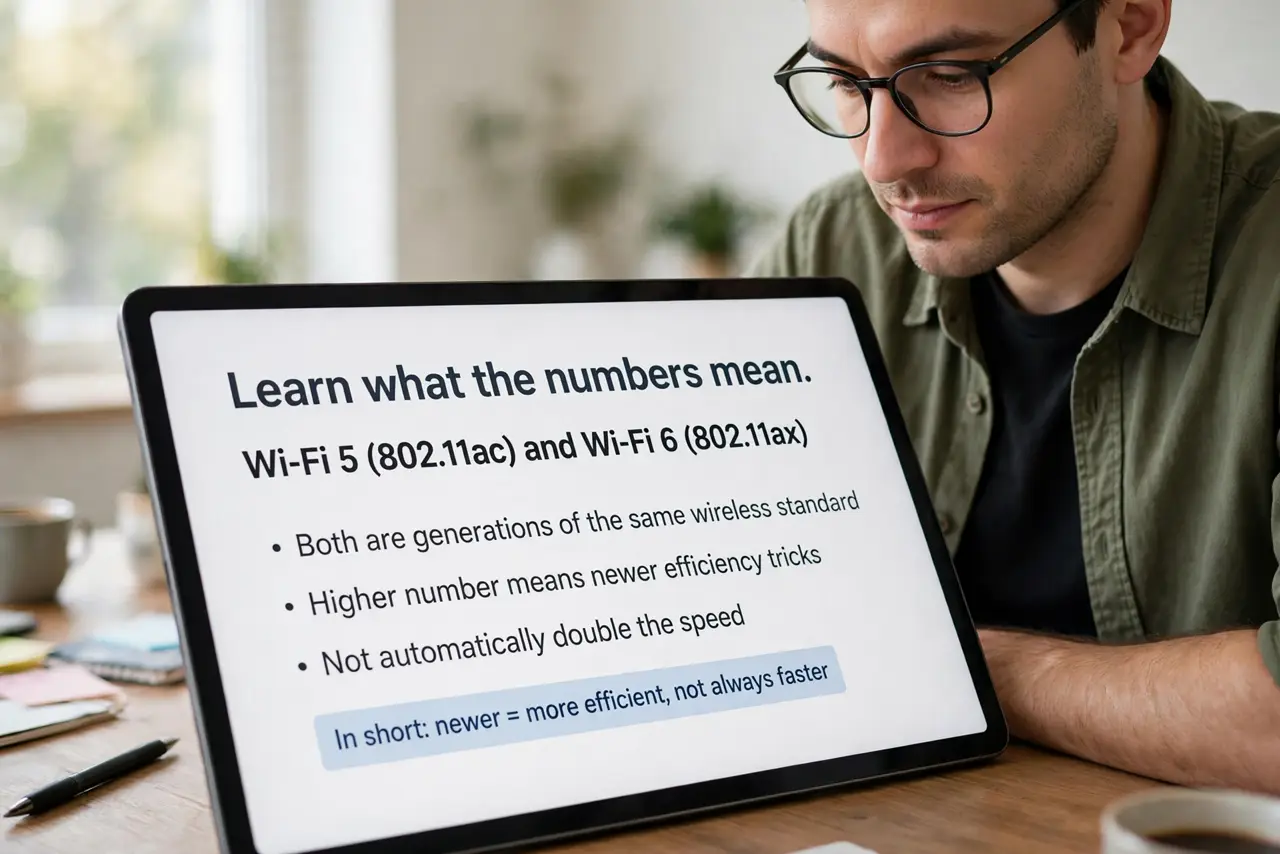
- Learn what the numbers mean. Wi-Fi 5 (802.11ac) and Wi-Fi 6 (802.11ax) are generations of the same wireless standard. Higher number means newer efficiency tricks, not automatically double the speed.
- Understand the real win: capacity. Wi-Fi 6 divides airtime among many devices far more efficiently. In a house with phones, TVs, laptops, and smart gadgets all online, that means less waiting — the headline benefit.
- Check your devices first. Both ends must speak Wi-Fi 6 to get its benefits. If your laptop and phone are a few years old, a new router still helps the network overall, but those devices will not use the new features.
- Do not expect miracles on one device. A single phone speed-testing on Wi-Fi 6 vs Wi-Fi 5 shows a modest gain. The dramatic difference appears with ten devices streaming, calling, and gaming at once.
- Consider your internet plan. A Wi-Fi 6 router cannot make a 100 Mbps plan faster. If your plan is the bottleneck, the router upgrade does nothing — check the plan before the hardware.
- Pair it with a modern modem. Old modems cap everything behind them. If you are on cable, make sure your modem supports DOCSIS 3.1 so the router actually has fast internet to distribute.
What NOT to do
- Do not upgrade just for the bigger number. Count your connected devices first — under a dozen, Wi-Fi 5 usually keeps up fine.
- Do not mix a Wi-Fi 6 router with a decade-old modem. The slowest link in the chain decides your speed, and it is often the modem.
- Do not place the new router where the old one struggled. Better standards do not fix bad placement — walls and distance still rule.
- Do not pay extra for Wi-Fi 6E or 7 without checking device support. Newer bands help only devices that can actually use them.
Frequently asked questions
Is Wi-Fi 6 faster than Wi-Fi 5?
Modestly, for a single device — maybe 30-40% in ideal conditions. The big win is efficiency with many devices, which is where most homes feel it.
Do I need a new modem for Wi-Fi 6?
Not for the Wi-Fi itself, but an old modem can bottleneck the whole setup. On cable internet, a DOCSIS 3.1 modem is the right partner.
What about Wi-Fi 6E and Wi-Fi 7?
They add new radio bands and more speed, but device support is still catching up. Wi-Fi 6 is the sweet spot for most buyers right now.