Wi-Fi 6 vs 6E vs 7?
Router boxes shout Wi-Fi 6, 6E, and 7 like you are supposed to know which one your home needs. These are generations of the same Wi-Fi standard, each adding speed and new radio bands — but the newest only pays off if your devices support it. This guide explains the real differences in plain language so you buy the right router, not the most expensive one.
TL;DR / Quick Fix
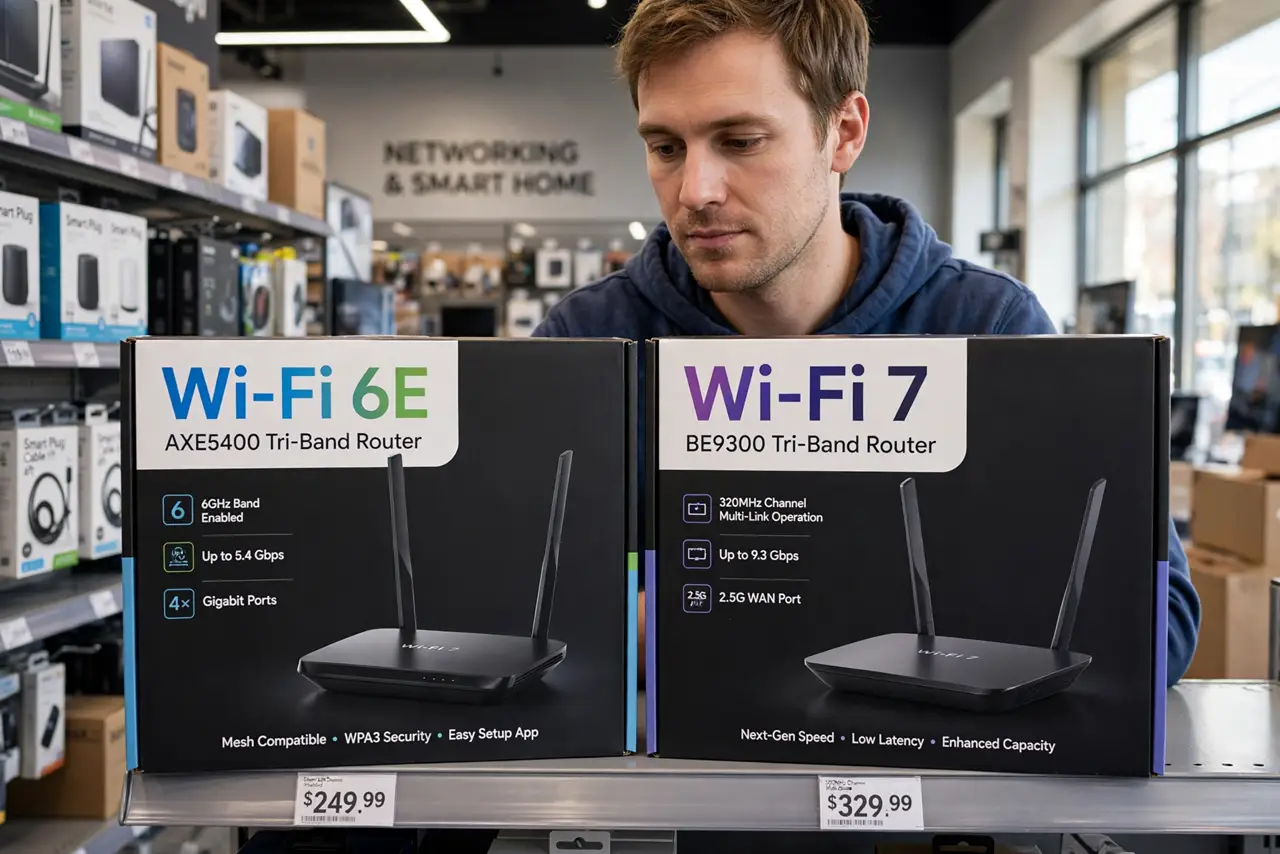
Quick fix: Wi-Fi 6 is the mainstream standard and fine for most homes. Wi-Fi 6E adds the 6 GHz band, helping only if your devices support it. Wi-Fi 7 adds the newest features but costs more and needs Wi-Fi 7 devices. Buy 6E for value, 7 for future-proofing.
Follow these steps
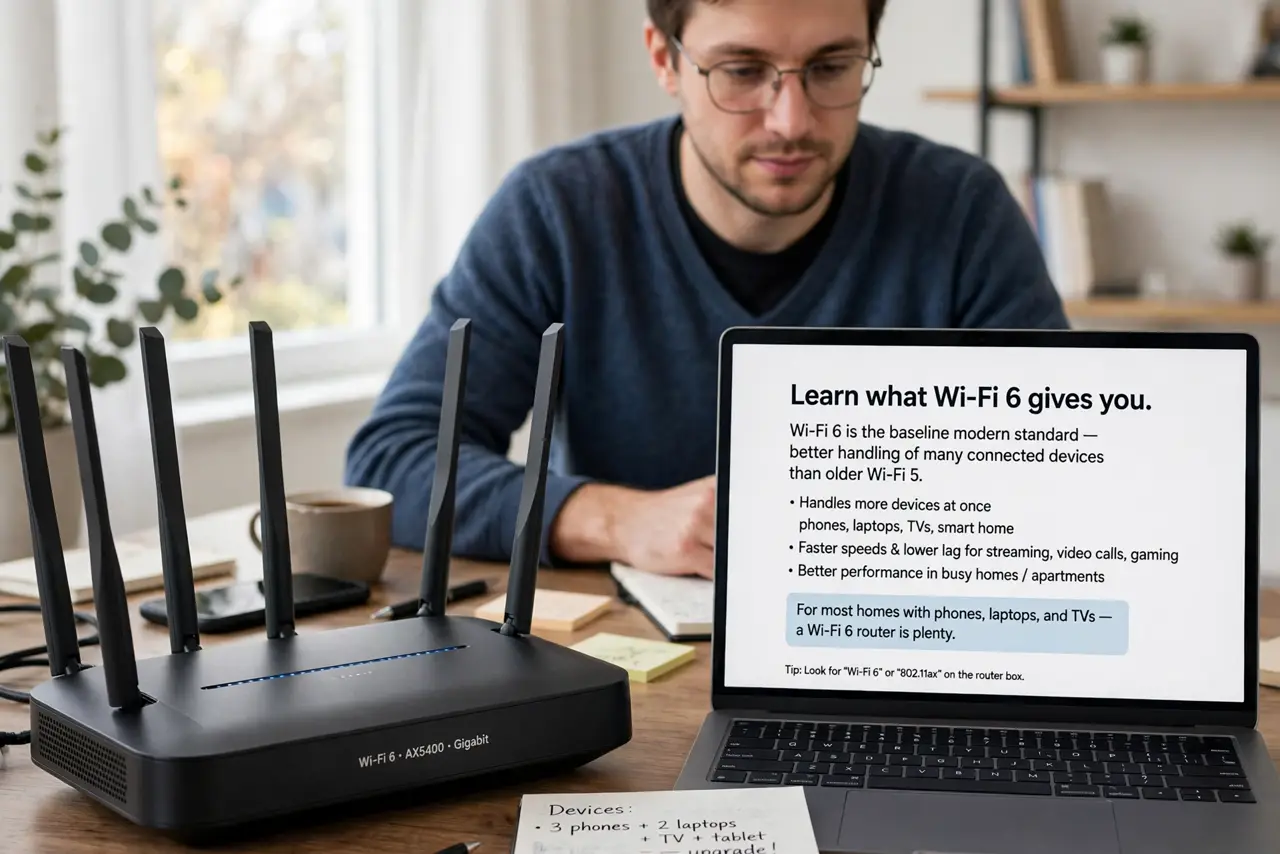
- Learn what Wi-Fi 6 gives you. Wi-Fi 6 is the baseline modern standard — better handling of many connected devices than older Wi-Fi 5. For most homes with phones, laptops, and TVs, a Wi-Fi 6 router is plenty.
- Learn what the E in 6E adds. Wi-Fi 6E adds the 6 GHz radio band on top of the 2.4 and 5 GHz bands, giving newer devices a wide, uncongested lane. It only helps devices that have 6E radios — older ones stay on the old bands.
- Learn what Wi-Fi 7 adds. Wi-Fi 7 adds wider channels, multi-link operation, and lower latency — real improvements, but only visible with Wi-Fi 7 devices on both ends. It is the premium, future-facing choice.
- Check your devices before buying. A Wi-Fi 7 router will not speed up a Wi-Fi 5 laptop. Look at your newest phone, laptop, and TV: buy the generation that matches the best device you actually own.
- Remember your internet plan is the ceiling. No router makes your connection faster than what your provider sells you. If your plan is 200 Mbps, a Wi-Fi 7 router will not deliver more than that.
- Place any router well first. Router placement affects speed more than the generation number. A well-placed Wi-Fi 6 router beats a badly placed Wi-Fi 7 one.
What NOT to do
- Do not buy Wi-Fi 7 'for speed' on an old device collection. The router can only speak as fast as your devices understand.
- Do not confuse the generation number with coverage. Wi-Fi 7 does not magically reach further — the higher bands are actually shorter-range.
- Do not replace a working router just for a bigger number. If your Wi-Fi 6 router covers the house fine, wait until you own newer devices.
- Do not ignore the modem and plan. The fanciest router cannot fix a slow plan or an ancient modem.
Frequently asked questions
Is Wi-Fi 6E worth it over Wi-Fi 6?
If you own 6E-capable devices and live somewhere with congested airwaves, yes — the 6 GHz band is noticeably cleaner. Otherwise, save the money.
Will Wi-Fi 7 help my old laptop?
No — old devices connect at their own older standard. Wi-Fi 7 only unlocks its speed with Wi-Fi 7 devices.
What is the difference between Wi-Fi 6 and 6E exactly?
6E is Wi-Fi 6 plus access to the 6 GHz band. Same core features, one extra wide-open radio band.