Wi-Fi 6E? Plain Basics
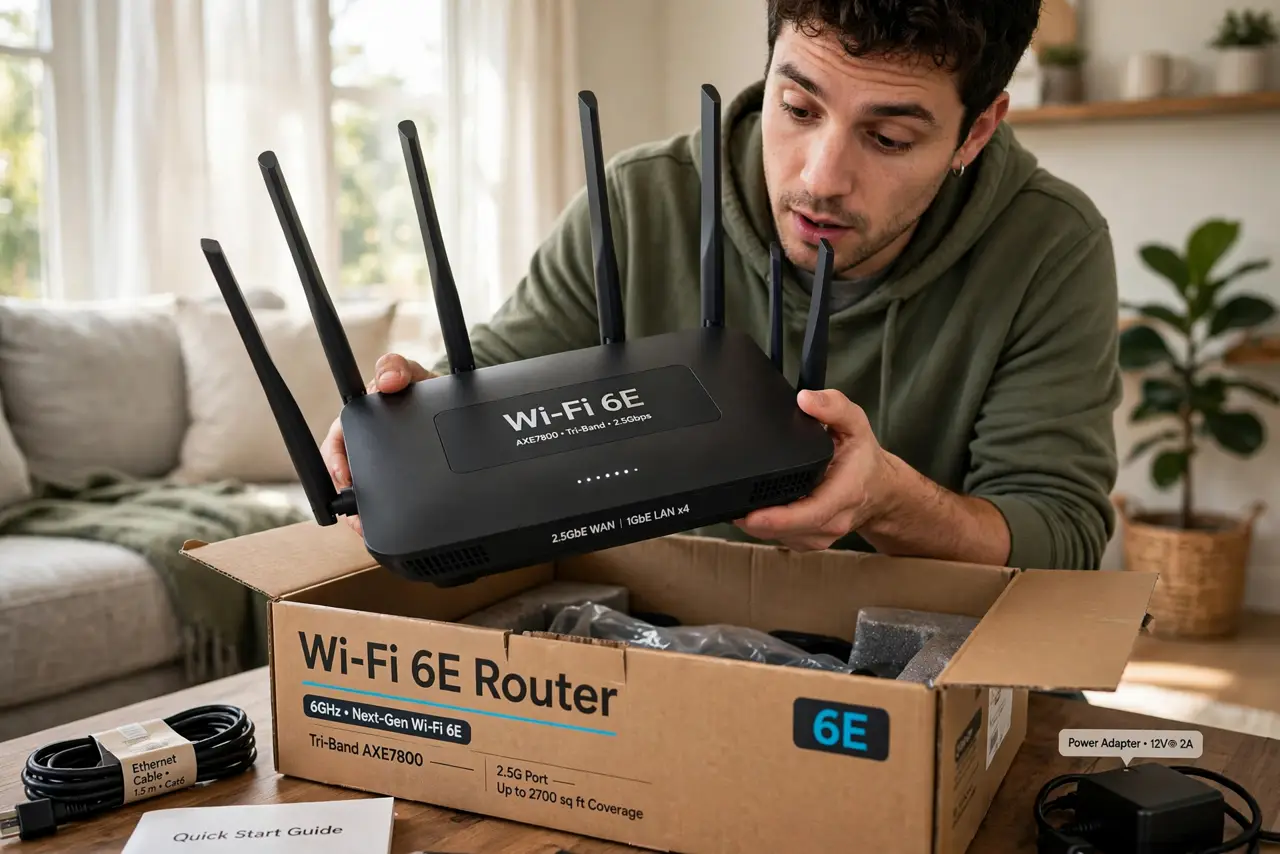
Your new router boasts Wi-Fi 6E and you are wondering whether the E is worth caring about. Wi-Fi 6E adds a third radio band — 6 GHz — alongside the familiar 2.4 and 5 GHz, with wide-open airspace and room for the fastest speeds. The catch: 6 GHz barely goes through walls, and both router and device must support it. Here is the plain-English verdict.
TL;DR / Quick Fix
Quick fix: Wi-Fi 6E adds a 6 GHz band — fast and uncongested, but short-range and wall-shy. You need a 6E router AND a 6E device; otherwise everything falls back to Wi-Fi 6. Irrelevant for far rooms and smart gadgets. Don't pay extra unless your devices support it.
Follow these steps
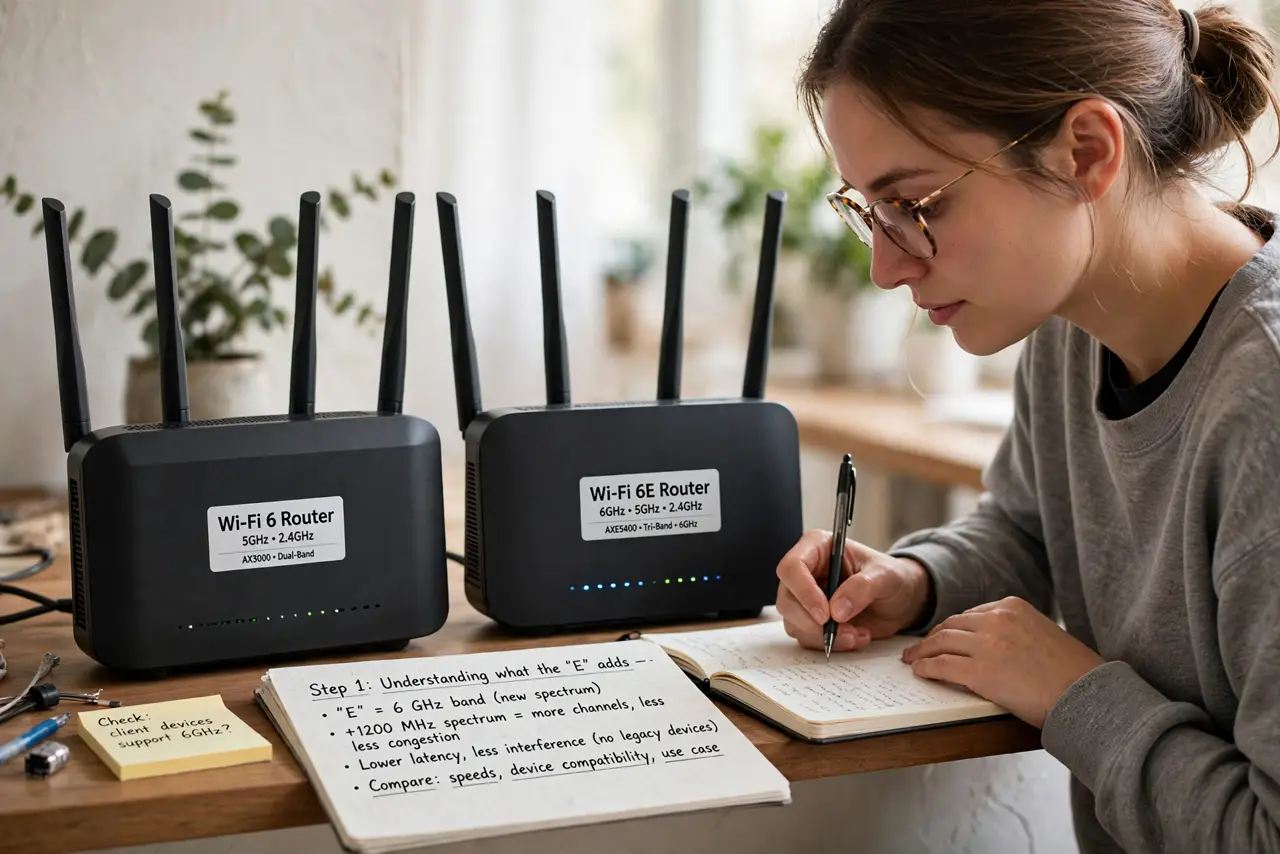
- Understand what the E adds. Wi-Fi 6E is Wi-Fi 6 plus access to the 6 GHz band — fresh spectrum with no legacy devices clogging it. Same features as Wi-Fi 6 (better efficiency, lower latency), just with a wide-open highway added. The E literally stands for Extended.
- Know the range tradeoff. 6 GHz is even shorter-range than 5 GHz and worse through walls — think same-room or adjacent-room only. It is a speed band, not a coverage band. Your 2.4 vs 5 GHz logic applies again: faster always means shorter reach.
- Check both ends support it. A 6E router with a non-6E phone gives you plain Wi-Fi 6 — the 6 GHz band sits idle. Check your phone and laptop specs for 'Wi-Fi 6E' before paying the premium. Flagship phones from recent years usually have it; budget devices often don't.
- Expect the router to manage bands. 6E routers typically merge all three bands under one network name and steer devices automatically. Let it work — manual band assignment is rarely needed. If a device misbehaves, the router's app usually lets you pin it to a band.
- Don't expect smart-home benefits. Smart bulbs, plugs, and cameras are 2.4 GHz creatures and will never touch 6 GHz. Wi-Fi 6E changes nothing for them. Buy 6E for laptops, phones, and VR headsets near the router — not for the smart home.
- Consider Wi-Fi 7 before overpaying. Wi-Fi 7 routers are arriving with even more tricks. If you are upgrading anyway and the price gap is small, skipping straight to 7 may age better. But no new standard fixes bad placement — position still comes first.
What NOT to do
- Do not pay the 6E premium for a house of old devices. Without 6E clients, you bought an expensive Wi-Fi 6 router.
- Do not expect 6 GHz to fix far rooms. It is the shortest-range band — dead zones need placement, mesh, or wiring, not 6E.
- Do not disable the 2.4 GHz band on a 6E router. Your smart home still lives there.
- Do not confuse Wi-Fi 6E with '6G.' 6E is Wi-Fi on the 6 GHz band; 6G is a future cellular generation — unrelated.
Frequently asked questions
Is Wi-Fi 6E faster than Wi-Fi 6?
On the 6 GHz band, yes — clean spectrum allows the widest channels and top speeds. On 2.4 and 5 GHz, 6E and 6 perform identically. The speed lives in the new band only.
Do I need new devices?
To use the 6 GHz band, yes — both router and device must say 6E. Older devices keep working on the 2.4 and 5 GHz bands of a 6E router, just without the new perks.
Should I wait for Wi-Fi 7?
If your current router works fine, waiting is reasonable — 7 adds real improvements. If you need a router now, buy for today's devices and prices, not tomorrow's standards.