WPA3? The Plain Basics
Your router's Wi-Fi security setting says WPA2, and somewhere there's a WPA3 option you're afraid to touch. WPA3 is the newer Wi-Fi encryption standard — stronger protection against password guessing and safer public-network encryption. Most modern routers support it, and enabling it is usually painless. Here is what it does and whether to switch.
TL;DR / Quick Fix
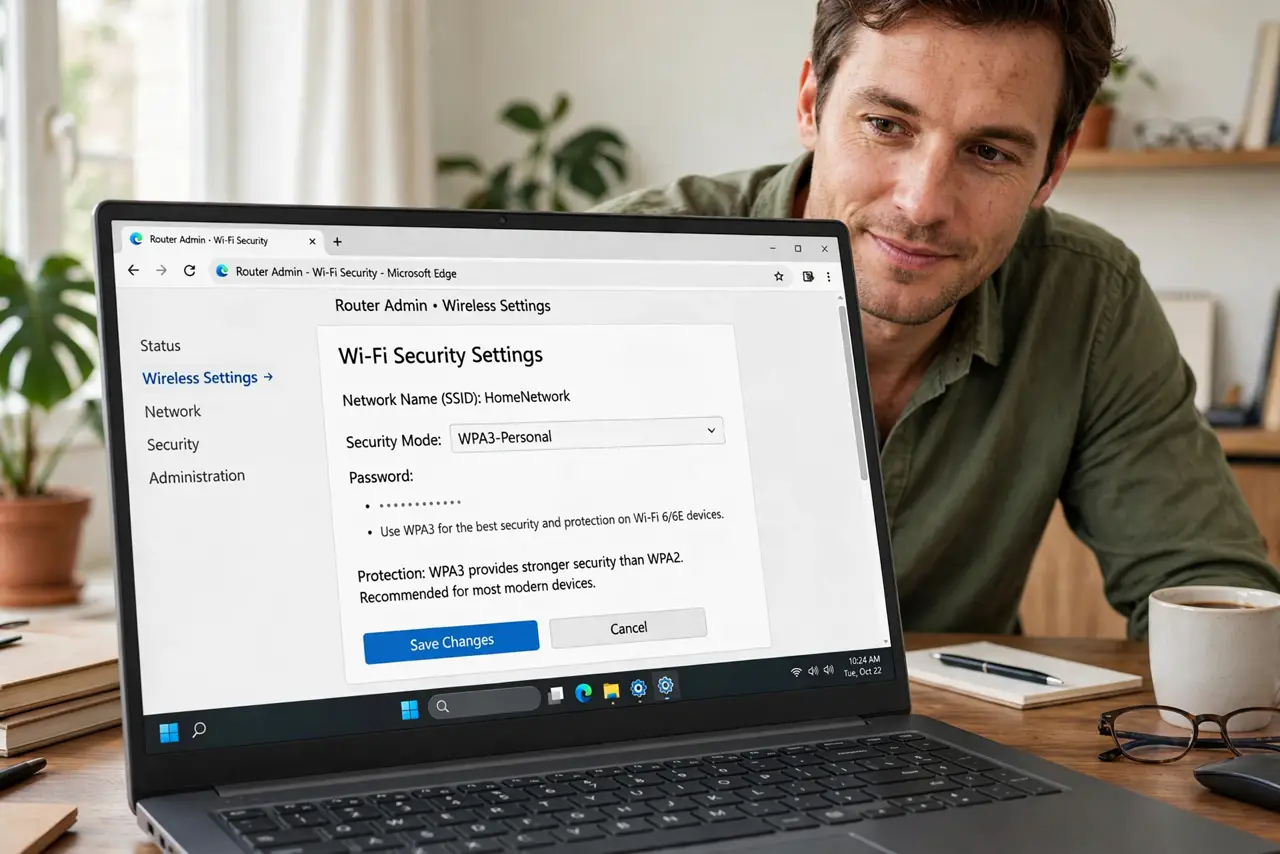
Quick fix: WPA3 is the newer, stronger Wi-Fi security standard replacing WPA2 — better password protection and safer encryption. If your router offers WPA3 or WPA2/WPA3 transitional mode, enable it; modern devices connect fine. Very old gadgets may only speak WPA2, so use transitional mode if anything fails to connect.
Follow these steps
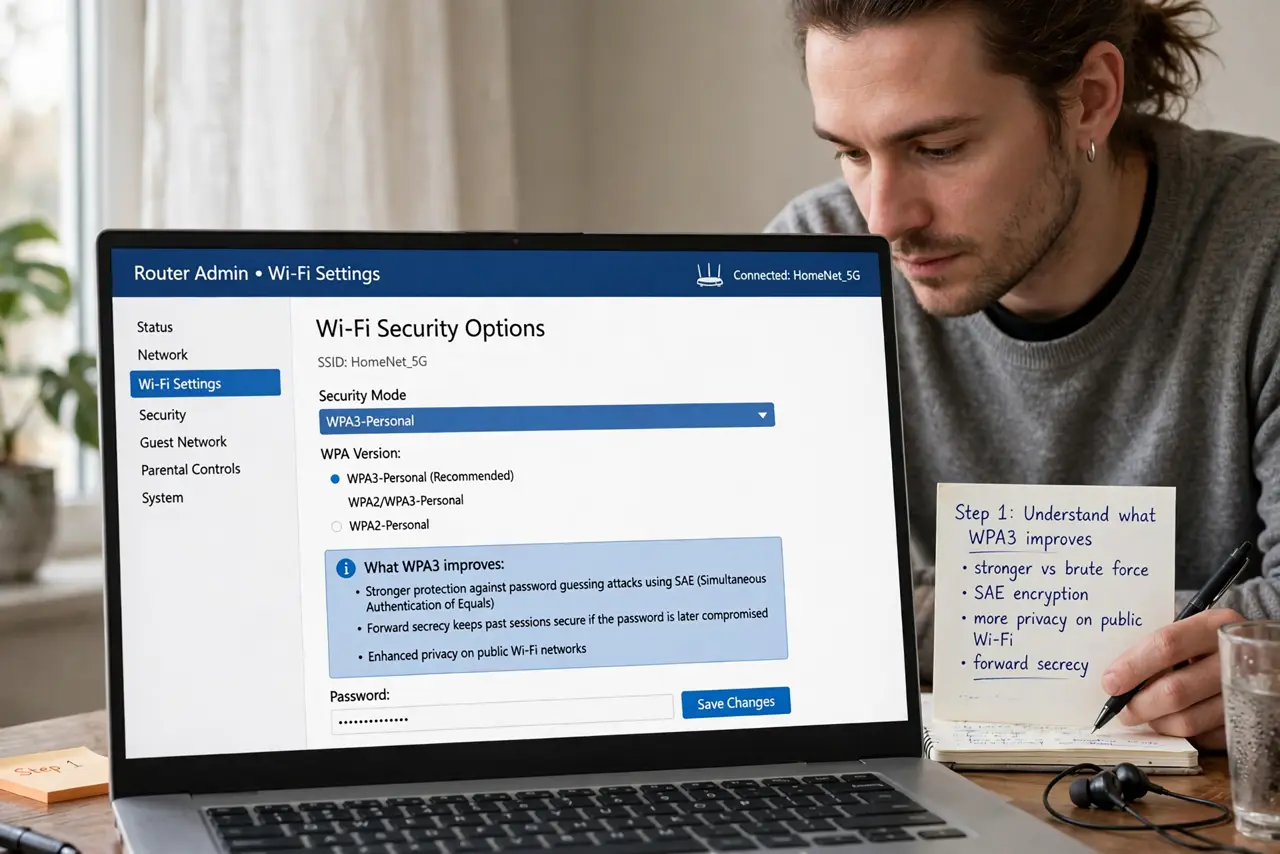
- Understand what WPA3 improves. WPA3 replaces WPA2's handshake with SAE — resistant to offline password-guessing attacks that plagued WPA2. It also encrypts open networks and mandates stronger encryption. In short: harder to crack, safer by default.
- Check your router offers it. Log into the admin panel → Wireless Security — look for WPA3-Personal or WPA2/WPA3 transitional. Routers from the last few years usually have it via firmware update. If it's absent, a firmware update may add it.
- Use transitional mode first. WPA2/WPA3 transitional accepts both — new devices get WPA3, old ones fall back to WPA2. This is the safe first step: all the benefit for modern devices, zero breakage for old ones. Pure WPA3 mode can wait until every device supports it.
- Test every device after switching. Reconnect phones, laptops, printers, and especially smart home gadgets — the oldest ones are the likely casualties. If a device refuses, transitional mode (not pure WPA3) is the fix. Don't leave a camera offline for 'security.'
- Change the Wi-Fi password too. While you're in security settings, set a strong, unique Wi-Fi password — WPA3 protects the handshake, but a weak password is still guessable online. A long passphrase plus WPA3 is the complete package.
- Don't forget the guest network. Apply the same WPA3/transitional setting to the guest network if your router allows per-network security. Guests' devices are often older — transitional mode keeps them connecting.
What NOT to do
- Do not enable pure WPA3-only mode on day one. Old printers, cameras, and smart plugs may silently fail — transitional mode avoids the carnage.
- Do not confuse WPA3 with a VPN. WPA3 secures your Wi-Fi airwaves; it doesn't hide your traffic from your ISP — different job.
- Do not leave security on WPA/WPA2-mixed or WEP. Those are broken — WPA2 at minimum, WPA3 where possible.
- Do not skip the firmware update. WPA3 often arrives via update — an unpatched router misses both the feature and security fixes.
Frequently asked questions
Will WPA3 slow my Wi-Fi?
No measurable difference — the handshake is slightly heavier but data speeds are identical. Security without a speed cost.
Do my devices support WPA3?
Phones and laptops from the last several years generally do. Smart home gadgets are the laggards — check the oldest ones first.
What about WPA3-Enterprise?
The business variant with per-user logins — overkill for homes. WPA3-Personal (password-based) is the home standard.