AP Mode vs Router Mode?
Your mesh satellites, old router, or new access point offer two personalities: router mode and AP (access point) mode. Pick wrong and you get double NAT — two routers both routing — which quietly breaks gaming, video calls, and remote access. Here is which mode each box on your network should use.
TL;DR / Quick Fix
Quick fix: if a second router sits behind your ISP's router, switch it to access point mode — one router does the routing, the other extends Wi-Fi. Two routers routing causes double NAT, which breaks gaming and video calls. AP mode hands the routing job to the main box.
Follow these steps
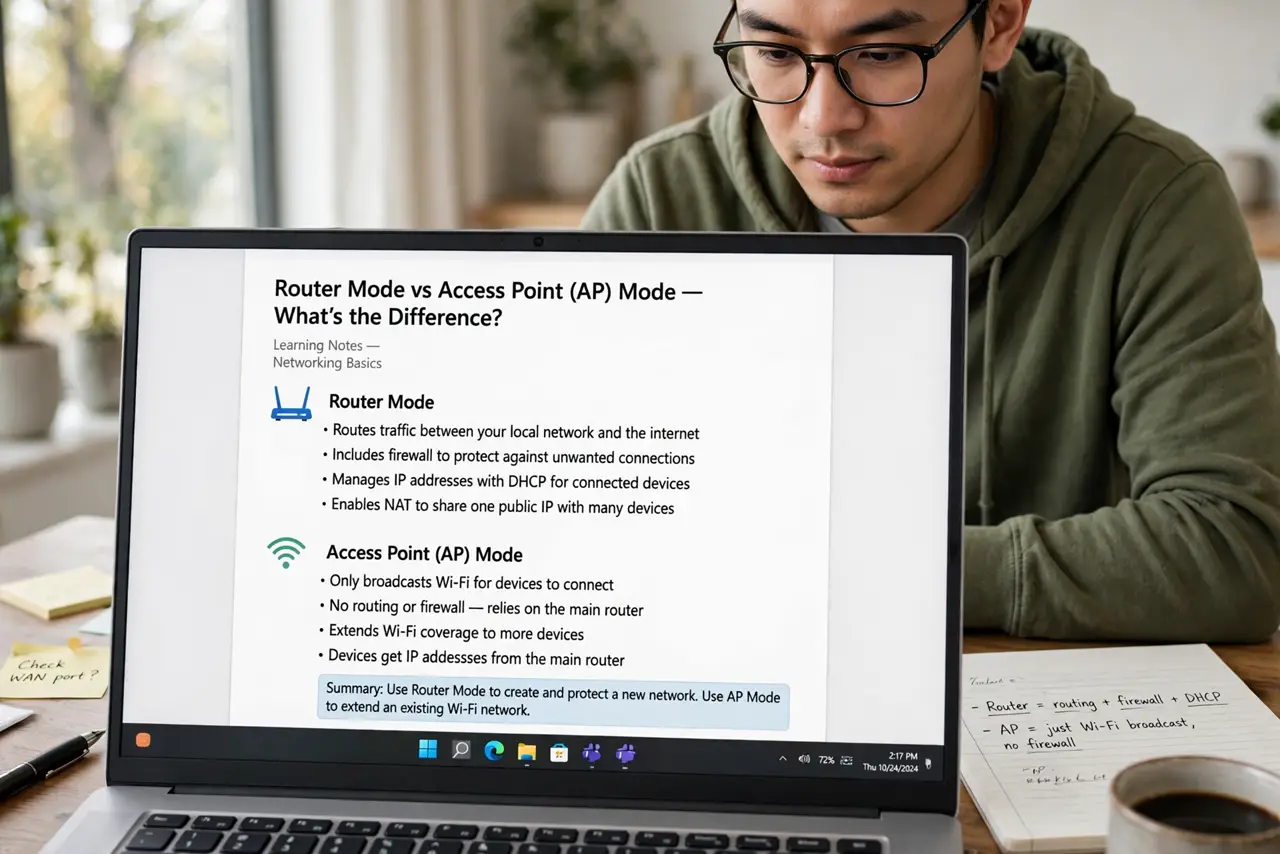
- Learn what each mode does. Router mode: the box routes, assigns addresses, and firewalls. AP mode: it only broadcasts Wi-Fi and passes everything to the main router. One network should have exactly one device in router mode.
- Spot the double-NAT symptoms. Games complain about strict NAT, video calls drop, port forwarding never works, and some smart devices refuse to pair. If any of that started when you added a second box, suspect double NAT.
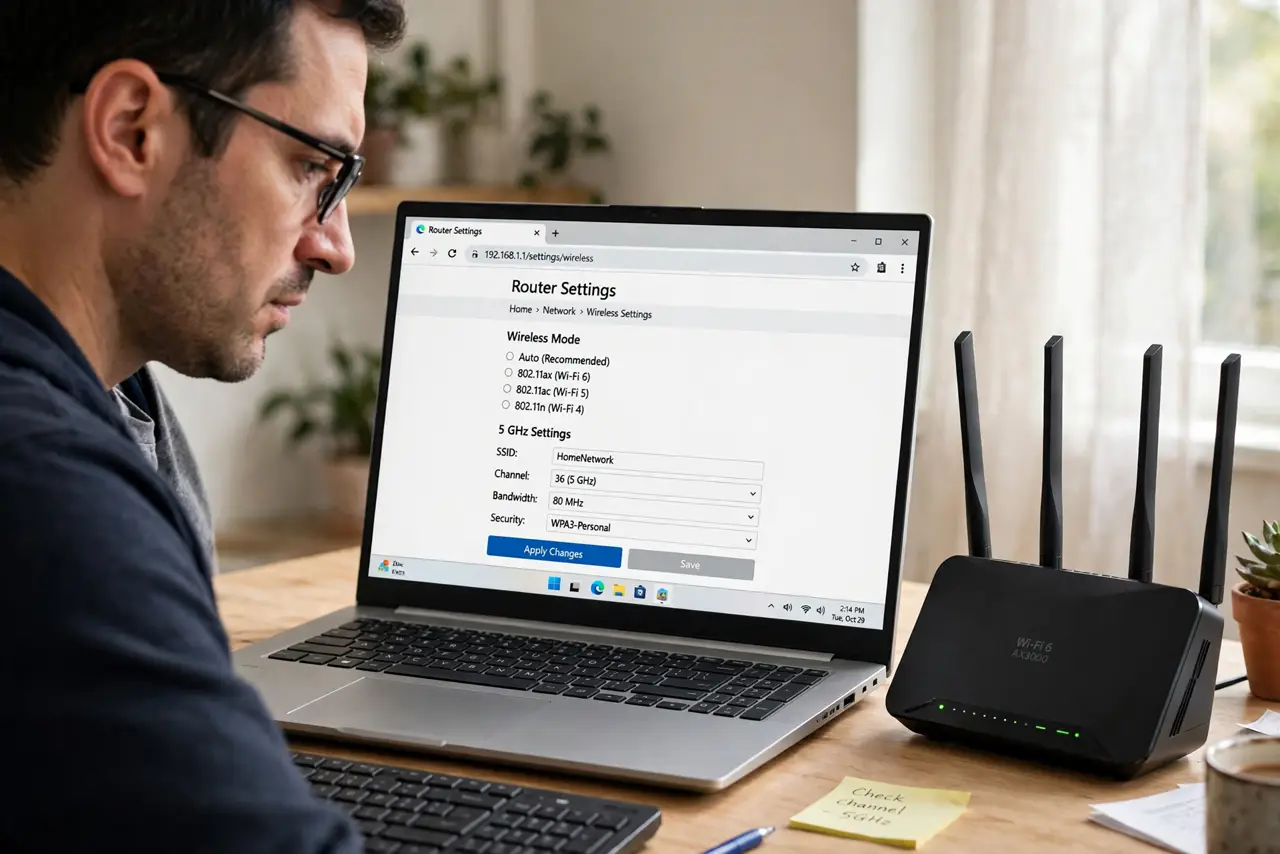
- Find the mode switch. On mesh systems it is usually under advanced or network settings; on old routers it may be called AP mode, bridge mode, or 'use as access point.' The box typically restarts and pulls an address from the main router — the same idea as bridge mode.
- Switch the secondary box to AP mode. The ISP's box (or your chosen main router) stays in router mode; everything downstream goes to AP mode. After the switch, Wi-Fi names can stay the same — devices reconnect without noticing.
- Check that addresses come from one place. After switching, connected devices should get addresses from the main router's range. If a device still gets a different subnet, the secondary box did not fully switch — redo it.
- Keep one exception in mind. If the ISP's box is terrible at Wi-Fi but you must keep it for the connection, put the ISP box in bridge mode instead and let your good router do the routing — same one-router rule, reversed.
What NOT to do
- Do not run two routers in router mode 'for more coverage.' You get double NAT, not double coverage — AP mode gives the coverage without the breakage.
- Do not switch the main router to AP mode by accident. If no box is routing, nothing assigns addresses and the network dies — know which box is the boss first.
- Do not forget the admin address changes. After switching to AP mode, the box usually takes an address from the main router — check the main router's device list to find it again.
- Do not leave the old router's DHCP server half-on. Some boxes need a reboot to fully surrender addressing — verify, don't assume.
Frequently asked questions
What is double NAT in plain terms?
Two routers each doing network address translation, one behind the other. Traffic passes through two translators, which confuses anything needing a direct inbound path — games, calls, and remote access suffer first.
Can I just unplug the ISP router instead?
Usually no — it often terminates the actual line (fiber or DSL). Keep it, tame it: either it routes and your gear goes AP mode, or it bridges and your router takes over — see combo vs separate.
Does AP mode disable any features?
On the secondary box, yes: its firewall, guest network, and parental controls typically defer to the main router. Run those features on the boss box instead.