Airplane Wi-Fi Worth It?
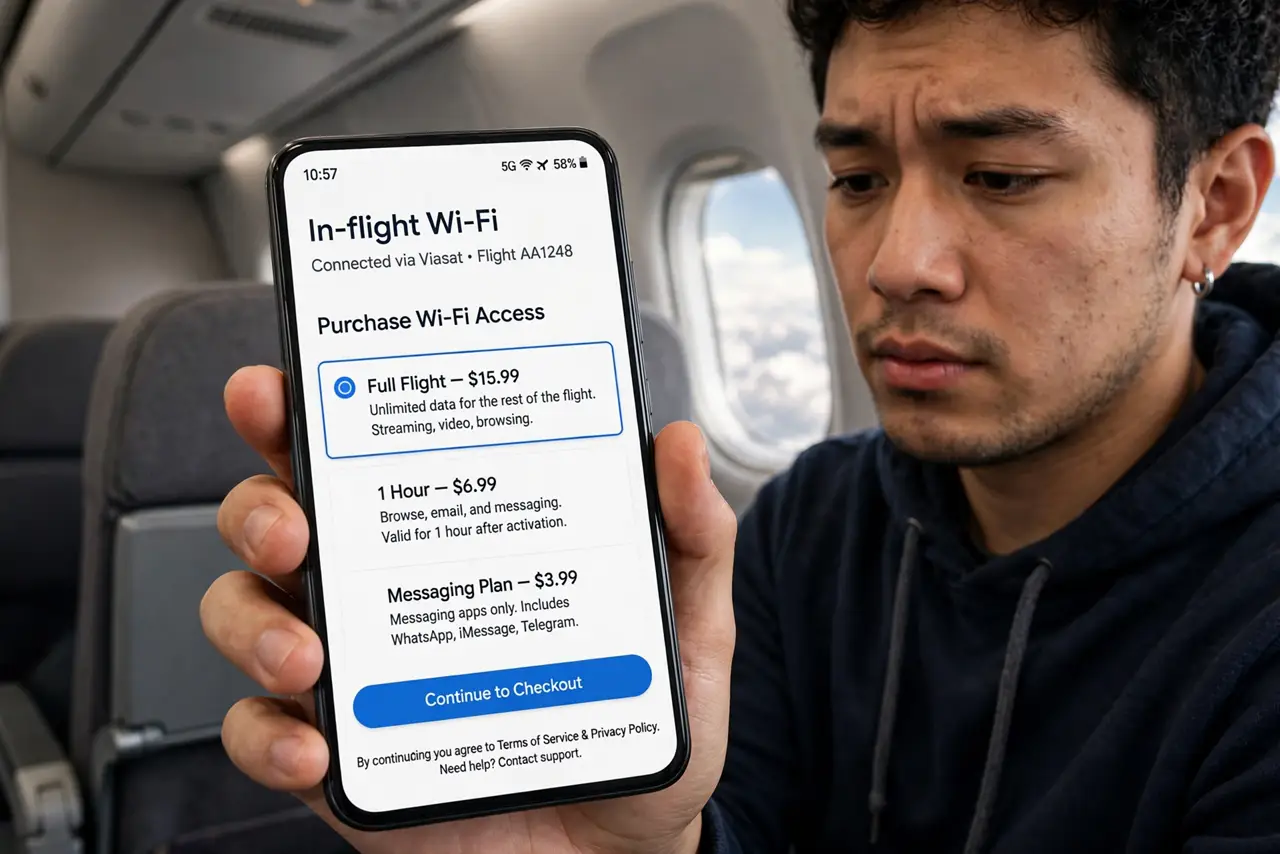
Twenty dollars for Wi-Fi on a three-hour flight — worth it or a trap? Airplane internet has improved, but it's still satellite or air-to-ground radio shared among a hundred passengers, with real limits. Here's how to decide before you tap 'buy,' and how to make it usable if you do.
TL;DR / Quick Fix
Quick fix: it depends on the flight — short hops, no; long-haul work sessions, maybe. Expect messaging and email to work, video calls to struggle, and streaming to be blocked or pricey. Buy before boarding if cheaper, and download offline first so the Wi-Fi is a bonus, not a need.
Follow these steps
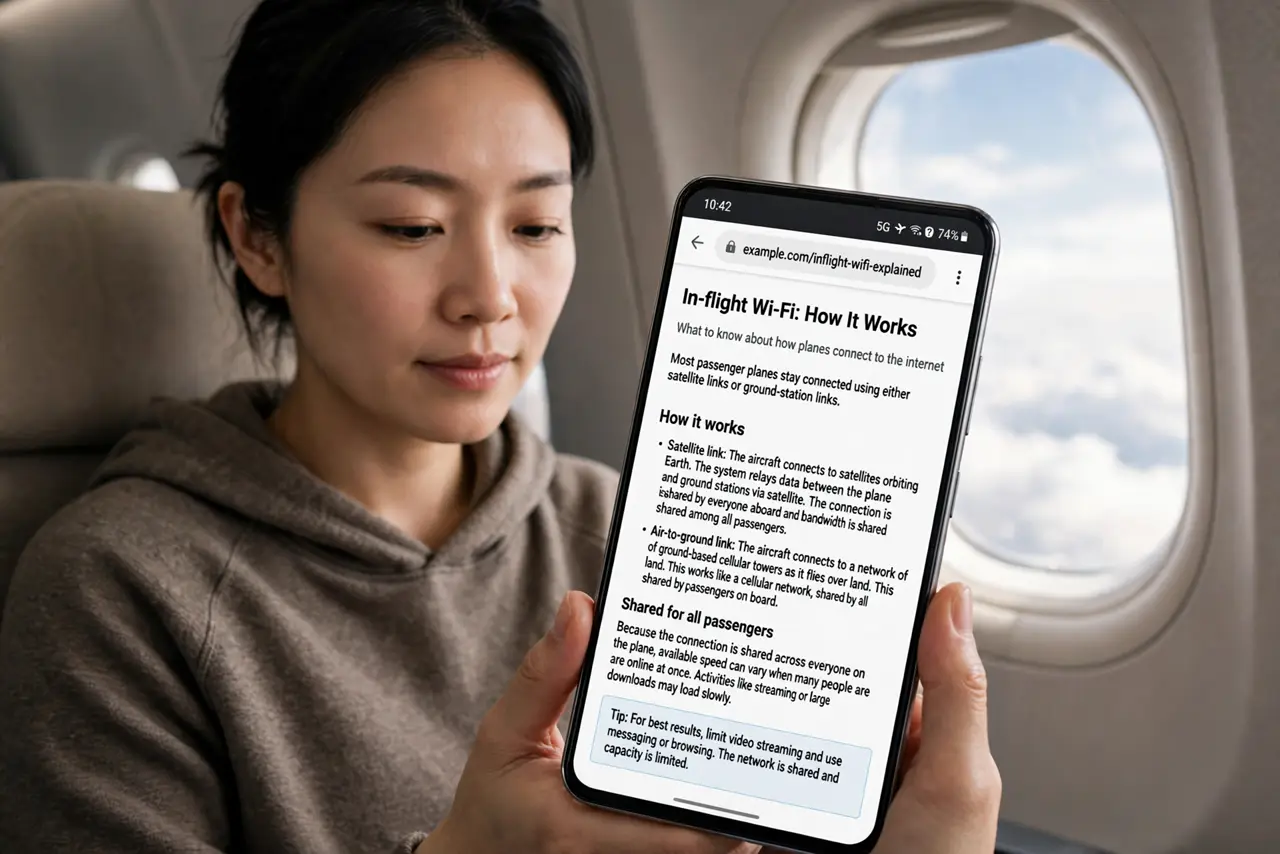
- Set expectations by the technology. Most planes use satellite or ground-station links shared by everyone aboard — think tens of Mbps for the whole cabin. Messaging and email: fine. Video calls: usually painful. Streaming: often blocked or throttled.
- Do the flight-length math. Under two hours: skip it — boarding and descent eat the usable window anyway. Long-haul with real work: the math improves, especially if the employer pays.
- Buy before boarding when possible. Airlines often sell Wi-Fi cheaper in the app pre-flight than at 35,000 feet. Check the booking or airline app the night before — the discount is real.
- Download everything offline first. Shows, documents, playlists, maps — load them before takeoff. Then the Wi-Fi is a bonus for messaging, not a lifeline for entertainment. Offline-first is also the cruise strategy.
- Connect one device at a time. Most passes cover one device; switching devices can burn the session. Pick the laptop for work or the phone for messaging — not both dancing around.
- Know the refund path. If you pay and get nothing usable — the classic paid-but-no-internet — screenshot the failure and request a refund from the airline or provider afterward. Document, don't just fume.
What NOT to do
- Do not buy it for video streaming. Even when allowed, per-passenger bandwidth makes streaming a slideshow — download before boarding instead.
- Do not do banking without a VPN. Cabin Wi-Fi is a shared network like any public hotspot — encrypt or postpone sensitive logins.
- Do not expect it on every flight. Regional jets and older aircraft often lack it entirely — check the aircraft amenities before counting on it.
- Do not leave auto-updates on. A laptop that decides mid-flight to download a 5 GB OS update will devour your session and your patience — pause updates before takeoff.
Frequently asked questions
Why is airplane Wi-Fi so slow?
Physics and sharing: one satellite beam or ground link serves the whole plane, and latency to orbit is inherently high. It's a miracle it works at all, not a broadband replacement.
Can I make video calls on plane Wi-Fi?
Technically sometimes, practically rarely — high latency and low per-user bandwidth make calls choppy. Messaging and email are the realistic use cases.
Is free messaging really free?
On many airlines, yes — basic messaging apps are often complimentary while full browsing costs. Check what's included before paying for the full pass.