Airtime Fairness? What It Does
One ancient smart plug can slow your entire Wi-Fi network — not because it uses much data, but because it hogs airtime talking slowly. Airtime Fairness is the router feature that stops slow devices from monopolizing the airwaves. Here is what it does and when to flip the switch.
TL;DR / Quick Fix
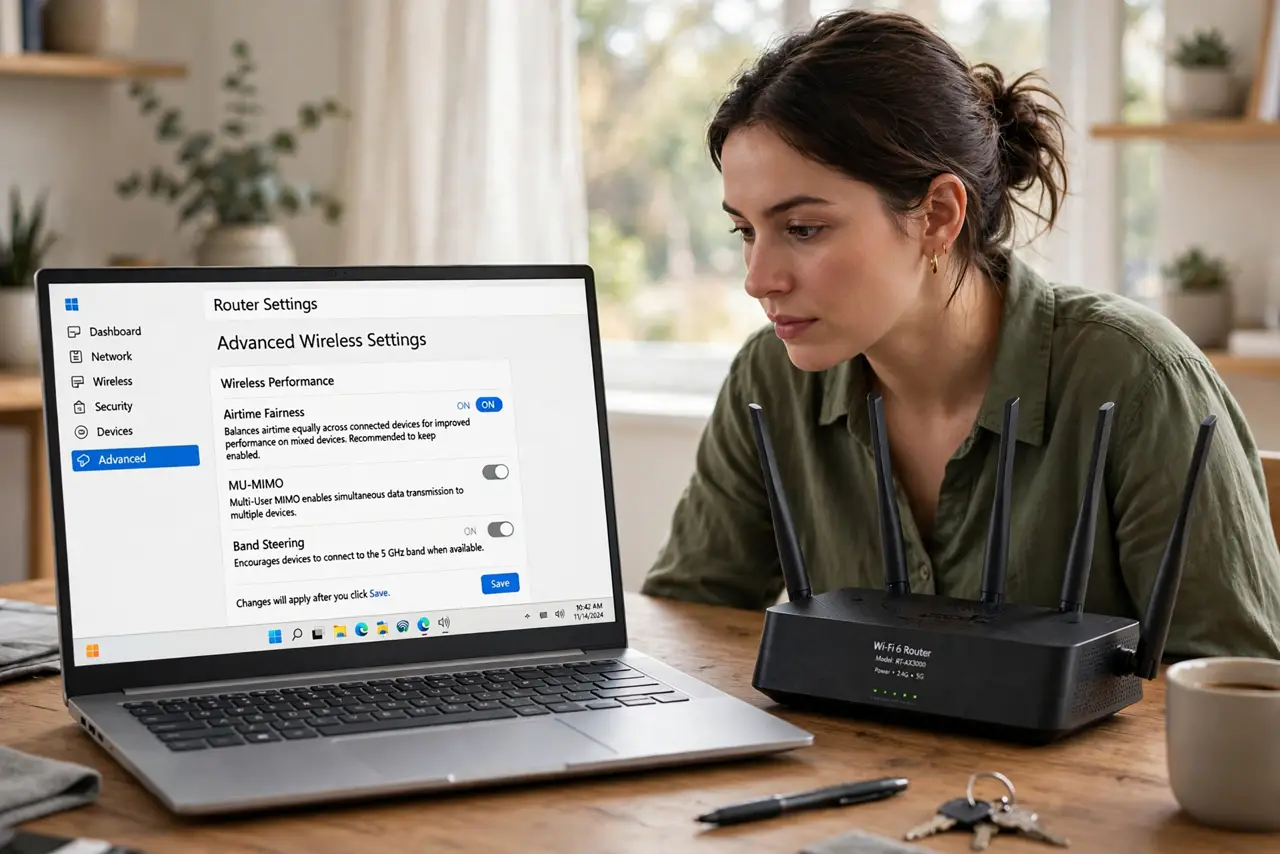
Quick fix: in your router's advanced wireless settings, turn on Airtime Fairness so slow devices cannot hog transmission time. It helps most on busy 2.4 GHz networks with old gadgets. If one device misbehaves afterward, just turn it off again.
Follow these steps
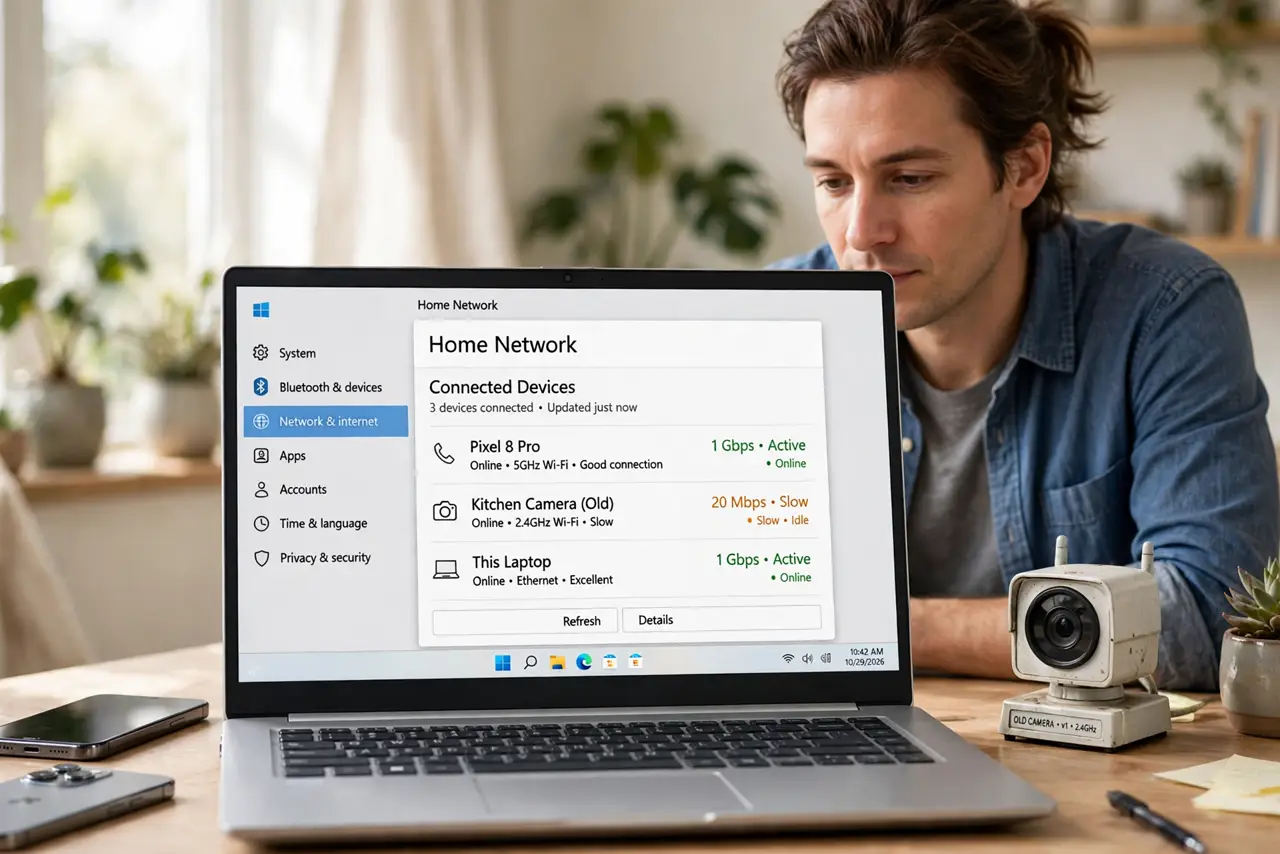
- Understand the slow-device problem. Wi-Fi is shared airtime. A 2012 gadget transmitting at low speed occupies the channel far longer per byte than a modern phone — dragging everyone down with it.
- Find the Airtime Fairness toggle. Look under advanced wireless or professional settings for ‘Airtime Fairness’. It is usually per-band, so check both 2.4 GHz and 5 GHz.
- Turn it on for the 2.4 GHz band. This is where old, slow IoT gadgets live. Enabling fairness here gives modern devices their fair share of transmission time.
- Leave 5 GHz alone unless crowded. The 5 GHz band usually hosts faster devices and benefits less. Enable it there only if you still see slowdowns.
- Watch for one misbehaving device. Rarely, a specific gadget hates fairness scheduling and drops. If a device worked before and fails after, exempt it or disable the feature.
- Pair it with [[traffic prioritization|wifi-qos-gaming]]. Airtime Fairness divides the air equitably; QoS prioritizes important traffic. Together they cover both fairness and priority.
What NOT to do
- Do not expect it to fix a slow internet plan. Fairness divides Wi-Fi airtime; it cannot create bandwidth your ISP never sold you.
- Do not enable it and ignore the results. Test for a day — on quiet networks it changes nothing, on busy ones it helps a lot.
- Do not use it as a substitute for retiring ancient devices. A 15-year-old adapter will always be a drag on the network.
- Do not toggle it on every band blindly. Per-band testing shows where it actually matters in your home.
Frequently asked questions
Will Airtime Fairness disconnect my old devices?
No — it only schedules their transmissions more fairly. They stay connected; they just cannot monopolize the channel anymore.
Why is it off by default on many routers?
Because on quiet networks it adds scheduling overhead for zero benefit, and a few legacy devices behave oddly with it.
Does it help with gaming lag?
Indirectly. By preventing slow devices from hogging airtime, your gaming packets wait less — but dedicated QoS helps more.