Position Router Antennas
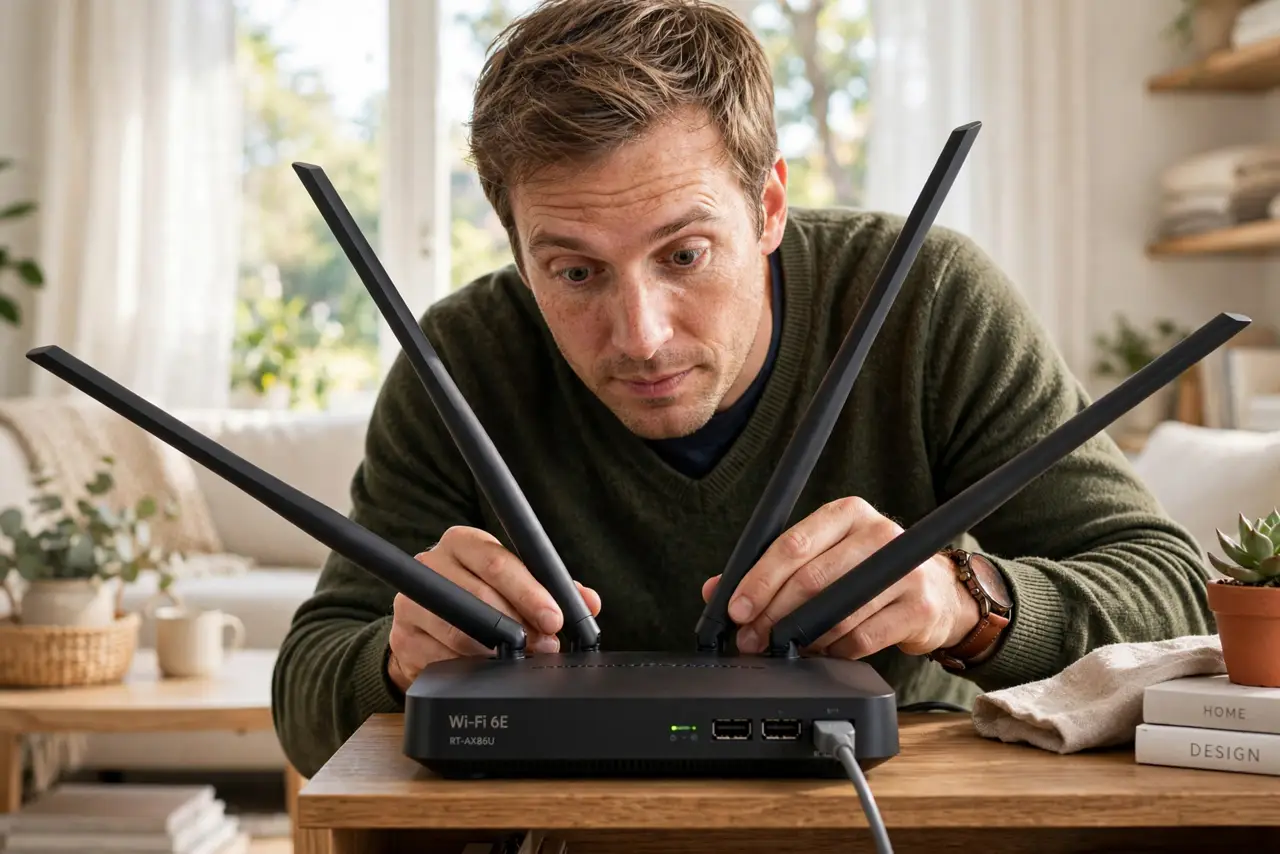
Everyone points all the router antennas straight up and calls it done — but that folk wisdom ignores how antennas actually radiate. Your devices' antennas point every which way, so mixed antenna angles cover more orientations than a row of identical sticks. A free tweak that genuinely helps. See the router antenna basics and the antenna myths for the full story.
TL;DR / Quick Fix
Quick fix: router antennas work best in mixed positions — some vertical, some angled — because your devices' antennas point every which way. All-straight-up is rarely ideal. Spread them in a fan, keep the router out in the open, and let the mixed angles cover more orientations.
Follow these steps
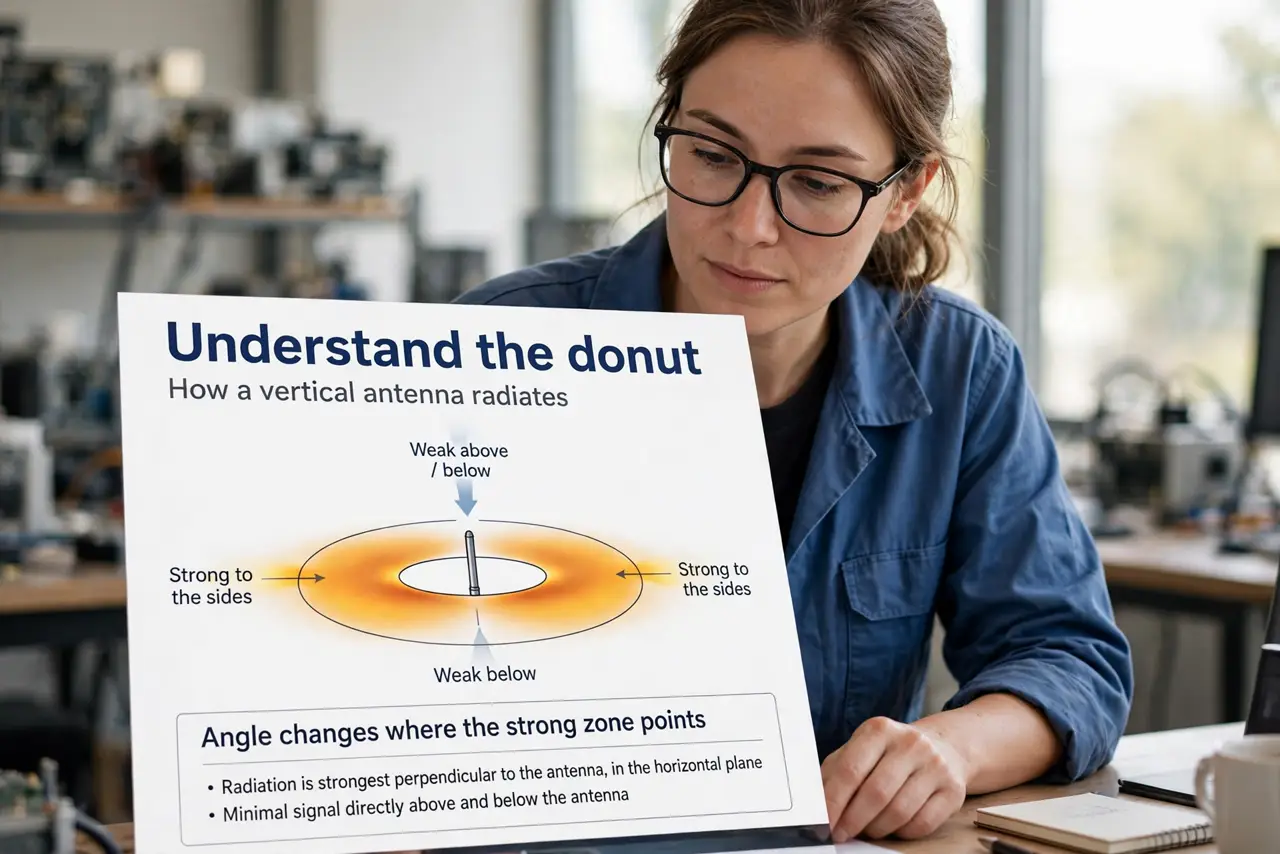
- Understand the donut. A vertical antenna radiates outward like a donut lying flat — strong to the sides, weak directly above and below. Angle changes where the strong zone points.
- Fan them out. With three or four antennas, point one straight up, angle the others outward at 45 degrees on each side. Mixed angles cover mixed device orientations.
- Think about floors. Signal to the floor above or below benefits from angled antennas, since straight-up antennas are weakest vertically. Multi-story homes gain the most from fanning.
- Get the router out in the open. No antenna position fixes a router stuffed in a closet behind a TV. Height and openness beat any angle trick — shelf, not floor, not cabinet.
- Point them at your devices' level. Most of your devices sit at desk or couch height. Antennas roughly perpendicular to the line toward your devices is the practical rule.
- Test, do not obsess. Walk around with a speed test after adjusting. Small gains are real; chasing perfection is not worth an afternoon.
What NOT to do
- Do not point all antennas straight up by default. It is the most common position and rarely the best one.
- Do not expect miracles. Antenna angles are a free few percent — placement and interference matter far more.
- Do not snap them forcing angles. Antennas adjust with gentle pressure; forcing breaks the hinge.
- Do not hide the router to make angles irrelevant. A centered, elevated, open router beats any antenna origami in a cabinet.
Frequently asked questions
Should antennas point up or sideways?
Mixed: some up, some angled. Your devices hold every orientation, so your antennas should cover several.
Do more antennas mean better Wi-Fi?
Not directly — see the myths. Count matters less than placement and bands.
What if my router has internal antennas?
Then positioning the router itself — high, central, open — is your only lever, and it matters more than angles ever could.