Dual vs Tri-Band?
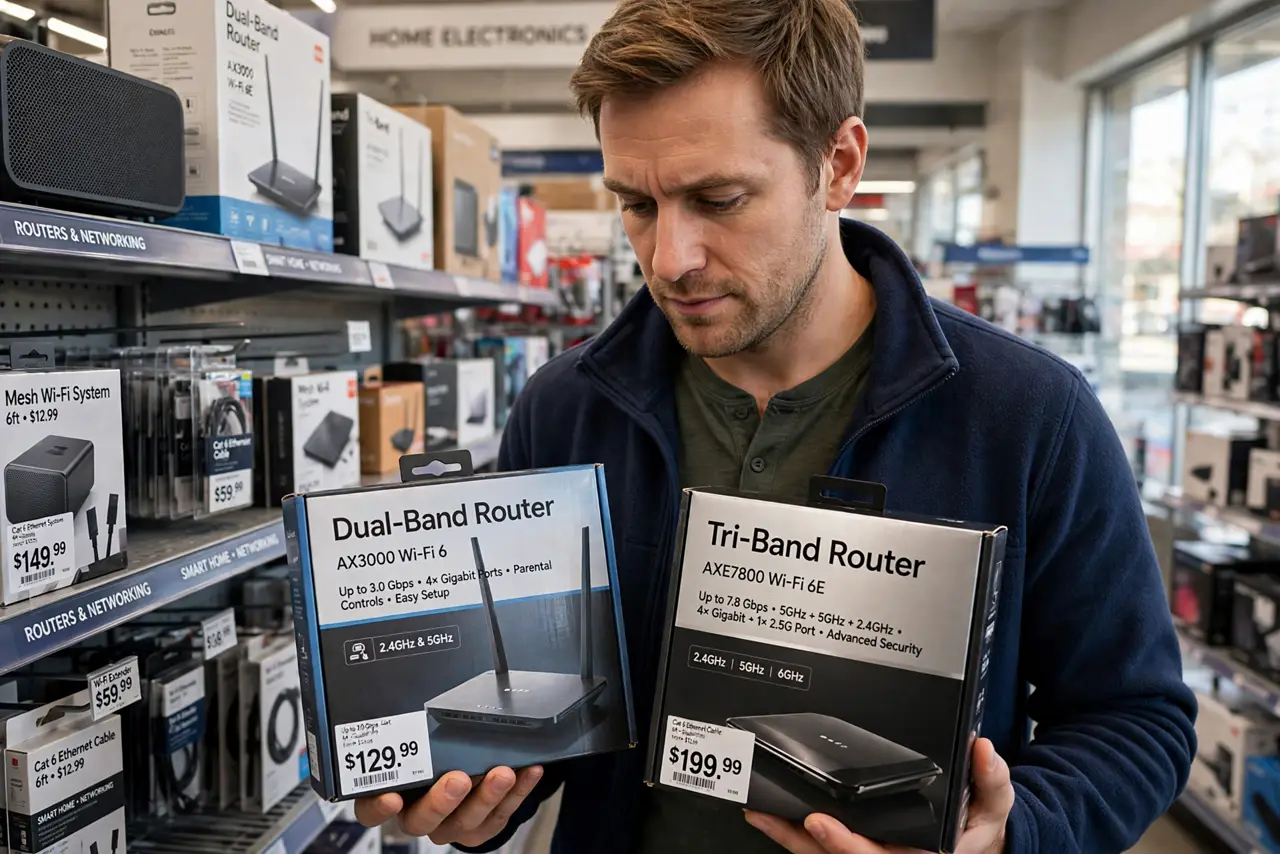
Tri-band routers cost notably more than dual-band, and the box implies your Wi-Fi will be three times as good. It will not — the third band helps only in specific situations, and many homes will never feel the difference. Understanding what the extra radio actually does saves you from paying for air. Check the tri-band details and the specs that matter first.
TL;DR / Quick Fix
Quick fix: dual-band routers cover most homes fine; tri-band adds a second 5 GHz or 6 GHz radio that helps only in device-crowded households. Do not pay the premium for tri-band in a small apartment. Buy the bands your devices actually use, not the ones on the fanciest box.
Follow these steps
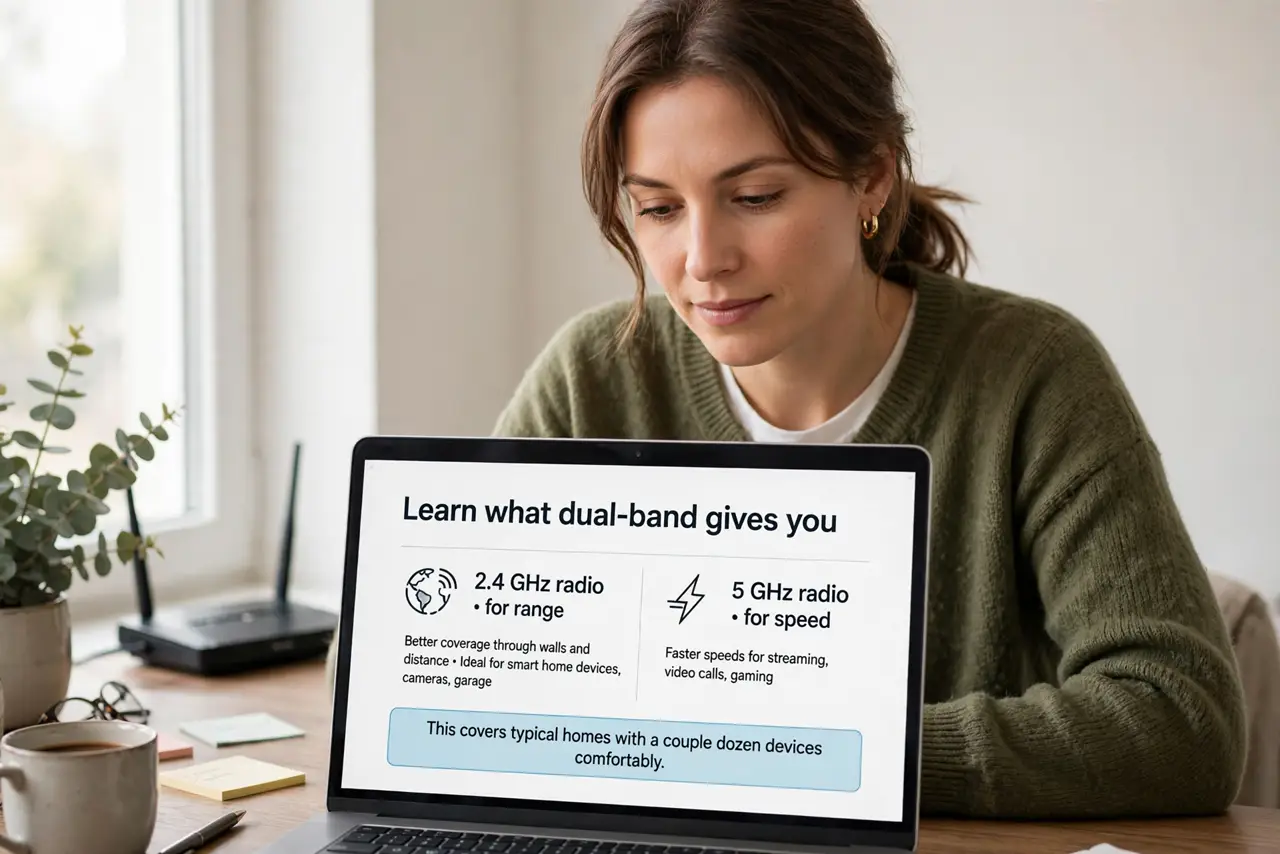
- Learn what dual-band gives you. One 2.4 GHz radio for range and one 5 GHz radio for speed. This covers typical homes with a couple dozen devices comfortably.
- Learn what tri-band adds. A third radio — usually a second 5 GHz or the 6 GHz band. It adds capacity: more devices can talk at once without queuing.
- Count your devices honestly. Phones, laptops, TVs, plus every smart bulb and plug. Under about 25 active devices, dual-band is rarely the bottleneck.
- Consider your home size. Tri-band helps crowded device households, not big empty ones. A large home needs better coverage — placement or mesh — not a third radio.
- Check your devices' bands. If nothing you own uses 6 GHz, a tri-band router with 6 GHz gives you an empty highway. Match bands to devices, not to marketing.
- Decide on the premium. If the price gap is small and you keep routers for years, tri-band is fine future-proofing. If it is a big jump for a small apartment, skip it.
What NOT to do
- Do not expect triple the speed. The third band adds capacity for many devices, not speed for one device.
- Do not buy tri-band for a studio apartment. Few devices plus small space equals wasted money.
- Do not confuse bands with coverage. A third radio does not reach farther — it serves more devices where signal already exists.
- Do not forget the plan ceiling. No band configuration outruns the internet speed you pay for.
Frequently asked questions
Is tri-band better for gaming?
Marginally, in a busy household — your console gets a less crowded lane. In a quiet home, dual-band games just as well.
What about quad-band routers?
Diminishing returns for almost everyone. Even tri-band is overkill for typical homes; quad is showroom bragging.
Should I upgrade my dual-band router?
Only if you have real symptoms: many devices stuttering at once. Working fine means working fine.