AP Isolation? Plain Explanation
AP isolation is the setting that stops devices on the same Wi-Fi from talking to each other — your guest's phone cannot see your laptop, period. It is perfect for guest and IoT networks and terrible for your living-room Chromecast. This guide explains the trade-off plainly.
TL;DR / Quick Fix
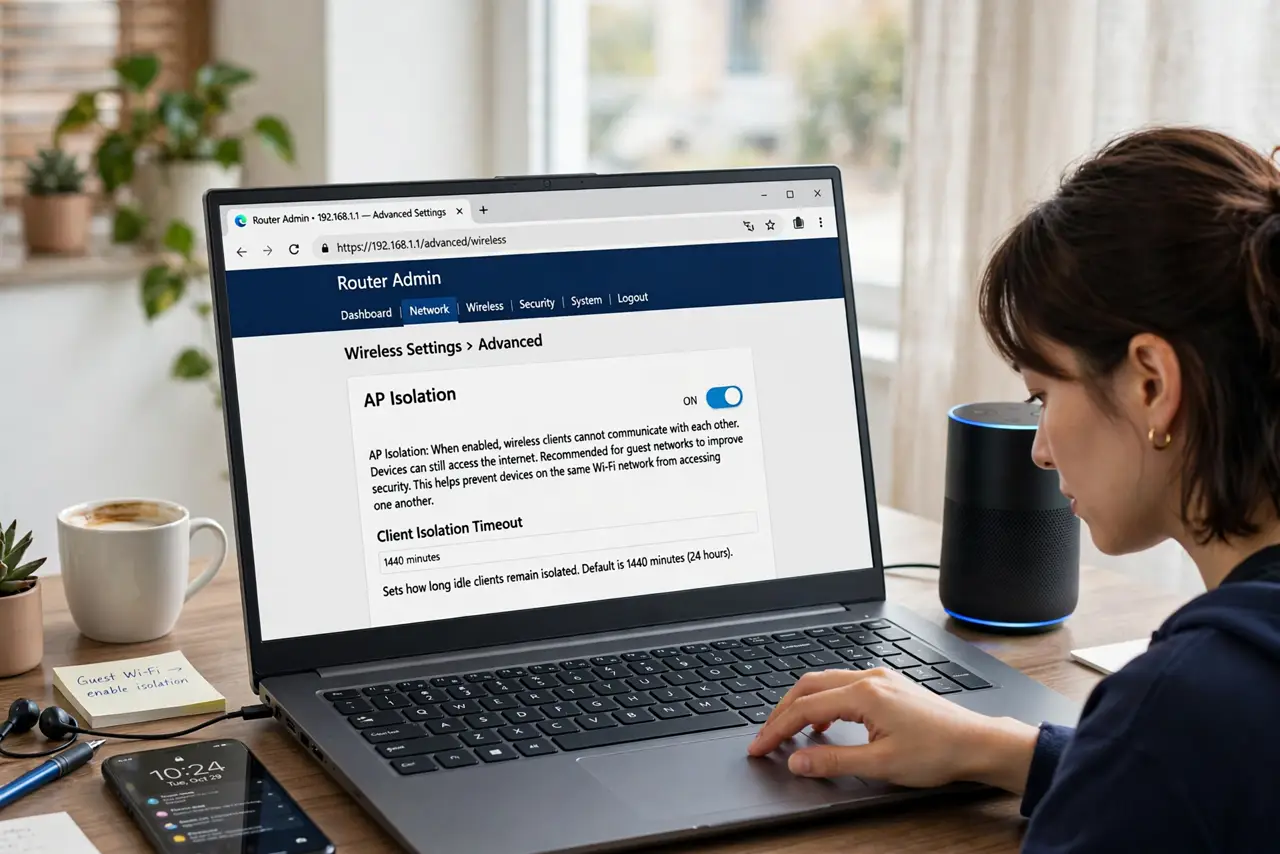
Quick fix: AP isolation blocks devices on the same Wi-Fi from talking to each other — great for guest networks, bad for Chromecast and printers. Find it under advanced wireless settings and enable it only on guest or IoT networks.
Follow these steps
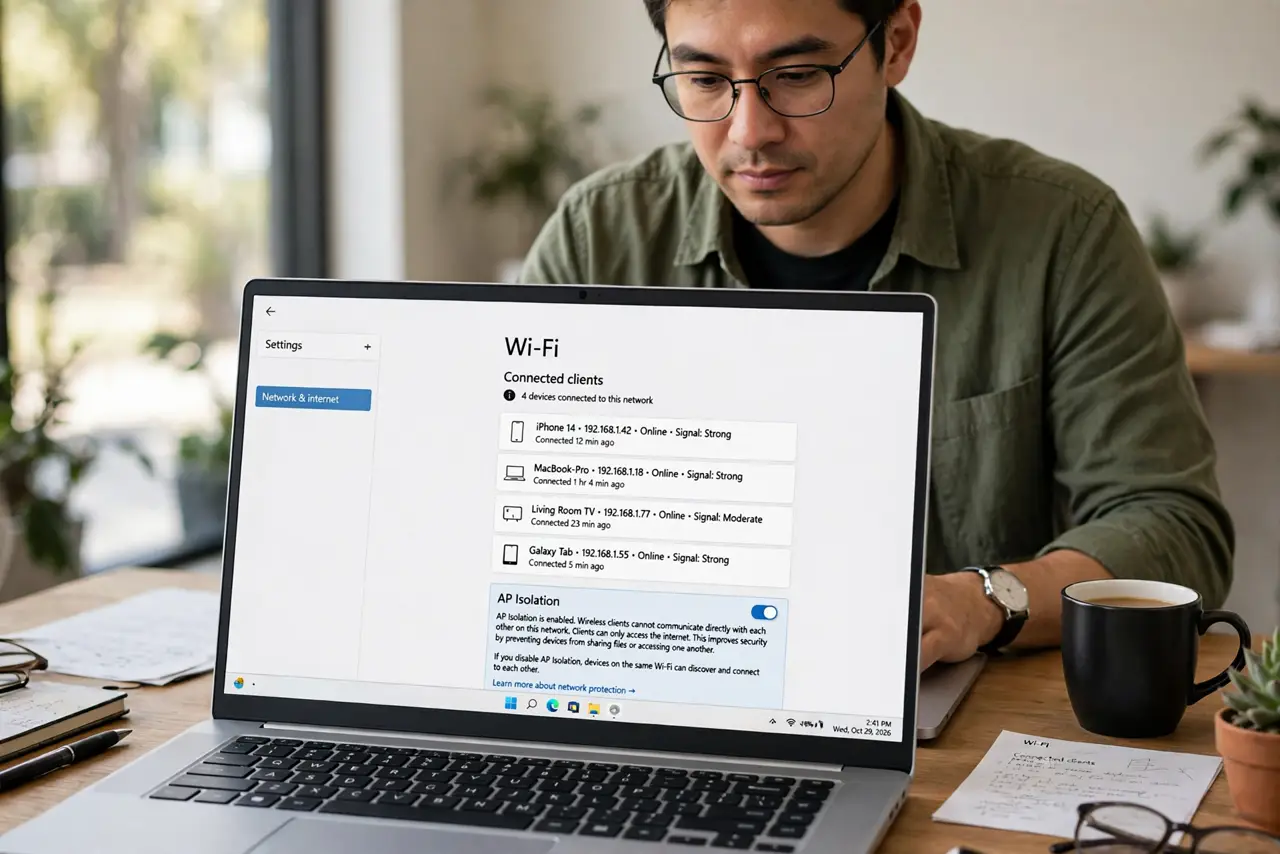
- Understand what it blocks. AP isolation stops wireless clients on the same access point from communicating directly. Internet still works; neighbor-to-neighbor traffic does not.
- Find it in advanced settings. Look under advanced wireless, professional, or per-SSID settings for ‘AP isolation’, ‘client isolation’, or ‘station isolation’.
- Enable it on guest networks. Guests need internet, not access to your devices. AP isolation on the guest SSID is the textbook use case — pair it with guest isolation thinking.
- Enable it on IoT networks. Smart gadgets rarely need to talk to each other. Isolating them contains a compromised device to itself.
- Keep it OFF on the main network. Your printer, Chromecast, smart speaker, and file shares all depend on device-to-device traffic. Isolation here breaks your home.
- Test after enabling. Connect two devices to the isolated network and confirm they cannot see each other — then confirm internet still works.
What NOT to do
- Do not enable AP isolation globally. Per-SSID is the right granularity; global isolation breaks casting and printing everywhere.
- Do not confuse it with the firewall. AP isolation blocks Wi-Fi client-to-client traffic; the firewall guards the internet boundary — different jobs.
- Do not enable it and wonder why the printer vanished. That is isolation working exactly as designed — on the wrong network.
- Do not assume all routers label it clearly. Some bury it as ‘client isolation’ three menus deep.
Frequently asked questions
What's the difference between AP isolation and guest isolation?
They overlap heavily: guest isolation usually includes AP isolation plus blocking access to the main LAN. AP isolation alone only blocks client-to-client chatter.
Will AP isolation block my security cameras from recording?
If the camera records to a local device on the same Wi-Fi, yes. Cloud-recording cameras are unaffected.
Can I isolate just one device?
Not with AP isolation — it is per-network. For per-device control you need VLANs or a separate SSID.