Apartment Wi-Fi Tips
In an apartment building your router shouts over fifty neighbors doing the same thing. Everyones Wi-Fi fights for the same airwaves, so even a fast plan feels slow. The fixes are mostly free: pick a clearer channel, use the 5 GHz band, and place the router where its signal does not have to punch through a wall of interference.
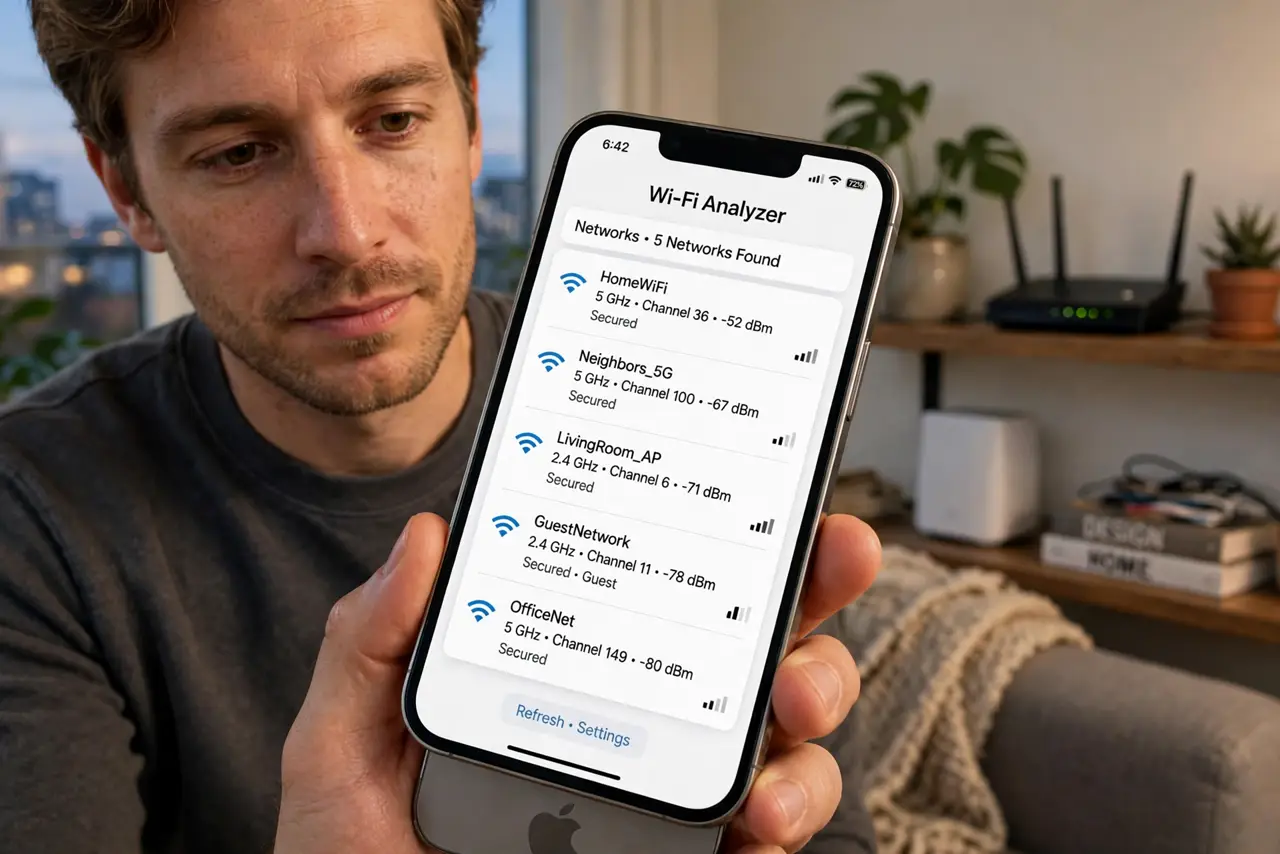
TL;DR / Quick Fix
Quick fix: apartment Wi-Fi crawls because dozens of neighboring networks share the same channels. Move your router to the least crowded channel, prefer 5 GHz for nearby devices, and place the router centrally and elevated. These three free changes beat most congestion — new hardware is rarely the first answer.
Follow these steps
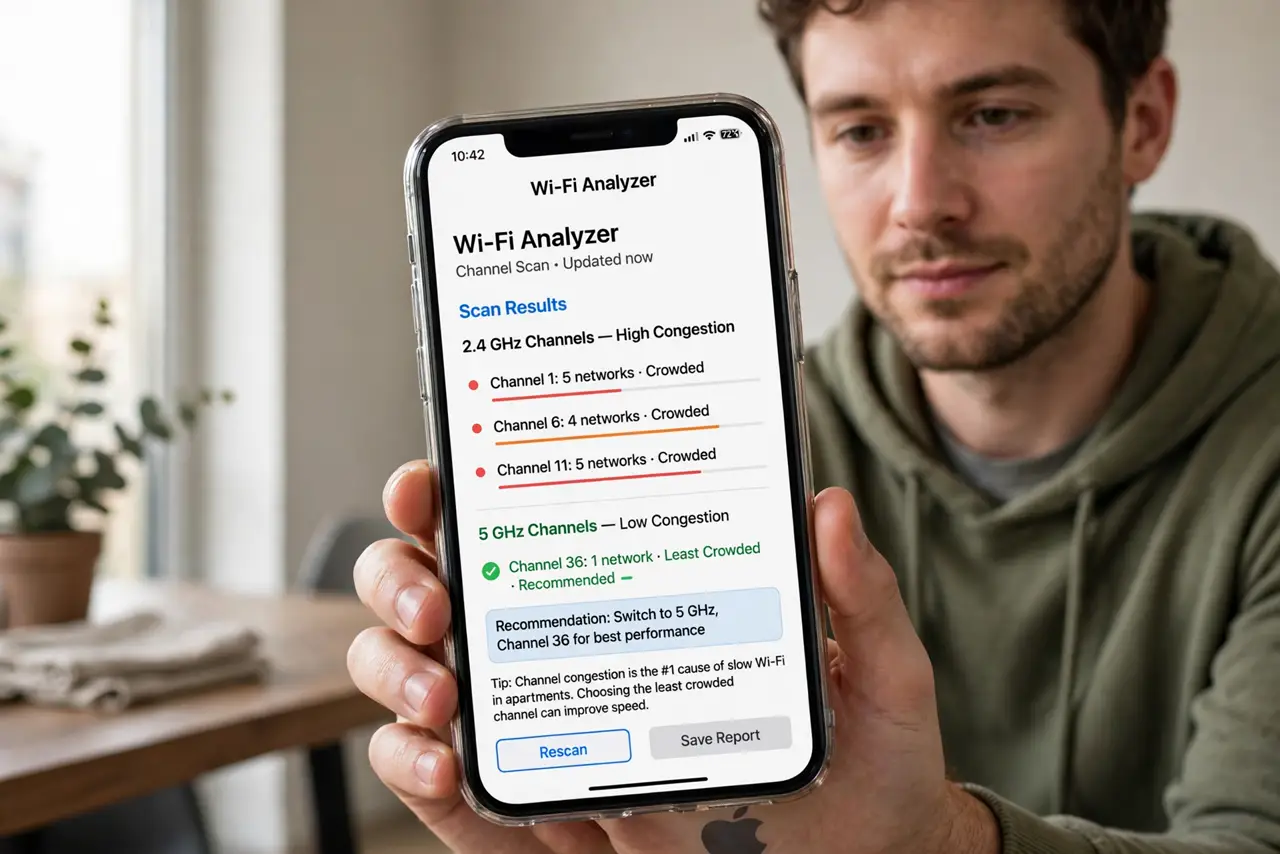
- Scan for the least crowded channel. Install a free Wi-Fi analyzer on your phone and look at which channels your neighbors saturate. This channel congestion is the number one cause of apartment slowness — seeing it makes the fix obvious.
- Switch to a clear channel. Log into your router (usually 192.168.1.1 in a browser), find the wireless settings, and move 2.4 GHz to channel 1, 6, or 11 — whichever is emptiest — and let 5 GHz pick automatically.
- Prefer the 5 GHz band. 5 GHz has more channels and shorter range, so neighbors interfere less. Connect phones and laptops nearby to the 5 GHz network name; leave 2.4 GHz for smart bulbs and distant corners.
- Move the router central and high. A router stuffed behind the TV in a corner wastes half its signal on the hallway. Put it centrally, elevated, and out in the open — height beats hiding.
- Fix the dead corners, not the whole flat. One far bedroom with no signal is a dead zone, not a router failure. A single well-placed extender or a mesh node there beats replacing the main router.
- Talk to the building before buying. If speeds collapse every evening, the buildings wiring or a congested ISP node may be the cause. Ask neighbors if they see the same pattern before spending on hardware.
What NOT to do
- Do not hide the router inside a cabinet or behind the TV. Enclosures and screens murder Wi-Fi range.
- Do not buy a new router before trying channels and placement. Most apartment slowness is congestion, not hardware.
- Do not use the congested 2.4 GHz band for video calls when 5 GHz reaches. Pick the right band per device.
- Do not crank transmit power to maximum hoping to drown neighbors. It adds noise for everyone, including you.
Frequently asked questions
Why is my Wi-Fi fine at 3 a.m. but terrible at 8 p.m.?
Prime-time congestion — every neighbor streams at once on the same channels. Channel changes help most exactly then.
Should I use a Wi-Fi extender in an apartment?
Only for a true dead corner. Extenders halve speed and add interference; one is fine, three is a new problem.
Does a VPN slow apartment Wi-Fi further?
A VPN adds overhead, but congestion is usually the bigger factor. Fix channels first, then judge the VPN — see why VPNs slow Wi-Fi for the details.