Use Your ISP's Approved Modem List
Buy any modem off the shelf and there's a real chance your provider refuses to activate it — or activates it at crippled speeds. Every ISP publishes an approved modem list, and buying from it is the difference between a five-minute activation and a week of support calls. Here's how to use the list right.
TL;DR / Quick Fix
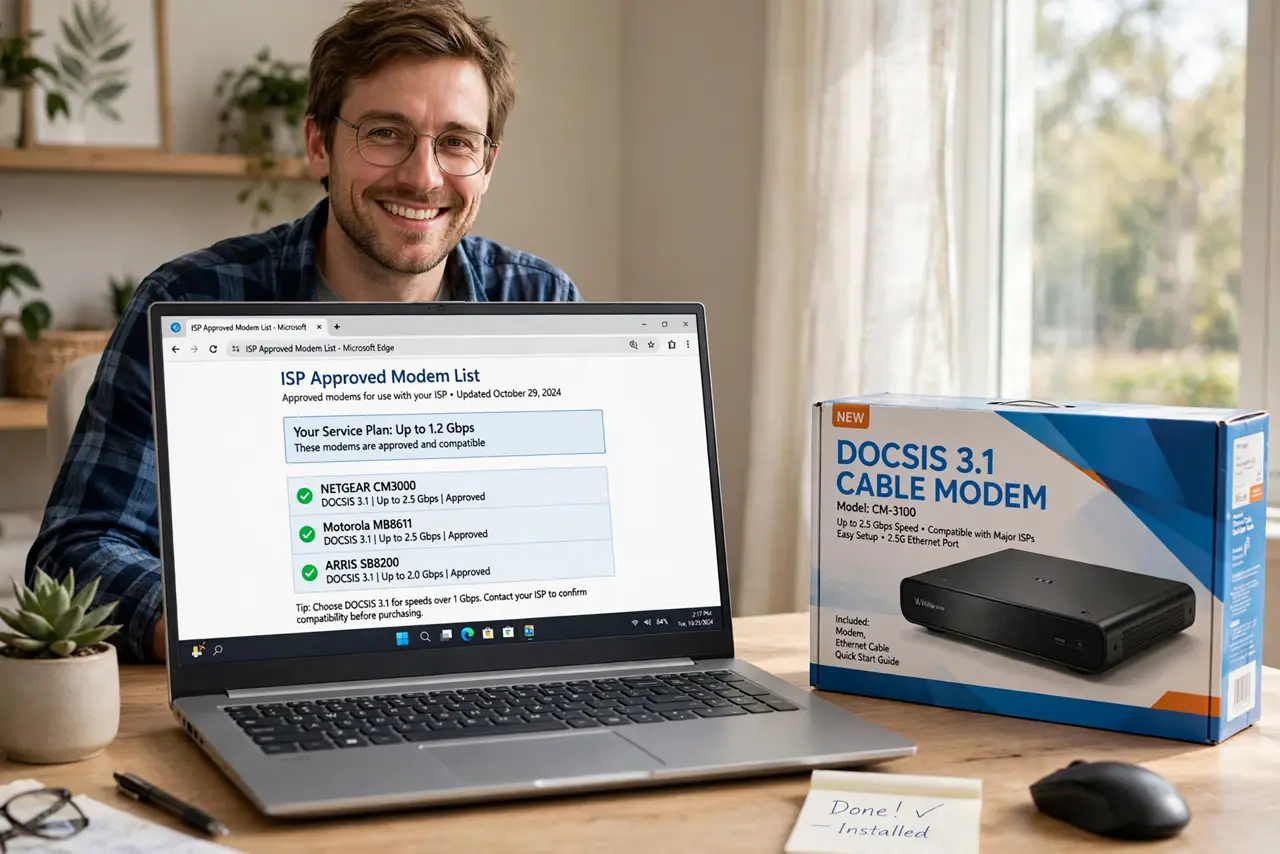
Quick fix: buy from your ISP's approved modem list — unapproved modems get rejected or stuck on slow provisioning. Find the list on your provider's support site, match your speed tier and DOCSIS version, and buy your own instead of renting. One call to activate, and the rental fee disappears.
Follow these steps
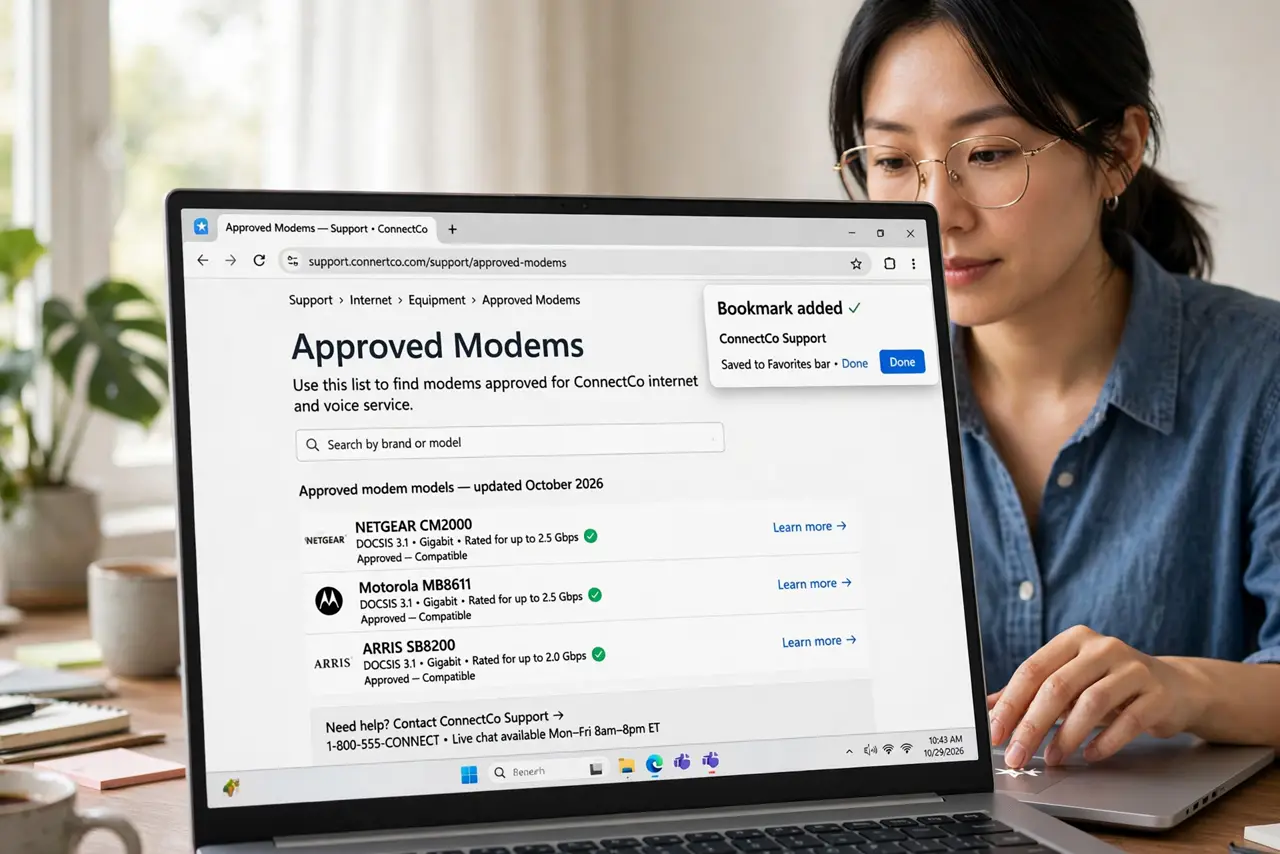
- Find the real list. Search '[provider] approved modems' or 'bring your own device' — it's on the provider's support site, not a retailer's blog. Bookmark it; the list updates as models are added and retired.
- Match your speed tier. Lists are organized by plan speed. A modem approved for 'up to 300 Mbps' won't deliver your gigabit plan — pick from your tier or higher, checking the DOCSIS version matches too.
- Decide modem-only vs combo. A modem-only box plus your own router gives the most control; a gateway combo is simpler. Combos on the list are fine, but you can usually put them in bridge mode and use your own router behind them — see combo vs separate.
- Buy new from a reputable seller. Used modems can be tied to another account or blacklisted — activation then fails mysteriously. New-in-box from a real retailer avoids the whole mess.
- Activate before you unhook the old gear. Call the provider or use their activation page with the new modem's MAC address handy (it's on the label). Keep the old modem connected until the new one is confirmed working — rollback is painless that way.
- Return the rental and confirm the fee drops. Ship or drop off the rented modem and get a receipt. Check the next bill — rental fees have a habit of lingering until you point at the return receipt.
What NOT to do
- Do not buy a modem that 'should work.' 'Should' isn't on the approved list — unapproved models get rejected or provisioned at the slowest tier.
- Do not buy used modems casually. Previous-account locks and blacklists turn a bargain into a brick with no recourse.
- Do not skip the activation call. An unprovisioned modem looks broken — no lights, no connection — when it just hasn't been introduced to the network.
- Do not throw away the return receipt. Rental fees resurrect on bills with zombie persistence; the receipt is your stake through the heart.
Frequently asked questions
Why do providers restrict modems at all?
Network stability — an approved modem is tested against their plant's quirks. Rogue modems can misbehave in ways that affect neighbors, so the list is genuinely protective, not just control.
Can I use a modem approved for a different provider?
Sometimes, if the hardware matches — but don't count on it. Each provider's list reflects their own testing; cross-provider success is luck, not policy.
What if my provider has no approved list?
Fiber providers usually supply the ONT themselves — there's nothing to buy. The list matters for cable providers; for fiber, ask what router options they allow.