Fix Bufferbloat in the Router
Your speed test shows 200 Mbps, yet video calls stutter the moment anyone uploads a photo. That contradiction has a name — bufferbloat: bloated router queues that delay every packet behind a traffic jam. The fix lives in your router, and it is simpler than the name suggests.
TL;DR / Quick Fix
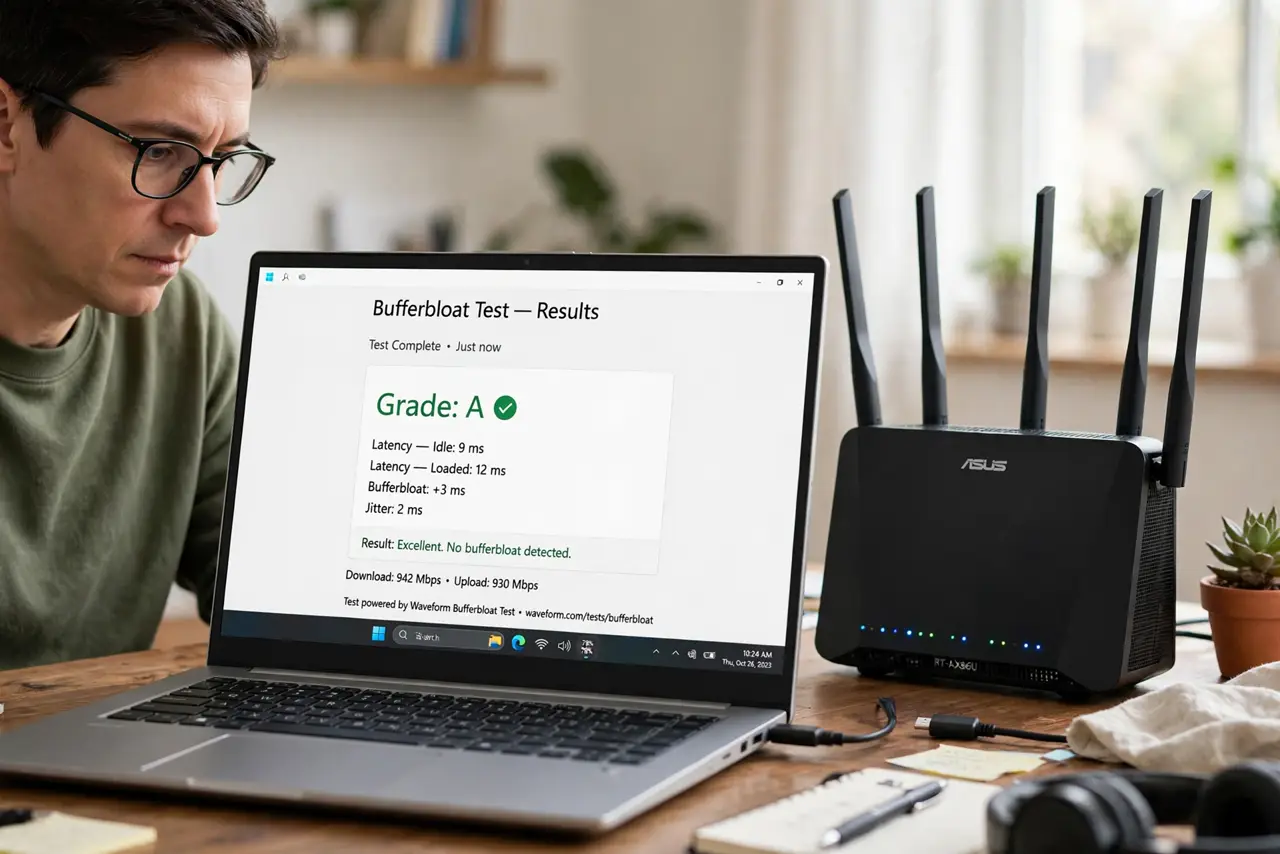
Quick fix: run a bufferbloat test (search for one) while someone streams — grades worse than B mean your router queues badly. Enable SQM or QoS capped at 90-95% of plan speed. Retest; gaming lag during downloads should vanish. No new hardware needed.
Follow these steps
- Test your bufferbloat grade. Search for a bufferbloat test and run it while the network is busy. Grades A/B are fine; C or worse confirms bloated queues.
- Understand the traffic jam. Routers buffer packets instead of dropping them, so one big upload queues everything behind it — your game packets wait in line behind a photo backup.
- Enable [[SQM|wifi-sqm-router]] if available. SQM (cake/fq_codel) is the purpose-built cure: fair queueing that keeps latency flat under load. Configure at 90–95% of measured speed.
- Or configure classic [[QoS|wifi-qos-gaming]]. No SQM? Traditional QoS with bandwidth caps still tames the worst of it — prioritize real-time traffic and cap the totals.
- Retest under the same load. Run the bufferbloat test again during a download. The grade should jump to A/B, and ping should stay flat.
- Keep the settings documented. Note the speeds you entered. If your plan changes, update them — stale caps either throttle you or stop managing the queue.

What NOT to do
- Do not buy a faster plan to fix bufferbloat. More bandwidth with the same bloated queues just makes a bigger traffic jam.
- Do not confuse bufferbloat with Wi-Fi issues. Test wired first — bufferbloat is a queueing problem, independent of wireless.
- Do not enable every QoS feature at once. SQM or QoS, not both piled together — overlapping shapers fight each other.
- Do not skip the retest. ‘Feels better’ is nice; a measured A grade is proof the fix holds under real load.
Frequently asked questions
What is bufferbloat in plain terms?
Oversized packet queues in your router. Instead of dropping excess packets (which TCP handles gracefully), the router hoards them — adding delay to everything.
Why doesn't my fast plan prevent it?
Because bloat is about queue management, not capacity. A 1 Gbps connection with bad queues still stutters; a 50 Mbps one with SQM stays smooth.
Will a new router fix it?
Only if the new one runs SQM or good QoS. Plenty of expensive routers bloat just as badly — check the feature list, not the price.