Work from Cafés Safely
The café is your office today — good coffee, good light, and Wi-Fi shared with thirty strangers. Public networks are convenient and snooped in equal measure, but a few habits keep your work safe: a VPN for sensitive stuff, the firewall on, and banking saved for home. See the cafe Wi-Fi security basics and VPN for travel.
TL;DR / Quick Fix
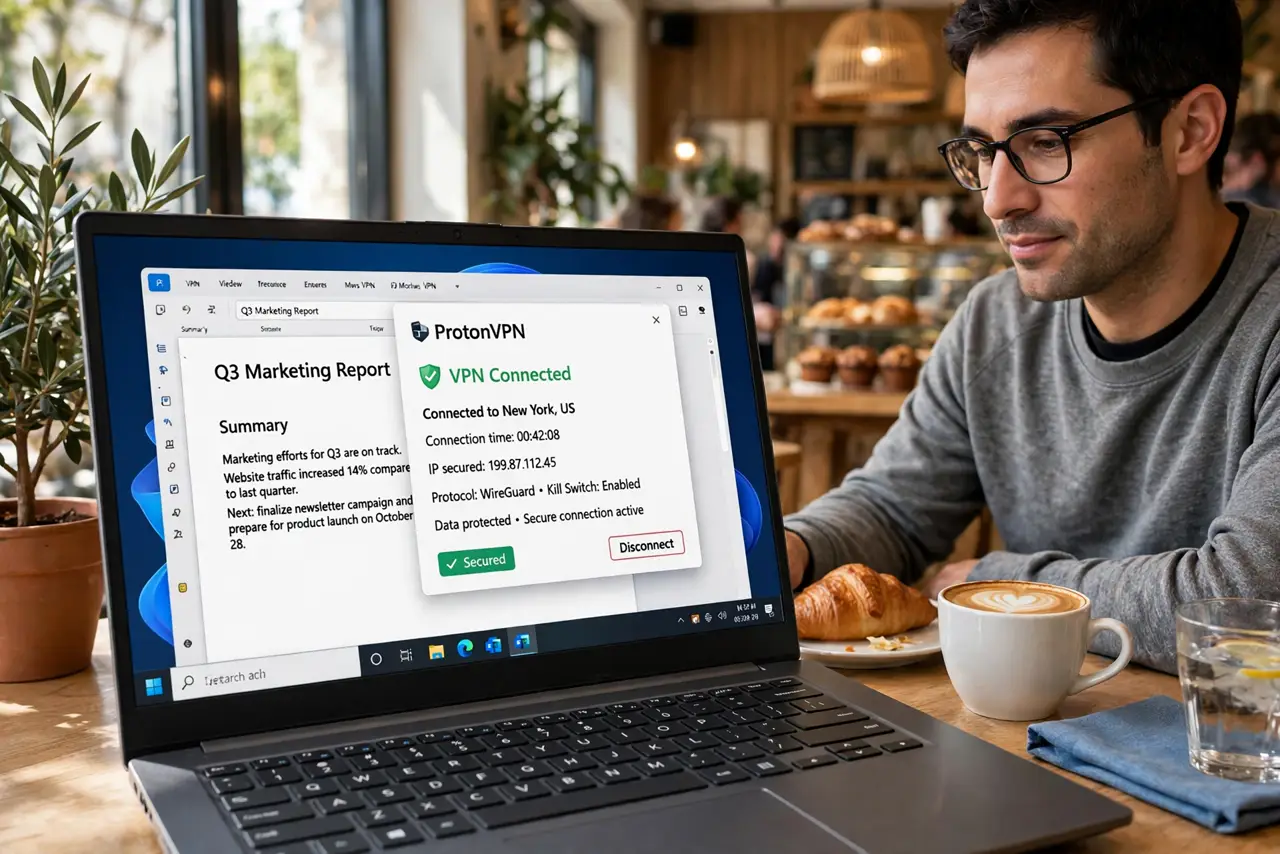
Quick fix: café Wi-Fi is convenient and snooped — use a VPN for anything sensitive, keep your firewall on, and avoid banking on open networks. Sit with your back to the wall and your screen angled away. Good coffee, good work, and nobody reading over your digital shoulder.
Follow these steps
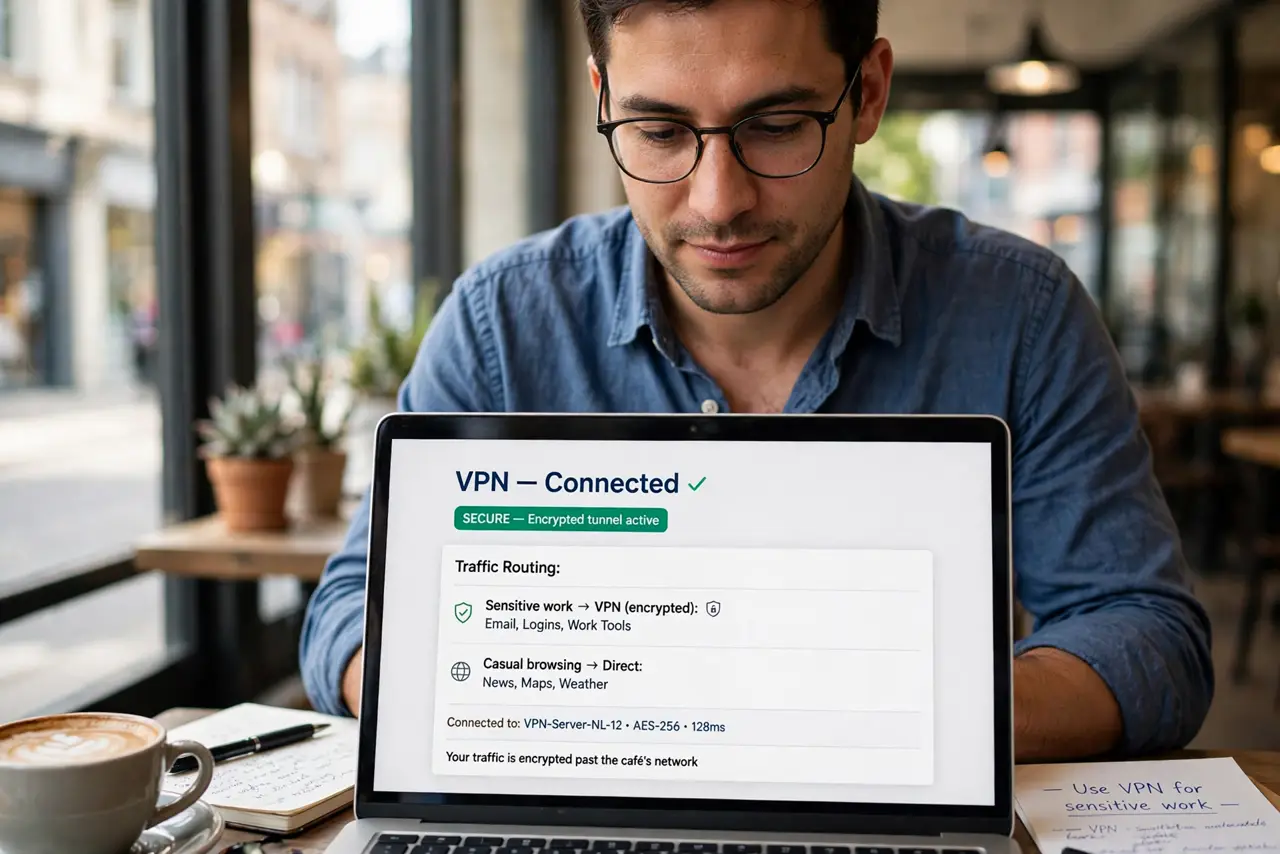
- Use a VPN for sensitive work. A VPN encrypts your traffic past the café's network. Email, logins, and work tools go through it; casual browsing can go direct.
- Keep your firewall on. Your device's firewall should always be active on public networks. It is the bouncer that turns away unsolicited knocks.
- Avoid banking and critical accounts. Save banking and anything irreplaceable for home or mobile data. No coffee is worth a compromised account.
- Forget the network afterwards. Tell your device to forget the café network when you leave. Auto-rejoining rogue lookalike networks later is a classic trap.
- Watch your physical surroundings. Sit with your back to the wall and angle the screen away from neighbors. Shoulder surfing is low-tech and effective.
- Keep software updated. Updates patch the network vulnerabilities attackers love. A café is the worst place to discover you are six months behind.
What NOT to do
- Do not do banking on open Wi-Fi. Even with a VPN, save the most sensitive tasks for trusted networks.
- Do not ignore the captive portal's fine print. Some portals are data harvests — connect, do your work, forget the network.
- Do not leave file sharing on. Public network plus open shares equals an invitation — disable sharing before you sip.
- Do not trust networks by name alone. An evil twin called Café_WiFi_Free is trivial to set up — confirm with staff.
Frequently asked questions
Is café Wi-Fi really dangerous?
It is untrusted, not automatically evil. Most sessions are fine — but the risk is real enough that VPN and caution are cheap insurance.
Should I use my phone hotspot instead?
For sensitive work, yes — cellular data beats open Wi-Fi. See the hotspot comparison.
What about the café's password?
A password keeps casuals out but everyone inside shares the network. Treat password-protected public Wi-Fi as public.