Hotspot or Travel Router?
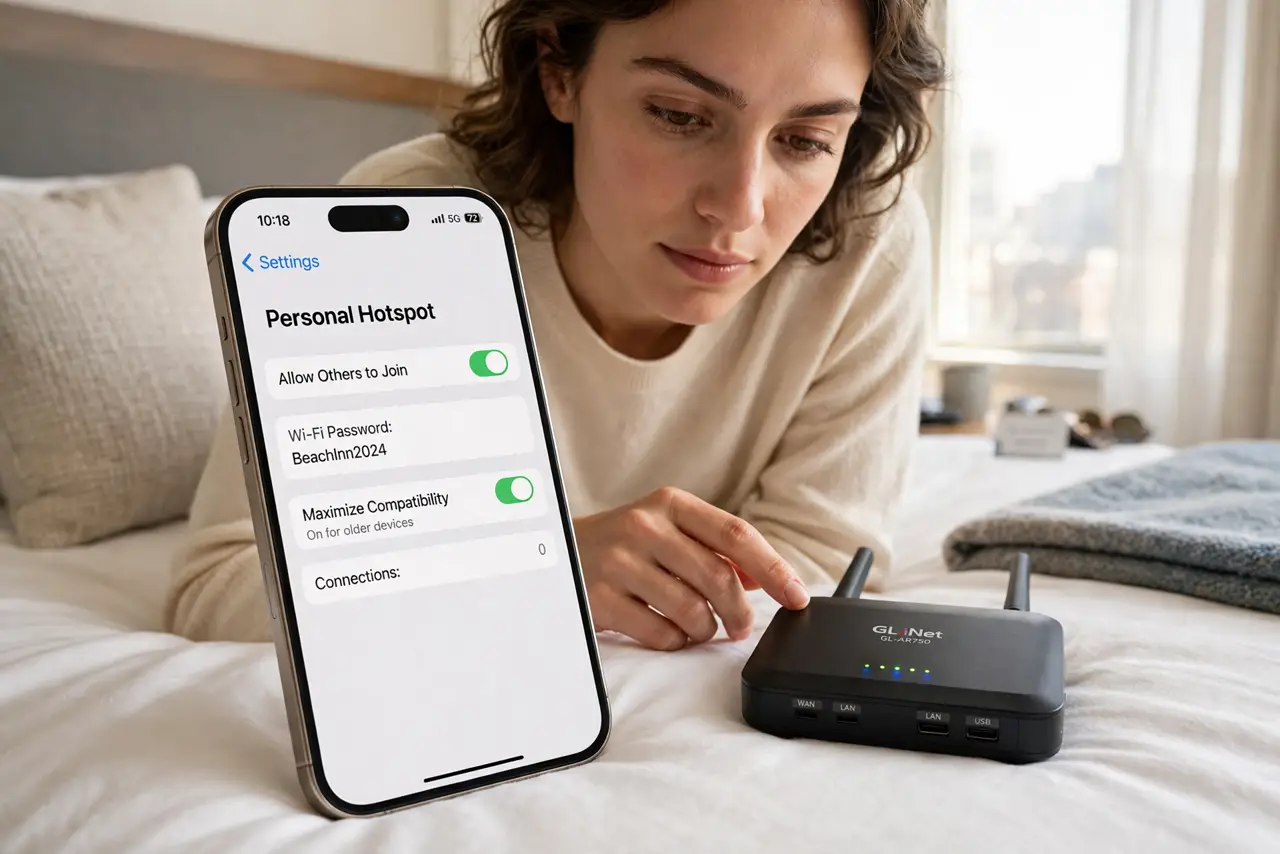
Two ways to get all your devices online while traveling: your phone's hotspot, or a dedicated travel router. The hotspot is simpler and already in your pocket; the router handles captive portals, many devices, and per-device fees better. The right choice depends on the trip. See the travel router guide and the hotel Wi-Fi tricks.
TL;DR / Quick Fix
Quick fix: use your phone hotspot for simple trips with one or two devices; pack a travel router when you have many devices or face per-device hotel portals and fees. The hotspot is simpler, the router is more capable. Match the tool to the trip, not the hype.
Follow these steps
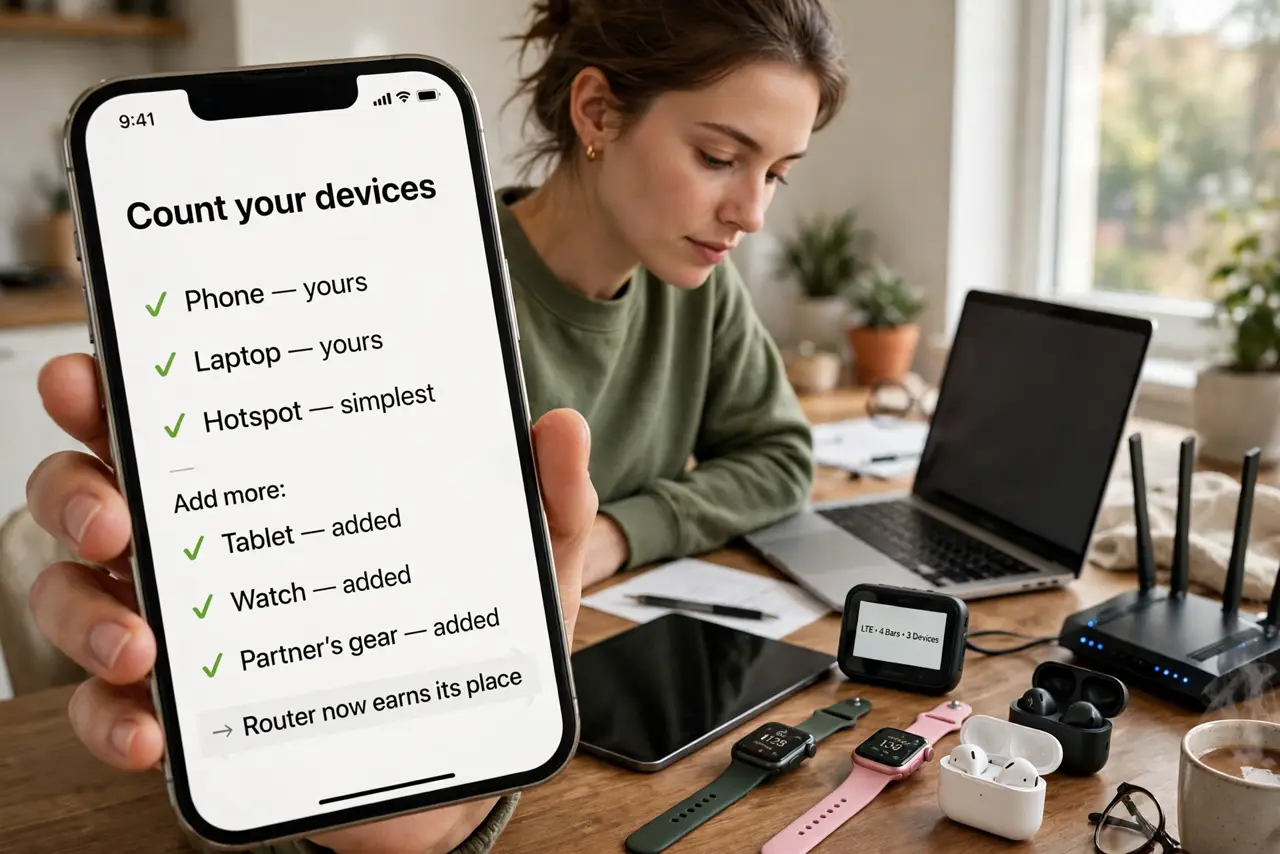
- Count your devices. Phone and laptop only? Hotspot wins on simplicity. Add a tablet, watch, and partner's gear, and the router starts earning its place.
- Check the hotel's deal. Free Wi-Fi with a simple password: hotspot tethering is easy. Per-device captive portals and fees: the router signs in once for everything.
- Weigh battery cost. Hotspotting drains your phone fast — it is a heater with a radio. A router sips wall power while your phone stays charged.
- Consider the privacy angle. A travel router hides your device count and some metadata from the hotel network. A hotspot exposes your phone directly.
- Think about the eSIM option. In some countries, a local data eSIM plus hotspot beats both — see the eSIM or pocket Wi-Fi comparison for the trip.
- Match the tool to the trip. Weekend city break: hotspot. Two-week multi-hotel work trip: router. There is no universal winner.
What NOT to do
- Do not hotspot for a week straight. Your phone's battery and your data cap will both file complaints.
- Do not buy a router for one trip. Borrow one or hotspot — the purchase pays off for frequent travelers, not single trips.
- Do not forget the router needs power. It is another charger in the bag — factor the outlet situation.
- Do not assume hotel Wi-Fi is fast. Both options share the hotel's connection; neither makes slow internet fast.
Frequently asked questions
Can I use both at once?
Yes — hotspot as backup when the hotel blocks the router. Redundancy is a traveler's friend.
Which is more secure?
The travel router edges it, hiding your devices behind one connection. Add a VPN on either for real privacy.
Does the hotspot cost extra?
Depends on your plan — some include it, some charge. Check before the trip, not on the roaming bill.