Wi-Fi Channels Are Congested in Your Building
In your apartment building, Wi-Fi crawls at 8 p.m. while your neighbor's streams fine. Dozens of routers shout on the same channels — yours just needs a quieter one.
TL;DR / Quick Fix
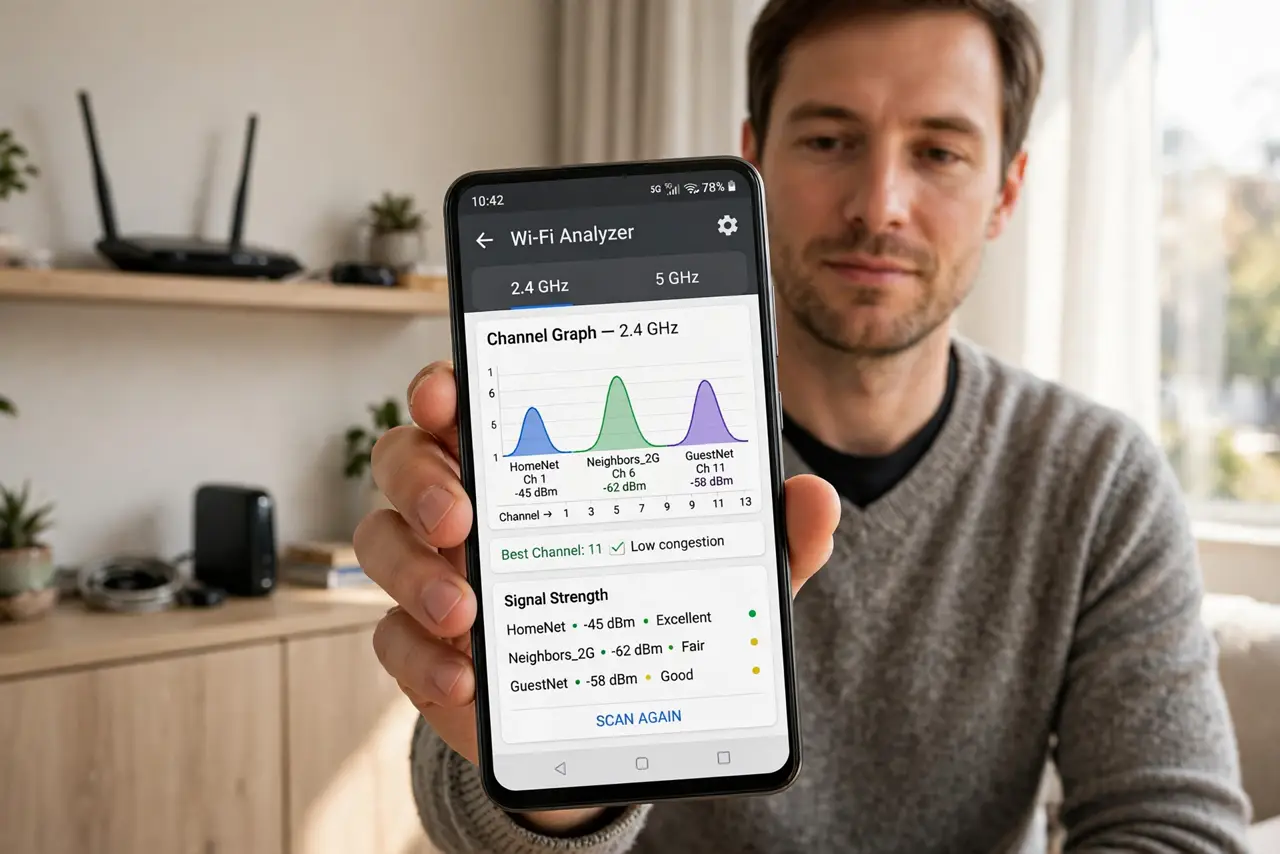
Quick fix: install a free Wi-Fi analyzer app and find the least crowded channel for 2.4 GHz (1, 6, or 11) and 5 GHz. Log in to your router and switch to those channels manually. Recheck in the evening, when congestion is worst.
Follow these steps
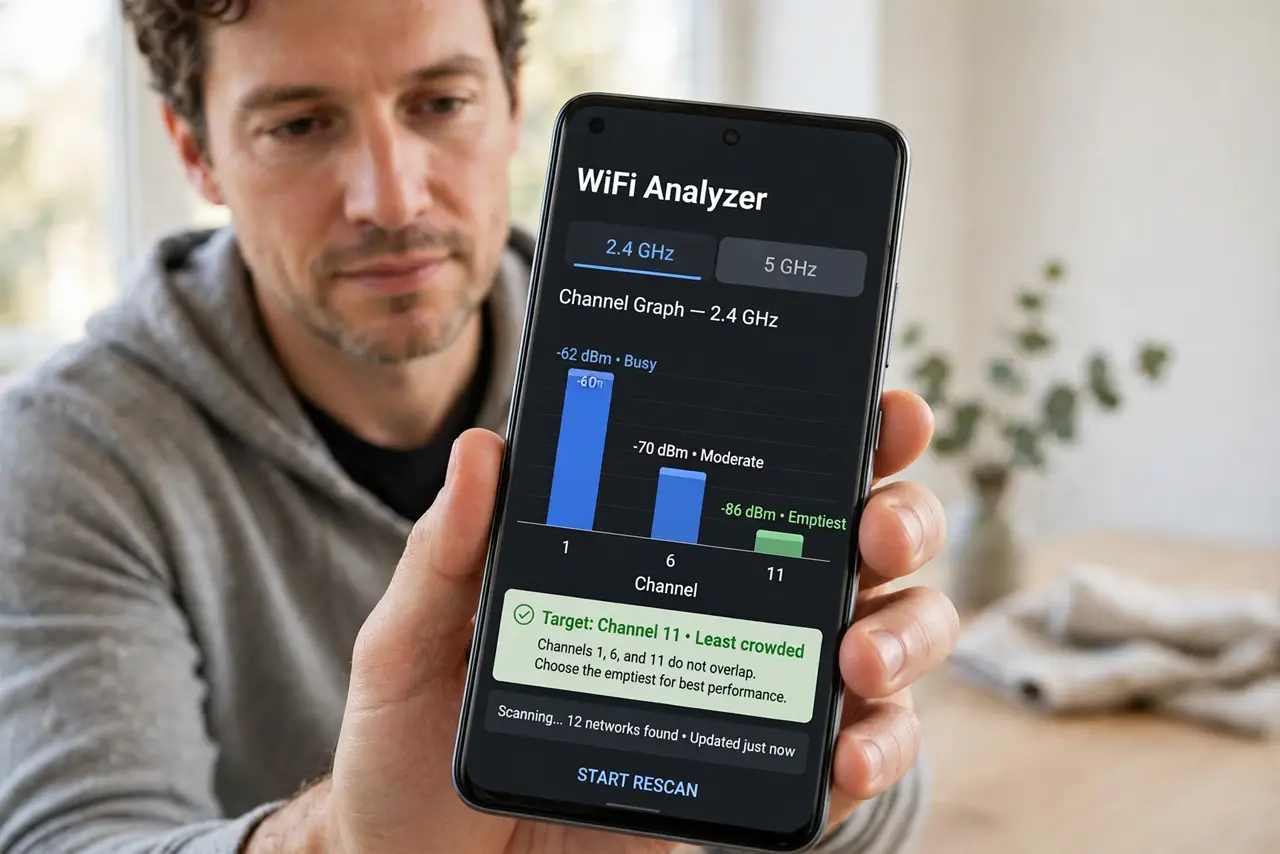
- Scan the channels with an analyzer. Install a Wi-Fi analyzer app and look at the 2.4 GHz graph. The emptiest among channels 1, 6, and 11 is your target — those three do not overlap each other.
- Pick a quiet 5 GHz channel too. The 5 GHz band has more channels and usually less crowding. Choose one with the fewest strong neighboring networks on the graph.
- Log in to the router. Open the router's admin page or app and find the wireless channel settings. This is the same login as your router admin panel — keep that password handy.
- Set the channels manually. Change 2.4 GHz to your chosen channel (1, 6, or 11) and 5 GHz to the quiet one you found. Manual beats Auto in crowded buildings, where Auto rarely moves.
- Test in the evening rush. Run a speed test at 8 p.m., when every neighbor is streaming. Evening is the real test — a channel that is quiet at noon can be packed at night.
- Recheck every few months. Neighbors buy new routers and change channels. A twice-yearly scan keeps you on a quiet channel as the building's airwaves shift.
What NOT to do
- Do not pick a channel between 1, 6, and 11 on 2.4 GHz. Overlapping channels interfere with everyone — the non-overlapping trio is the only polite choice.
- Do not crank transmit power to maximum. Louder is not clearer in a crowded building; it just adds to everyone's noise, including yours.
- Do not expect one change to fix everything forever. Congestion shifts as neighbors change gear, so treat channel choice as maintenance, not a one-time fix.
- Do not buy a new router before trying a channel change. A free channel switch often beats an expensive router shouting on the same crowded channel.
Frequently asked questions
Why is it only slow in the evening?
That is when everyone is home streaming. Your Wi-Fi shares the air with dozens of routers, and prime time is rush hour.
What does Auto channel do wrong?
Most routers pick a channel at boot and never move. In a changing building, that choice goes stale within weeks.
Will 5 GHz always be better here?
Usually, because it has more channels and shorter range — your neighbors' 5 GHz reaches you less, which means less interference.