Channel Width: 20, 40 or 80?
Next to the channel setting sits channel width — 20, 40, 80, even 160 MHz — and wider is not automatically better. A wide channel is a wider highway: faster when empty, a bigger traffic jam when crowded. This guide picks the right width per band.
TL;DR / Quick Fix
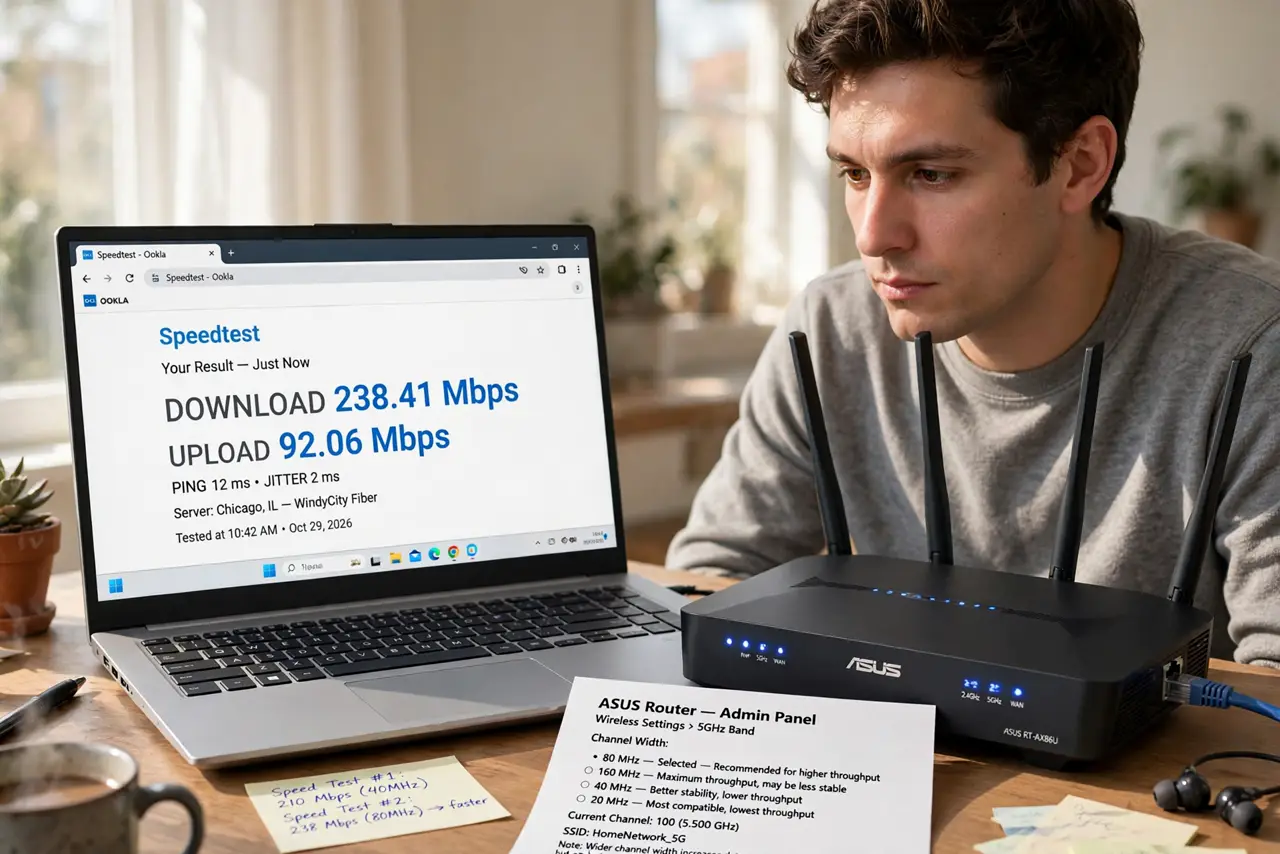
Quick fix: in your router's wireless settings, use 20 MHz width on crowded 2.4 GHz networks and 80 MHz on 5 GHz for speed. Wider channels are faster but more prone to interference. Change one band at a time and retest.
Follow these steps
- Find the width setting. In the router's wireless settings, each band (2.4 GHz, 5 GHz) has a channel-width dropdown, often near the channel selector.
- Set 2.4 GHz to 20 MHz. The 2.4 GHz band is crowded everywhere. Narrow 20 MHz channels dodge interference and actually deliver more reliable speed than wide ones here.
- Set 5 GHz to 80 MHz. The 5 GHz band has room to breathe, so 80 MHz gives real speed gains. This is the default sweet spot for most homes.
- Consider 160 MHz only if close. 160 MHz doubles 80 MHz speed on paper but is fragile — only use it if devices sit near the router and the band is quiet.
- Change one band at a time. Adjust 2.4 GHz, retest for a day, then touch 5 GHz. Changing both at once makes it impossible to know what helped.
- Revisit after [[changing channels|change-wifi-channel]]. Channel and width interact. Settle the channel first, then tune width on top of it.
What NOT to do
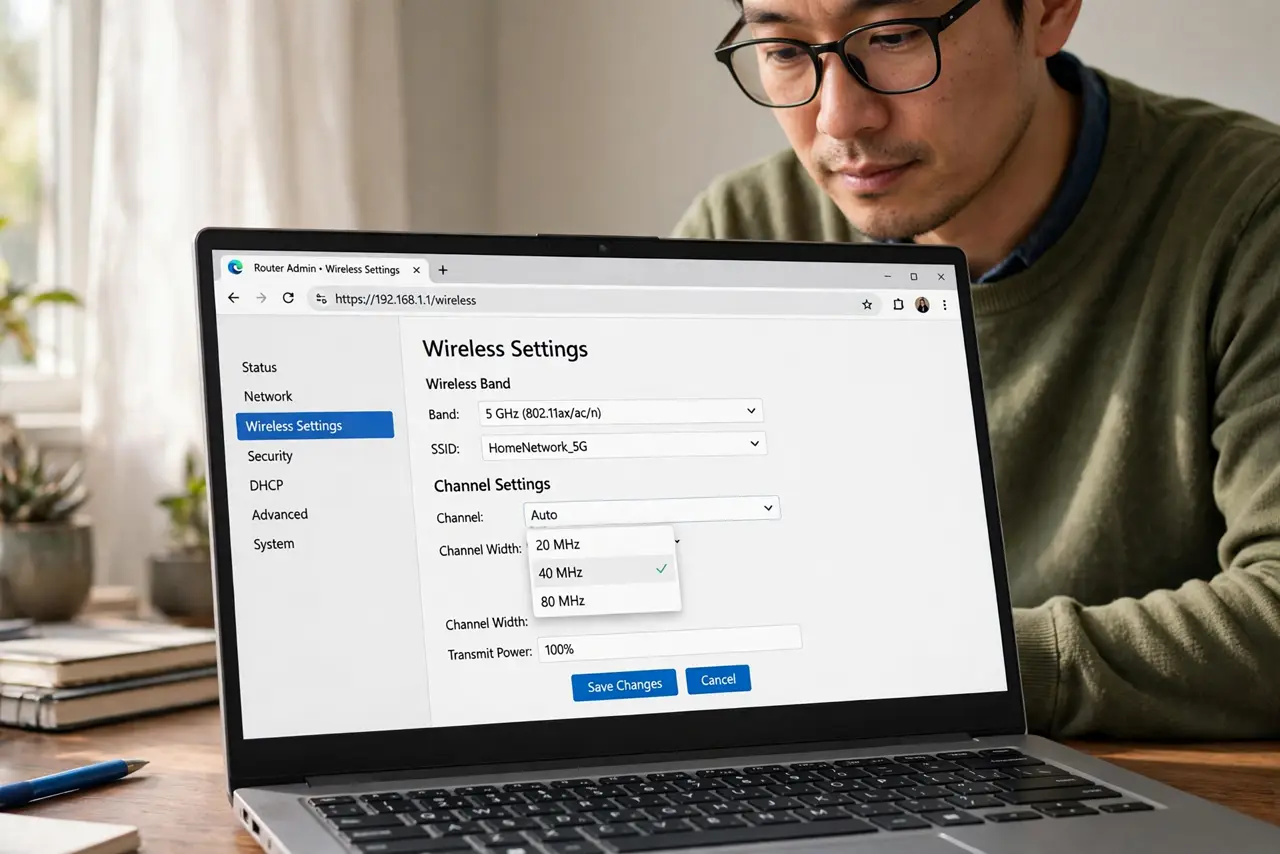
- Do not set 40 MHz on 2.4 GHz in an apartment. It overlaps more neighbors and usually performs worse than 20 MHz.
- Do not chase 160 MHz for bragging rights. Few client devices support it, and interference eats the theoretical gain.
- Do not set width to ‘auto’ and assume optimal. Auto often picks the widest, not the smartest.
- Do not forget older devices. Some legacy gadgets only connect on 20 MHz — widening can strand them.
Frequently asked questions
What does channel width actually change?
How much radio spectrum each transmission uses. Wider carries more data per instant but overlaps more neighbors and picks up more interference.
Why is 20 MHz better on 2.4 GHz?
That band has only three clean channels. Wide 40 MHz channels overlap neighbors and collide constantly; narrow ones slip between.
Will wider channels extend my range?
No — often the opposite. Narrow channels are more robust at distance; width buys speed, not reach.