Wi-Fi Connected but No Internet? Fix It
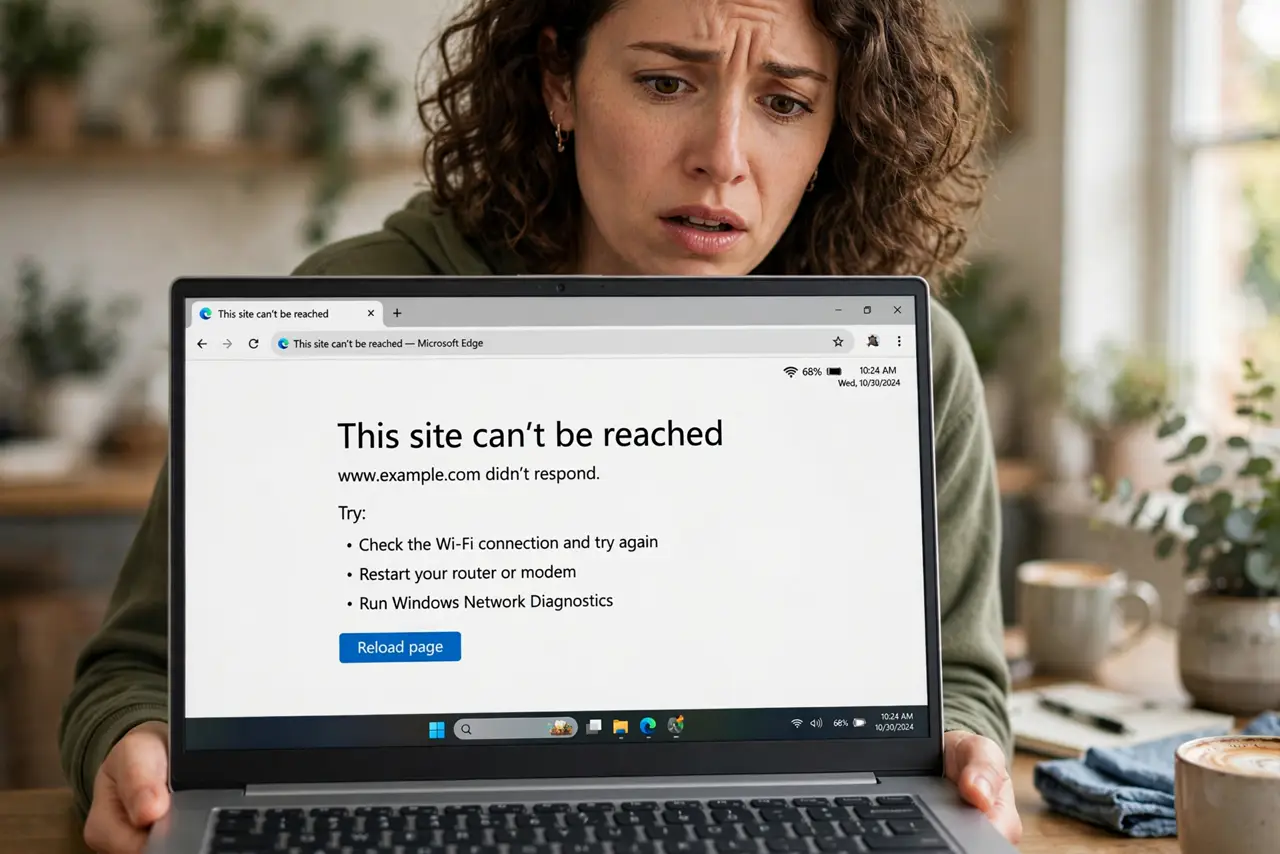
Full signal bars, 'Connected' — and nothing loads. This maddening state means your device reached the router fine, but the router can't reach the internet. The fix ladder is short: confirm it's not just one device, restart in the right order, and read what the modem lights are telling you.
TL;DR / Quick Fix
Quick fix: if every device fails, unplug the modem and router for 60 seconds, plug the modem back first, wait for steady lights, then the router. If only one device fails, toggle its Wi-Fi off and on. A red or dark modem internet light means calling the provider.
Follow these steps
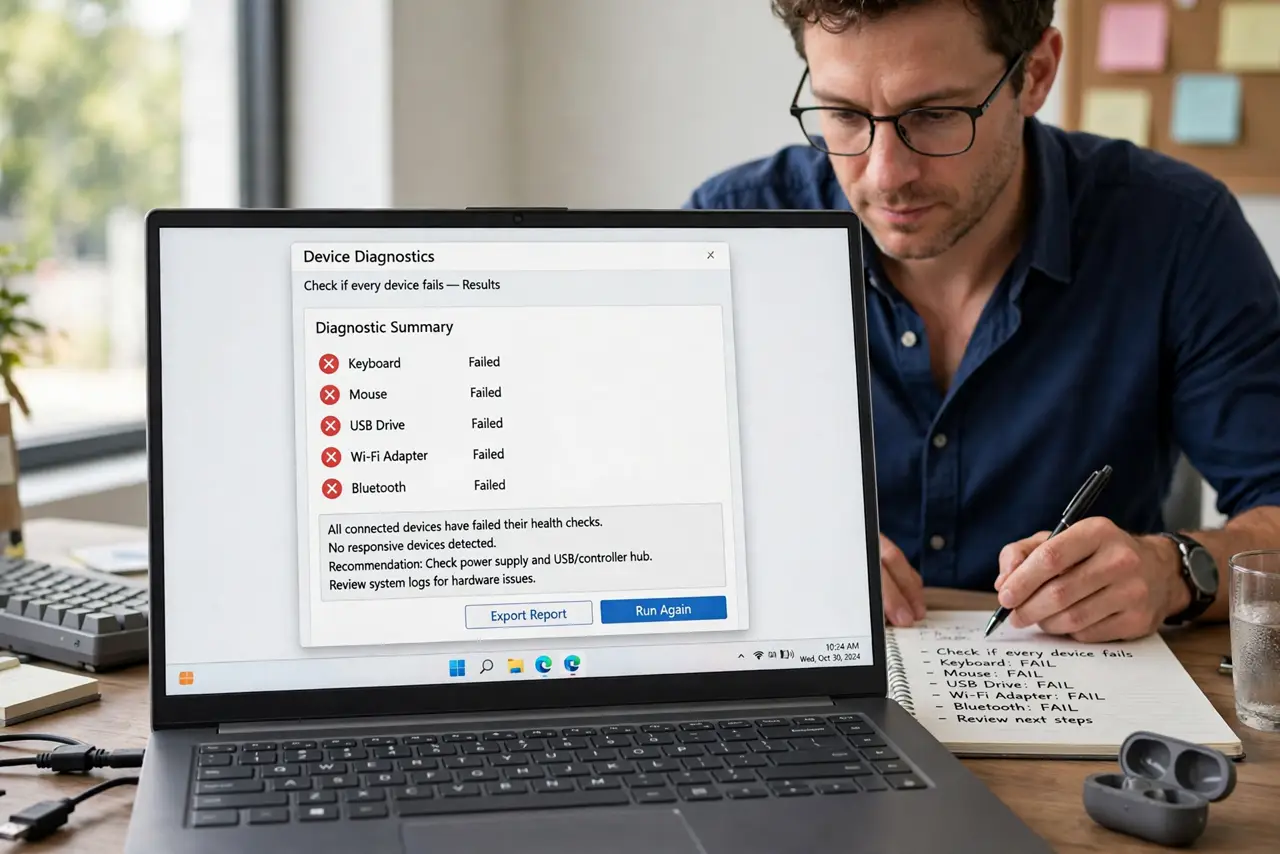
- Check if every device fails. If your phone loads fine on the same Wi-Fi, the problem is one device — skip to the device steps. If everything fails, the problem is the router or the line.
- Restart modem and router in order. Unplug both for a full 60 seconds. Plug in the modem first, wait until its lights go steady, then plug in the router. Order matters.
- Read the modem lights. Compare them with the lights guide. No DSL/cable light means the line itself is down — no restart will fix that.
- Toggle Wi-Fi on the failing device. One device stuck 'connected' with no internet often recovers from a simple Wi-Fi off/on, which forces a fresh network handshake.
- Forget and rejoin the network. On the device, forget the Wi-Fi network and reconnect with the password. This clears a corrupted network profile.
- Call the provider with evidence. If the modem's internet light never steadies, the outage is theirs. Tell them the light status — it skips half the script.
What NOT to do
- Do not factory-reset the router first. A 60-second power cycle fixes most cases; a reset erases your Wi-Fi name and passwords.
- Do not restart only the router. If the modem is the hung device, the router restart changes nothing — always do both, modem first.
- Do not assume the Wi-Fi is broken. Full bars with no internet almost always means the internet line, not the Wi-Fi radio.
- Do not pay for a technician before checking the lights. A dark internet light is a provider outage — their fix, their bill.
Frequently asked questions
Why does Wi-Fi say connected but nothing loads?
'Connected' only means your device reached the router. If the router itself lost the internet — outage, hung modem, unpaid bill — you get full bars and zero pages.
How long should I unplug the modem?
A full 60 seconds. Shorter restarts sometimes preserve the hung state in memory; the wait lets capacitors fully drain.
Is it my router or the provider?
Check the modem's internet/DSL light. Steady or blinking normally means your side; dark or red means the provider's side — see modem vs router.