Cruise Ship Internet Tips
Cruise Wi-Fi is the final boss of bad internet: satellite links, hundreds of passengers, and per-device pricing that punishes the unprepared. But with the right package and the right prep, you can stay reachable without funding the cruise line's satellite bill single-handedly.
TL;DR / Quick Fix
Quick fix: buy the smallest package that fits — cruise Wi-Fi is satellite-based, slow, and pricey per device. Do heavy uploads in port on café Wi-Fi, download shows before sailing, and turn off cloud backups and auto-updates. One device logged in at a time stretches any package further.
Follow these steps
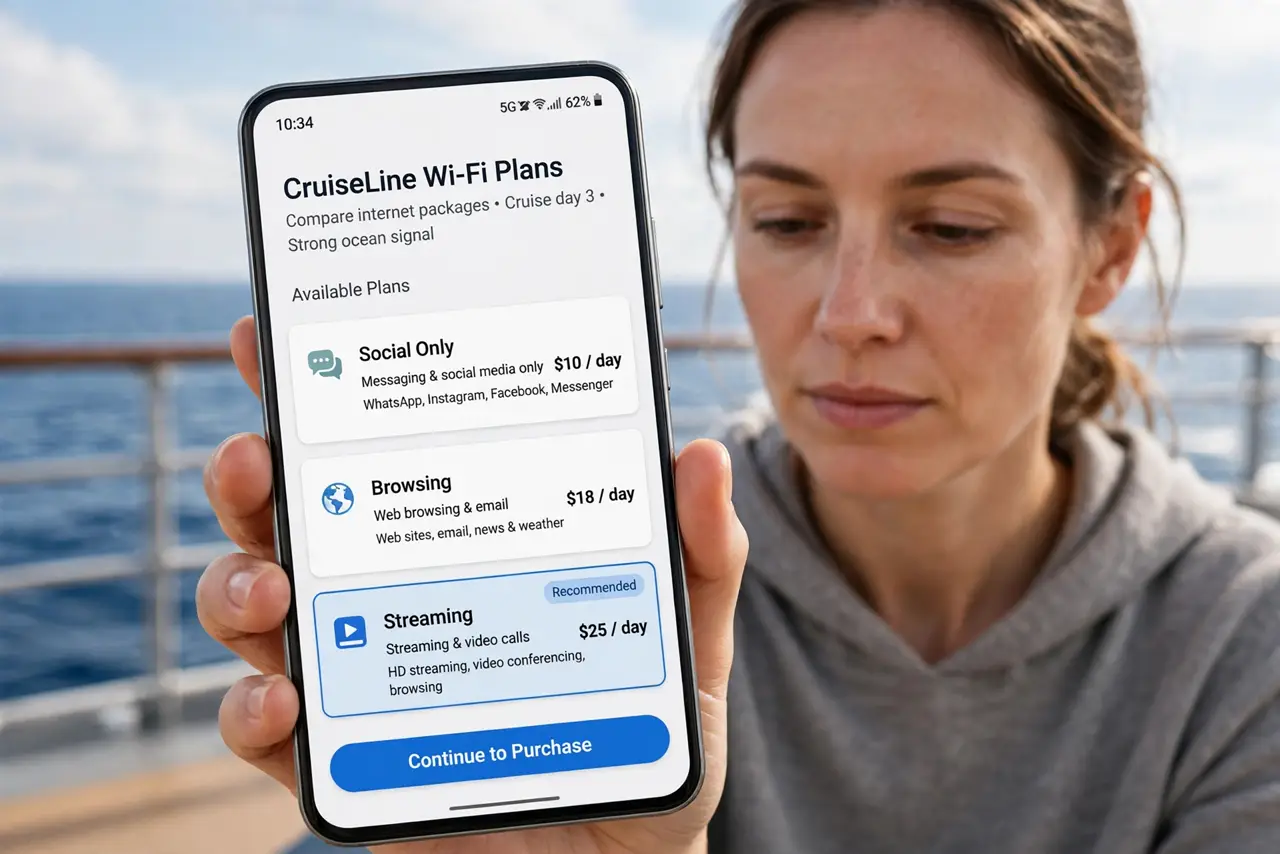
- Buy the smallest fitting package. Cruise lines sell tiers — social-only, browsing, streaming. Match the tier to reality: messaging and email need the cheapest; video calls need the priciest and still disappoint. Buy per voyage, not per day, when the math favors it.
- Understand it's satellite internet. Mid-ocean, your bits travel 22,000 miles up and back — latency is inherently high and bandwidth is shared with a thousand passengers. Set expectations at 'usable messaging,' not 'home broadband.'
- Do heavy lifting in port. Photo backups, app updates, big downloads — wait for port days and use café or terminal Wi-Fi. The ship's satellite is the most expensive byte you'll ever buy.
- Download entertainment before sailing. Shows, books, music, offline maps — load everything at home. Onboard, the network should carry messages, not movies.
- Log in one device at a time. Packages are usually per-device; juggling phone and laptop burns sessions and money. Pick the day's device and stick with it — the same discipline as airplane Wi-Fi.
- Kill background data hogs. Turn off cloud photo backup, auto-updates, and background app refresh before connecting. One forgotten iCloud sync can eat a day's package in an hour.
What NOT to do
- Do not buy the streaming tier for video calls. Satellite latency makes calls choppy regardless of tier — the expensive package doesn't fix physics.
- Do not leave cloud backup on. An automatic photo upload over satellite is the fastest way to vaporize a package — disable it dockside.
- Do not expect refunds for slowness. 'Slow' is the product description, not a defect — buy small, and treat anything beyond messaging as a bonus.
- Do not do sensitive banking on ship Wi-Fi without protection. It's a shared network like any other — use a VPN or wait for port.
Frequently asked questions
Why is cruise Wi-Fi so expensive?
Satellite bandwidth at sea costs the cruise line a fortune, and they pass it on. Per-device pricing also rations a scarce shared resource — it's economics, not gouging.
Can I get free Wi-Fi in port?
Often yes — terminals, cafés, and restaurants near the dock usually offer it. Plan your heavy uploads around port days.
Does airplane mode matter on a cruise?
Yes — your phone will roam onto the ship's cellular network at sea, which bills at maritime rates. Use airplane mode with Wi-Fi on, or face a shocking roaming bill.