Data Cap? Strategies That Help
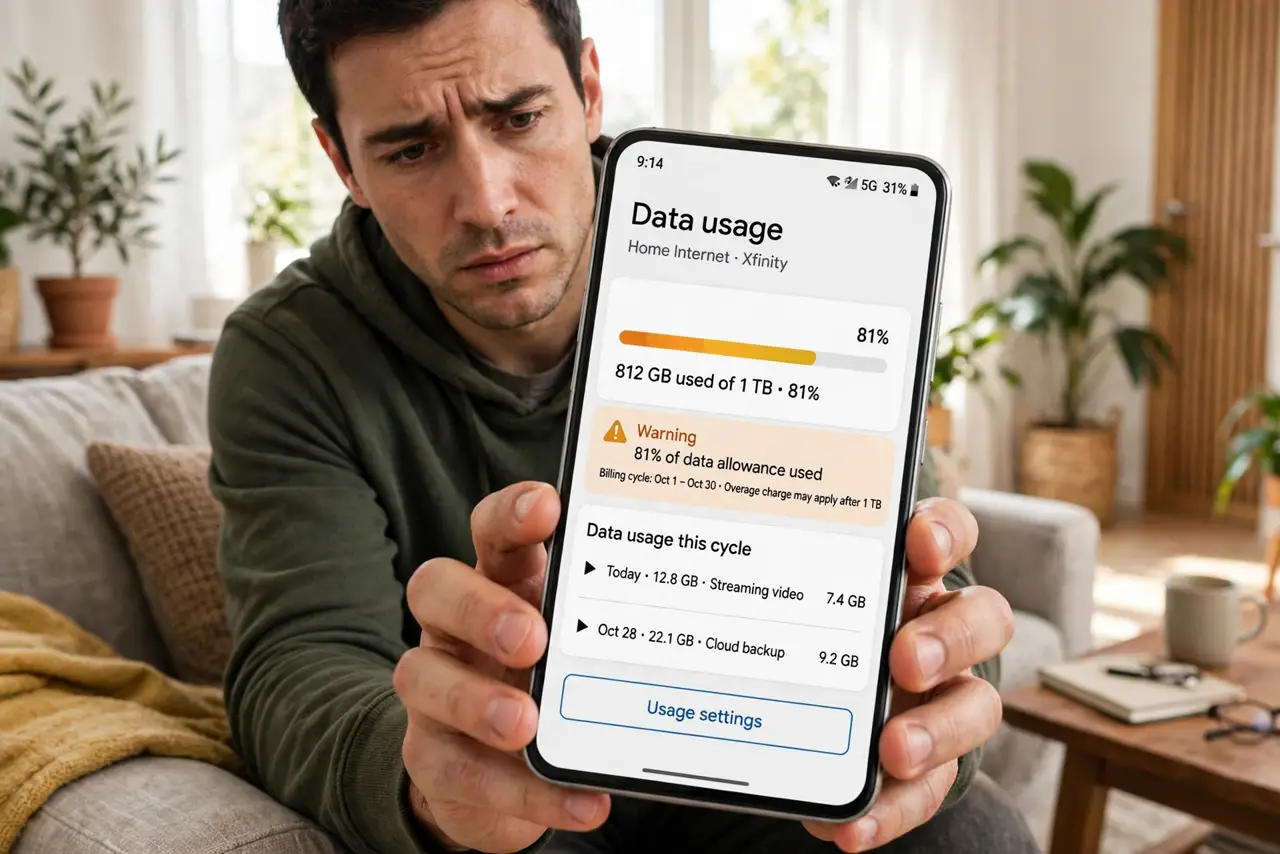
Your plan includes a monthly data cap, and halfway through the month the speeds crater — or the overage warning arrives. Caps punish exactly the habits that feel normal: HD streaming, cloud backups, and big downloads. You don't need a bigger plan yet — you need to find the hogs and tame them first.
TL;DR / Quick Fix
Quick fix: find what eats your data — video quality settings and cloud backups are the hogs. Drop streaming to 720p, pause cloud photo uploads on mobile data, and schedule big downloads for off-peak if your plan allows. Check your ISP's usage meter weekly so the cap never surprises you.
Follow these steps
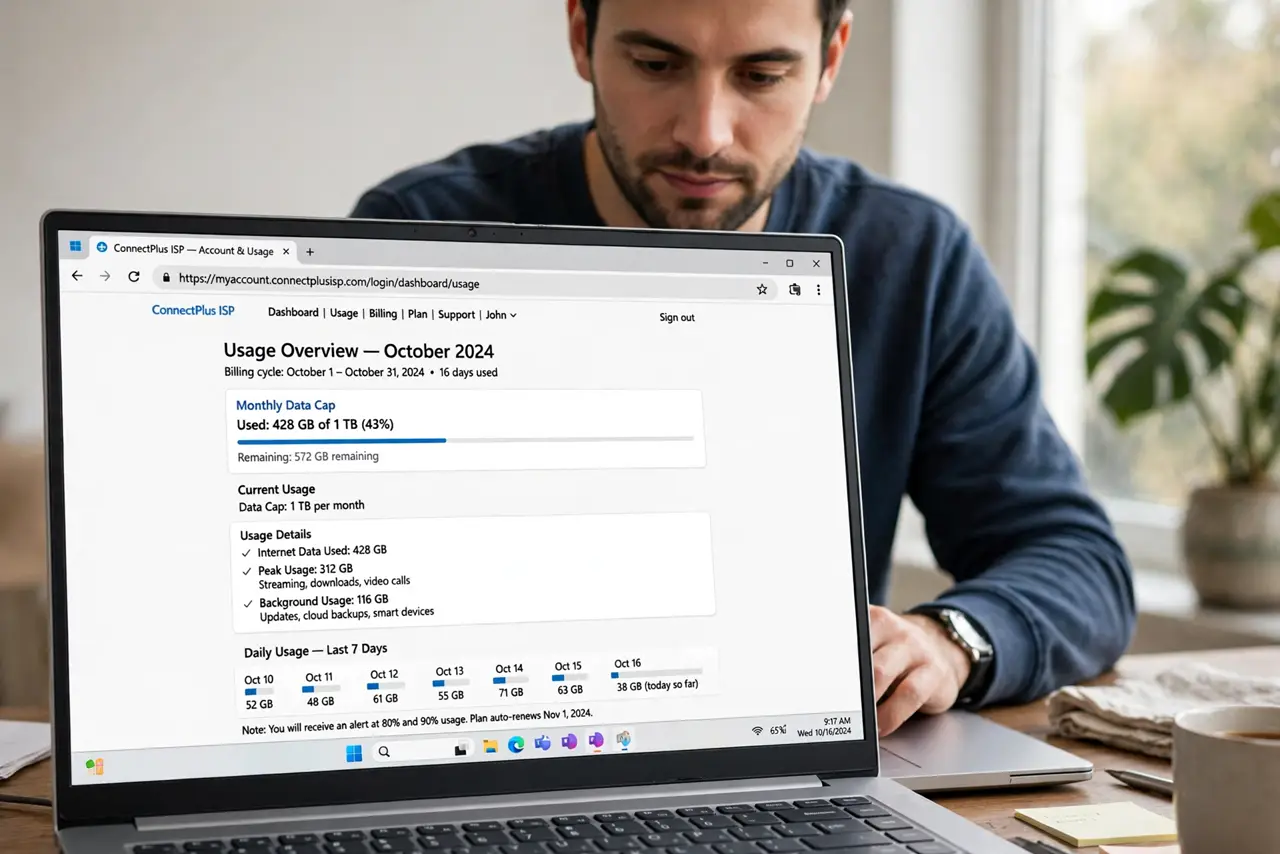
- Find your cap and your current usage. Log into your ISP's account page or app and note two numbers: the monthly cap and how much you've used. Many people discover the cap is smaller — or their usage bigger — than they assumed, which reframes the whole problem.
- Cut streaming quality one notch. Video is the hungriest habit by far. Dropping from 4K to 1080p — or 1080p to 720p — slashes data use dramatically with a difference most eyes barely notice on smaller screens. Set it per-app, not per-video.
- Tame cloud backups and photo sync. Cloud photo and file backups can silently upload gigabytes. Set them to Wi-Fi-only and, if your plan counts uploads, schedule them for off-peak hours or pause them until month's end.
- Schedule big downloads deliberately. Game updates, OS upgrades, and large files should download once, on purpose — not auto-update across four devices simultaneously. Stagger them and use off-peak windows if your provider offers unmetered hours.
- Watch for the warning signs. Most ISPs send usage warnings at 75% and 90%. Treat the first warning as the signal to switch the household to data-saving mode — not the second.
- Consider hotspot use separately. Phone hotspotting burns through caps shockingly fast — laptops treat it as unmetered Wi-Fi. Check your plan's hotspot allowance and keep hotspot sessions short and purposeful.
What NOT to do
- Do not just buy a bigger plan first. Most households can cut usage substantially with the steps above — upgrade only after you've tamed the hogs.
- Do not let every device auto-update. Four devices pulling the same OS update simultaneously is the classic mid-month cap killer — stagger them.
- Do not stream 4K on a phone screen. The pixels are invisible at that size and the data cost is very real — match quality to the screen.
- Do not ignore uploads. Some caps count both directions, and cloud backups upload far more than people expect.
Frequently asked questions
How much data does streaming actually use?
Roughly: 4K uses several GB per hour, 1080p about half of that, 720p roughly half again. One notch down in quality is the single biggest lever most households have.
Do data caps count uploads too?
It depends on the provider — many count downloads only, but some count both. Cloud backups make uploads matter, so check your plan's fine print.
What happens when I hit the cap?
Usually throttled speeds or overage charges, depending on the plan. Neither is the end of the world for a few days — but the usage meter helps you avoid the surprise.