A Wi-Fi Dead Zone Behind a Metal Door
Wi-Fi works everywhere except the room behind the metal door — open the door and it floods back in. Metal doors are among the toughest blockers in a home, and the fix is getting signal around the door, not through it.
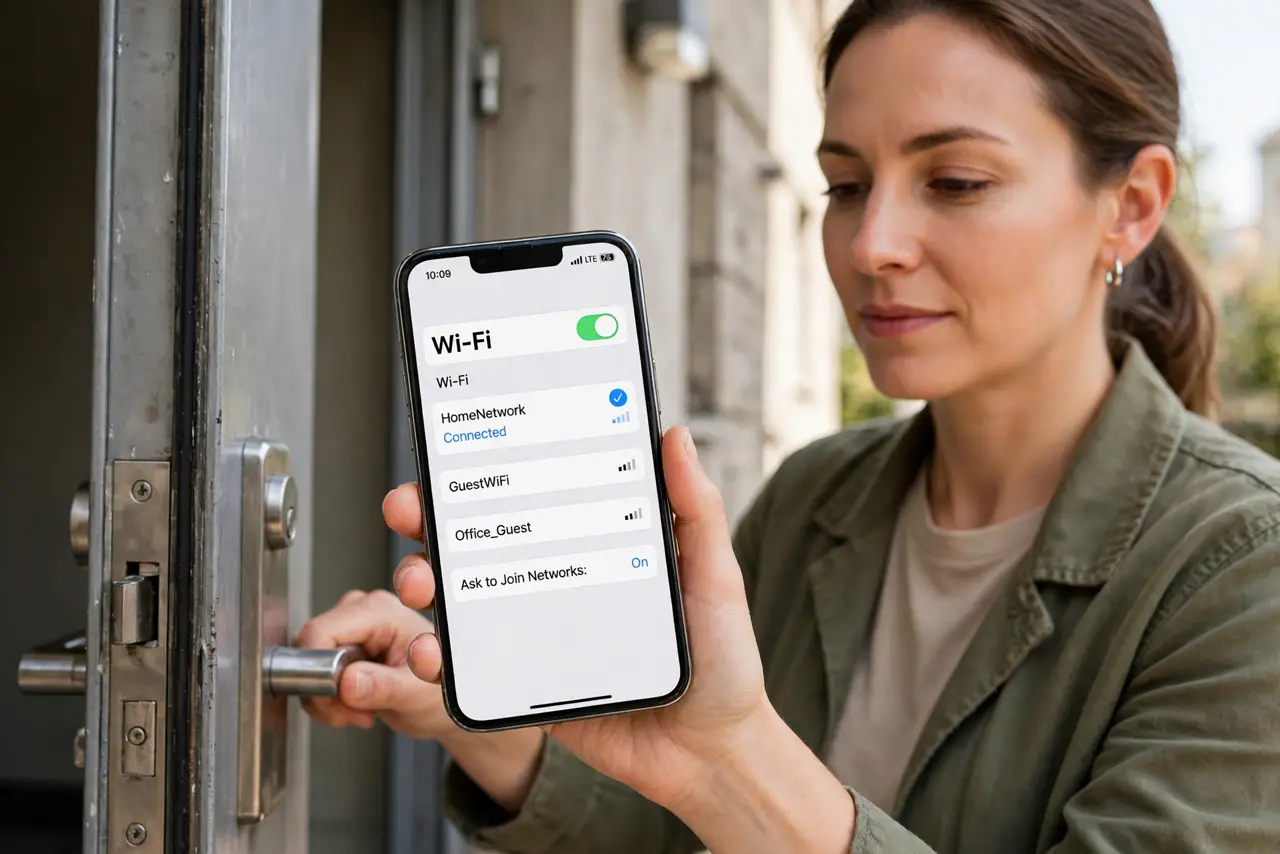
TL;DR / Quick Fix
Quick fix: prove the door is the cause by testing with it open versus closed. Then get signal to the room's side — move the router, add a mesh node or access point on the room side, or run a cable under the door gap.
Follow these steps
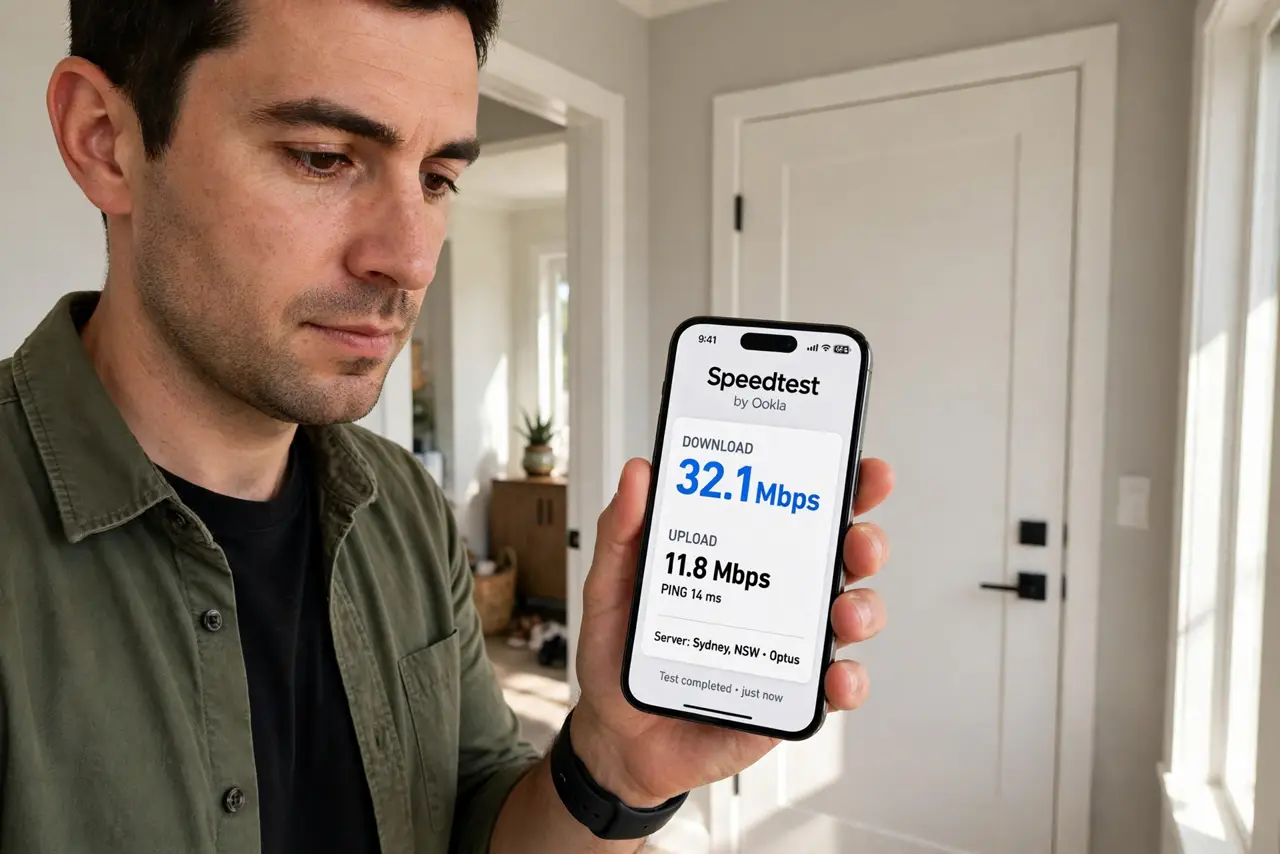
- Prove the door is the blocker. Stand in the room with the door open and run a speed test, then close it and test again. A big drop with the door closed confirms the diagnosis in one minute.
- Move the router if you can. If the router sits right behind the metal door's wall, shifting it even a few meters can route signal through drywall instead of metal.
- Put a node on the room's side. A mesh node or access point inside the room — placed with the same care as mesh node placement — gives the room its own strong source that never crosses the door.
- Run a cable if the room matters. For a home office behind a metal door, an ethernet cable under the door gap or through the wall ends the problem permanently. Wireless cannot beat a wire through metal.
- Check the door is really the only blocker. With the door open, walk the room for other weak spots. Fixing the door reveals the next weakest link, which is worth knowing before buying gear.
- Test with the door closed when done. Verify the fix under real conditions — door closed, as it will be daily. A fix that only works with the door open is not a fix.
What NOT to do
- Do not buy a stronger router to punch through metal. No consumer router blasts through a metal door reliably, and the money is better spent getting signal to the other side.
- Do not drill through a fire-rated door. Fire doors must stay intact, so route cables around the frame or under the gap instead.
- Do not place the new node right against the metal door. A few meters of distance on the room side gives far better coverage than hugging the blocker.
- Do not assume the whole house needs fixing. One metal door creates one dead zone, so target that room instead of rebuilding the entire network.
Frequently asked questions
Why does a metal door kill Wi-Fi?
Metal reflects radio waves instead of letting them pass, so the signal that reaches the room is a faint echo of what the router sent.
Will a Wi-Fi extender help?
Only on the room's side. An extender outside the door still has to cross the metal, which is the part that fails.
Is a cable really necessary?
Not always, but it is the only guaranteed fix. Try a node on the room's side first, and cable the devices that matter most.