DFS Channels? Plain Explanation
Deep in your router's 5 GHz settings lurk channels labeled DFS — extra airspace your router may use if it promises to yield to radar. They are often gloriously empty because most routers avoid them. Here is what they are, when they help, and the one catch.
TL;DR / Quick Fix
Quick fix: DFS channels are extra 5 GHz channels routers can use if they detect no radar nearby. They are often emptier, so enabling them can speed up Wi-Fi. If devices disconnect randomly afterward, turn DFS back off. Not all older devices support them.
Follow these steps
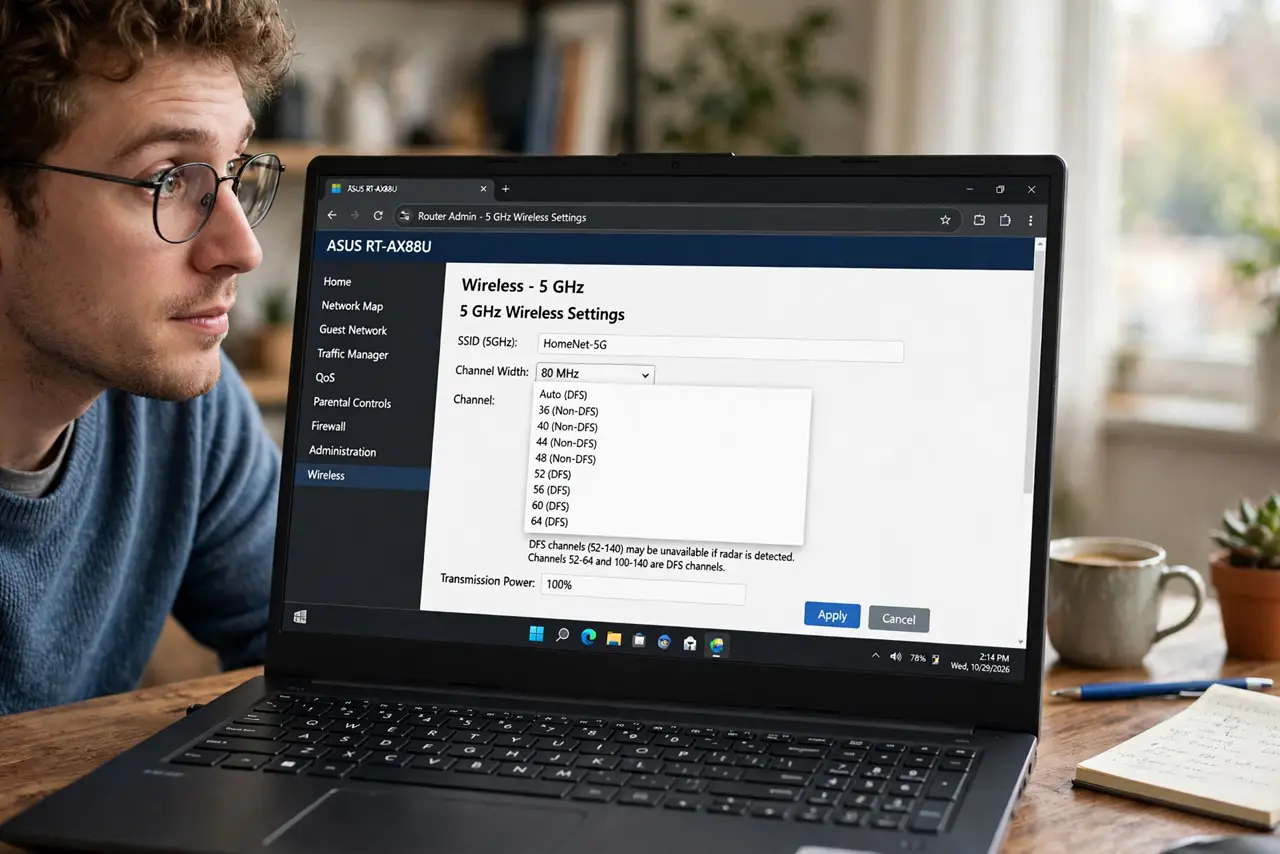
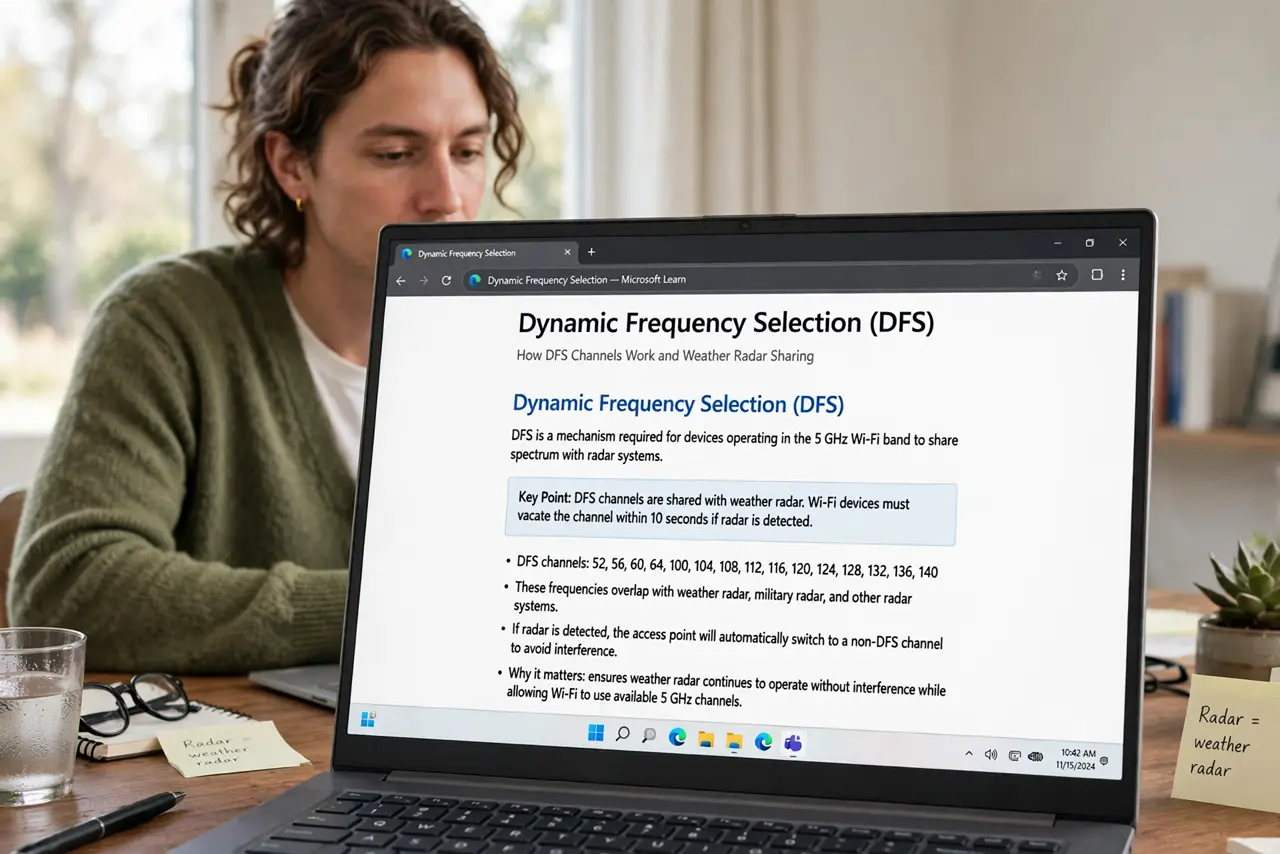
- Understand what DFS means. Dynamic Frequency Selection: these 5 GHz channels are shared with weather radar and similar systems. Your router must listen for radar and vacate instantly if it hears any.
- Find the DFS toggle. In the router's wireless settings, look for a ‘DFS channels’ checkbox or a channel list including numbers like 52–128. Enable it.
- Enjoy the empty airspace. Few neighbors use DFS, so interference drops sharply. Speed tests often jump on the first try in crowded areas.
- Watch for the radar catch. If the router detects radar, it must jump channels — your devices disconnect briefly and reconnect. Near airports or weather stations this happens more.
- Turn it off if drops appear. Random disconnects after enabling DFS mean radar events. Uncheck DFS and return to standard channels — stability beats speed.
- Pair with smart [[channel choices|wifi-channel-overlap-neighbors]]. DFS is one tool; combining it with sensible 2.4 GHz channel selection covers both bands properly.
What NOT to do
- Do not enable DFS and forget it. If mysterious brief drops start, DFS radar events are suspect number one.
- Do not expect every device to see DFS. Some older phones and smart gadgets cannot use these channels at all.
- Do not use DFS as the first fix. Standard channel cleanup solves most problems with zero radar risk.
- Do not assume ‘more channels’ means better everywhere. Near radar sources, DFS causes more harm than good.
Frequently asked questions
What is radar doing on Wi-Fi channels?
Governments allocated parts of 5 GHz to radar first; Wi-Fi is the guest. DFS is the politeness protocol that keeps Wi-Fi from blinding weather radar.
Why are DFS channels emptier?
Most routers ship with DFS off, and many devices ignore those channels — so the few who enable it get a quiet band.
Will DFS help my smart home gadgets?
Probably not — many IoT devices only speak 2.4 GHz anyway, where DFS does not exist.