What Is Wi-Fi Direct?
Your printer offers 'Wi-Fi Direct' and your phone too, but nobody explains what it is. Wi-Fi Direct lets two devices talk to each other over Wi-Fi with no router in the middle — like Bluetooth, but faster and with longer range. Here is when to use it.
TL;DR / Quick Fix
Quick fix: Wi-Fi Direct connects two devices directly with no router — handy for printing or sending files where there is no network. Enable it on both devices and accept the pairing prompt. For internet sharing or casting, other options usually work better.
Follow these steps
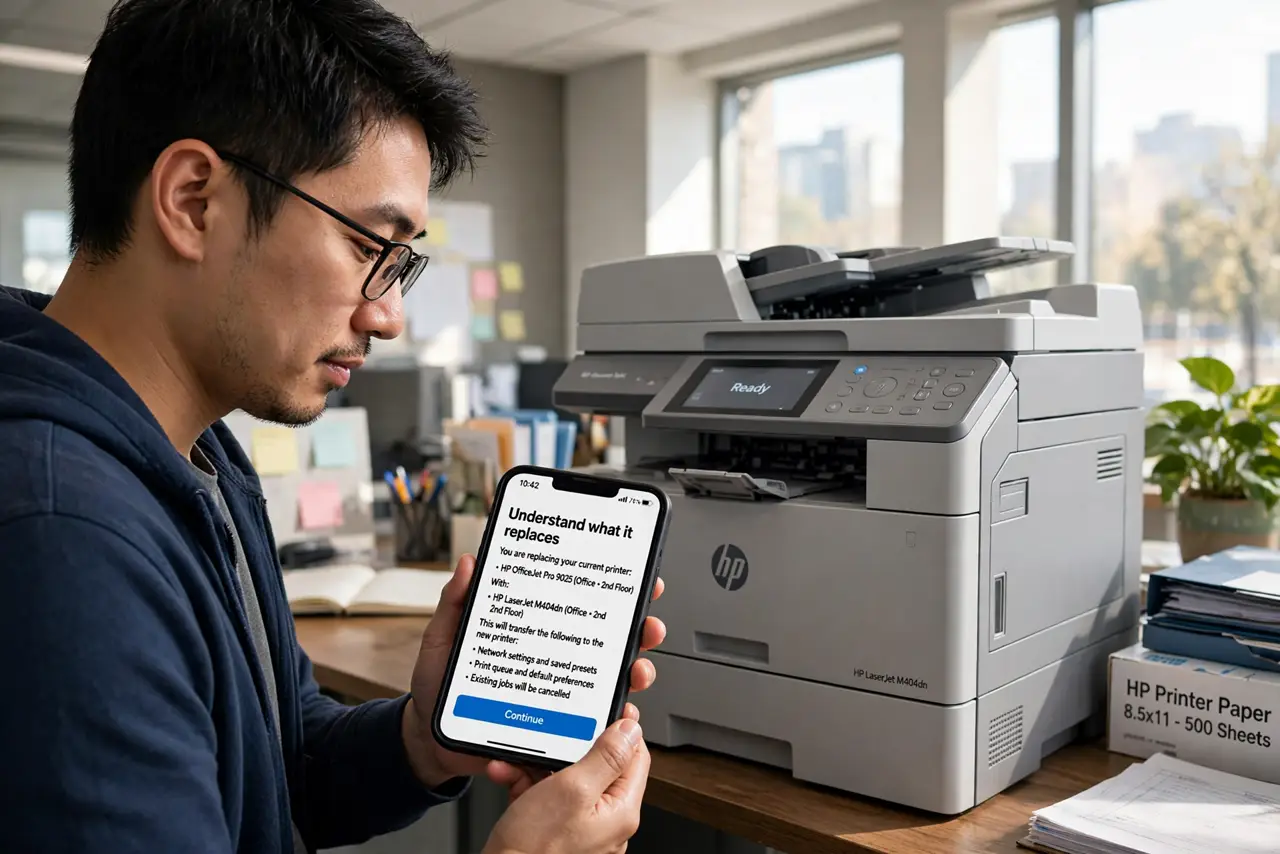
- Understand what it replaces. Wi-Fi Direct is device-to-device Wi-Fi — no router, no internet needed. Think of it as Bluetooth's faster, longer-range cousin.
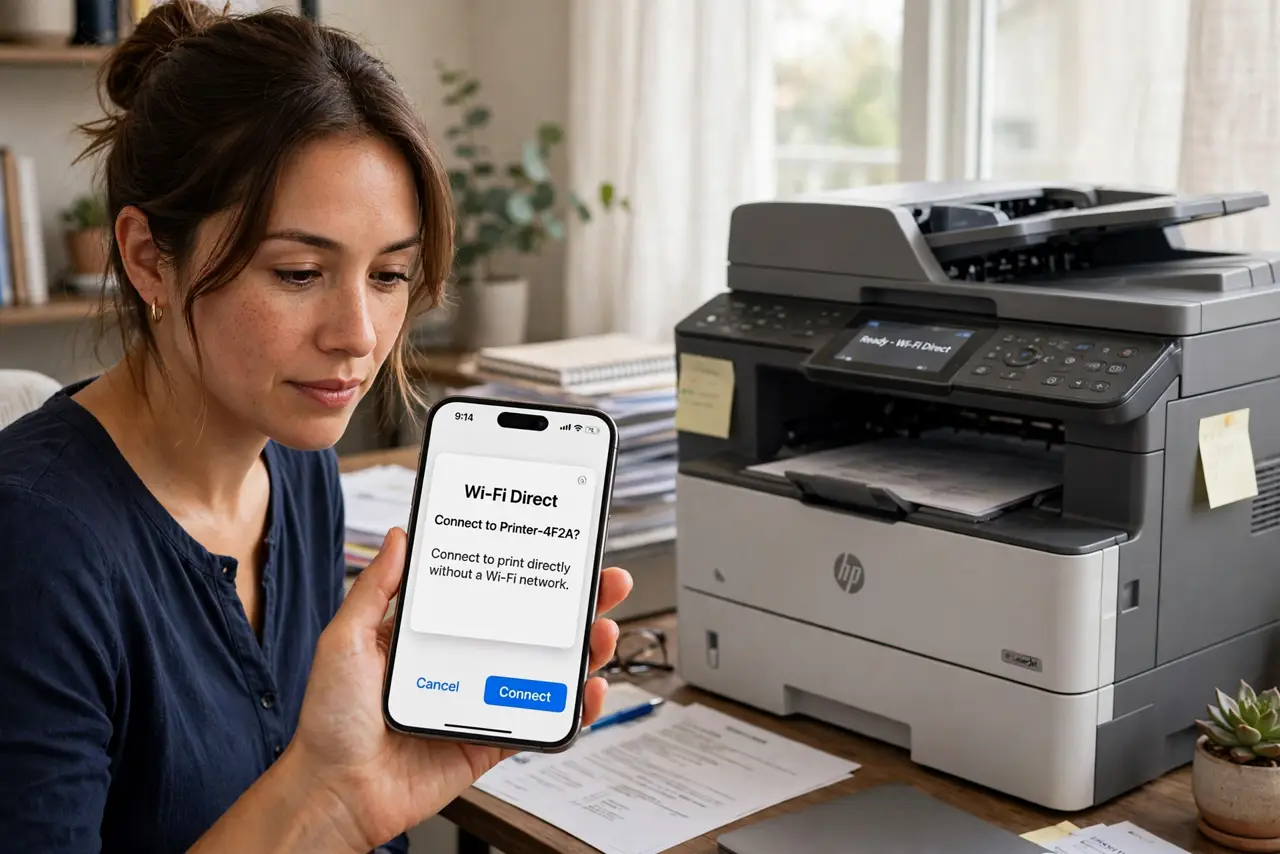
- Use it for direct printing. Many printers broadcast a Wi-Fi Direct network. Join it from your phone, print, then rejoin your home Wi-Fi — no router configuration involved.
- Enable it on both devices. Both sides need Wi-Fi Direct on — usually under Wi-Fi settings, Advanced. One side broadcasts, the other joins.
- Accept the pairing prompt. Like Bluetooth, the receiving device asks to accept. Confirm on both sides and the link establishes in seconds.
- Know when not to use it. It does not provide internet — devices talk only to each other. For casting video, dedicated casting standards are smoother.
- Forget it when done. Direct connections linger in your Wi-Fi list. Forget them after use so your phone does not cling to a dead-end network.
What NOT to do
- Do not expect internet over Wi-Fi Direct. It is a device-to-device link — your apps will say 'no connection.'
- Do not leave direct mode on permanently. A printer broadcasting its own network is another attack surface.
- Do not confuse it with hotspot. A hotspot shares internet; Wi-Fi Direct shares nothing but the link.
- Do not troubleshoot it like router Wi-Fi. If pairing fails, toggle Wi-Fi Direct off and on on both devices — the classic fix.
Frequently asked questions
Is Wi-Fi Direct faster than Bluetooth?
Yes — much faster for files, with longer range. Bluetooth wins on simplicity and battery.
Does it use my data?
No — it is a local link with no internet and no carrier data involved.
Why does my printer keep dropping Wi-Fi?
That is the router connection, a different issue — see printer drops off Wi-Fi.