DMZ Setting? Plain Explanation
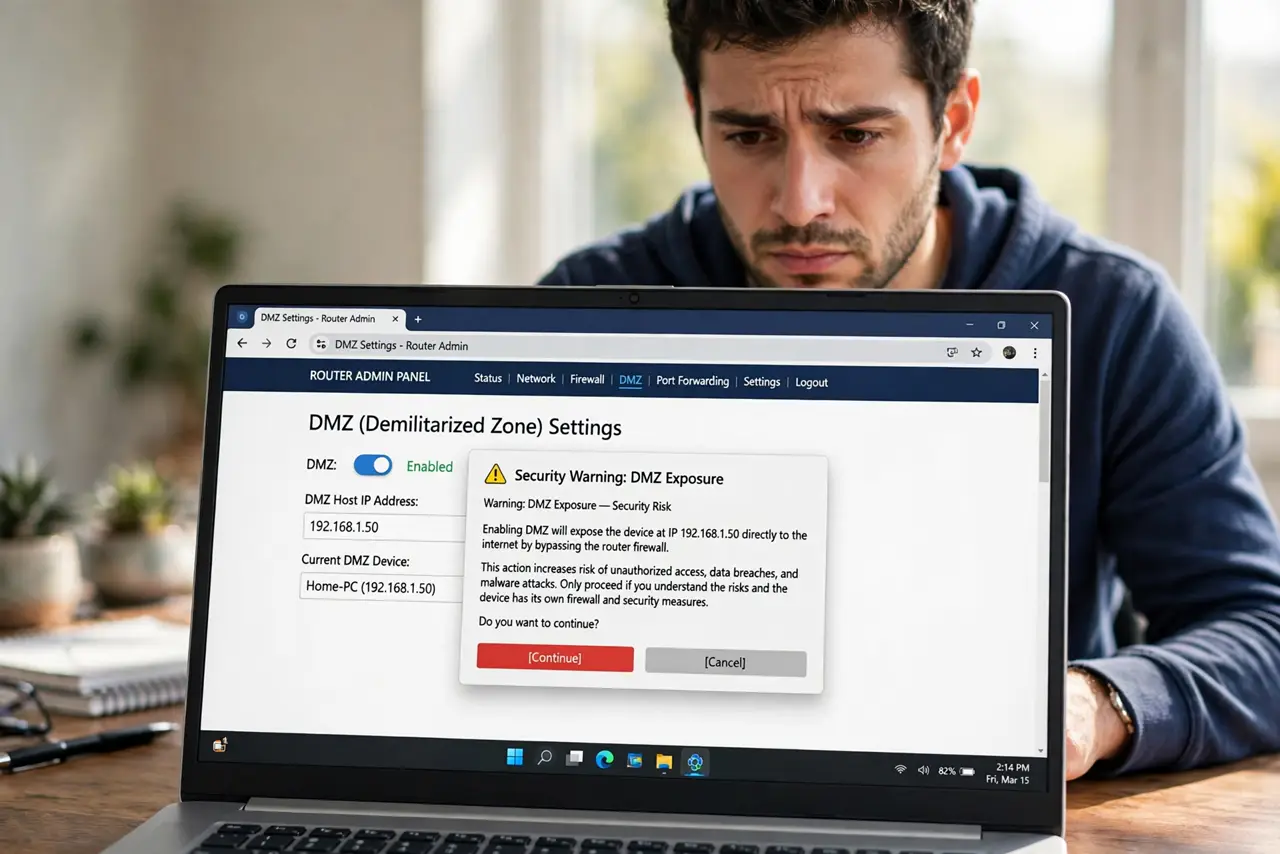
Buried in your router's settings is a DMZ option that sounds like a gaming cheat code — put your console in the DMZ for open NAT! In reality it strips the firewall off one device entirely, exposing it raw to the internet. Here is what it actually does and why gamers should avoid it.
TL;DR / Quick Fix
Quick fix: avoid the router's DMZ setting for normal use — it exposes one device fully to the internet, bypassing the firewall. Gamers should port-forward specific ports instead. Use DMZ only briefly for testing, then turn it off. It is not a gaming shortcut.
Follow these steps
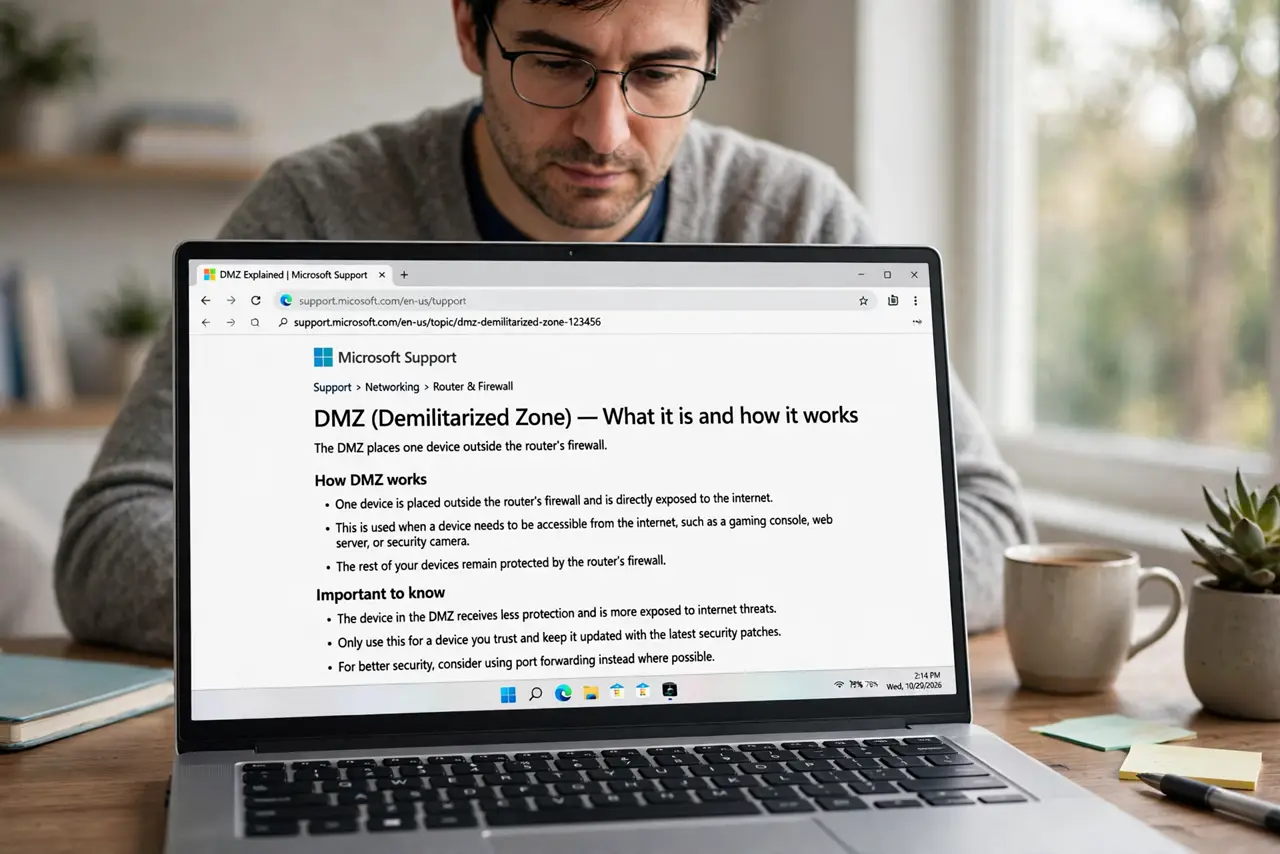
- Understand what DMZ does. It places one device outside the router's firewall — all incoming ports open, no filtering. The name comes from military ‘demilitarized zones’ between networks.
- Learn why gamers are tempted. A console in the DMZ gets open NAT instantly, no port research needed. It feels like a one-click fix for strict NAT.
- See the real cost. That console — and anything it can reach on your LAN — now faces the raw internet. Consoles get probed and exploited like any exposed device.
- Use [[port forwarding|wifi-port-forward-games]] instead. Forwarding only the game's specific ports gives open NAT with the firewall intact everywhere else. Slightly more work, enormously safer.
- Reserve DMZ for brief testing. If you must test whether NAT is the issue, enable DMZ for ten minutes, test, then disable it. Never leave it on.
- Check it is off afterward. Revisit the setting after any troubleshooting session. A forgotten DMZ is an open door you stopped thinking about.
What NOT to do
- Do not put your main PC in the DMZ. Ever. A full desktop OS exposed raw to the internet is a compromise waiting to happen.
- Do not use DMZ as a permanent gaming fix. Port forwarding solves the same problem without the exposure.
- Do not assume consoles are immune. Consoles have network stacks with bugs like everything else — exposure is exposure.
- Do not confuse router DMZ with real DMZ networks. Enterprise DMZs are carefully segmented; the router checkbox is just ‘no firewall’.
Frequently asked questions
Will DMZ actually fix strict NAT?
Yes, technically — by removing all protection. Port forwarding fixes it too, while keeping the firewall.
Is DMZ safe for a console I only game on?
Safer than for a PC, but not safe. Exposed consoles are scanned within minutes; known exploits exist.
What's the difference between DMZ and port forwarding?
DMZ opens everything to one device. Port forwarding opens specific ports — a scalpel versus a sledgehammer.