UPnP: Leave It On?
UPnP lets devices open ports on your router automatically — your game console gets open NAT without you touching a setting. The catch: malware can use the same automatic door. This guide weighs the convenience against the risk so you can decide deliberately.
TL;DR / Quick Fix
Quick fix: leave UPnP on if consoles and smart devices need automatic port opening, but turn it off if you prioritize security — malware can abuse it to open ports silently. Gamers who port-forward manually can safely disable it. Review open ports yearly.
Follow these steps
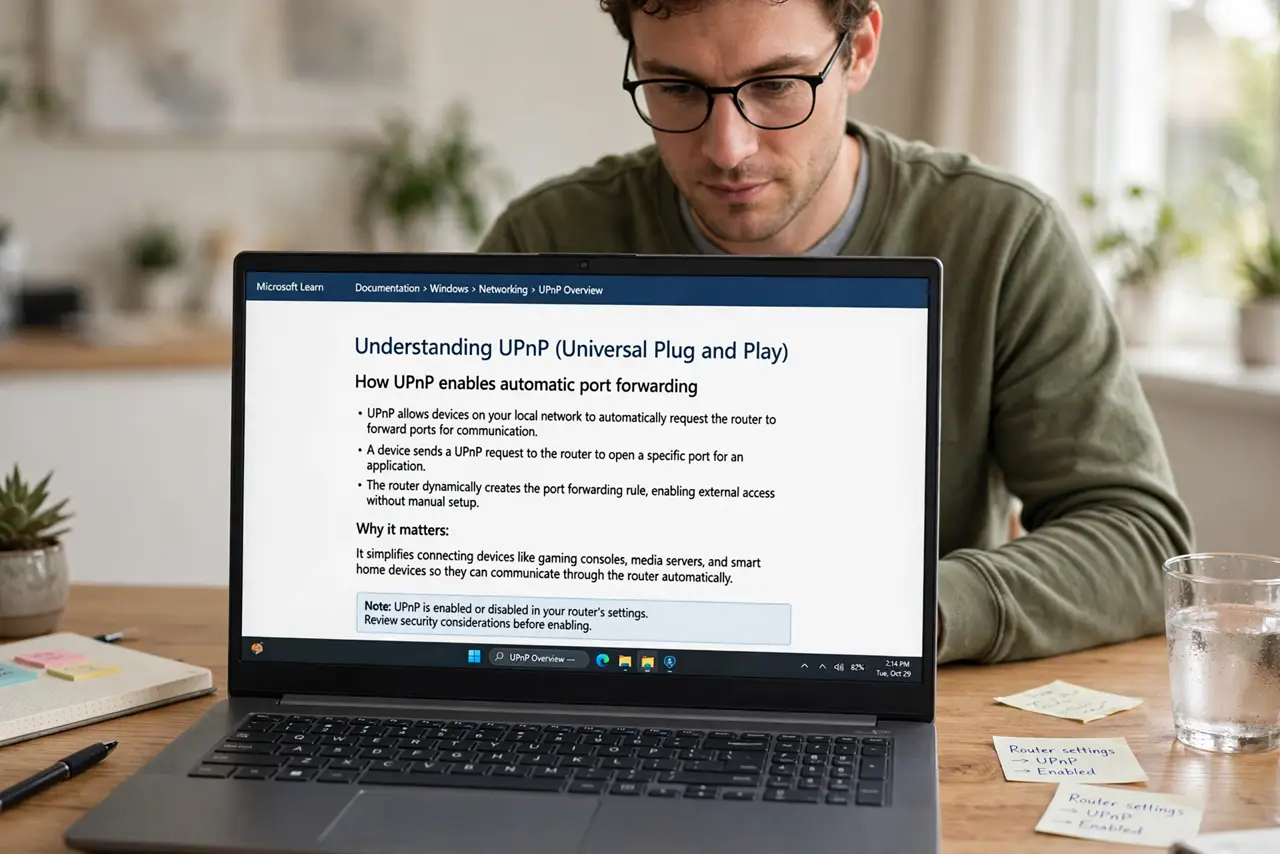
- Understand what UPnP does. It lets devices on your network ask the router to forward ports automatically — no manual configuration. Consoles, cameras, and games love it.
- Learn the security trade-off. Any software on your network — including malware — can open ports the same way, silently. That is the entire risk in one sentence.
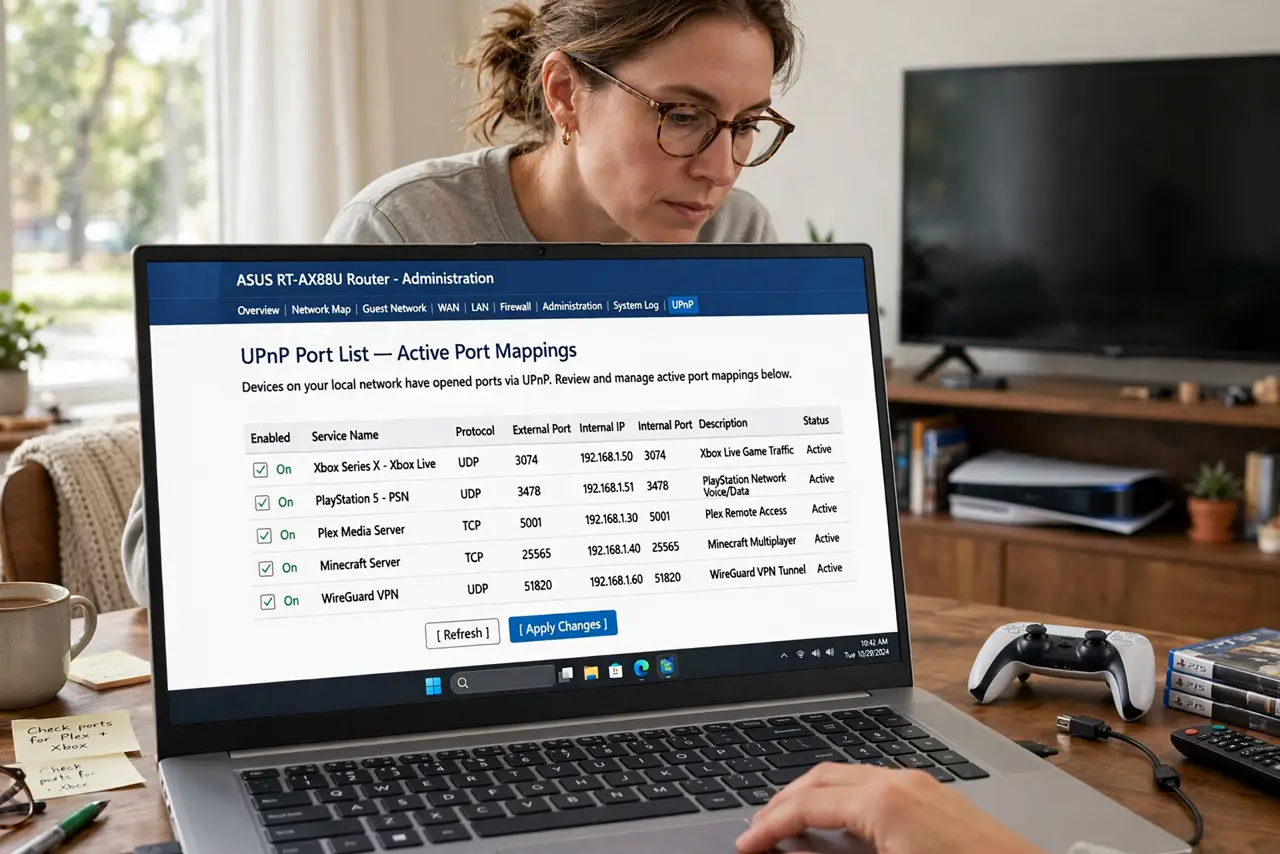
- Check what is open now. Most routers show a UPnP port list under advanced settings. Review it: entries you do not recognize deserve investigation.
- Gamers: choose your path. Leave UPnP on for zero-fuss open NAT, or turn it off and forward ports manually for full control. Both are legitimate.
- Security-first: turn it off. If nobody games and your smart devices work without it, disabling UPnP closes the automatic door with little cost.
- Re-check yearly. Devices come and go; a yearly glance at the port list catches stale or suspicious entries.
What NOT to do
- Do not leave UPnP on and never look at the port list. The convenience is fine; the blindness is not.
- Do not turn it off and then wonder why the console complains. Disabled UPnP means manual port forwarding for anything that needed it.
- Do not assume ‘no open ports’ equals safe. UPnP is one vector among many — keep devices patched too.
- Do not confuse UPnP with NAT-PMP. Apple's NAT-PMP is a similar feature; the same on/off logic applies.
Frequently asked questions
Will turning off UPnP break my smart home?
Usually not — most smart devices use outbound cloud connections that need no open ports. Test for a day after disabling.
Is UPnP the same as port forwarding?
UPnP is automatic port forwarding done by devices themselves. Manual port forwarding is you doing it deliberately — safer and more precise.
Do I need UPnP for video calls?
No. Modern video calling punches through NAT without open ports. UPnP matters mostly for gaming and self-hosted services.