Router Specs That Matter
Router boxes scream about quad-core processors, gigabytes of RAM, and gaming acceleration — and almost none of it matters for a normal home. The spec sheet is marketing with numbers. A few specs genuinely affect your experience; the rest exist to justify the price. Learn which is which before you shop, starting with the tri-band question and the dual versus tri-band choice.
TL;DR / Quick Fix
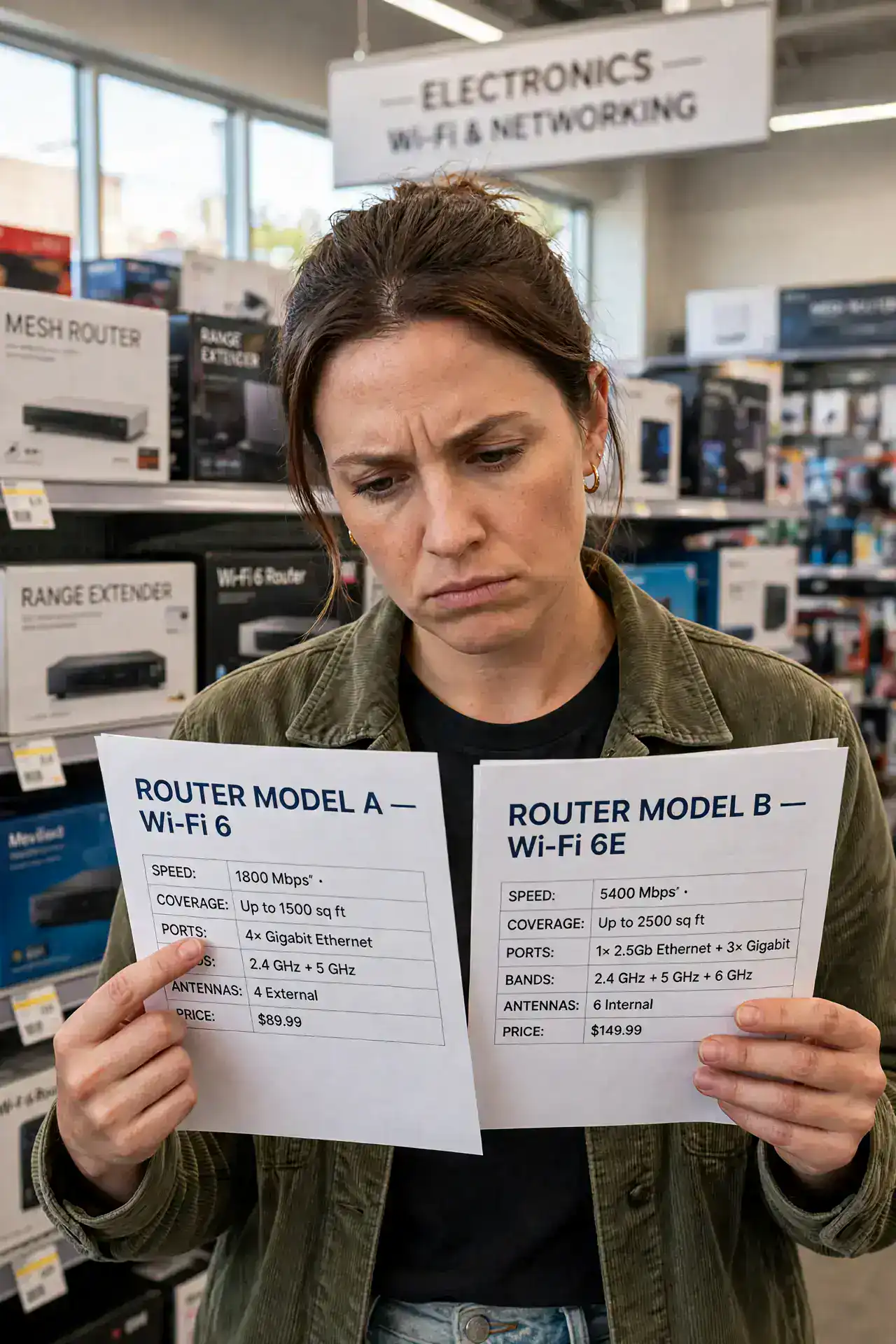
Quick fix: on a router spec sheet, what matters is the Wi-Fi standard, band support, and Ethernet ports — CPU and RAM matter only for very busy smart homes. Skip the gaming branding and giant antennas. Match the router to your internet plan and home size, not the biggest numbers.
Follow these steps
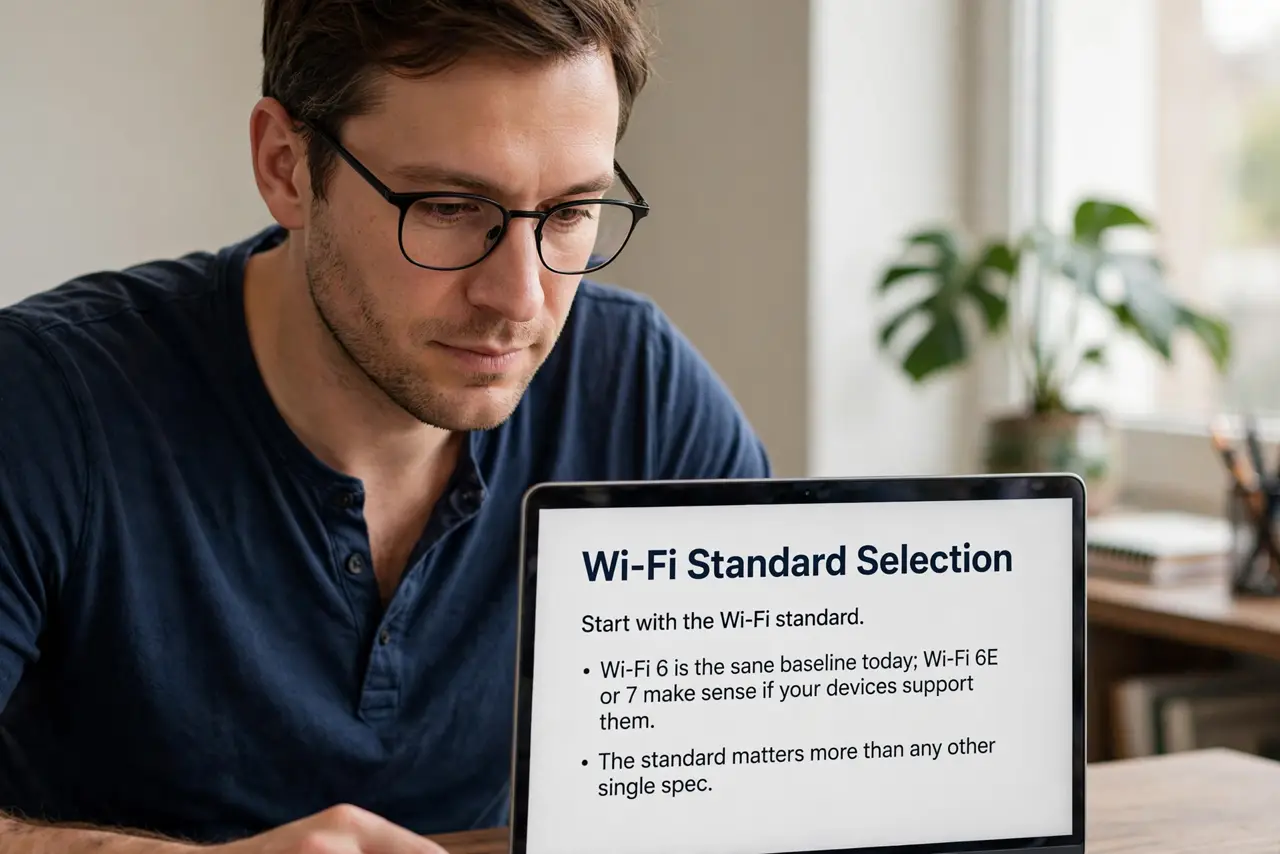
- Start with the Wi-Fi standard. Wi-Fi 6 is the sane baseline today; Wi-Fi 6E or 7 make sense if your devices support them. The standard matters more than any other single spec.
- Check the bands. Dual-band (2.4 and 5 GHz) suits most homes; tri-band adds a second 5 GHz or 6 GHz radio for busy households. More bands help only if you have many devices.
- Count the Ethernet ports. If you wire a PC, console, or TV, you need enough gigabit ports — and check they are actually gigabit, not the older slower kind.
- Treat CPU and RAM as tiebreakers. A faster processor helps when dozens of smart-home gadgets chatter at once. For typical browsing and streaming, even modest router hardware keeps up.
- Ignore gaming branding. Gaming labels mostly mean a different paint job and a prioritized-traffic feature you can replicate with basic quality-of-service settings.
- Match the router to the plan. A router advertising speeds far beyond your internet plan is wasted money. Buy for the speed you pay for, plus a little headroom.
What NOT to do
- Do not buy the biggest number on the shelf. Advertised speeds are lab maximums shared across all bands — real homes see far less.
- Do not pay for eight antennas. Antenna count is marketing; placement and band support matter more than the number of sticks.
- Do not assume expensive means better coverage. A mid-range router placed well beats a flagship stuffed in a closet.
- Do not forget firmware updates. A cheap router with regular updates outlasts a pricey one abandoned by its maker.
Frequently asked questions
How much RAM does a router need?
For most homes, whatever comes in a reputable mid-range model is fine. Only very device-dense smart homes benefit from beefier hardware.
Is a gaming router worth it?
Rarely. The useful part — traffic prioritization — exists on many regular routers. The rest is branding.
What is the most important spec?
Honestly, the Wi-Fi standard and your home's size. Everything else is secondary for typical use.