What the Blinking Port Lights Mean
Every router and modem has tiny lights blinking on its Ethernet ports — green, amber, solid, flashing — and they are actually a diagnostic display. Reading them takes thirty seconds and tells you whether a cable, a port, or the whole connection is at fault. Here is the decoder ring.
TL;DR / Quick Fix
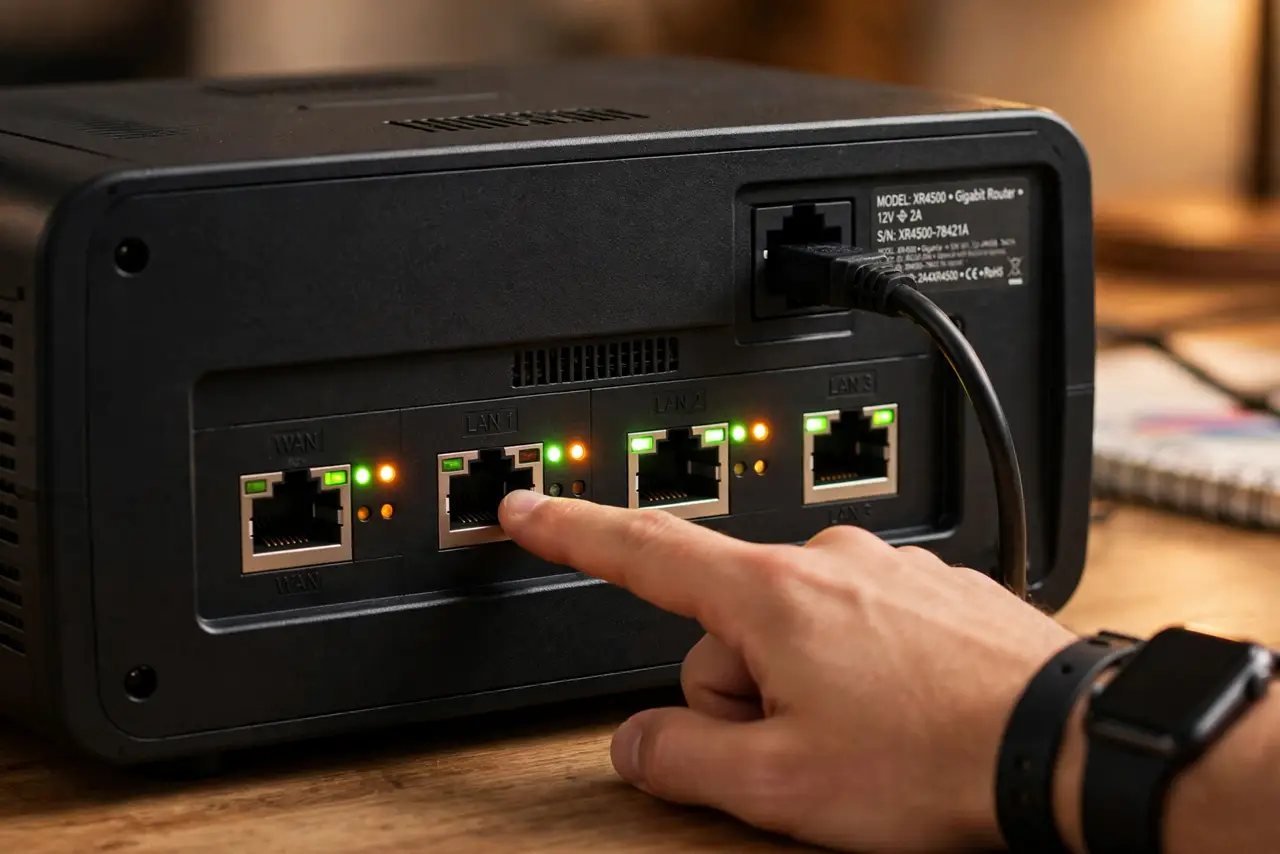
Quick fix: solid green on a port means a link is up; blinking means data is flowing. No light means no connection — check the cable. Amber often means a slower 100 Mbps link instead of gigabit. Compare with a known-good port. Note which color you see.
Follow these steps
- Look at the port your device uses. Find the Ethernet port with your computer's cable. Note the light color and whether it is solid or blinking.
- Read solid green as healthy. Solid green (sometimes just ‘on’) means the physical link is up at full speed. Blinking green on top of that means traffic is flowing — normal.
- Read amber as slow-but-working. Amber or orange usually means the link negotiated 100 Mbps instead of 1000. It works, but you are capped — often a cable issue.
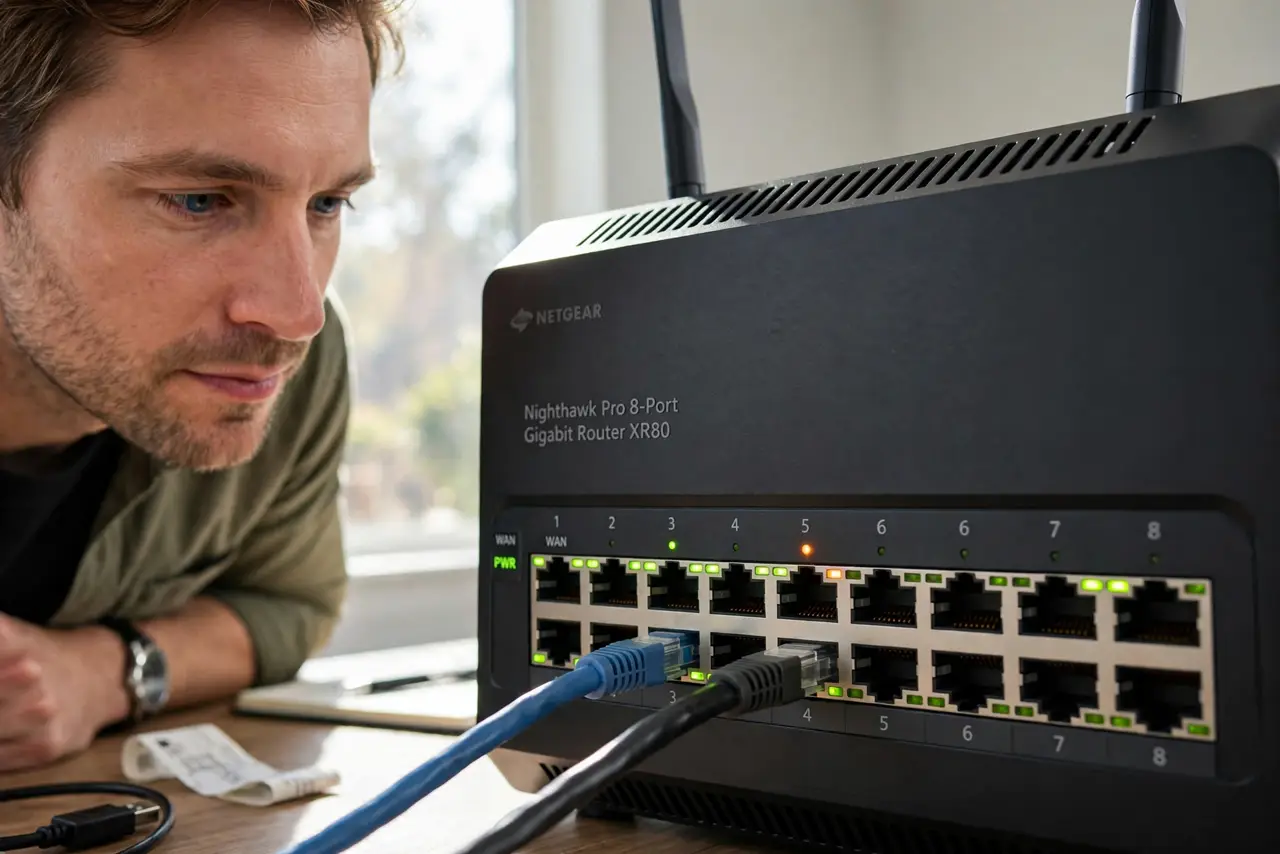
- Read dark as dead. No light at all means no physical connection: unplugged cable, bad cable, dead port, or powered-off device. Check in that order.
- Compare with a known-good port. Move the cable to another port. If the light follows the cable, the cable is suspect; if the port stays dark, the port is.
- Test the cable wired end-to-end. Swap in a known-good cable and re-check. This is the same wired-first discipline that solves half of all network mysteries.
What NOT to do
- Do not panic at blinking lights. Blinking means data flowing — it is the healthy state, not an alarm.
- Do not assume all routers use the same colors. Check your model's manual; a few brands invert green and amber.
- Do not ignore a persistently amber port. 100 Mbps on a gigabit plan is a real bottleneck hiding in plain sight.
- Do not confuse port lights with the internet light. Port lights describe the local cable; the WAN/internet light describes your ISP.
Frequently asked questions
Why is my port light amber instead of green?
The link negotiated 100 Mbps, usually from a damaged cable, a very long run, or an old 100 Mbps device. Try a shorter, newer cable.
Should the lights blink constantly?
Light irregular blinking is normal traffic. Solid-on with zero blinking on an active device would actually be stranger.
One port is dark but the device is on — why?
The device's Ethernet may be disabled, its cable unplugged at the far end, or the port itself dead. Swap ports to isolate.