Wi-Fi Extender Creates a Second Network? Fix It
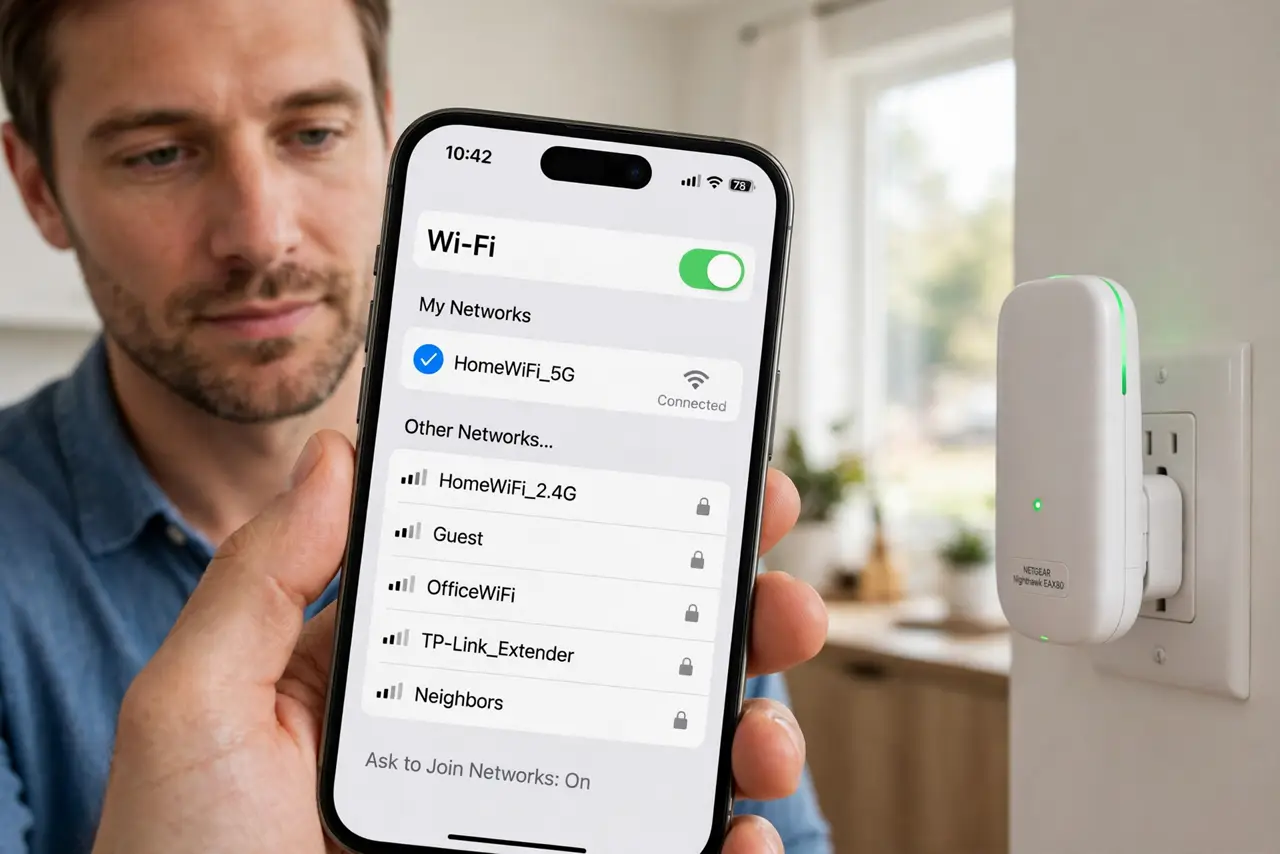
After adding an extender, devices show two network names, and the phone sticks to the weak one instead of roaming. The extender copied the signal but kept its own name, so devices treat it as a separate network.
TL;DR / Quick Fix
Quick fix: set the extender to the same network name and password as the router, or use its one-network mode if it offers one. Then place it halfway to the weak room, and forget the extra network name on your devices.
Follow these steps
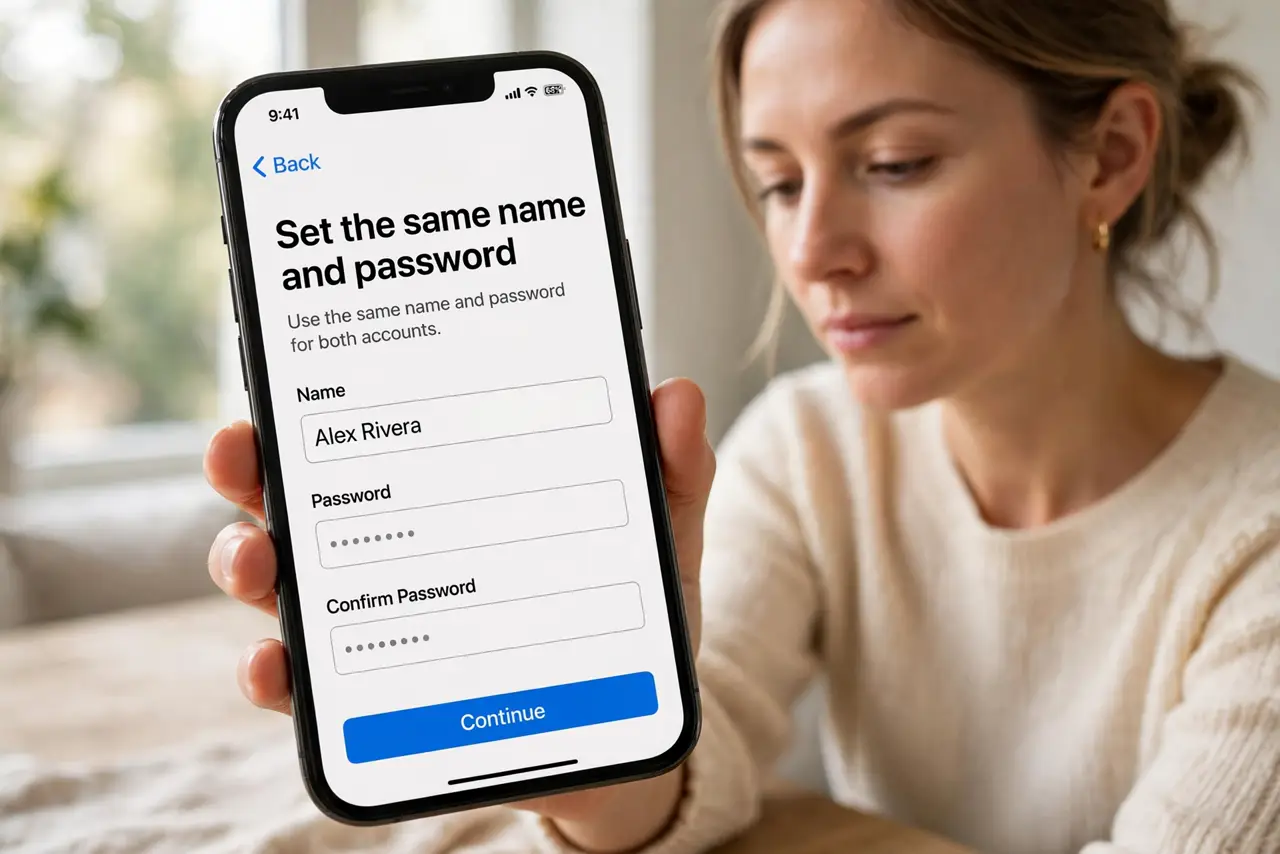
- Set the same name and password. In the extender settings, set its network name and password exactly equal to the router network. Matching names let devices roam instead of clinging to one name.
- Use one-network mode if offered. If the extender offers a one-network, mesh, or roaming mode, turn it on. That mode helps devices move between router and extender without manual switching.
- Place the extender halfway. Put the extender halfway between the router and the weak room, where it still gets a strong router signal. An extender inside the dead zone has nothing good to extend.
- Forget the extra network names. On each device, forget the old extender-only name, so the device only knows the single shared name. A device cannot cling to a name it has forgotten.
- Restart router and extender. Restart the router first, then the extender, and let both settle. A clean restart makes the shared name work from both units at once.
- Test roaming by walking the house. Walk from the router room to the far room while streaming, and watch whether the device switches smoothly. If it sticks to a weak signal, move the extender closer to the router.
What NOT to do
- Do not leave the extender with its default name. A default name creates a second network that devices must be switched to by hand.
- Do not place the extender in the dead zone. It needs a strong signal itself before it can share one onward.
- Do not keep both network names saved on every device. Saved extra names invite devices to cling to the weaker one.
- Do not buy a second extender before fixing the first name. Two extenders with different names create three networks, not one better one.
Frequently asked questions
Why does my extender create a second network?
It kept its own name instead of matching the router. Devices see two names and treat them as two networks.
Should the extender name match the router?
Yes, for smooth roaming. Matching name and password let devices move without manual switching.
Where should an extender go?
Halfway between the router and the weak room, where it still receives a strong signal itself.