Get Wi-Fi in the Garage
The garage is where Wi-Fi goes to die: concrete walls, a giant metal door, and distance from the router conspire against every bar. Whether you need tunes while wrenching, a smart garage opener, or a camera over the driveway, the fix is getting a real signal source closer — not a 'stronger' router in the house.
TL;DR / Quick Fix
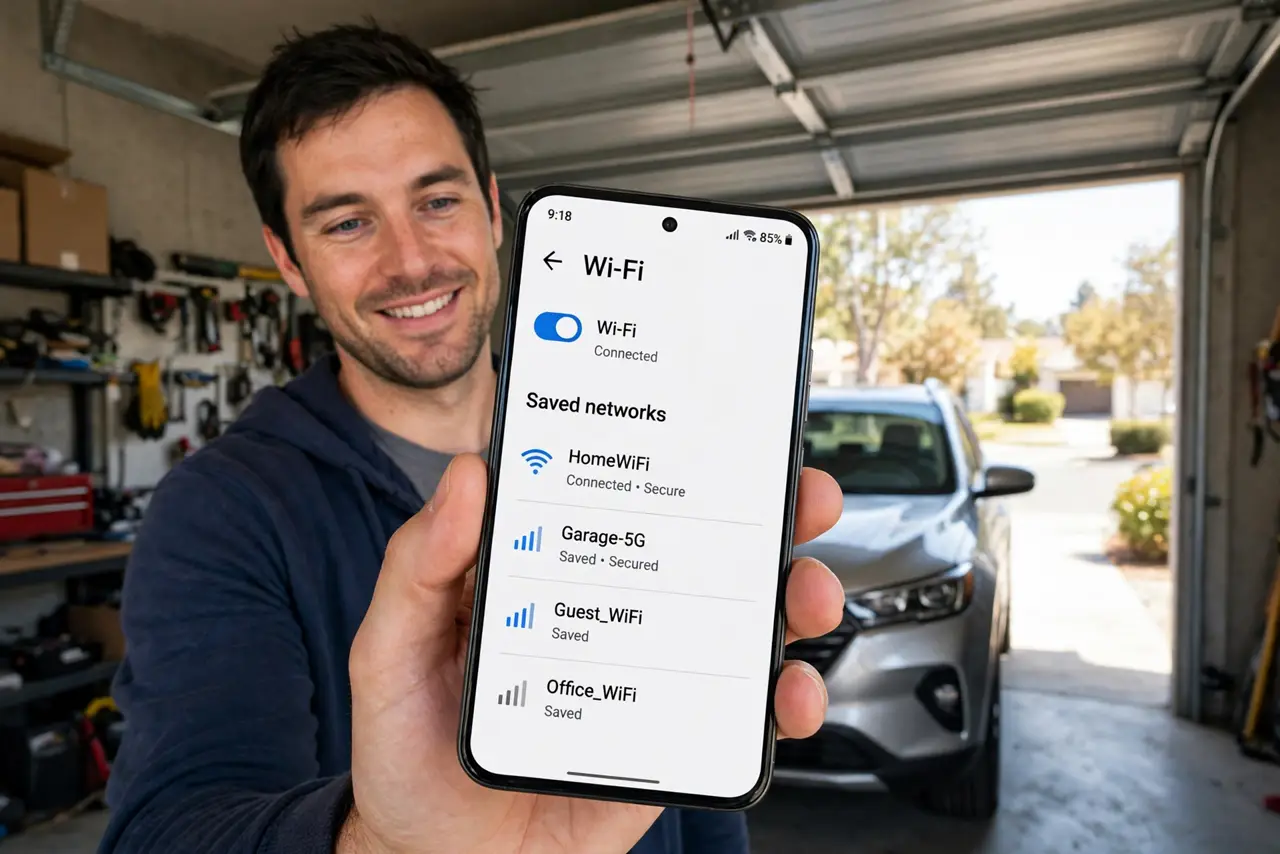
Quick fix: the garage needs a wired or mesh hop, not a router — concrete and metal doors eat Wi-Fi. Run Ethernet to an access point in the garage, or place a mesh satellite inside the house wall nearest the garage. Outdoor-rated gear matters if it gets damp or freezing.
Follow these steps
- Accept that the house router won't reach. A metal garage door is nearly a Faraday cage, and concrete walls finish the job. Stop tweaking the indoor router's settings — the answer is a signal source in or next to the garage.
- Run Ethernet if you can. A buried or overhead-rated Ethernet run to the garage feeding an access point is the gold standard — full speed, immune to weather. Use outdoor-rated cable if any part runs outside.
- Use a mesh satellite at the nearest inside wall. No cable possible? Place a mesh satellite on the house side of the wall shared with the garage. It won't punch through the metal door, but it covers the garage interior near that wall.
- Consider a point-to-point bridge for detached garages. For a garage across the yard, two small outdoor bridge units — one on the house, one on the garage — beam a dedicated link. They need line of sight but laugh at distance.
- Mind temperature and moisture. Garages freeze and sweat. If the gear lives in the garage, choose outdoor-rated hardware or at least a sheltered spot — consumer indoor gear dies young in damp cold.
- Test with the door closed. Garage Wi-Fi always looks fine with the door open. Close the big metal door and re-test — that is the real-world condition your opener and camera live in.
What NOT to do
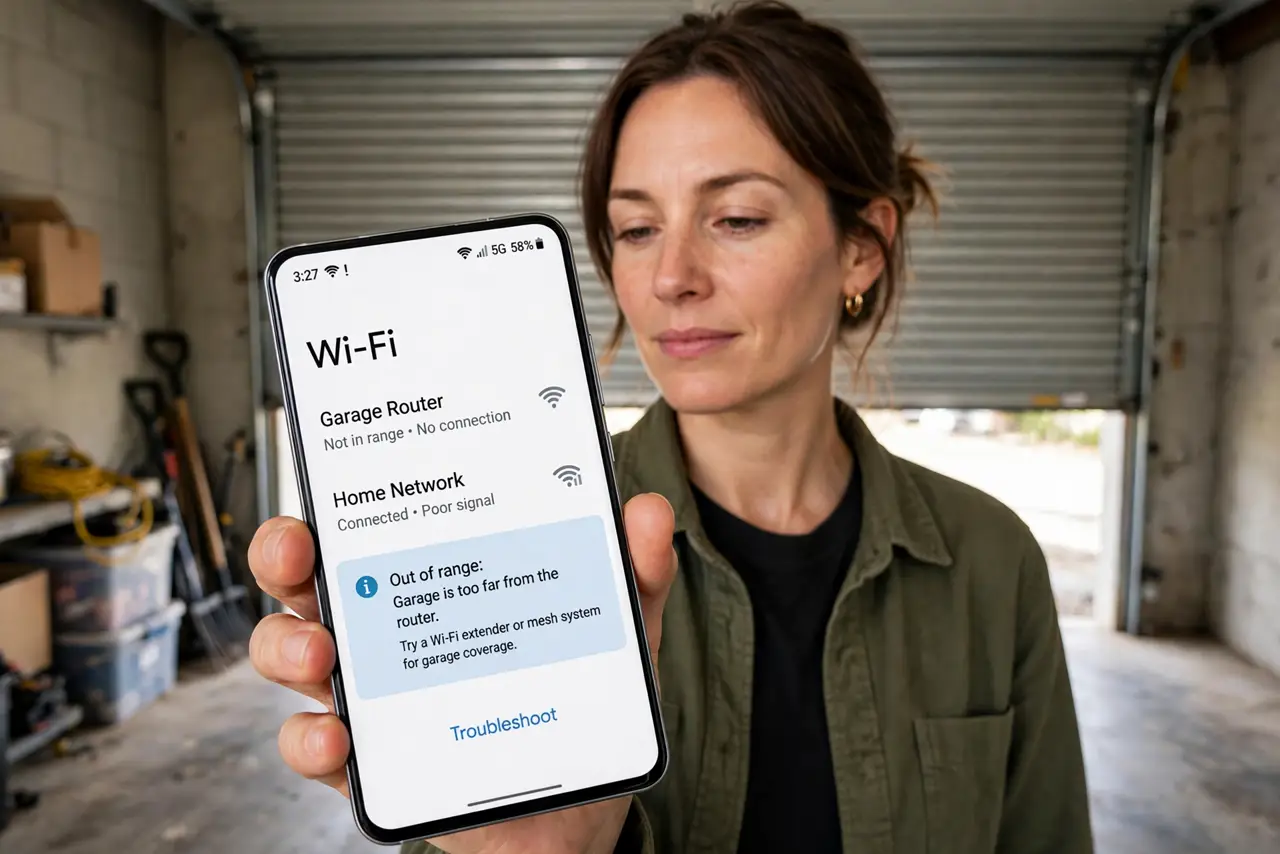
- Do not mount an indoor router in an unheated garage. Condensation and freezing kill electronics — use gear rated for the environment.
- Do not expect one extender to cross a metal door. The door blocks the very signal the extender needs to hear; the source must be on the garage side or wired.
- Do not run indoor Ethernet cable outside. UV and water destroy indoor jackets within a season — outdoor-rated cable costs little more.
- Do not forget the opener's own needs. Smart openers sip data but need a steady link — test from the opener's exact mounting spot, not the middle of the garage.
Frequently asked questions
Why does Wi-Fi die when I close the garage door?
The metal door reflects radio waves almost completely. With the door open, signal spills out freely; closed, the garage becomes a shielded box — the access point must live inside it.
Can I just use my phone as a hotspot in the garage?
For occasional use, yes. As a permanent fix it's expensive and unreliable — a proper access point or mesh hop costs less over time.
Will a mesh node survive in the garage?
In a mild attached garage, usually yes. In freezing or damp conditions, choose outdoor-rated gear — check the node's temperature specs before committing.