Where to Put Mesh Nodes
Mesh nodes in the wrong spots give you the worst of both worlds: dead zones remain, and the nodes themselves crawl because they can barely hear each other. Placement is the whole game with wireless backhaul — a node needs a strong link to its neighbor first, and your devices second. Here is the placement method that actually works.

TL;DR / Quick Fix
Quick fix: place the main node centrally and high — on a shelf, not the floor — and put satellites halfway between the main node and the dead zone, in the open. Keep nodes out of cabinets and away from metal and mirrors. Two well-placed nodes beat four bad ones.
Follow these steps
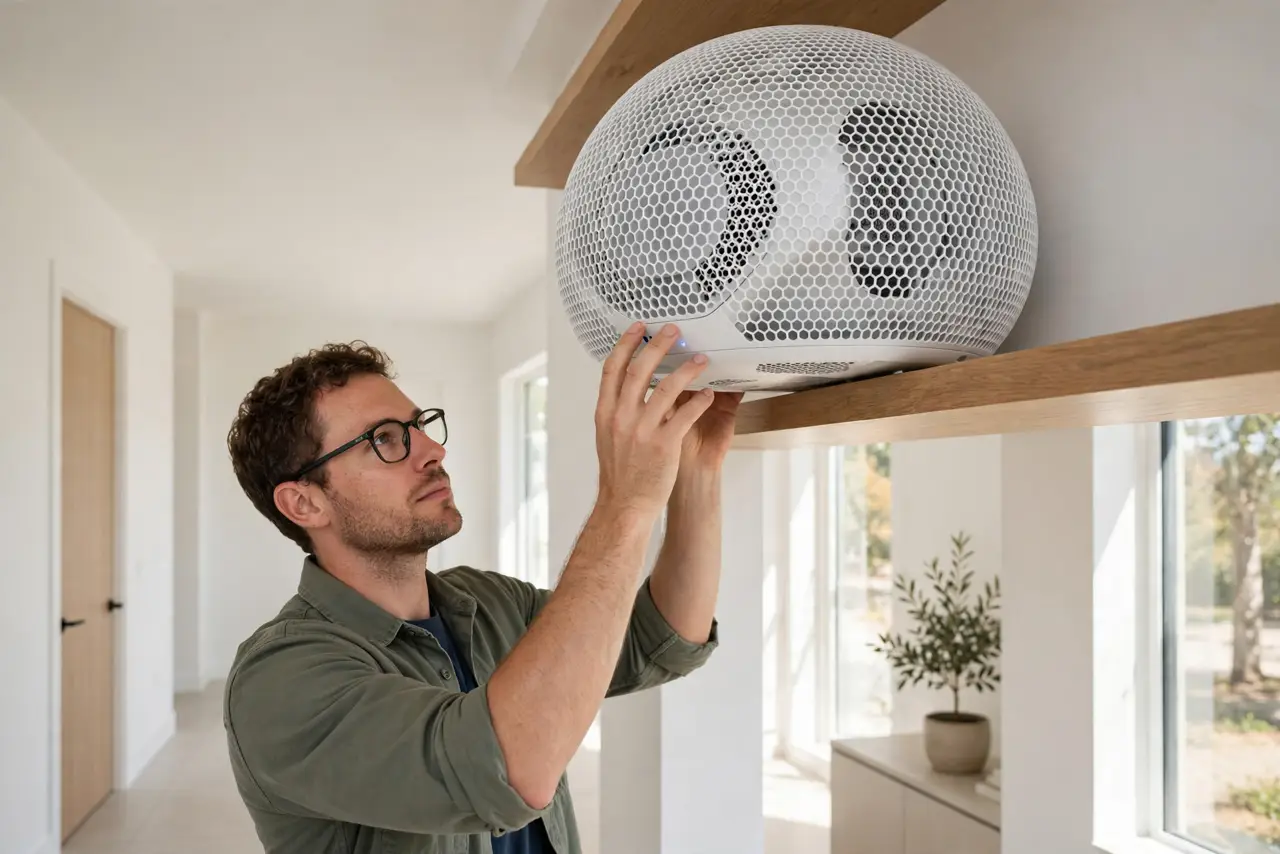
- Start the main node centrally and high. The main node feeds everything, so center it on your main living floor and raise it to chest height or higher — a shelf, not the floor behind the TV. Height matters more than most people expect.
- Put satellites halfway to the dead zone. A satellite belongs between the main node and the weak area — not inside the dead zone itself. A node placed where the signal already died has nothing to rebroadcast; see the classic hallway mistake for the version everyone gets wrong.
- Keep nodes in the open. Inside cabinets, behind TVs, and under desks all strangle the signal. A node needs breathing room on at least three sides — treat it like a small speaker, not a book.
- Respect the two-room rule of thumb. If a satellite must cross more than two walls or one floor to reach its neighbor, move it closer. The app's signal meter between nodes is the honest judge — check it after each move.
- Keep nodes away from metal and mirrors. Refrigerators, filing cabinets, and big mirrors reflect signal and create shadows. A node six feet from a metal obstacle beats one sitting on top of it — antennas and placement interact the same way.
- Test from where you actually sit. Walk to your couch, desk, and bedroom with a speed test after placing nodes. A perfect app map means nothing if your chair is in a dip — nudge the nearest node a few feet and re-test.
What NOT to do
- Do not put the satellite in the dead zone. It cannot rebroadcast a signal it cannot hear — halfway there is the rule.
- Do not hide nodes in cabinets for looks. Every enclosure costs you range, and mesh nodes run warm enough to need airflow anyway.
- Do not stack all nodes on one floor. A two-story house needs at least one node per floor, roughly above or below each other.
- Do not place nodes right next to the main node. Two nodes three feet apart add nothing; spread them to where coverage actually thins.
Frequently asked questions
How far apart should mesh nodes be?
Close enough for a strong node-to-node link — usually 30 to 50 feet indoors with one or two walls between. The app's link-quality meter beats any rule of thumb; trust it over tape measures.
Should nodes be on the same floor or different floors?
Both. Cover each floor you use with at least one node, and keep vertical neighbors roughly aligned so the signal travels through one floor, not three walls.
Why is my satellite's speed so much slower than the main node's?
Weak node-to-node link — the satellite is too far or too obstructed. Move it closer to the main node, or wire it and stop worrying about the wireless link entirely.