Guest Isolation? What It Does
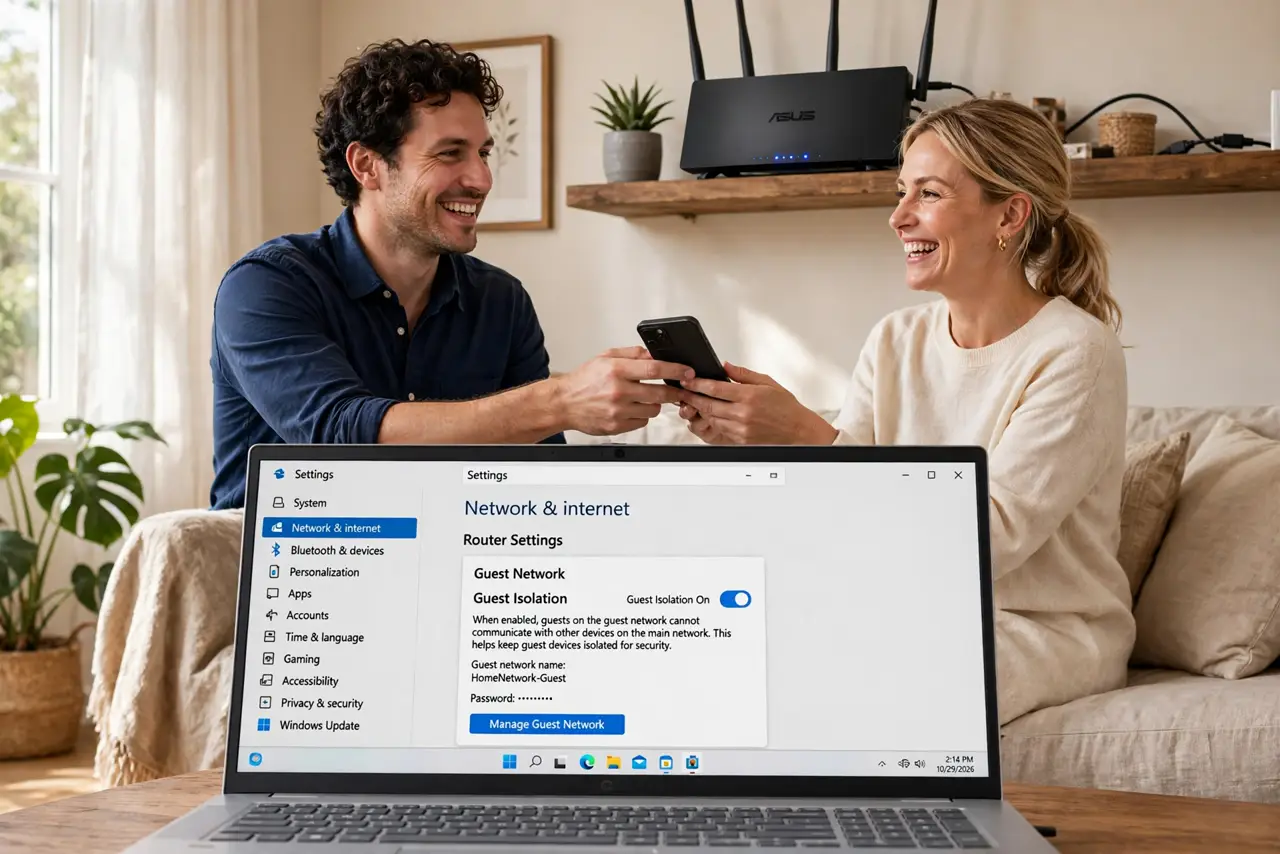
You hand guests your Wi-Fi password and their infected laptop joins the same network as your work computer — unless guest isolation is on. This one toggle walls guests off from your devices while keeping their internet working. Here is what it does and where to find it.
TL;DR / Quick Fix
Quick fix: in your router's guest network settings, turn on guest isolation (sometimes called client isolation) so visitors' devices cannot see each other or your main network. Leave internet access on. Test with two guest devices. Keep the main network password private.
Follow these steps
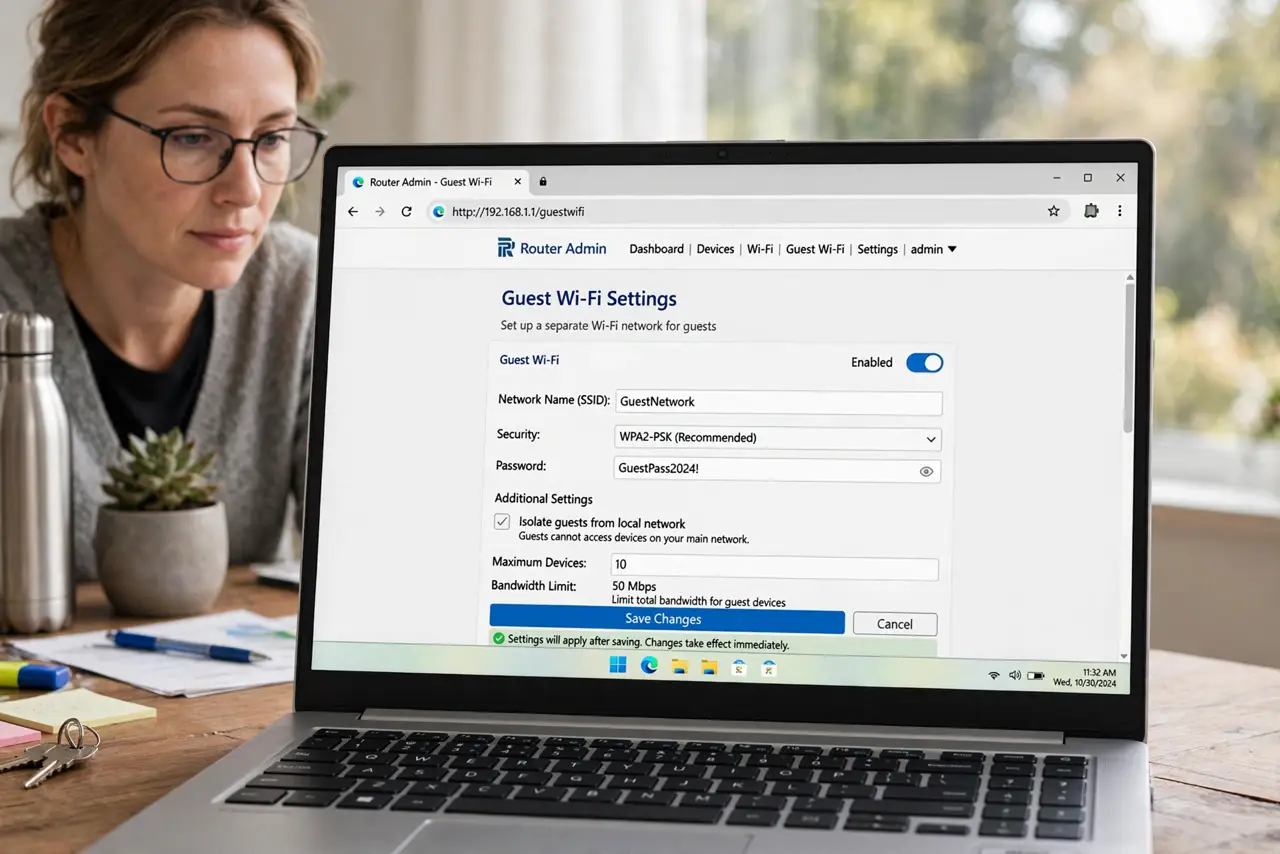
- Open the guest network settings. In the router admin, find the guest Wi-Fi section — separate from the main wireless settings.
- Enable the guest network first. Turn it on, name it clearly (Home-Guest), and set a simple password you can read aloud to visitors.
- Turn on guest isolation. Check the box labeled ‘guest isolation’, ‘client isolation’, or ‘AP isolation’ for the guest network. This is the wall between guests and your devices.
- Confirm guests still reach the internet. Connect a phone to the guest network and browse. Isolation blocks device-to-device traffic, never internet access — if browsing fails, something else is wrong.
- Test the wall with two devices. Put two phones on guest Wi-Fi and try to ping or cast between them. With isolation on, they should not see each other.
- Learn the sibling setting. AP isolation is the same idea applied per-access-point — useful when guests roam across mesh nodes.
What NOT to do
- Do not give guests your main Wi-Fi password ‘just this once’. That one exception tends to become permanent.
- Do not enable isolation on your main network. Your Chromecast, printer, and file shares need device-to-device traffic to work.
- Do not assume isolation is on by default. Many routers ship the guest network wide open to your LAN — verify the toggle.
- Do not forget to change the guest password occasionally. An old guest password floating around defeats the purpose.
Frequently asked questions
Can guests still use my printer?
Not with isolation on — that is the point. If guests need printing, share files another way or temporarily allow it.
Does guest isolation slow down guests' internet?
No. It only blocks local device-to-device traffic; internet speed is unaffected.
Is a guest network enough without isolation?
Better than nothing, but without isolation a guest's malware can still probe your computers. The toggle is the real protection.