Should You Hide Your SSID?
It feels like stealth: hide your Wi-Fi network name and hackers cannot find it. Router salespeople and forum gurus have pushed this for years. The truth is less exciting — hiding your SSID provides no real security and makes your own life harder. Here is what actually protects your network.
TL;DR / Quick Fix
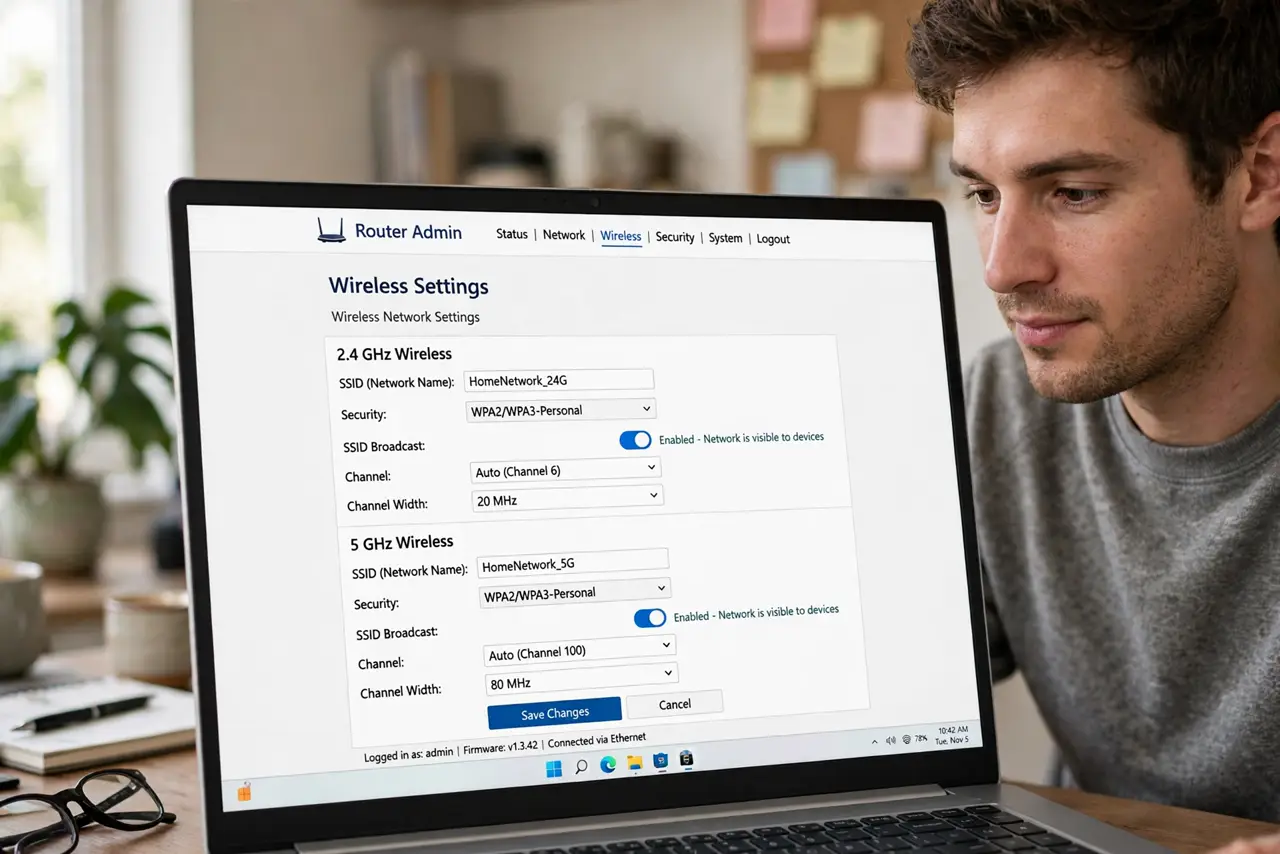
Quick fix: hiding your SSID adds no real security — the network name is still broadcast in probe responses and trivially discoverable. It only makes connecting your own devices more annoying. Use WPA3 with a strong password instead; that's the protection that actually matters.
Follow these steps
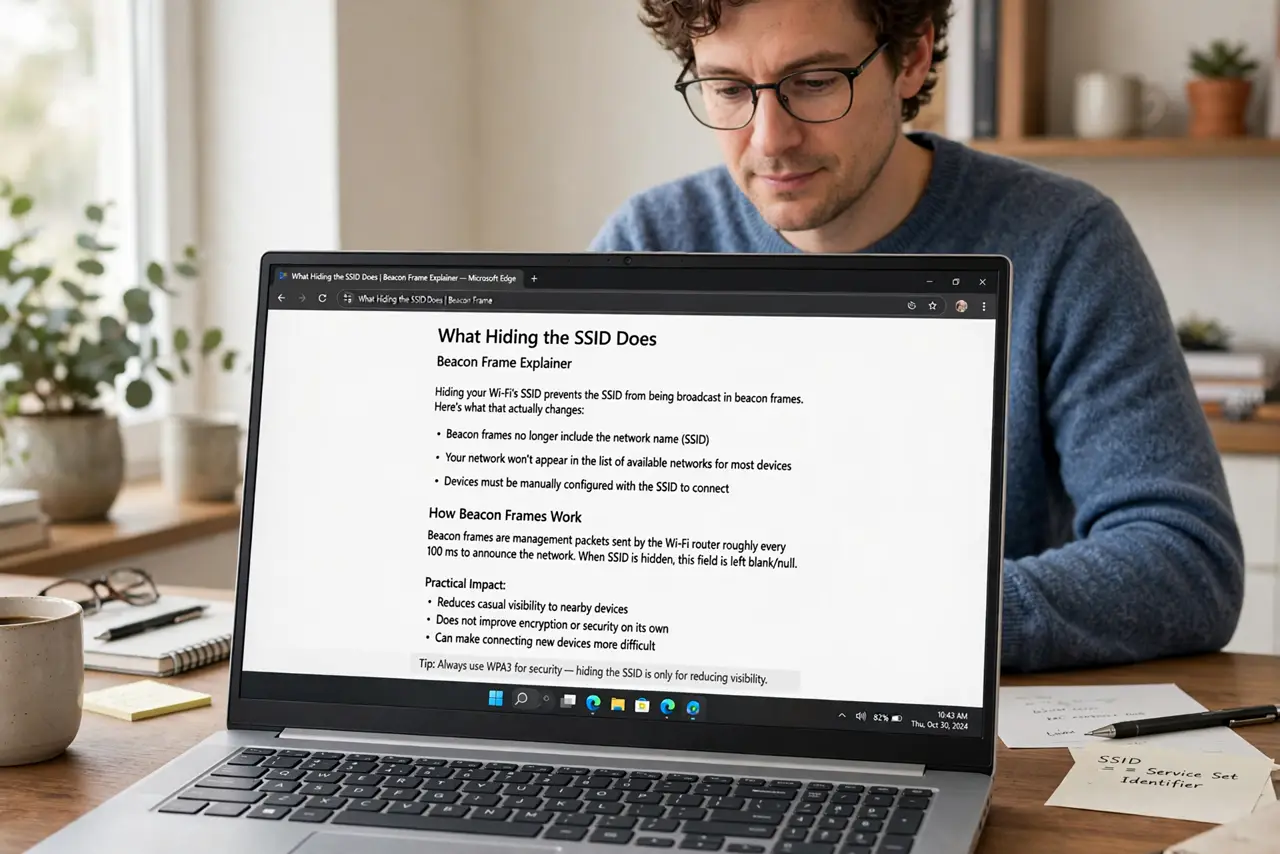
- Understand what hiding does. Disabling SSID broadcast stops the router from announcing its name in beacon frames. Your devices must then be configured manually with the exact name. That is the entire effect — obscurity, not encryption.
- Learn why it is not security. The network name still appears in probe responses whenever your devices connect — anyone with free scanning tools sees it in seconds. Security researchers have dismissed hidden SSIDs for years; see the hidden SSID myth breakdown for the technical details.
- See what it breaks. Hidden networks confuse smart home gadgets, printers, and guests' phones — many IoT devices simply cannot join hidden SSIDs reliably. You trade daily annoyance for zero protection.
- Enable WPA3 instead. Real protection is encryption: set your router to WPA3 (or WPA2/WPA3 mixed for older devices) with a long, unique password. That is the lock on the door — learn what WPA3 does if the option confuses you.
- Use a strong, unique password. A 20-character random password on WPA2 beats a hidden SSID with 'password123' every time. Password strength is the whole game once encryption is on.
- Leave the SSID visible. Broadcast the name, lock it with WPA3, use a strong password, and keep firmware updated. That is the complete home Wi-Fi security recipe — hiding adds nothing to it.
What NOT to do
- Do not hide the SSID expecting invisibility. Your devices announce the network name every time they connect — hiding is a curtain with the lights on behind it.
- Do not use a weak password because the network is 'hidden.' Hidden plus weak is the worst of both worlds: annoying and insecure.
- Do not disable security features to accommodate old gadgets. If a device cannot do WPA2, it belongs on a segregated guest network, not on your main one with security lowered.
- Do not confuse the guest network with hiding. A separate guest network with its own password is genuinely useful — hiding the main SSID is not.
Frequently asked questions
Will hiding my SSID stop neighbors from seeing it?
From casual phone Wi-Fi lists, yes. From anyone with a free scanner app, no — it takes seconds. Assume it is visible.
Do businesses hide their SSIDs?
Some do, for tidiness or to reduce casual connection attempts — not for security. Their real protection is enterprise authentication behind it.
What about MAC address filtering?
Same story: trivially bypassed, annoying to maintain. A strong WPA3 password beats both tricks combined.