Isolate Smart Home Gadgets
Your smart bulbs, cameras, and plugs share the same network as your laptop and your bank logins — and those cheap gadgets get security updates rarely, if ever. Network segmentation puts smart-home devices on their own isolated network, so a compromised bulb cannot reach your computers. Most modern routers can do this with a guest network or VLAN. This guide sets it up simply. For the radio side of gadget happiness, tune the channels first.
TL;DR / Quick Fix
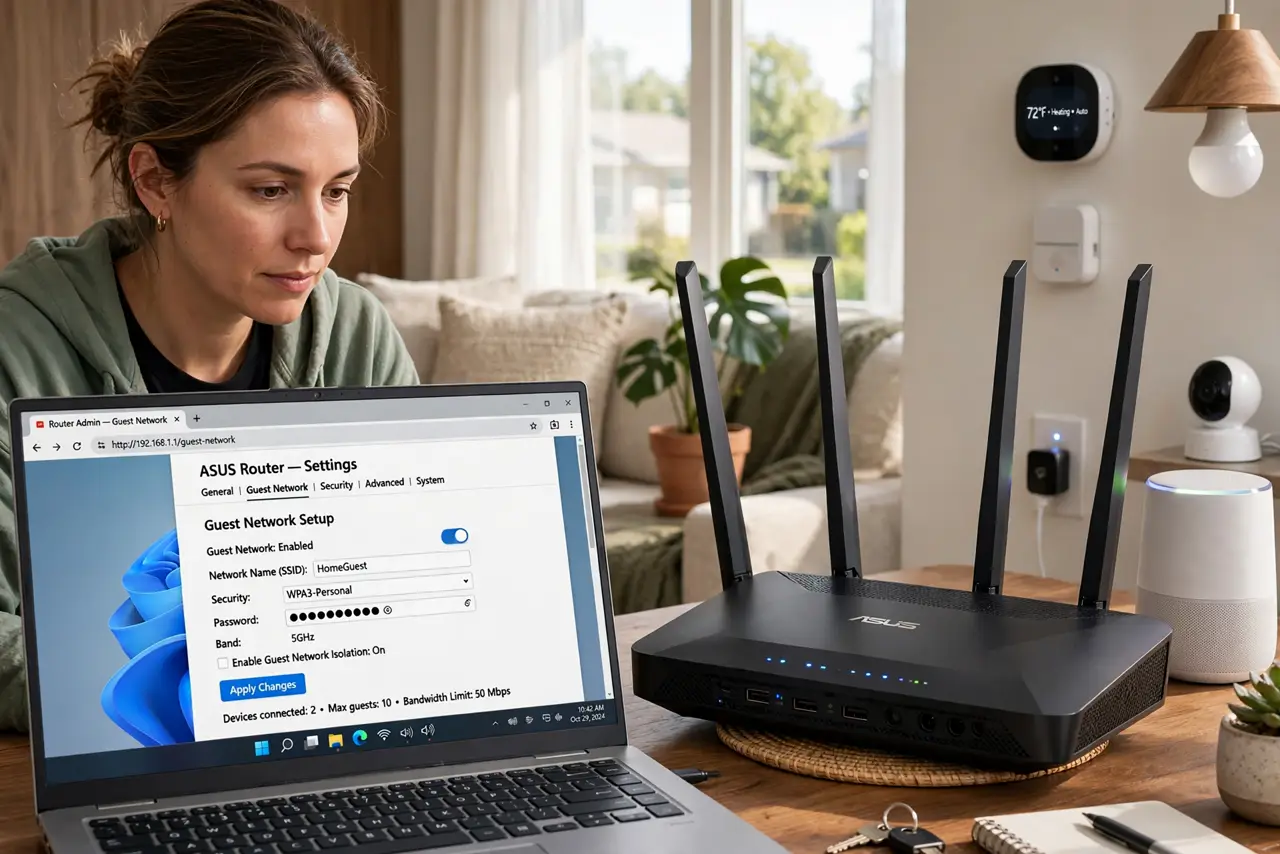
Quick fix: put smart home gadgets on a separate guest or IoT network so they cannot reach your computers and phones. Most routers offer a guest network you can repurpose — enable it and move gadgets over. Main devices stay on the primary network, isolated from gadget risks.
Follow these steps
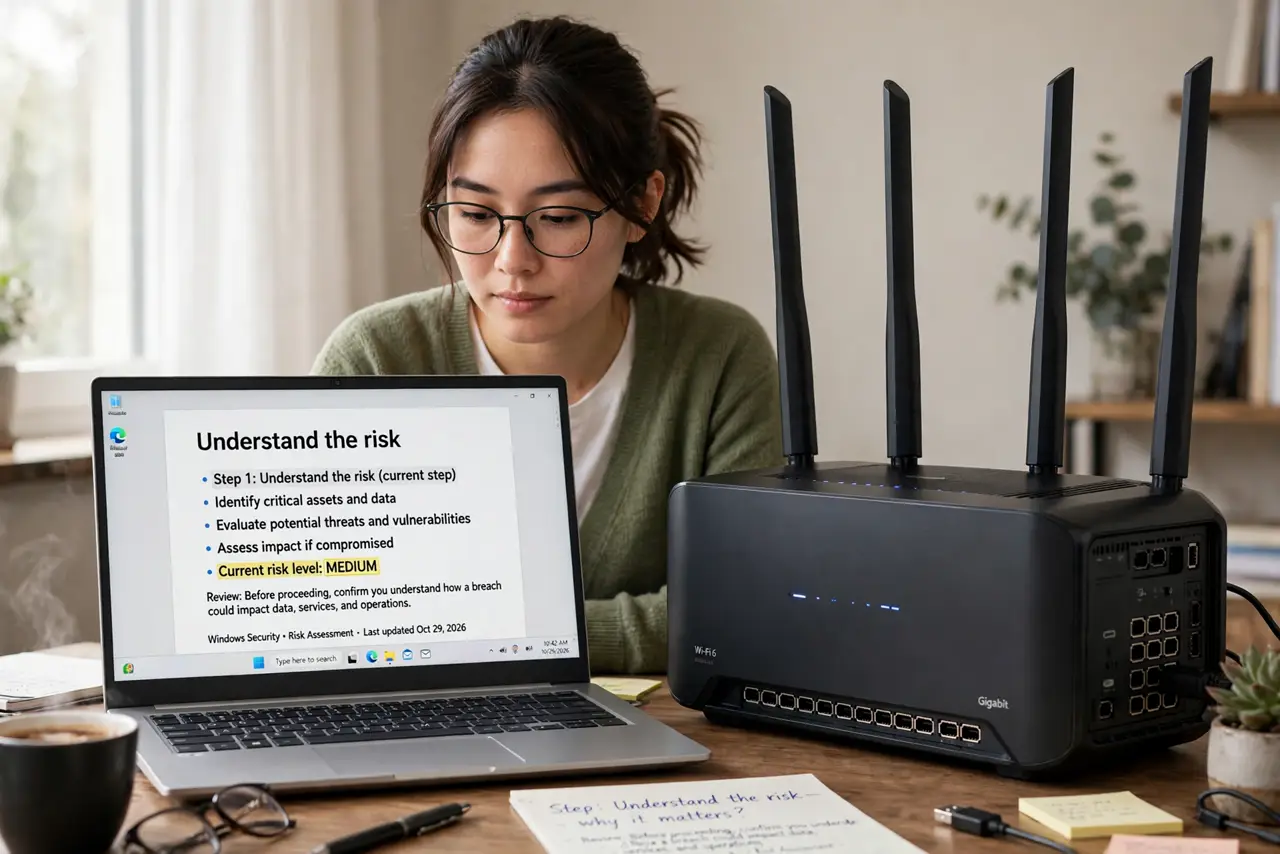
- Understand the risk. Smart gadgets run minimal software with rare updates. If one is compromised, on a flat network it can probe your laptop and NAS. Isolation contains the damage to the gadget network.
- Check your router's options. Look for Guest Network or IoT Network in the router settings. Even basic routers usually offer a guest network — that is your segmentation tool, no new hardware needed.
- Create the gadget network. Enable the guest/IoT network with its own name and strong password. Turn on client isolation if offered, so gadgets cannot even see each other — most do not need to.
- Move gadgets over gradually. Re-pair bulbs, plugs, and cameras to the new network one room at a time. Tedious but straightforward — and a good moment to update any gadget firmware.
- Keep controllers reachable. Your phone stays on the main network; most gadget apps find devices across the router's networks fine. If one app struggles, check the router's settings for cross-network discovery.
- Document the setup. Note which network each gadget uses and the passwords. Future-you, adding a gadget at 11 p.m., will be grateful.
What NOT to do
- Do not put your laptop on the gadget network 'to test.' The point is separation — main devices stay on the main network.
- Do not skip the guest network password. An open gadget network invites neighbors' devices and defeats the purpose.
- Do not expect every cheap gadget to handle this gracefully. A few ancient plugs only work on the main network — replace those, do not flatten your security for them.
- Do not forget the router admin password. Lock down the router itself; an open admin page undoes all segmentation.
Frequently asked questions
Will my phone still control the gadgets?
Yes. Your phone on the main network reaches gadgets on the IoT network through the router — the isolation blocks gadget-to-computer traffic, not your control.
Do I need a fancy router for VLANs?
No. A simple guest network achieves 90 percent of the benefit. True VLANs are for enthusiasts; the guest network is the practical answer.
What about the smart TV?
TVs are computers with apps — many people put them on the IoT network too. If casting from your phone breaks, move it back to main.